Render Distance Shortcut
F3+F Restorer back and enhance the classic F3 + F render distance shortcut in Minecraft!
截图
介绍
F3+F Restorer Configurable
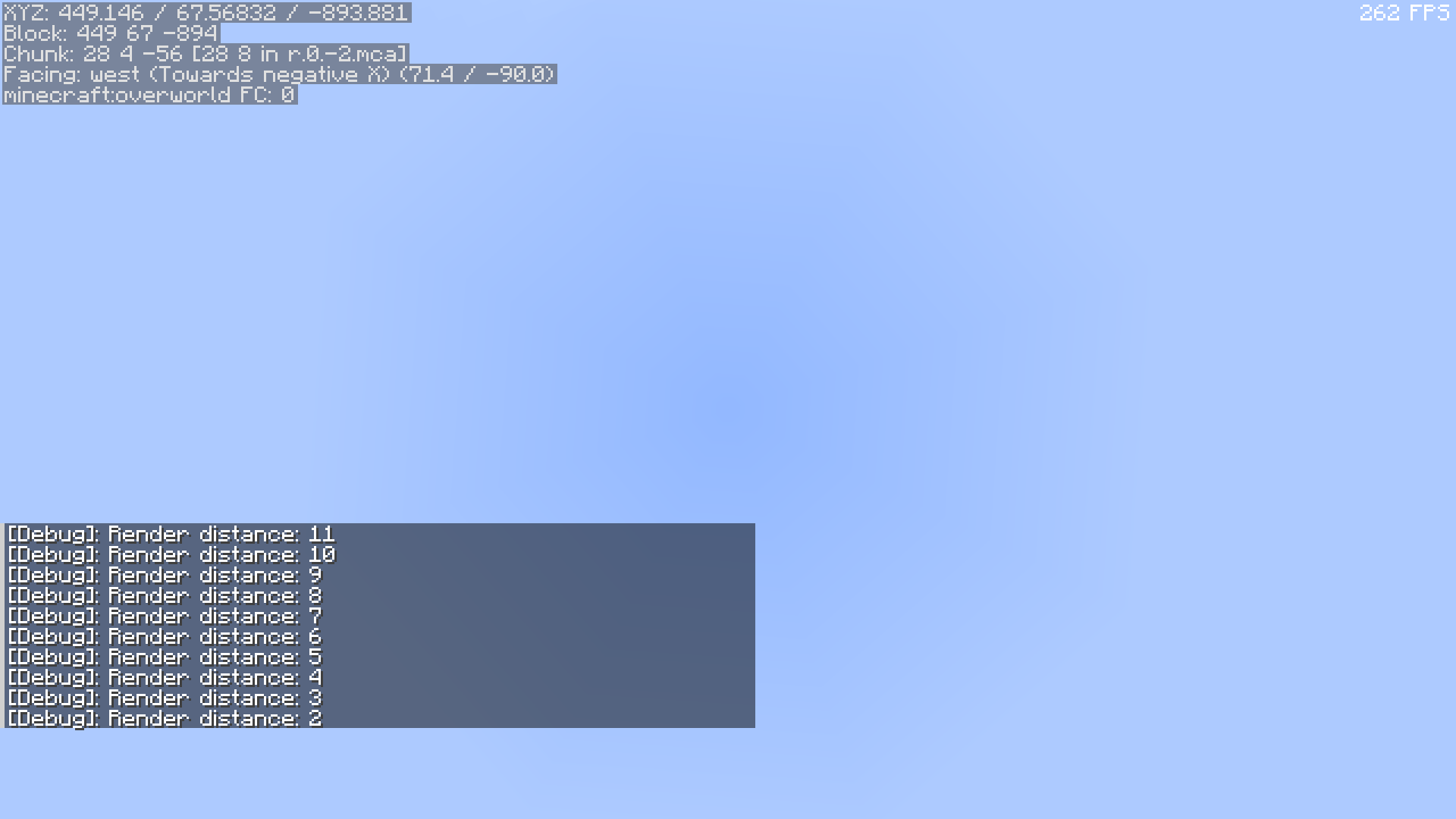
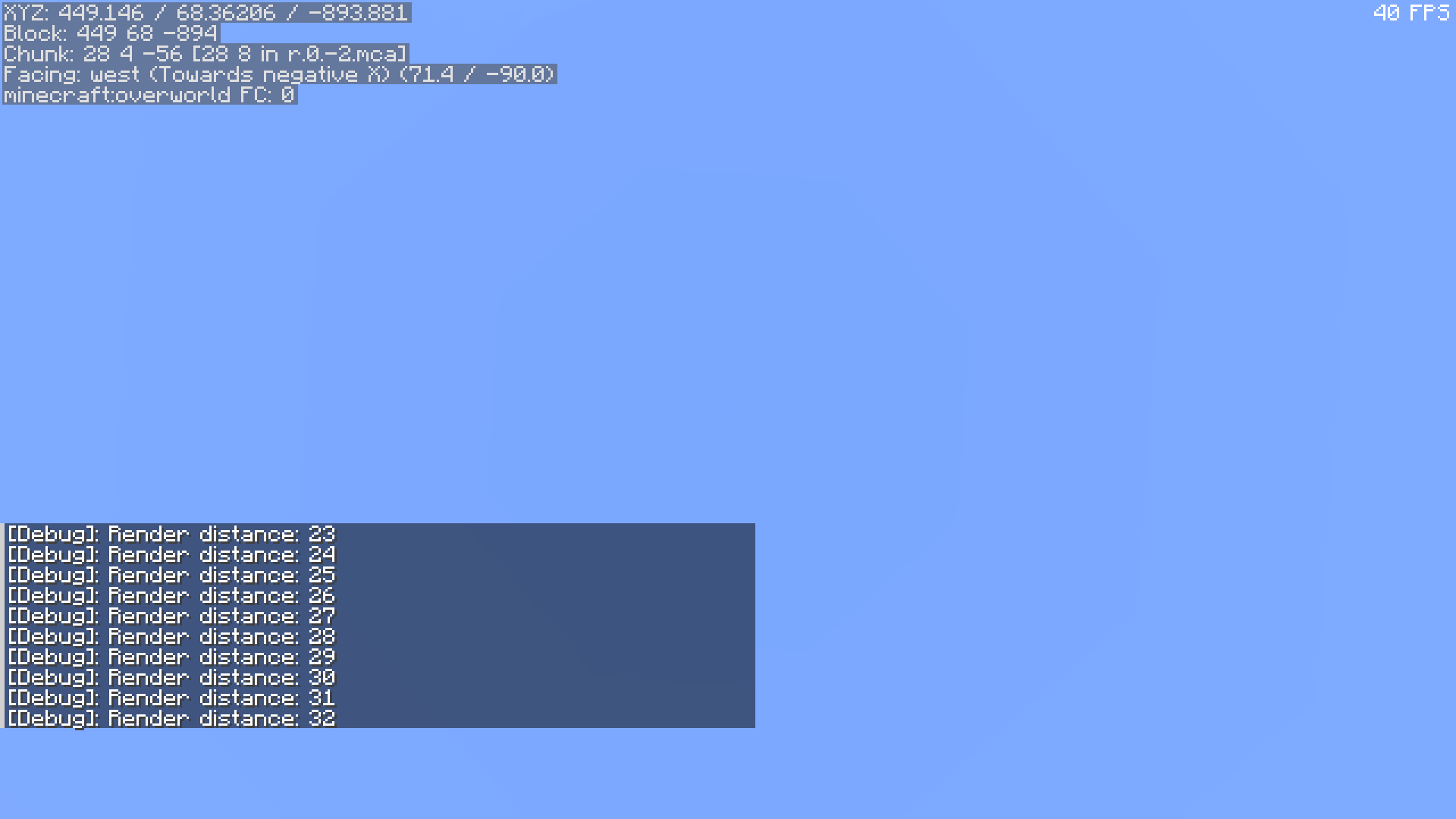
Bring back and enhance the classic F3 + F render distance shortcut in Minecraft! This mod allows you to quickly change your render distance on the fly using simple keyboard combinations, fully configurable to suit your performance and gameplay style.
Features
-
Quick Adjustments: Press F3 + F to increase your render distance instantly.
-
Inverted Control: Hold Shift (Left or Right Shift) along with F3 + F to decrease your render distance.
-
Fully Configurable: Customize your settings via the configuration file (
f3f-client.toml):-
Step Size: Choose how many chunks the render distance increases or decreases per press.
-
Max Render Distance: Set a strict limit to protect your frame rate.
-
Enable/Disable Toggle: Turn the mod on or off instantly without removing it.
-
-
Lightweight: Built specifically for NeoForge with zero bloat.
常见问题
Render Distance Shortcut 支持哪些 Minecraft 版本?
Render Distance Shortcut 支持 Minecraft Java 版 26.2,可用的加载器:NeoForge。下载时注意选择和你游戏版本一致的文件。
Render Distance Shortcut 怎么安装?
先用 PCL2 或 HMCL 启动器安装对应版本的 NeoForge,再把下载的 .jar 文件放进游戏目录的 mods 文件夹,重新启动游戏即可。开启了版本隔离的,mods 文件夹在 versions/版本名 下面。
评论
登录后评论和评分