
截图
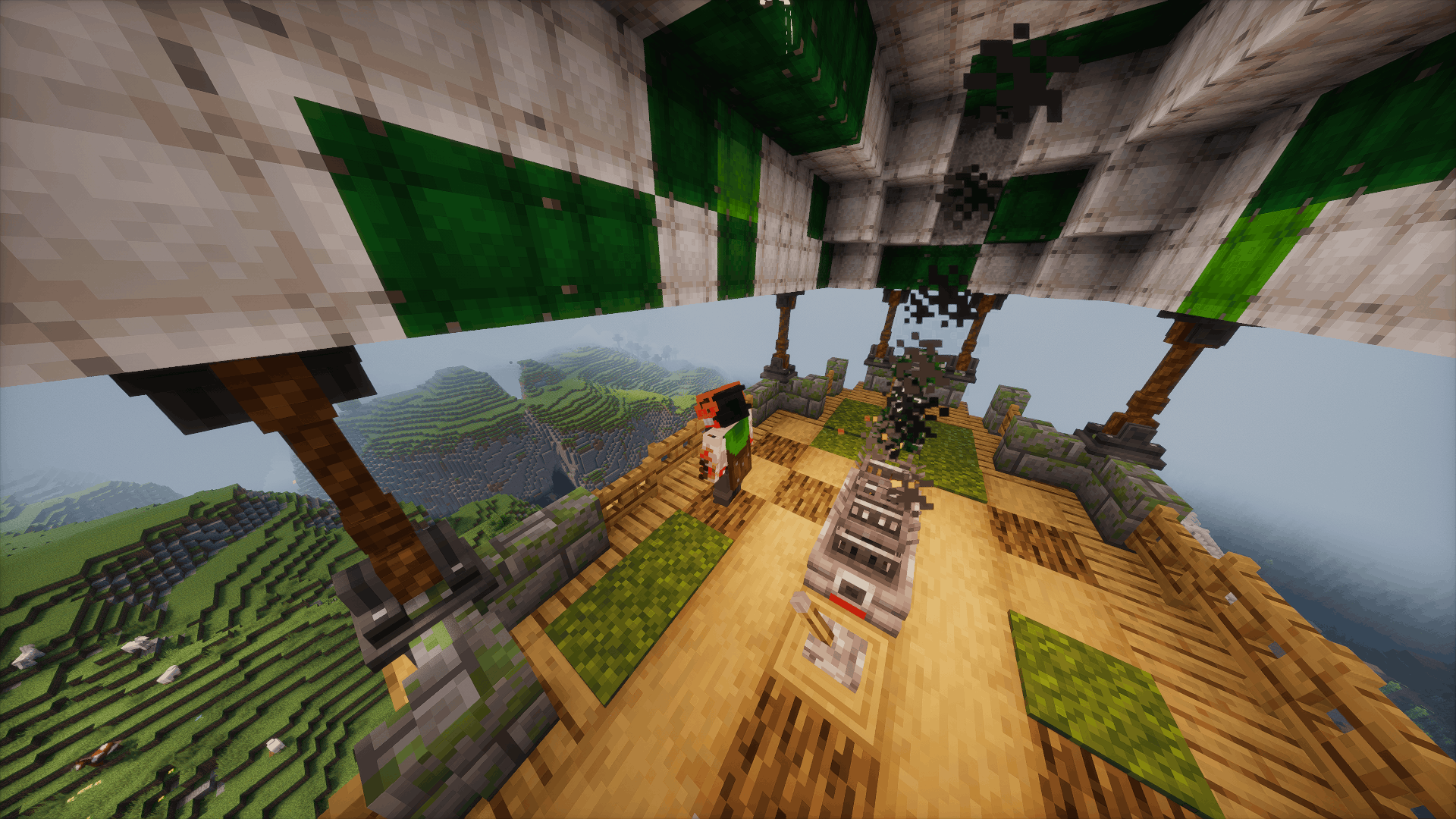
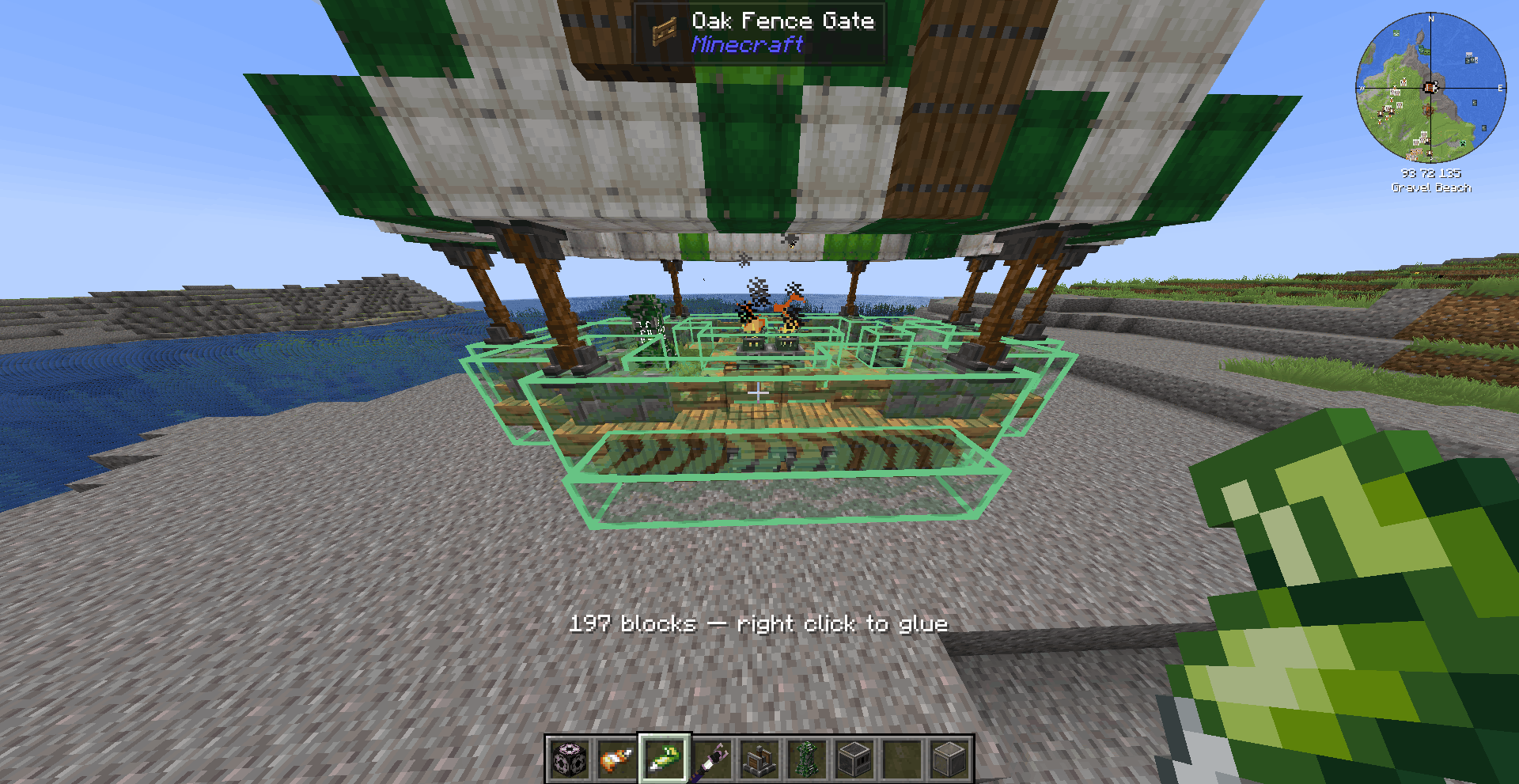
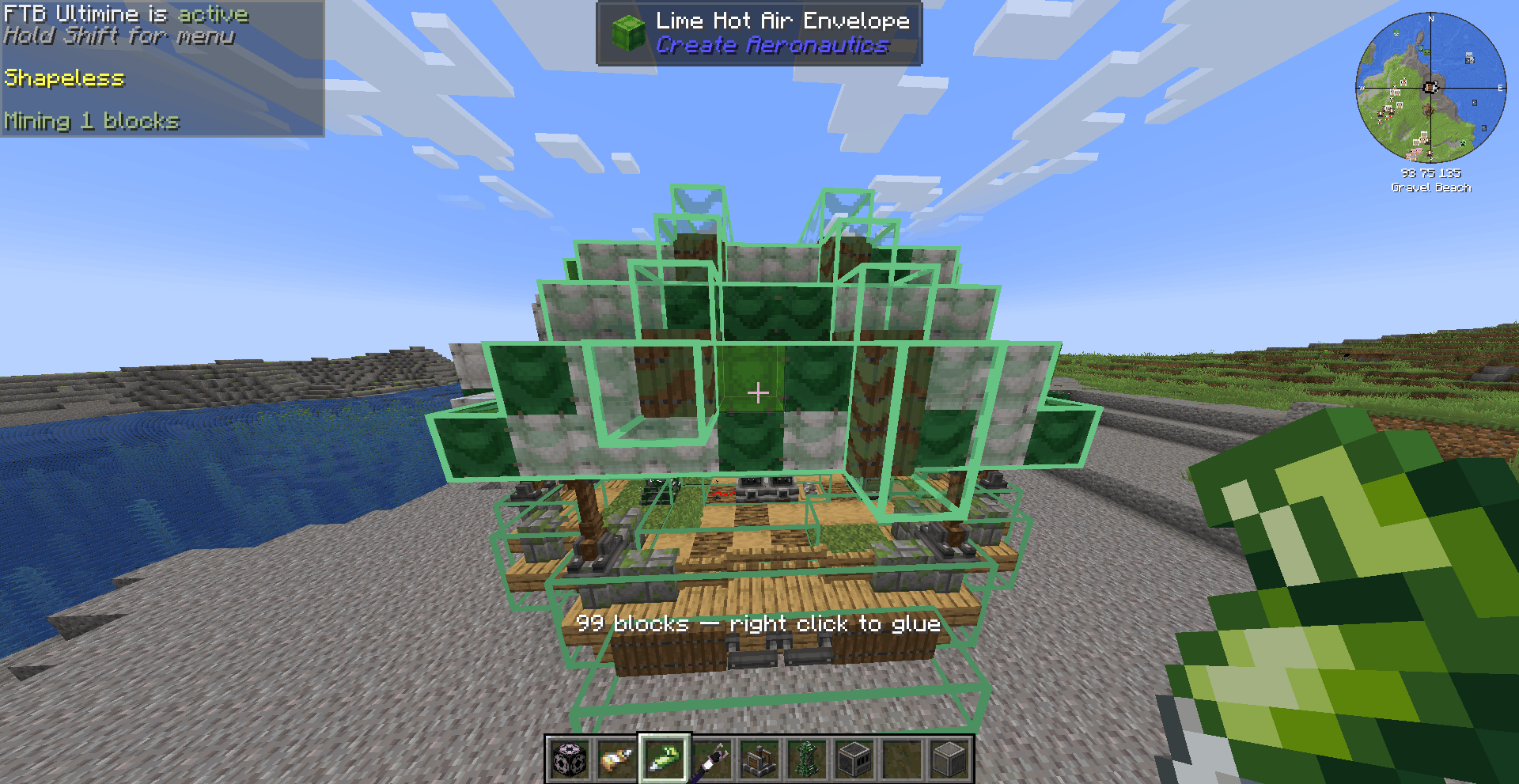
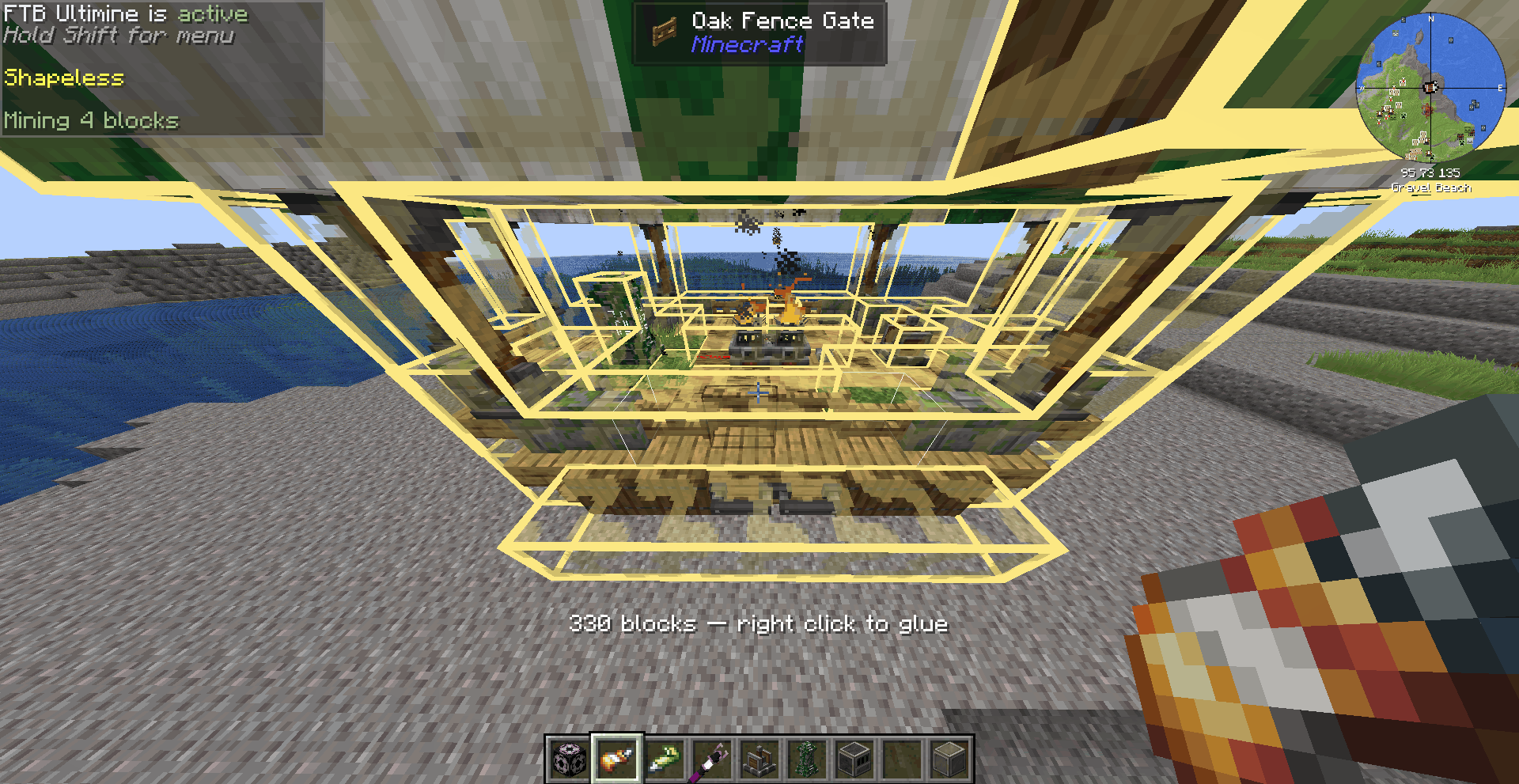
介绍
Create: Easy Glue
Easy Glue is a simple and intuitive addon that introduces Smart Auto-Gluing for Create and Create Aeronautics works with deployer.
How does it work?
It works just like FTB Ultimine:
-
Take your Super Glue or Honey Glue.
-
Hold the
Altkey (rebindable in controls). -
Right-click on your structure.
The mod automatically analyzes the entire contiguous structure and applies a single adaptive glue zone over the whole contraption.
Automated Gluing with Deployers
A Create Deployer in Use mode holding Super Glue or Honey Glue glues the whole structure in front of it!
– Loading the glue: Right-click the Deployer’s front face with the glue, or feed it with a hopper or chute.
– Leave a gap: The selection follows every connected block, so keep a gap between your factory and the structure you want to glue. The Deployer itself is never glued.
– Cost: 1 durability per glue operation, and nothing if the structure is already glued.
– Optional: Can be turned off with deployerGluing in the server config.
Smart Selection
-
Ground Protection: Automatically ignores natural terrain (grass, stone, etc.) underneath your structure so you don’t accidentally glue the map.
-
Rule Compliance: Each glue type follows its own assembly rules (e.g., Create’s Super Glue does not glue Waystones because of its rules, meanwhile Honey Glue can).
-
Quick Cleanup: The generated glue keeps its original pattern and can be removed in a single click.
-
Cost: Consumes 1 durability per glue operation.
Configuration & Limitations
The mod is fully customizable via its configuration file:
-
Structure Limit: 4096 blocks by default.
-
Advanced Settings: Adjust
terrainClumpMax,extraTerrain,deployerGluing, or disable void-gluing for Aeronautics.
Known Limitation: A Create structure mounted on a Mechanical Bearing or Piston loses its unified glue group after an assembly/disassembly cycle.
常见问题
Create : Easy Glue 支持哪些 Minecraft 版本?
Create : Easy Glue 支持 Minecraft Java 版 1.21.1,可用的加载器:NeoForge。下载时注意选择和你游戏版本一致的文件。
Create : Easy Glue 怎么安装?
先用 PCL2 或 HMCL 启动器安装对应版本的 NeoForge,再把下载的 .jar 文件放进游戏目录的 mods 文件夹,重新启动游戏即可。开启了版本隔离的,mods 文件夹在 versions/版本名 下面。
duble_ 的其他作品
查看全部 →
Create Aeronautics: Ultimine Compatibility
A compatibility bridge that enables FTB Ultimine on Sable's simulated blocks
Hearth to Hearth
A sub-addon to Create, adding a fully fletched industrial furnace and more metals, though it currently adds just one.
评论
登录后评论和评分