
截图
介绍
Robotix’s Custom Crosshair Mod!


<!— —>
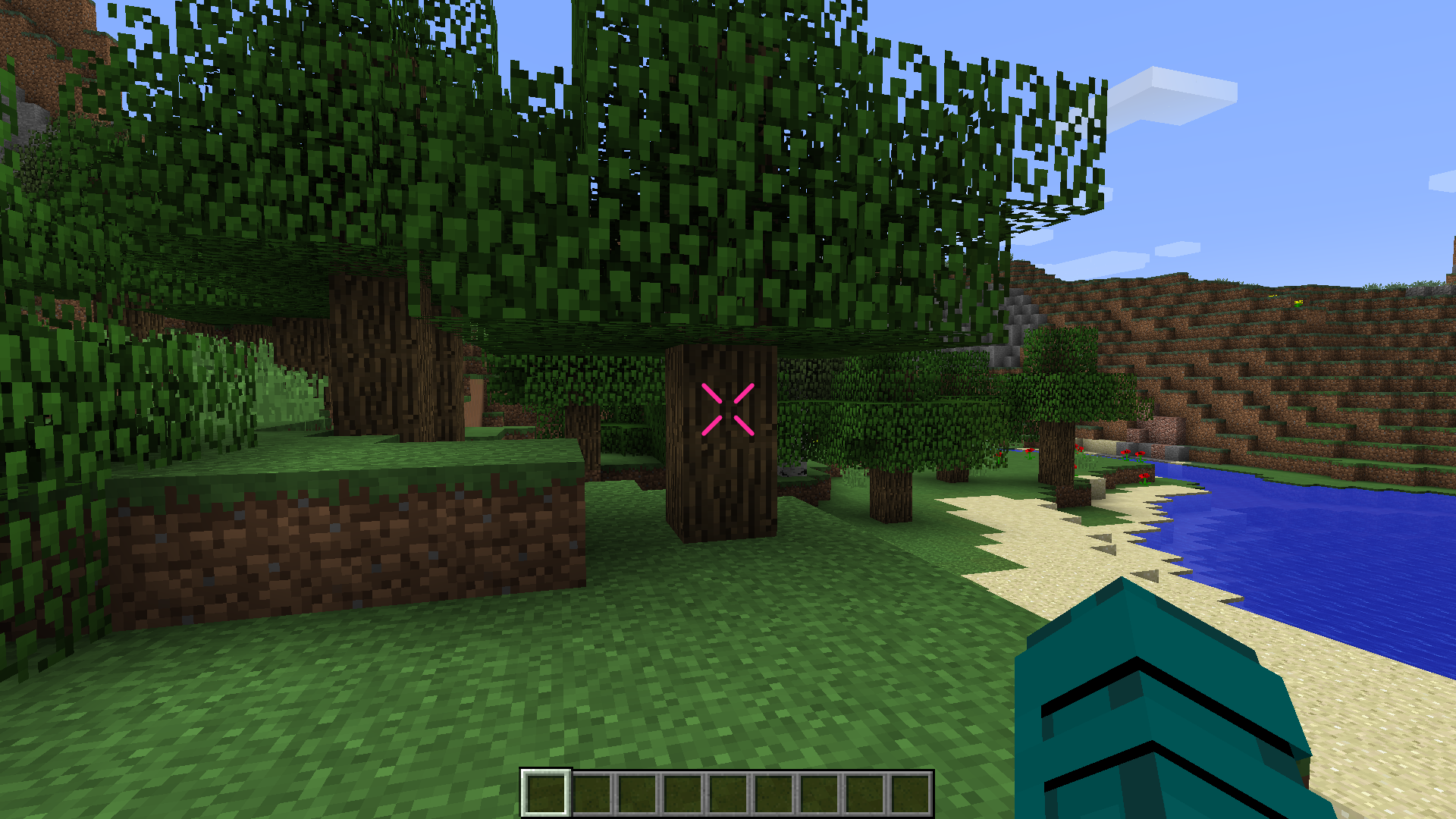
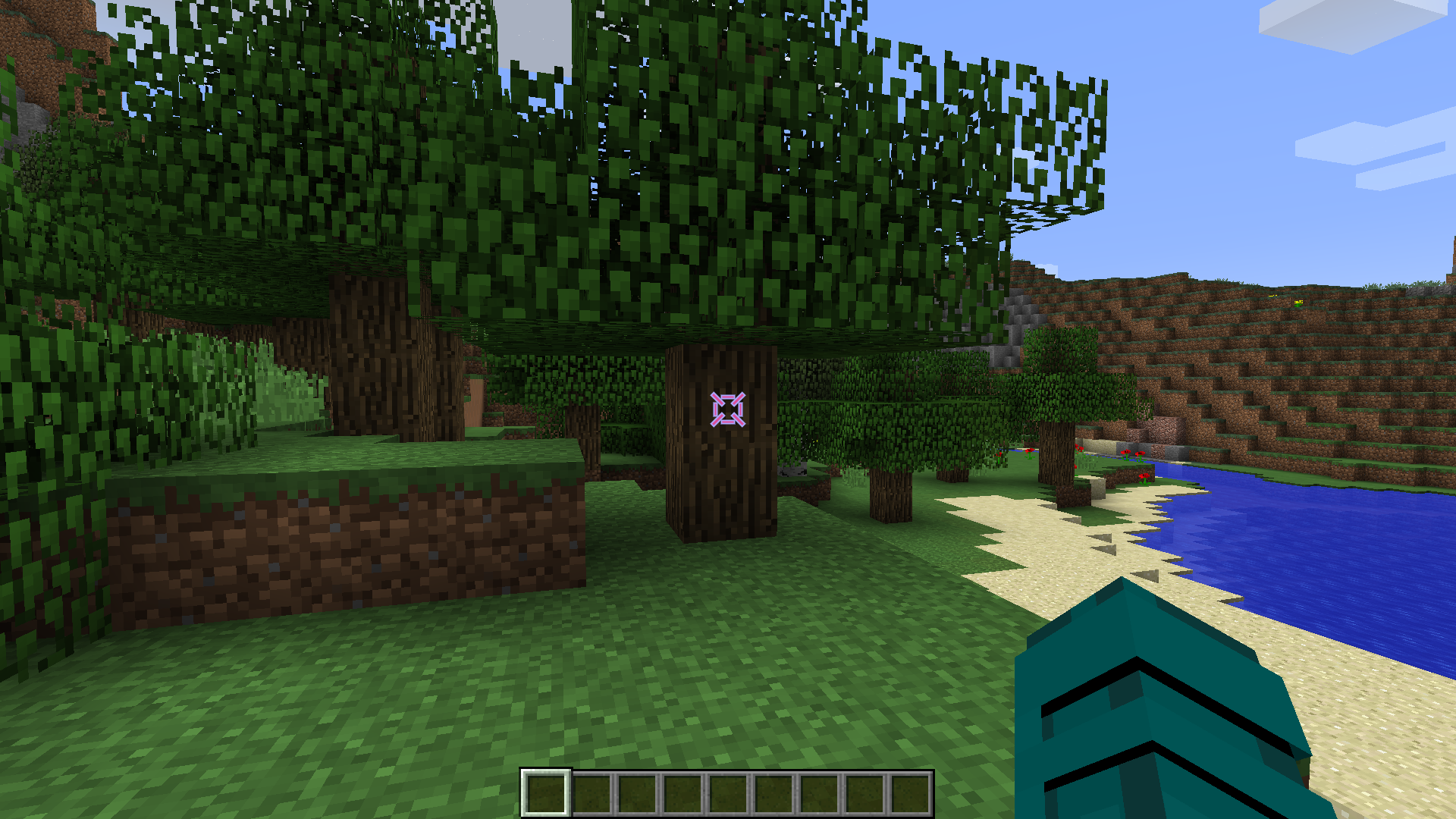
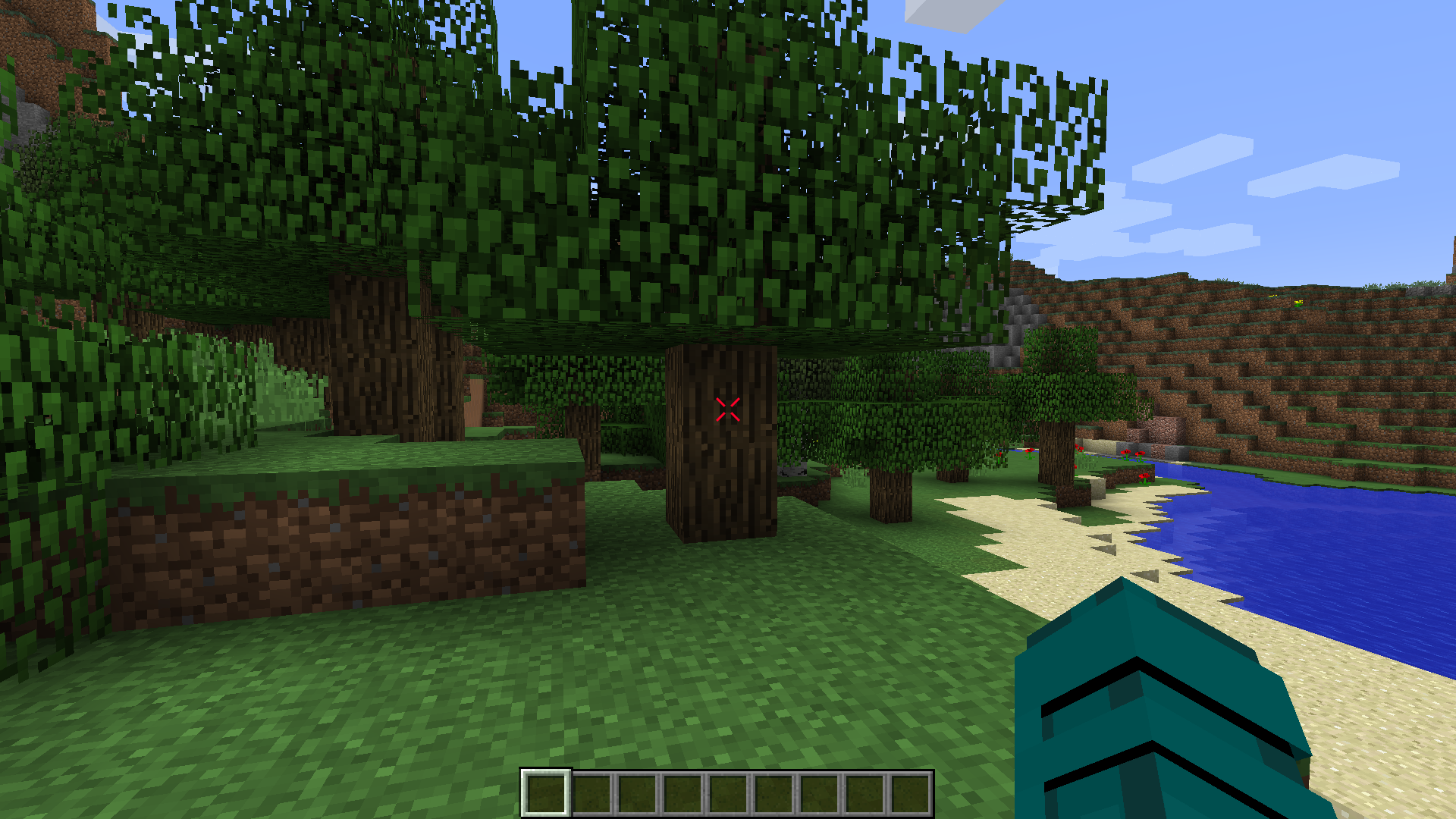
Enhance your Minecraft experience with the Custom Crosshair mod! This Forge 1.8.9 modification allows you to personalize your crosshair, providing a variety of elements and dynamic features to suit your gameplay style. The mod offers a seamless integration with your favorite version of Minecraft, giving you the power to configure and customize your crosshair to perfection.
Crosshair Elements
1. Cross Element
Add a classic touch to your targeting with the cross element. Choose your preferred color and customize its outline to make it stand out.\
Configuration:
- Outline: Yes/No
- Width
- Height
- Gap
- Thickness
- Rounding
- Rotation
- Lines: Top, Bottom, Left, Right
- Dynamic Bow Configuration
- Color Configuration
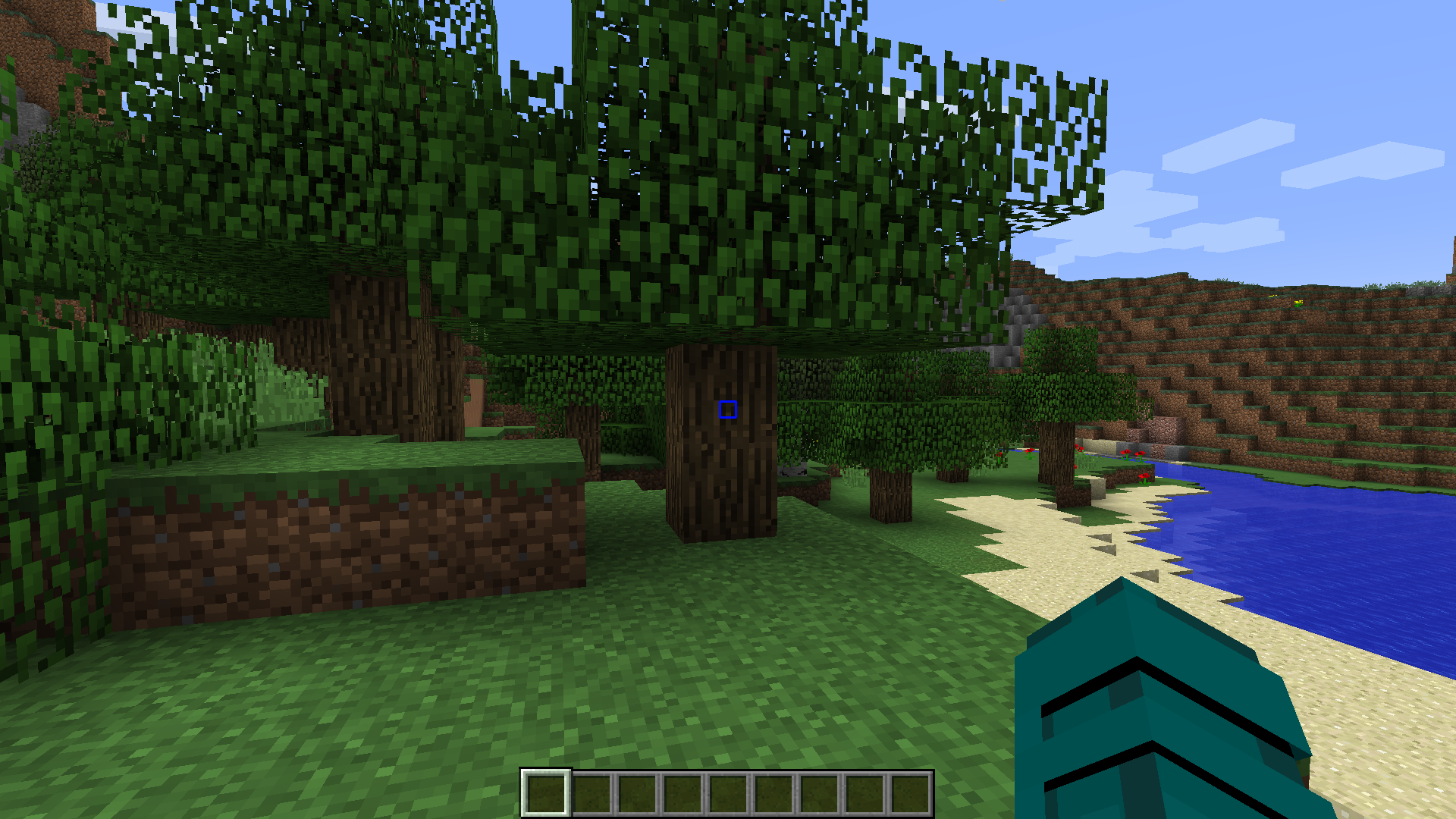
2. Square Element
For a clean and modern look, opt for the square element. Tailor its color and outline settings to match your visual preferences.\
Configuration:
- Outline: Yes/No
- Width
- Height
- Gap
- Thickness
- Rounding
- Rotation
- Lines: Top, Bottom, Left, Right
- Dynamic Bow Configuration
- Color Configuration
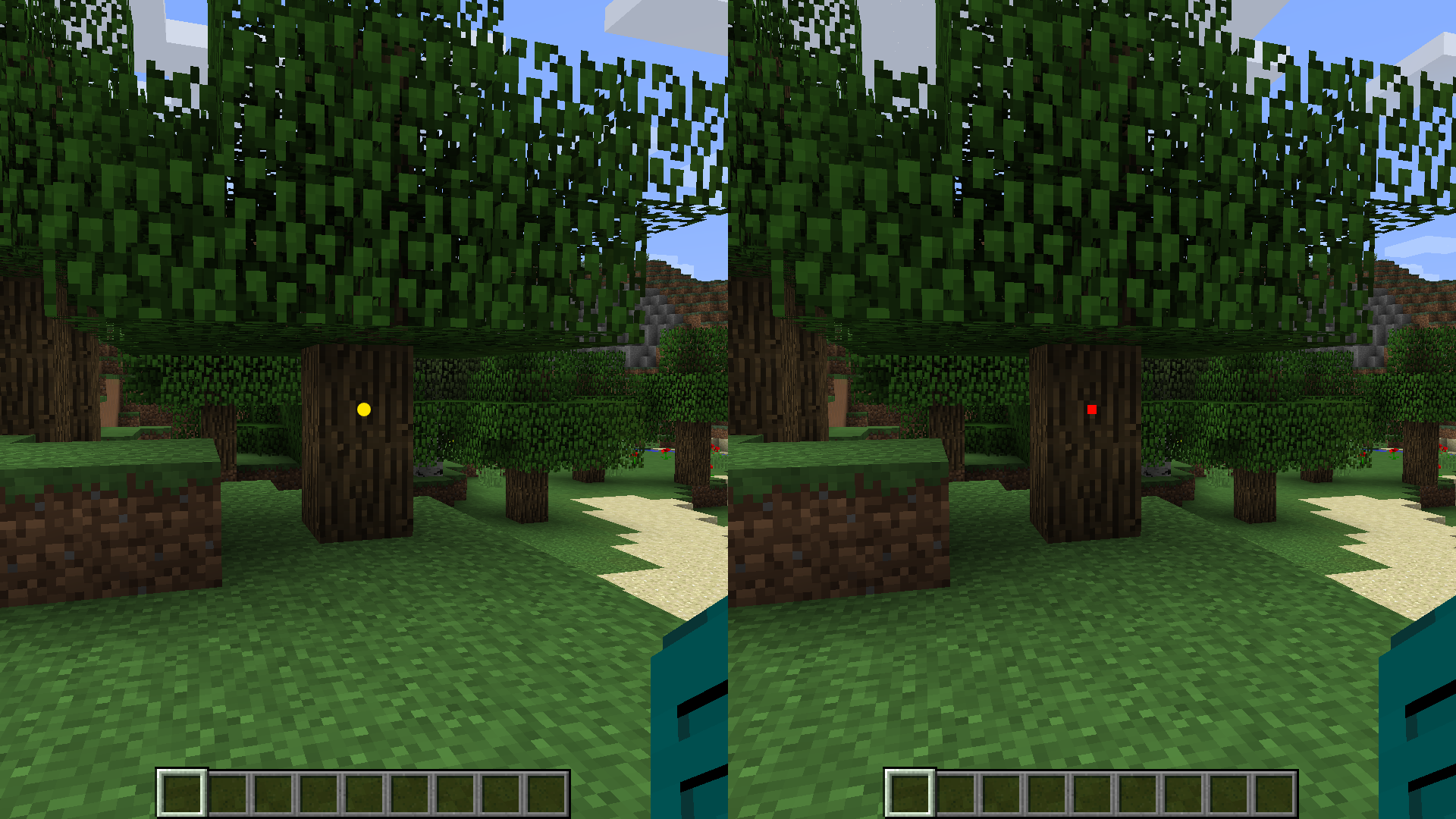
3. Dot Element
Keep it minimalistic with the dot element. Configure its color and outline settings for a subtle yet effective crosshair design.\
Configuration:
- Outline: Yes/No
- Type: Circle/Square
- Size
- Rotation
- Color Configuration
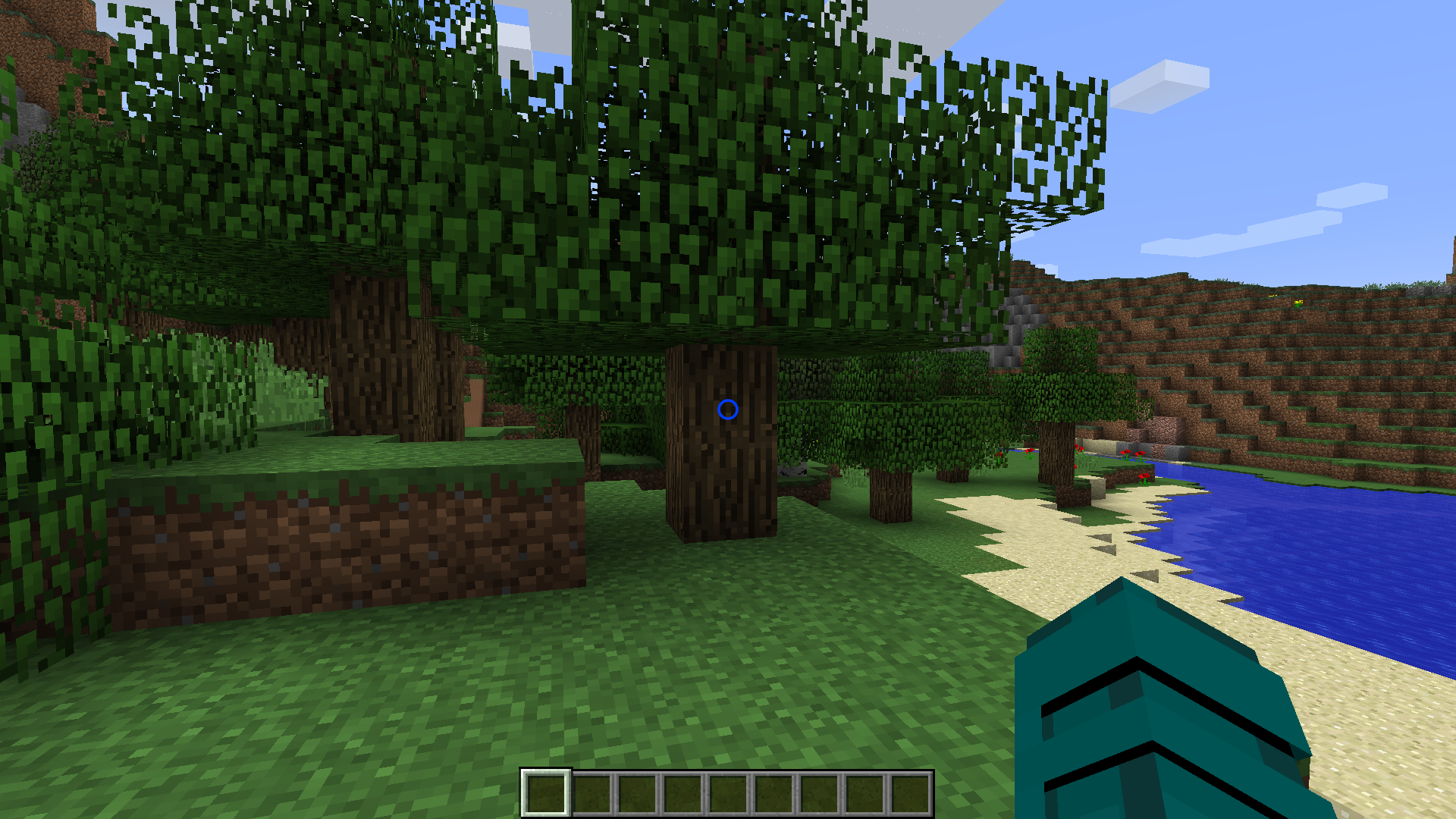
4. Circle Element
Embrace a circular crosshair design for a unique aesthetic. Adjust color and outline options to make it visually appealing.\
Configuration:
- Outline: Yes/No
- X Radius
- Y Radius
- Thickness
- Rotation
- Dynamic Bow Configuration
- Color Configuration
Dynamic Features
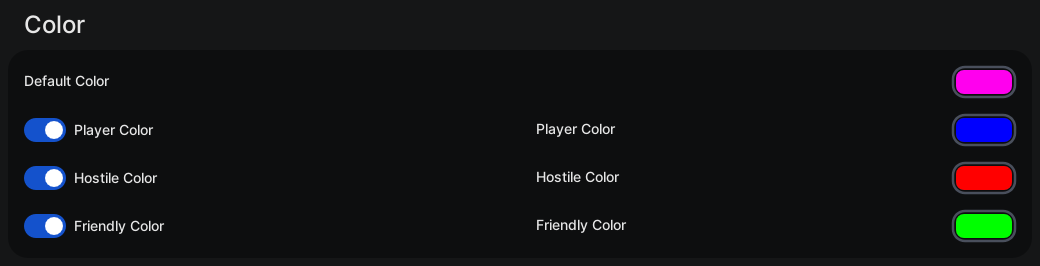
Color Configuration
Customize the color of each crosshair element individually. Whether you prefer a consistent color scheme or a dynamic rainbow effect, the choice is yours. Enable dynamic color changes based on the type of entities in your hit range. Set distinct colors for players, hostile entities, and passive entities.\
Configuration
- Default Color: #RRGGBB / Chroma (Rainbow)
- Player Color: Yes/No
- Player Color: #RRGGBB / Chroma (Rainbow)
- Hostile Color: Yes/No
- Hostile Color: #RRGGBB / Chroma (Rainbow)
- Friendly Color: Yes/No
- Friendly Color: #RRGGBB / Chroma (Rainbow)
Outline
Add a distinctive outline to your crosshair elements. Adjust the outline width and color to enhance visibility.\
Configuration
- Outline Enabled: Yes/No
- Outline Width
- Color Configuration
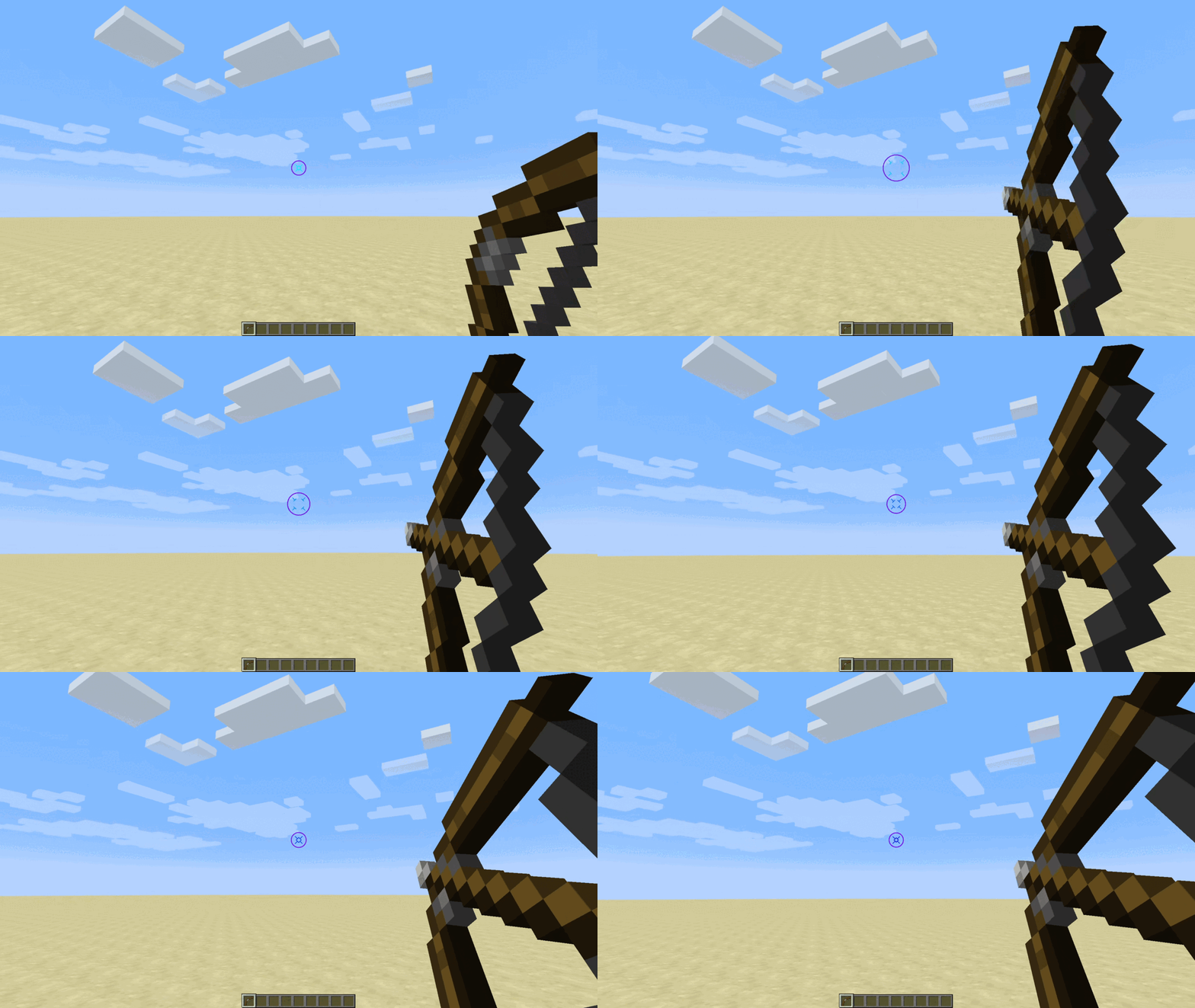
Dynamic Bow
Experience immersive bow mechanics with a crosshair that dynamically changes size when a bow is being pulled back. Witness the visual feedback as you prepare for your shot.\
Configuration
- Dynamic Bow: Yes/No
- Dynamic Bow Multiplier
Upgrade your Minecraft visuals and precision with the Custom Crosshair mod. Dive into a world of customization and dynamic features, enhancing your gameplay like never before!
常见问题
Custom Crosshair 支持哪些 Minecraft 版本?
Custom Crosshair 支持 Minecraft Java 版 1.8.9,可用的加载器:Forge。下载时注意选择和你游戏版本一致的文件。
Custom Crosshair 怎么安装?
先用 PCL2 或 HMCL 启动器安装对应版本的 Forge,再把下载的 .jar 文件放进游戏目录的 mods 文件夹,重新启动游戏即可。开启了版本隔离的,mods 文件夹在 versions/版本名 下面。运行环境:仅客户端。
realRobotix 的其他作品
查看全部 →
Create Big Cannons
一个使用 Create 模组建造大型火炮的 Minecraft 模组。

Ritchie’s Projectile Library
用于改进弹射物的 Minecraft 模组前置库。

Create: Escalated
为机械动力添加实用美观、由旋转力驱动的自动扶梯的模组。

Ritchie’s Betsy Ross
Display online images on flags
评论
登录后评论和评分