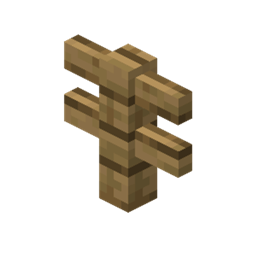
OldFences
Forge mod (for MC 1.8.9) that replaces modern fence bounding-boxes to old one to prevent glitching on beta servers
介绍
Oldfences is a Forge mod for Minecraft 1.8.9 that reverts modern fence bounding boxes to their old versions. This modification is designed to prevent glitching and collision issues that commonly occur on beta servers.
Features:
- Restores the classic fence bounding boxes from earlier versions of Minecraft.
- Ensures compatibility and smooth gameplay on beta servers by addressing common glitches.
- Ideal for players using multiversion programs and proxies.
Compatibility: This mod is particularly useful for users of:
Installation:
- Ensure you have Minecraft Forge installed for Minecraft 1.8.9.
- Download the Oldfences mod file.
- Place the downloaded file in the
modsfolder located in your Minecraft directory. - Launch Minecraft with the Forge profile to start using the mod.
Usage: Once installed, the mod automatically adjusts the fence bounding boxes, requiring no additional configuration. Simply join your preferred beta server and enjoy a glitch-free experience.
Support: For any issues or suggestions, please join our Discord server: Oldfences Support.
Rediscover the classic feel of Minecraft fences with Oldfences and enjoy seamless gameplay on your favorite beta servers!
常见问题
OldFences 支持哪些 Minecraft 版本?
OldFences 支持 Minecraft Java 版 1.8.9,可用的加载器:Forge。下载时注意选择和你游戏版本一致的文件。
OldFences 怎么安装?
先用 PCL2 或 HMCL 启动器安装对应版本的 Forge,再把下载的 .jar 文件放进游戏目录的 mods 文件夹,重新启动游戏即可。开启了版本隔离的,mods 文件夹在 versions/版本名 下面。
评论
登录后评论和评分