
截图
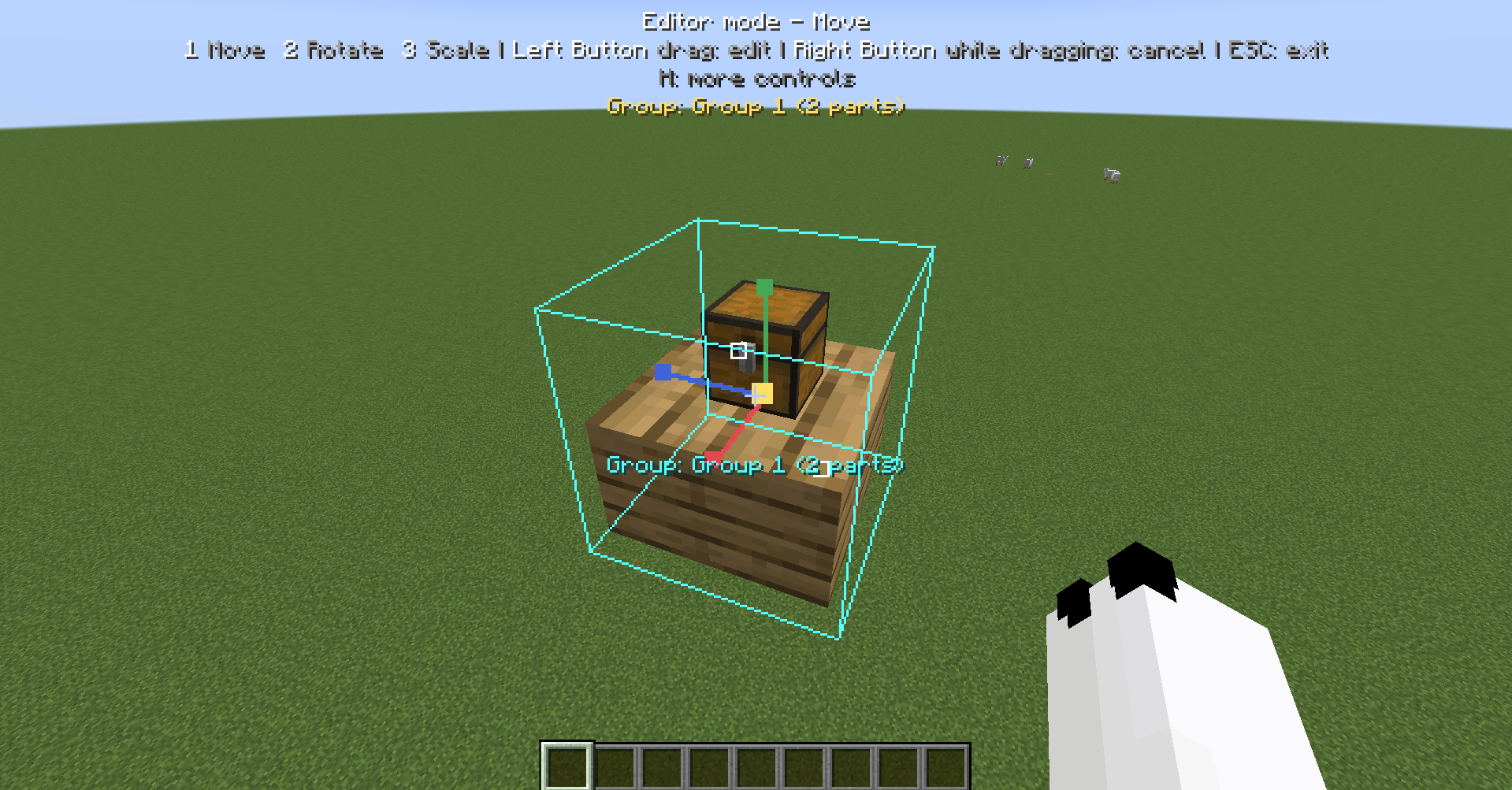
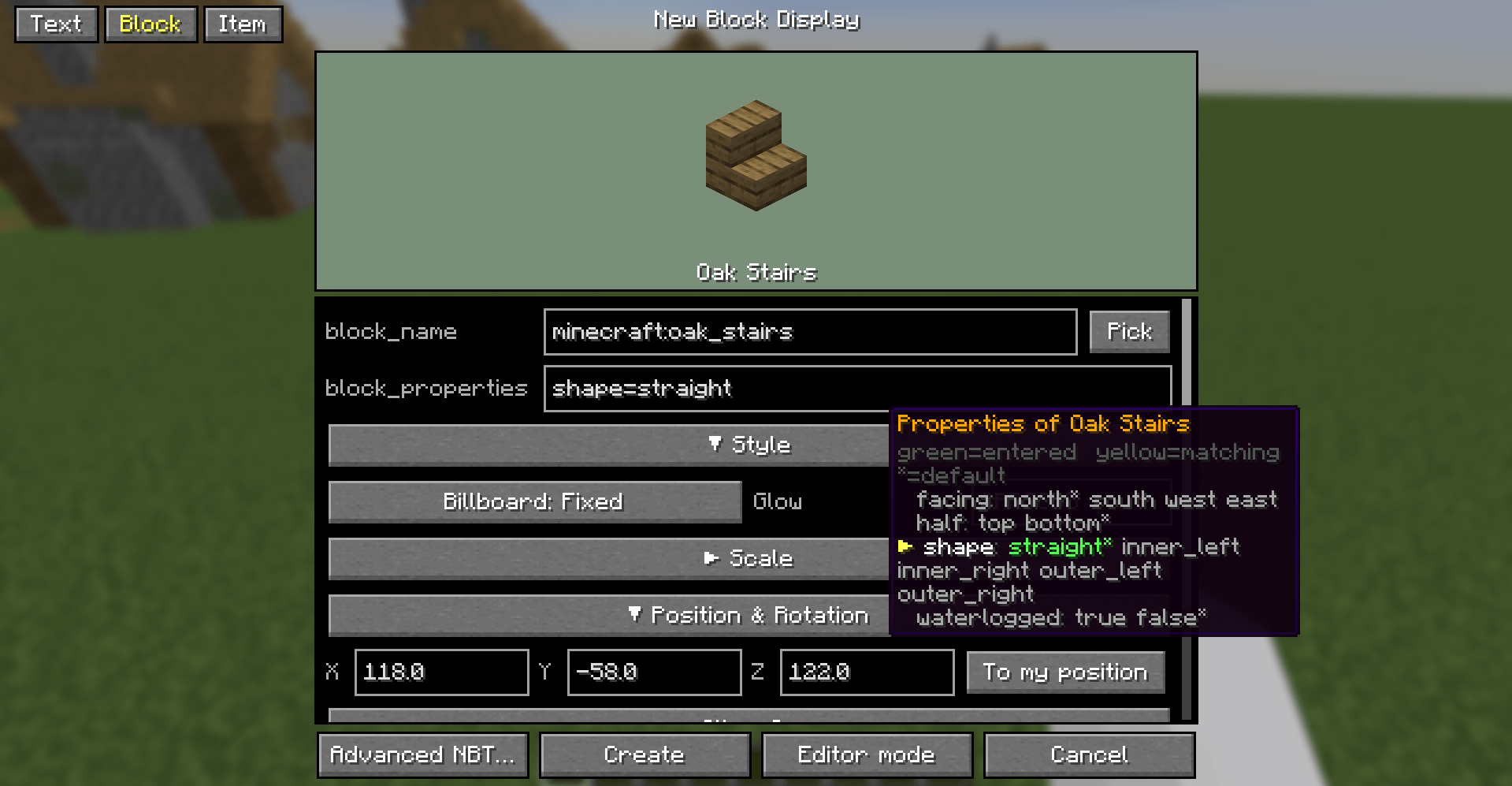
介绍
中文介绍正在准备中,下面暂时显示原文。
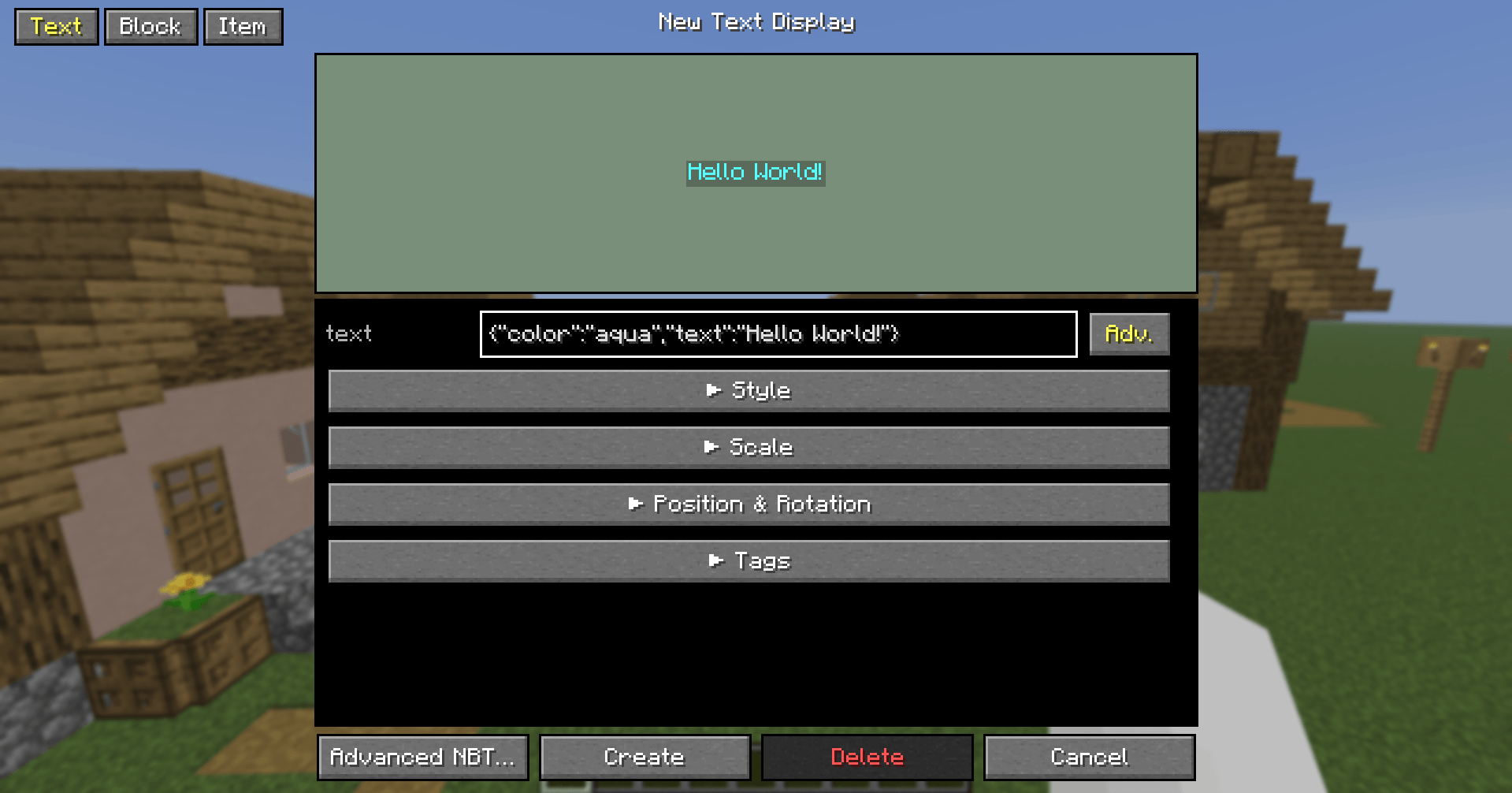
type some texts. hit Apply. It’s easy, isn’t it?
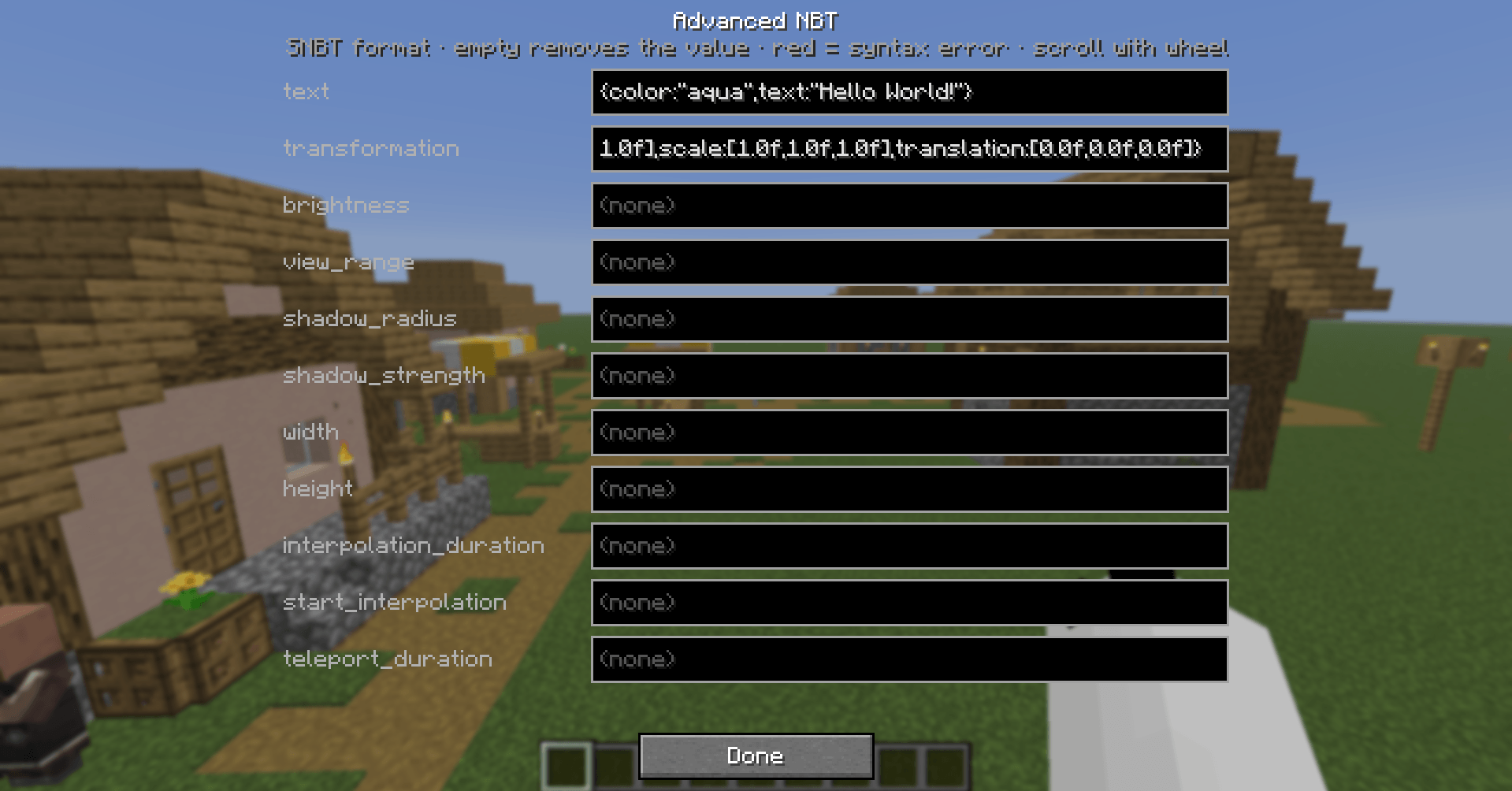
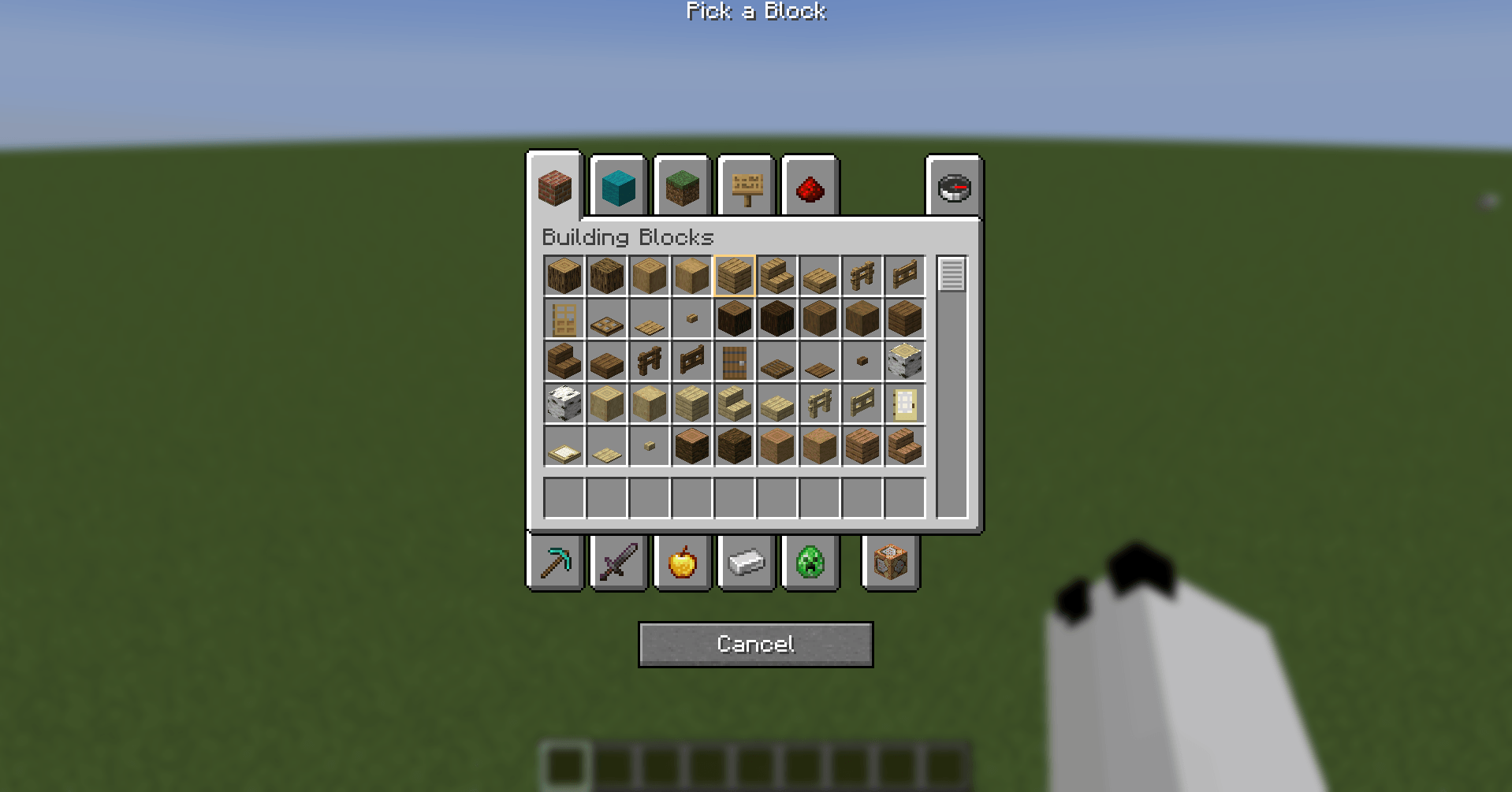
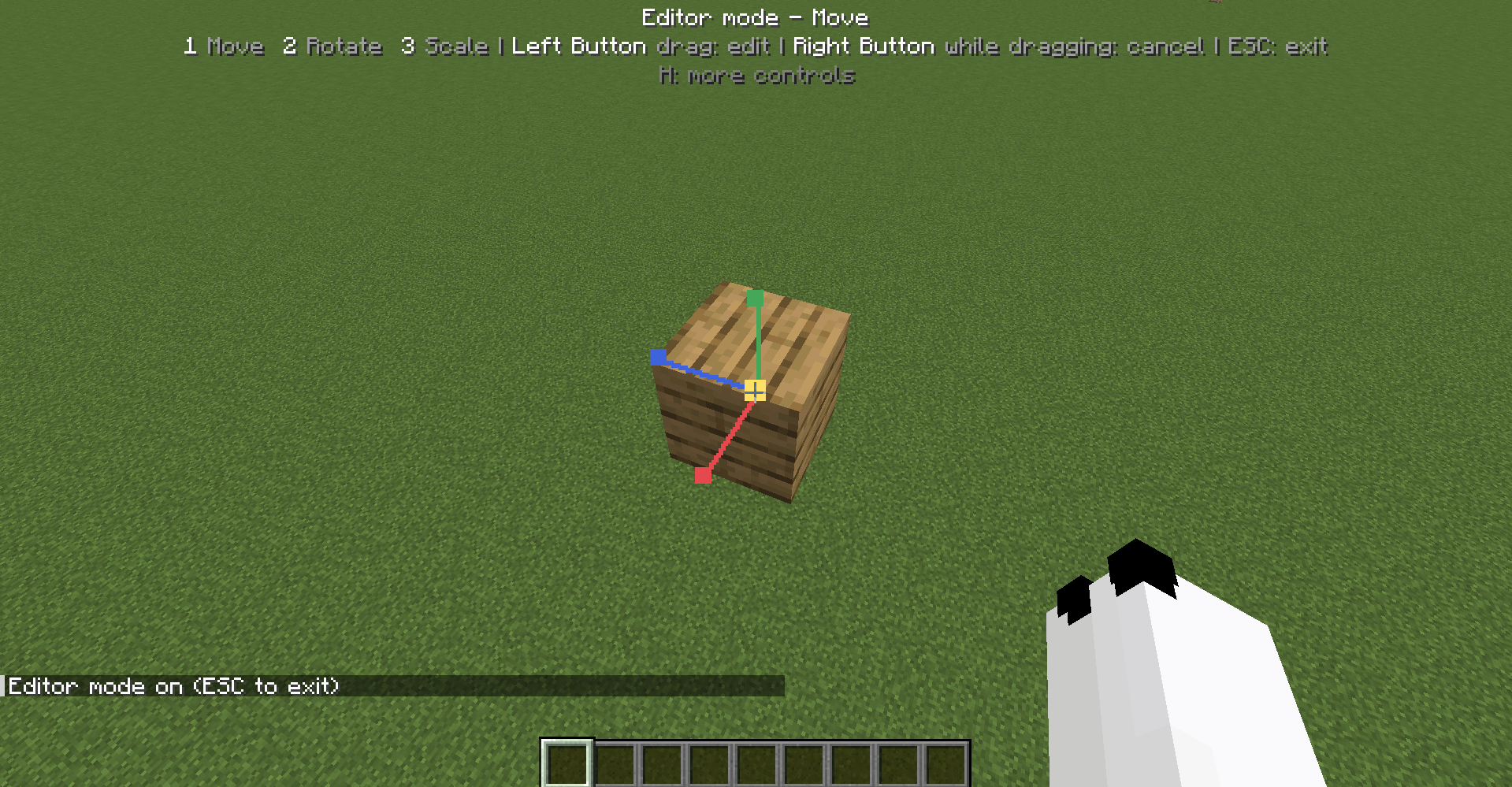
Edit display entities(text display, block display, item display) with a real GUI instead of long /data merge commands.
In Creative mode, look at a text display and press G key. A clean editor with a live preview opens, where you can tweak its text, colors, size, alignment and more.
Requirements & permissions
- Fabric Loader and Fabric API
- Creative mode is required to open the editor.
- Changes are applied by sending
/data merge entityand/data remove entitycommands (and/killfor deleting), so you need the permission to run them:- Singleplayer: cheats must be enabled.
- Multiplayer: you need operator permissions, and the server must allow those commands.
常见问题
Display Entity Editor 支持哪些 Minecraft 版本?
Display Entity Editor 支持 Minecraft Java 版 1.21.5–26.3,共 2 个版本,可用的加载器:Fabric。下载时注意选择和你游戏版本一致的文件。
Display Entity Editor 怎么安装?
先用 PCL2 或 HMCL 启动器安装对应版本的 Fabric,再把下载的 .jar 文件放进游戏目录的 mods 文件夹,重新启动游戏即可。开启了版本隔离的,mods 文件夹在 versions/版本名 下面。
评论
登录后评论和评分