截图
介绍
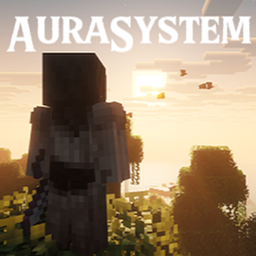
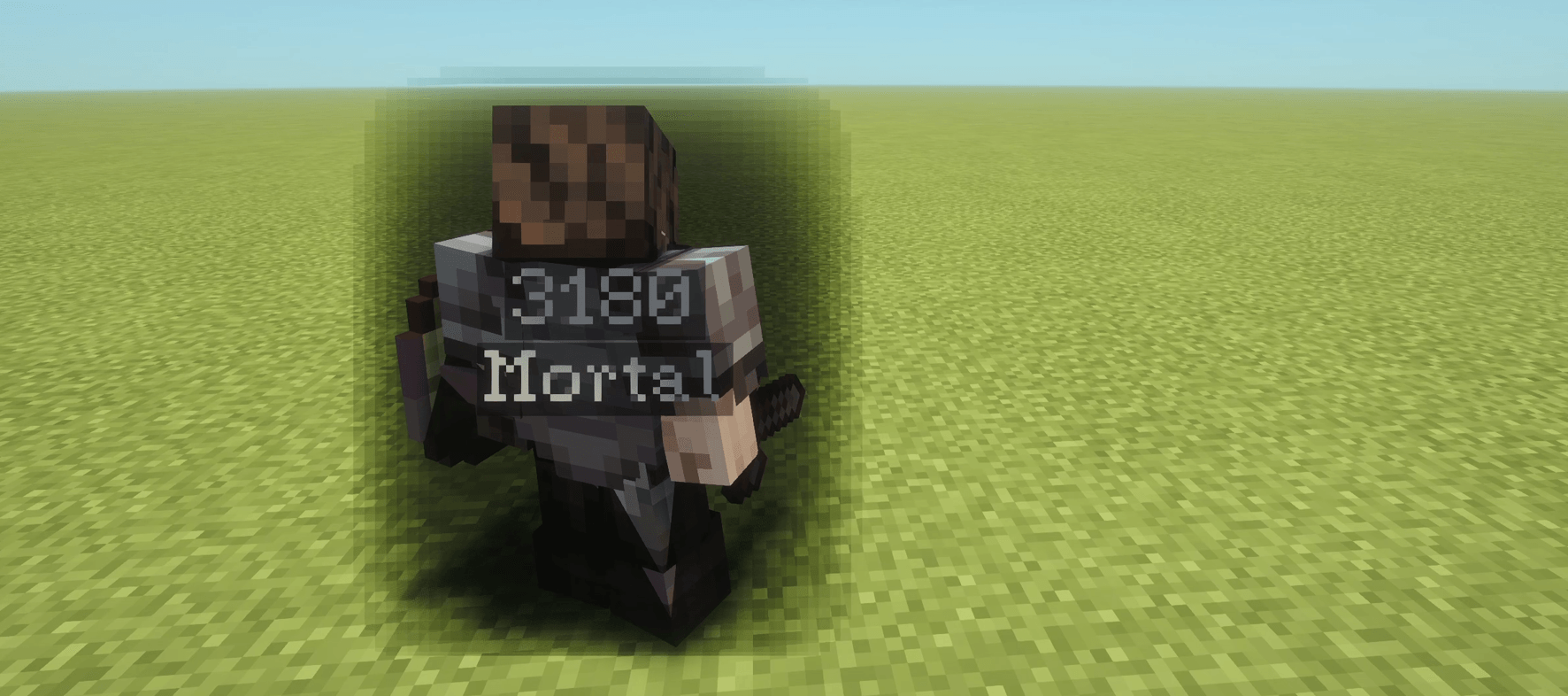
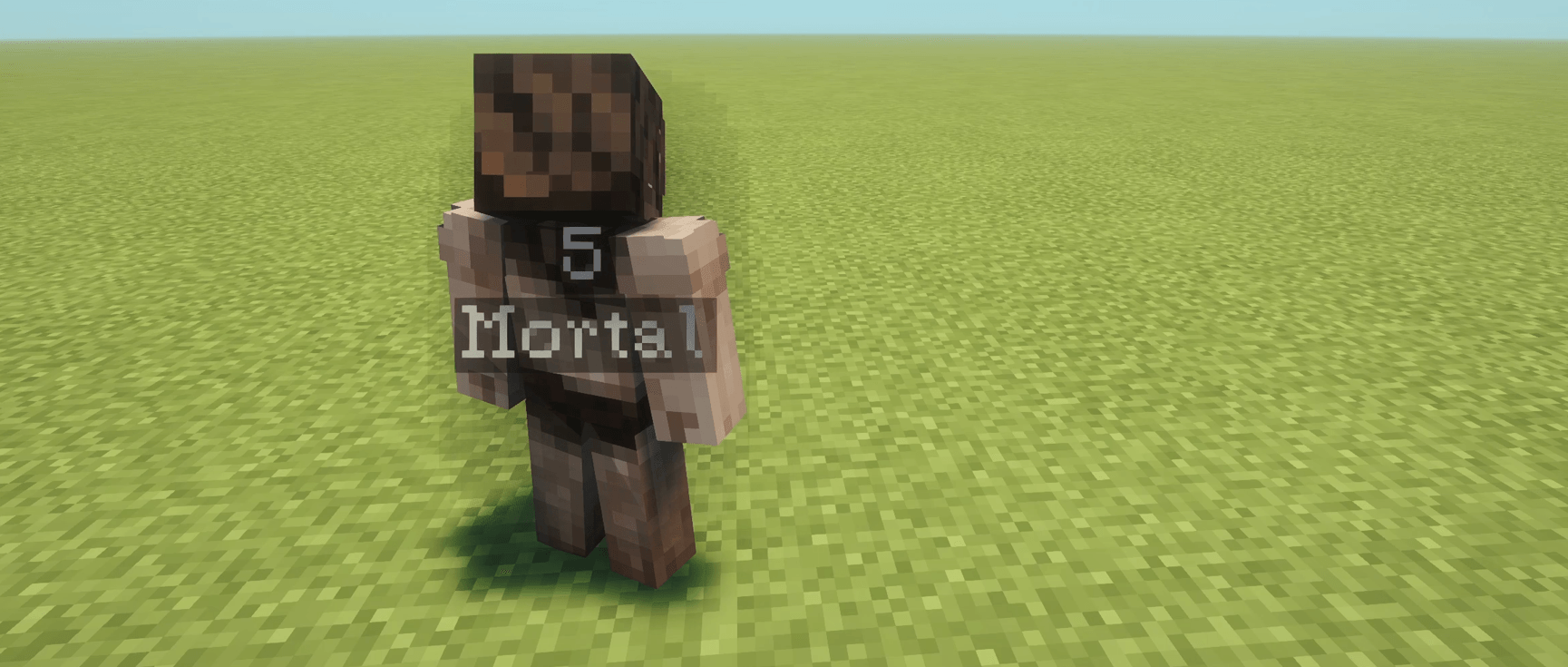
AuraSystem adds a way to sense the strength and alignment of other players through visible auras. Each player’s aura changes depending on their Power Score and actions, making stronger players easier to notice from farther away.
GETTING STARTED
Hold X to activate Aura Sense and reveal nearby player auras.
The key can be changed in Minecraft’s Controls menu.
You cannot focus while sprinting. Releasing the key ends your focus, with a short recovery period before you can use it again.
Aura Sense features a sound effect, smooth fades, and an optional screen-edge vignette.
Your own aura is visible in third person, while first person can display your Power Score on screen.
POWER SCORE
Every player has a Power Score based on their equipment, effects, and overall progression.
Power Score takes into account:
Armor, weapons, shields, and totems.
Enchantments and beneficial potion effects.
Mob and boss kills.
Total playtime.
Optional bonuses from Adrenaline and TitleSystem.
Reputation from mob kills, boss kills, and playtime can add up to 1,000 Power Score.
Power Score is an estimate of a player’s strength. It does not directly increase damage or provide combat bonuses.
AURA VISUALS
Auras become larger, darker, and more noticeable as Power Score increases.
Visual progression reaches its maximum at 13,500 Power Score.
AURA SENSING RANGE
The stronger a player is, the farther away their aura can be sensed.
| Power Score | Sensing Range |
|---|---|
| 0–499 | 8 blocks |
| 500–999 | 20 blocks |
| 1,000–1,499 | 32 blocks |
| 1,500–1,999 | 44 blocks |
| 2,000–2,499 | 56 blocks |
| 2,500–2,999 | 68 blocks |
| 3,000–3,499 | 79 blocks |
| 3,500+ | 90 blocks |
Aura Sense can reveal up to 8 players per scan, prioritizing stronger players.
GOOD & BAD ALIGNMENT
Every player starts at 0 alignment, with a range from −1,000 to +1,000.
Good Alignment: Gradually turns your aura blue.
Neutral Alignment: Keeps your aura gray or black.
Bad Alignment: Gradually turns your aura deep crimson red.
Alignment changes through your actions.
Trading with villagers, breeding animals, curing zombie villagers, and defending villages during raids can increase your alignment.
Killing villagers, harming innocent players, or killing another player’s pets can lower it.
Killing other players can increase or decrease your alignment depending on their own alignment. Self-defense and repeated kills are also taken into account.
Alignment is saved between sessions and does not reset when you die.
Alignment and Power Score are separate. Alignment changes your aura’s color, while Power Score determines its size, density, and sensing range.
CUSTOMIZATION
AuraSystem includes client settings for:
Aura visibility.
Power Score displays.
First-person Power Score HUD.
Screen-edge vignette.
Maximum aura size and opacity.Good and Bad alignment colors, including hue, saturation, and brightness.
Alignment can also be disabled in the server configuration. This makes everyone’s aura neutral without affecting Power Score or aura sensing.
COMMANDS
/auraalignment: Check your own alignment.
/auraalignment get (player): Check another player’s alignment. Requires operator permissions.
/auraalignment set (player) (value): Set a player’s alignment between −1,000 and +1,000. Requires operator permissions.
OPTIONAL MOD SUPPORT
AuraSystem supports optional integration with:
Adrenaline: Adds progression-based Power Score bonuses.
TitleSystem: Adds Power Score bonuses based on the player’s current title.
Neither mod is required to use AuraSystem.
Shader appearance may vary depending on the shader pack.
Thanks for downloading AuraSystem!
Author: Perdura
Minecraft: 1.20.1
Mod Loader: Forge 47.x
Mod ID: aurasystem
License: AuraSystem Custom License
常见问题
AuraSystem 支持哪些 Minecraft 版本?
AuraSystem 支持 Minecraft Java 版 1.20.1,可用的加载器:Forge。下载时注意选择和你游戏版本一致的文件。
AuraSystem 怎么安装?
先用 PCL2 或 HMCL 启动器安装对应版本的 Forge,再把下载的 .jar 文件放进游戏目录的 mods 文件夹,重新启动游戏即可。开启了版本隔离的,mods 文件夹在 versions/版本名 下面。
Perdura 的其他作品
查看全部 →
ChooChoo
ChooChoo adds a locomotive and connectable train carts to Minecraft, with passenger seating, animal and cargo transport, working horns and bells, and custom rail mechanics.
CatchNCook
The fish don't disappear anymore. Drag them ashore. Cook it over the fire. Protect it from hungry wolves... ...or lose your dinner trying.
AdrenalineSystem
An immersive hardcore realism mod that makes fear, stamina, and experience evolve with every day you survive.
Drawn In
Drawn In is an immersive client-side Minecraft mod focused on making movement, combat, and equipment, feel real.
评论
登录后评论和评分