
截图
介绍
Mod Update Checker


Mod Update Checker checks your installed mods for available updates directly from Minecraft.
No more opening every mod page manually just to see if there’s a newer version.
✨ Features
- ⚠️ Shows available updates in a small panel on the main menu
- 🌐 Checks Modrinth, CurseForge, and GitHub Releases when a supported match is available
- 📦 Displays installed and latest detected versions
- 🔗 Opens the available release page directly, so you can find the version you need
- 📝 Lets you read changelogs in-game without opening a browser
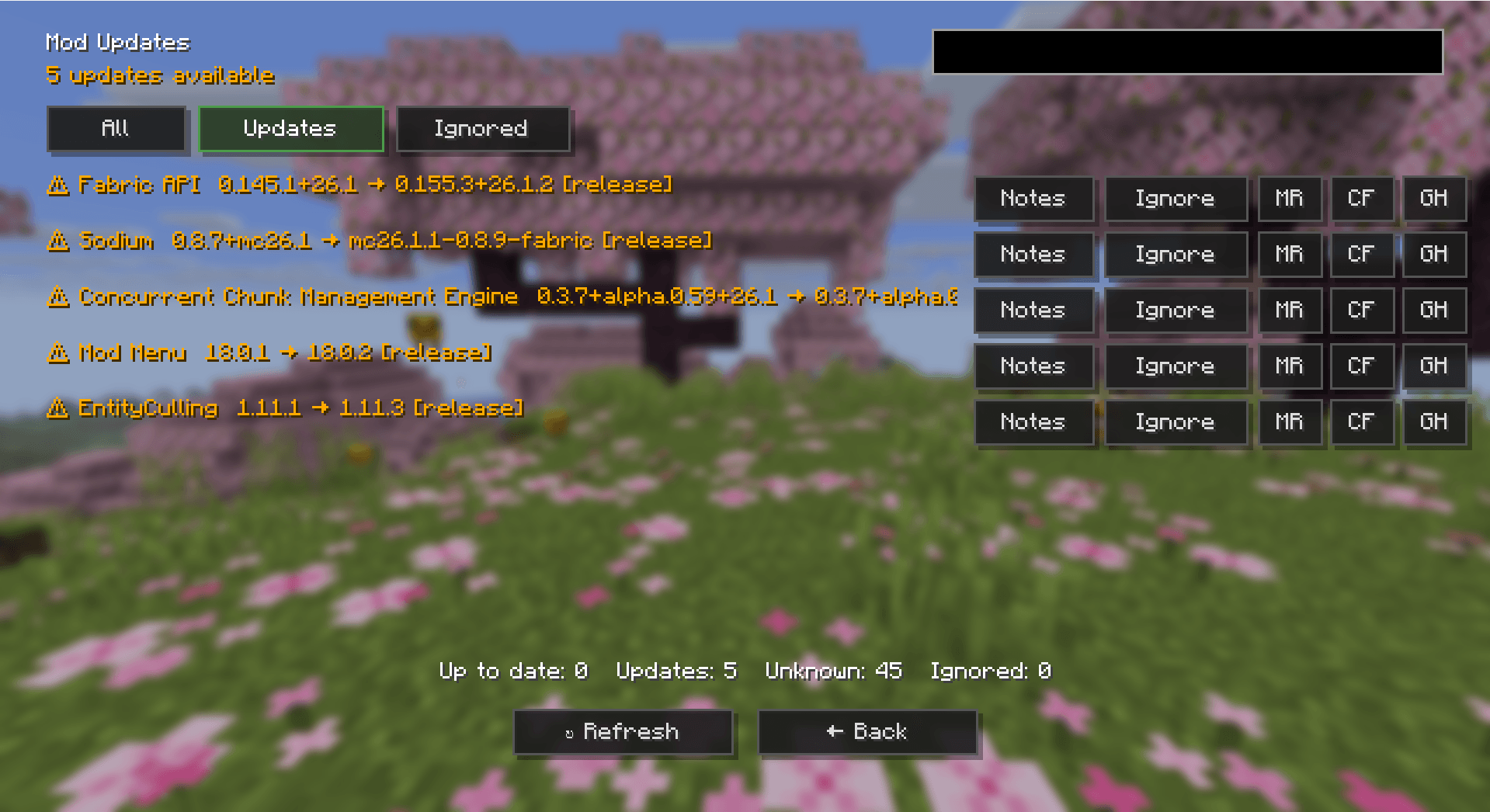
- 🔍 Search through your installed mods
- 🙈 Ignore updates you don’t want to see, and unignore them later
⚙️ How it works
When Minecraft starts, the mod scans your installed mods and checks the available update sources.
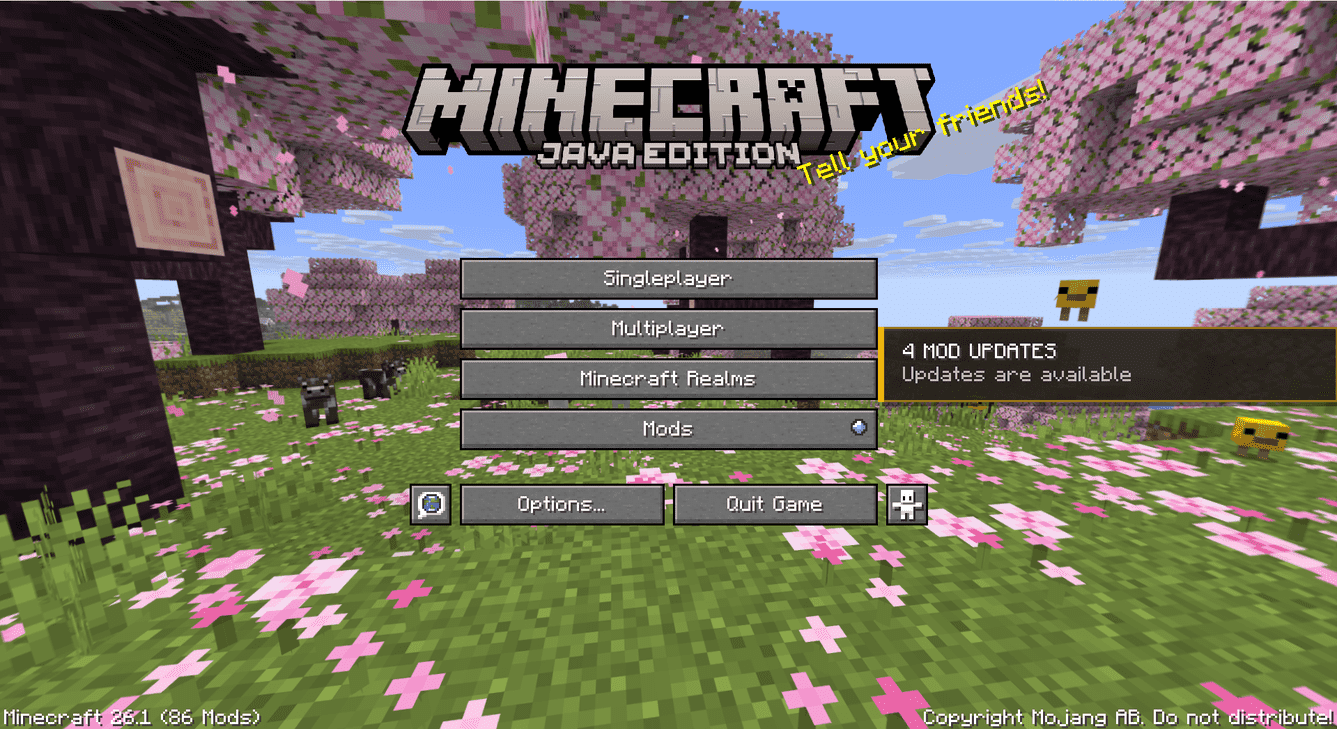
You’ll see a small panel on the main menu showing the current result. For example:
✅ MODS UP TO DATE
Everything looks good
or:
⚠️ 3 MOD UPDATES
Updates are available
Clicking the panel opens the full list, where you can compare versions, open provider pages, read changelogs, or ignore an update.
📝 Changelogs
Found an update but want to know what’s changed first? Open the changelog preview to read the release notes in-game, when the provider supplies them.
🙈 Ignoring updates
Not every update needs to be installed straight away. You can ignore an update to keep it out of your Updates list and bring it back later using the Ignored tab.
❓ Unknown mods
Sometimes Mod Update Checker can’t find enough information to determine whether a mod has an update. This can happen when an installed file can’t be matched to a supported source or the provider doesn’t offer the information needed.
Made with ❤️ by Arsylv
Thanks for checking out my mod! 🎮
💬 Have a suggestion or found a bug? Feel free to leave a comment!
常见问题
Mod Update Checker – Fabric 支持哪些 Minecraft 版本?
Mod Update Checker – Fabric 支持 Minecraft Java 版 26.1–26.3,共 3 个版本,可用的加载器:Fabric。下载时注意选择和你游戏版本一致的文件。
Mod Update Checker – Fabric 怎么安装?
先用 PCL2 或 HMCL 启动器安装对应版本的 Fabric,再把下载的 .jar 文件放进游戏目录的 mods 文件夹,重新启动游戏即可。开启了版本隔离的,mods 文件夹在 versions/版本名 下面。
Arsylv 的其他作品
查看全部 →
Anti-Grief Creepers
Don't let creepers destroy your world!

Phantoms Be Gone
Removes annoying phantoms
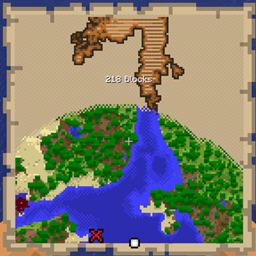
Treasure Map Distance
Mod which shows the distance to buried treasure while holding a treasure map

Phantoms Be Gone
Removes annoying phantoms
评论
登录后评论和评分