
截图
介绍
Install this if you need a light 1.17.1, vanilla+ experience, of the fabric kind.
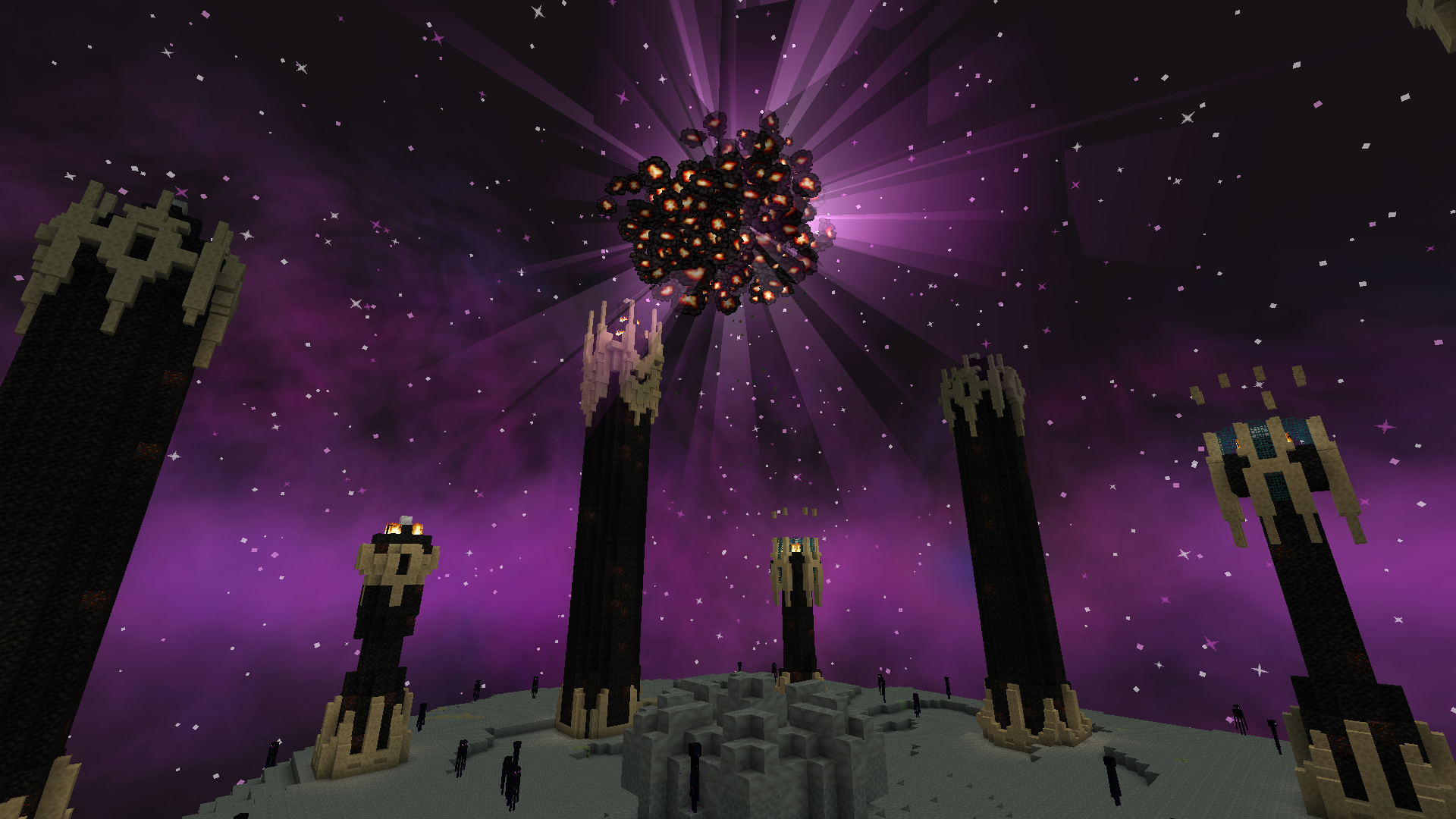
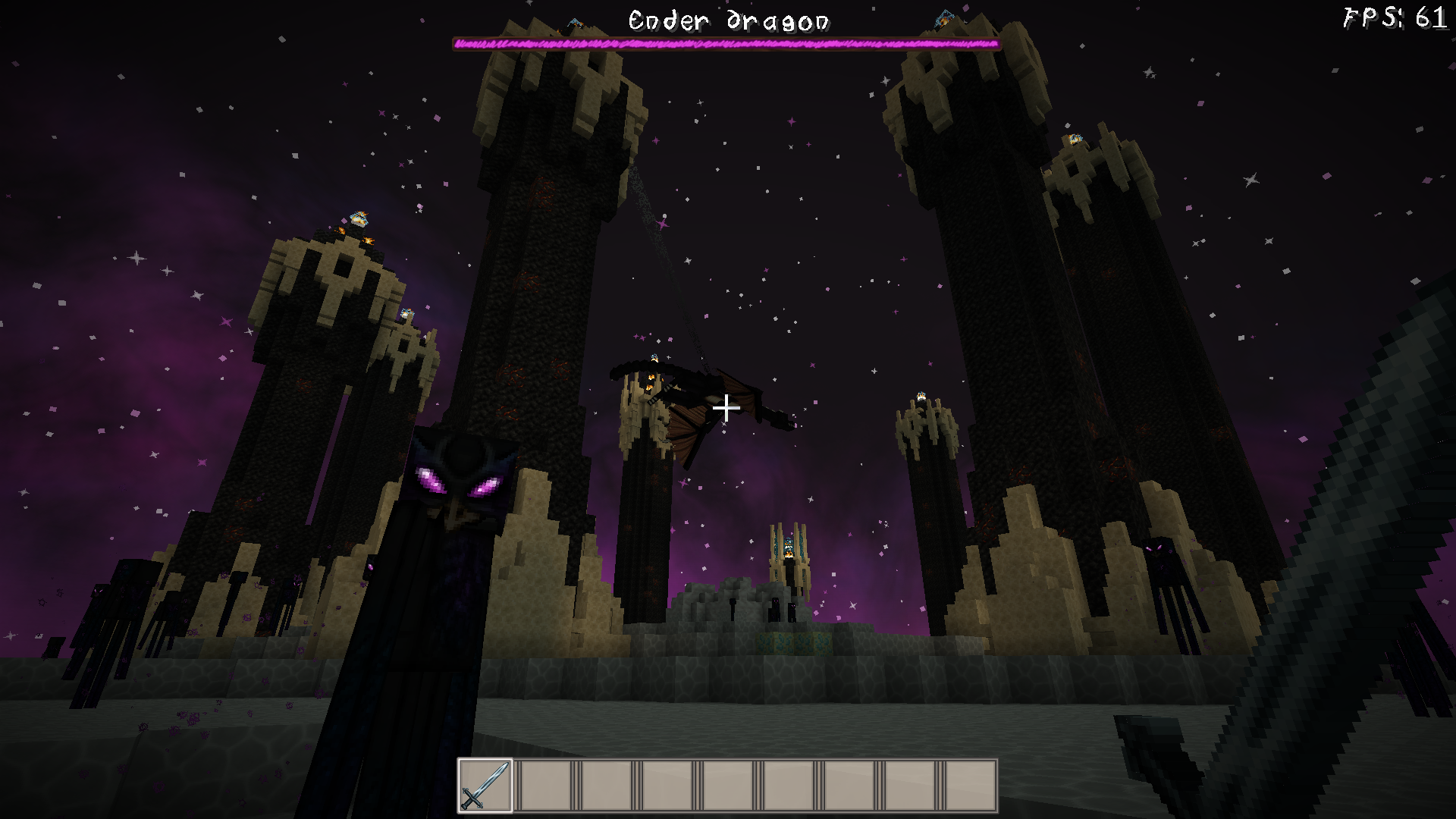
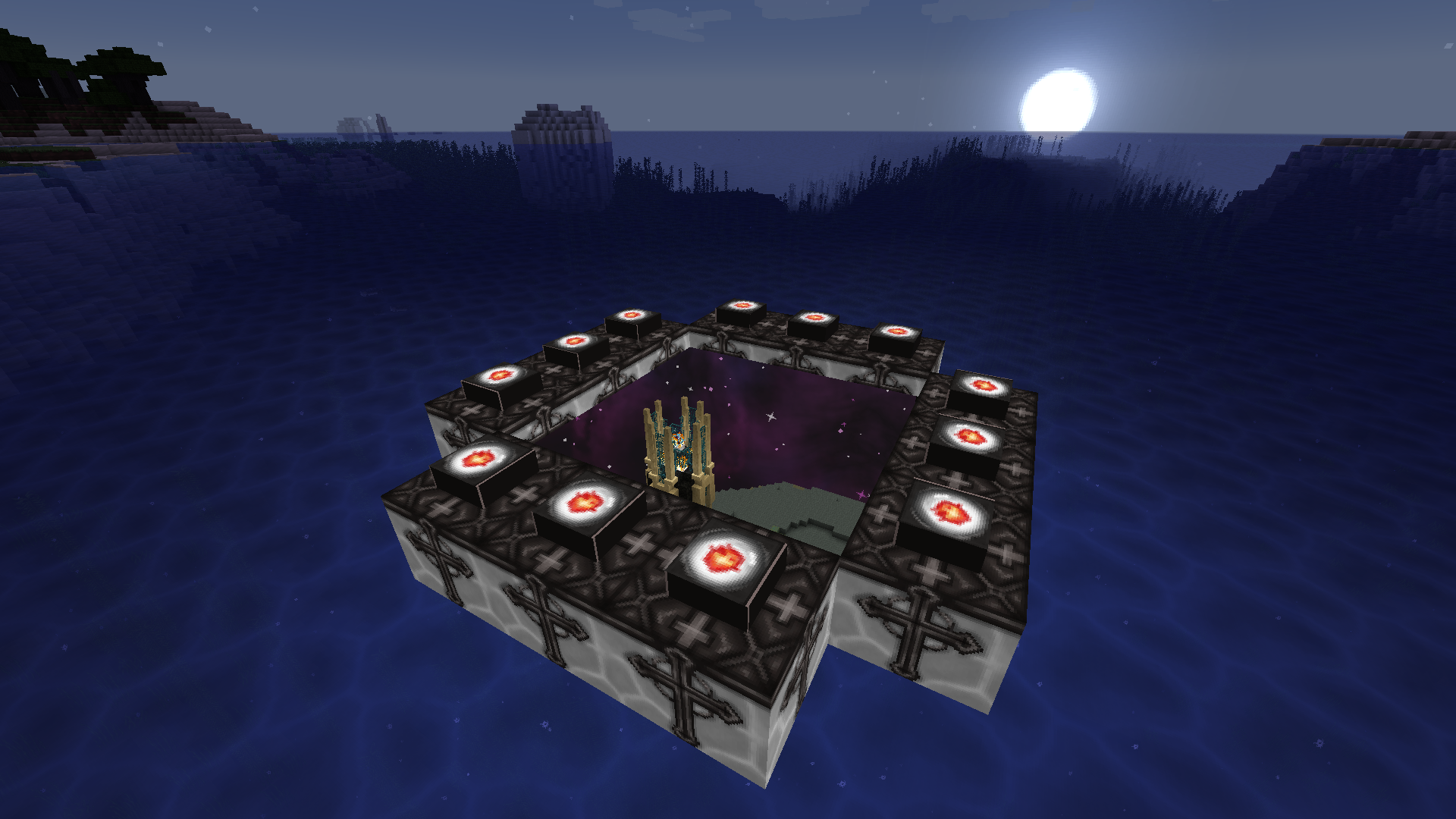
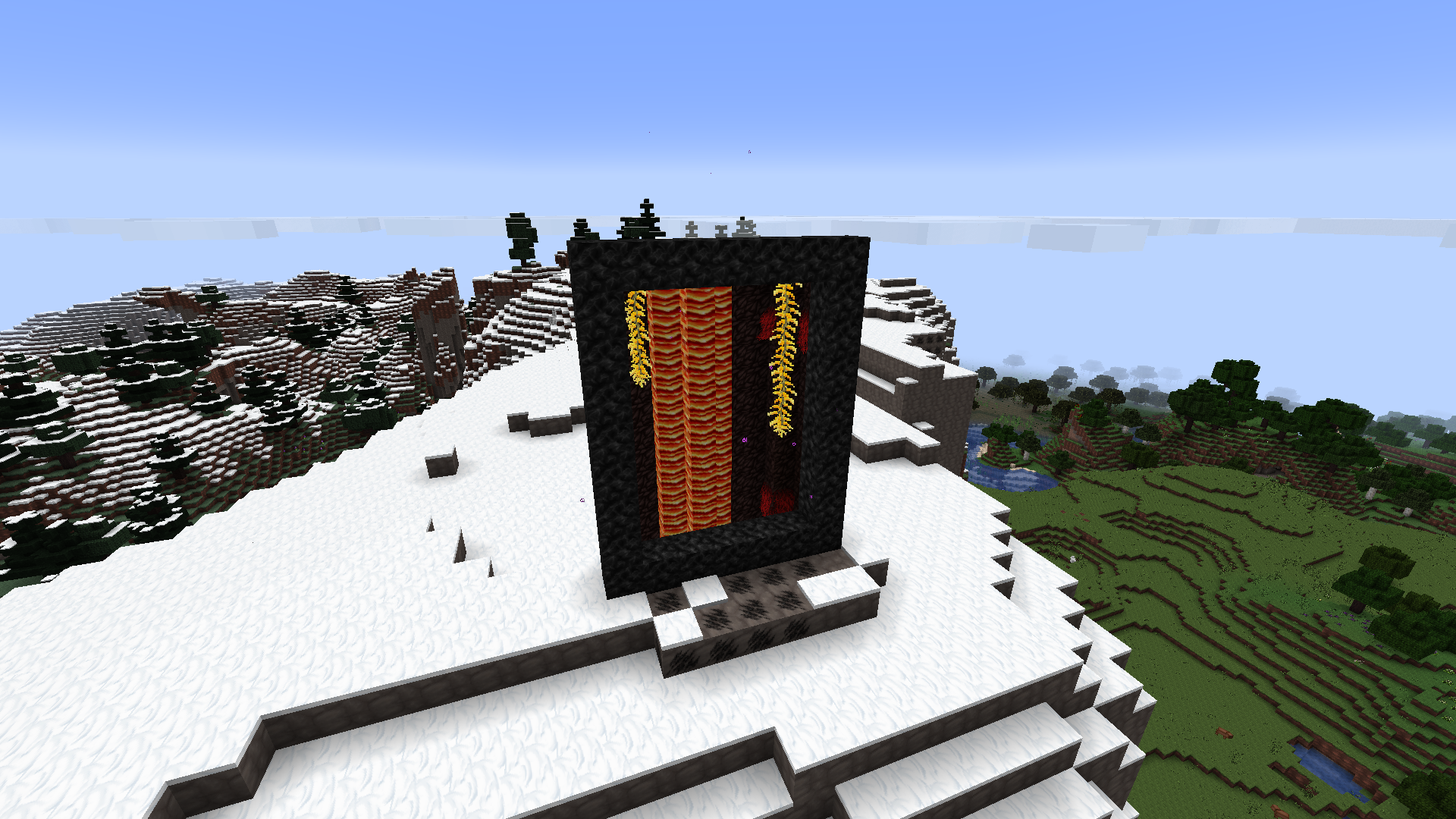
Made with personal use in mind, and as such made to be as aesthetically pleasing as could be for the resources I have on hand, which is not much, as such this is a resource-lightweight modpack, requiring from my side only a 950m/i7-6700 old laptop to get very playable FPS of 60+, adding further, the main mods carrying this are, the better nether and better end mods, mods that affect the overworld I deemed too intrusive, as such I focused on making the other two dimensions as good as possible for lower end equipment, and as par for the course Iris is added.
Extra things one might consider to make this “lightweight experience” better, is allocating more ram on the launcher, and making sure that your game is using your Dedicated GPU rather than your integrated one.
To allocate more ram for your installation, you need to find the three dots on the side, click it, then proceed to the “edit” feature, a new tab will appear in which you will have to press on the “more options” node, look for the option called “JVM ARGUMENTS”, there you can see the first numbers after the “-Xmx”, and these should show “4096”, that would be the allocated ram for that installation, I recommend allocating a little more than that, by one or two thousand kilobytes, though this modpack easily runs on the default settings, for extra safety you allocate more.
As for making sure that the installation uses your Dedicated GPU, here’s a youtube guide for that: https://www.youtube.com/watch?v=ObG5glLPaSw.
Notes:
1). Big nether portals might crash your game.
2). Going in and out too quickly of the nether portal specifically might crash your game.
3). Iris 1.1.2 and Immersive portals might have some compatibility issues, which could crash your game rarely.
4). Using the default Minecraft resource pack gives marginal performance increases, but it may matter enough.
5). Considering Iris is installed, you might want to tinker with it’s settings according to your needs, applying shaders, lowering settings, Etc.
常见问题
LightRight 支持哪些 Minecraft 版本?
LightRight 基于 Minecraft Java 版 1.17.1,使用 Fabric 加载器。
LightRight 怎么安装?
点本页「前往下载」拿到整合包文件(Modrinth 的是 .mrpack,CurseForge 的是 .zip),在 PCL2 或 HMCL 启动器里选择「导入整合包」,启动器会自动装好 Minecraft、加载器和全部模组。建议在启动器里给游戏分配 4–6 GB 内存。
LightRight 开服需要多大内存?
推荐服务器内存 12 GB。在线人数多、或者建了大量机器和区块加载器时,可以再加 2–4 GB。
怎么和朋友一起玩 LightRight?
点本页的「一键开服」,选好配置后会自动安装 LightRight 的服务端,几分钟就能开好。把服务器地址发给朋友,大家用同一个版本的整合包连进去就行。
评论
登录后评论和评分