
Pick Your Biomes
Choose which biomes your worlds generate, in the Overworld, the Nether and the End. Uncheck a biome on the Create World screen, or in a world you already have, and the biomes around it take its place.
截图
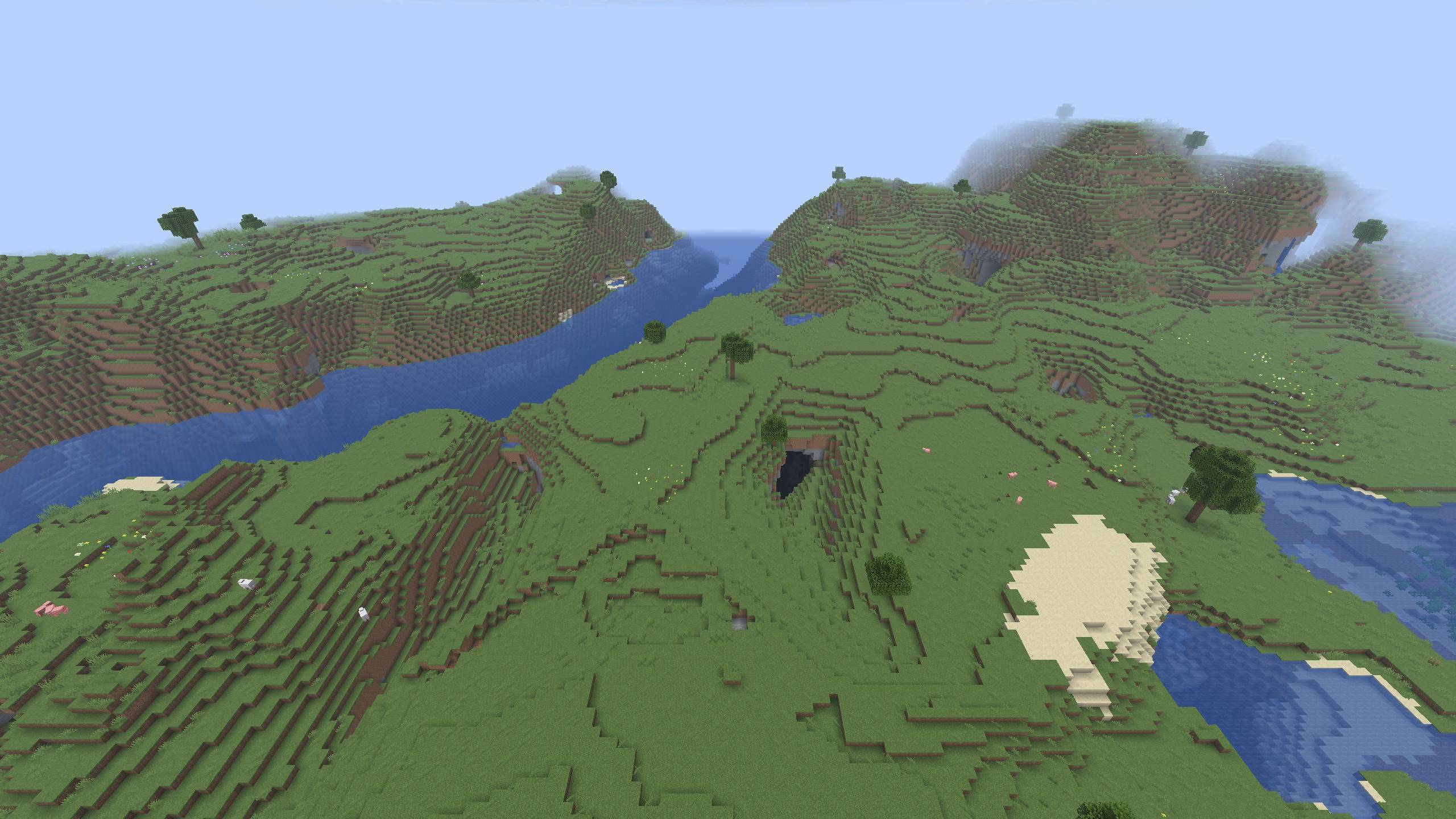
介绍
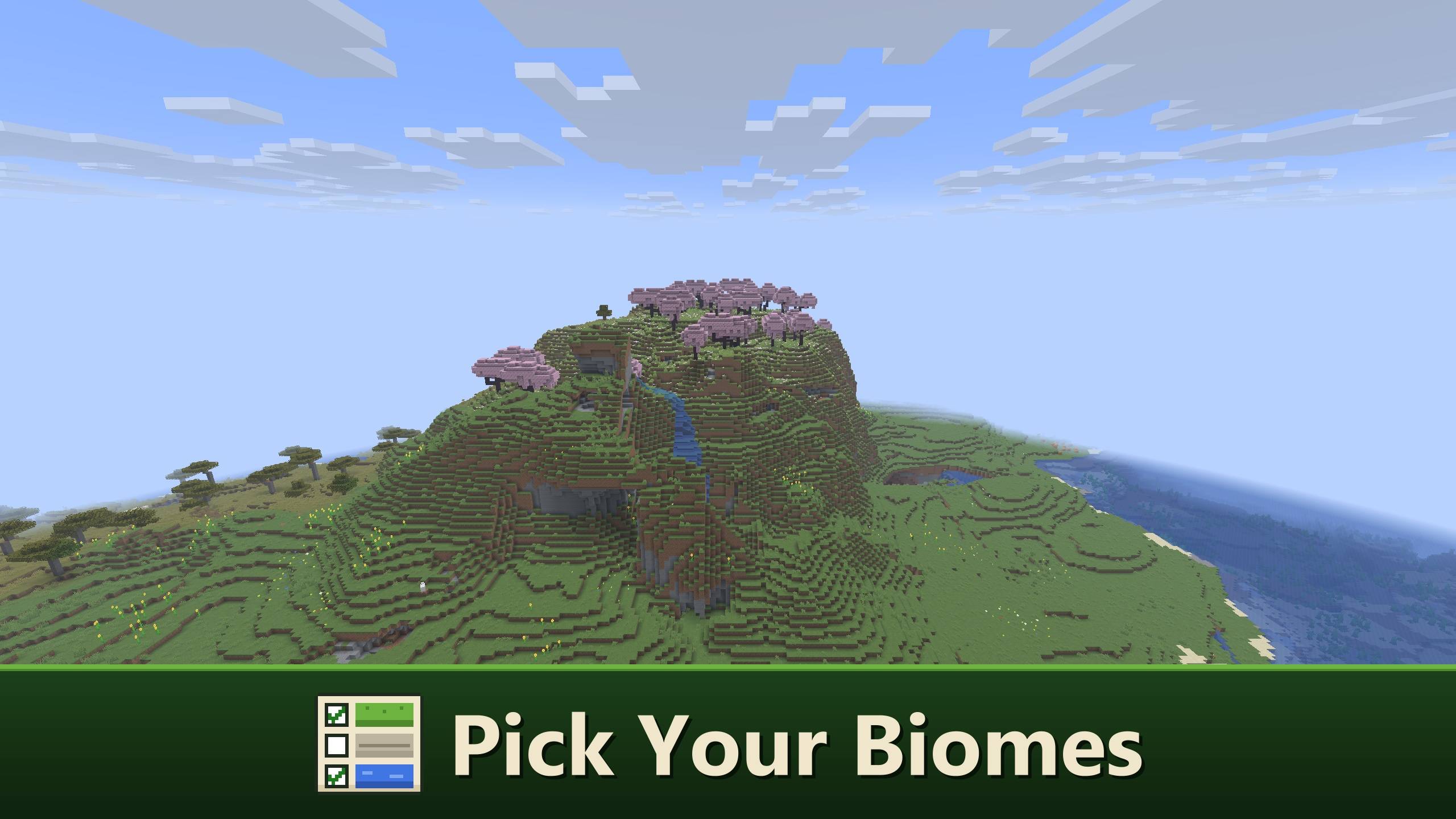
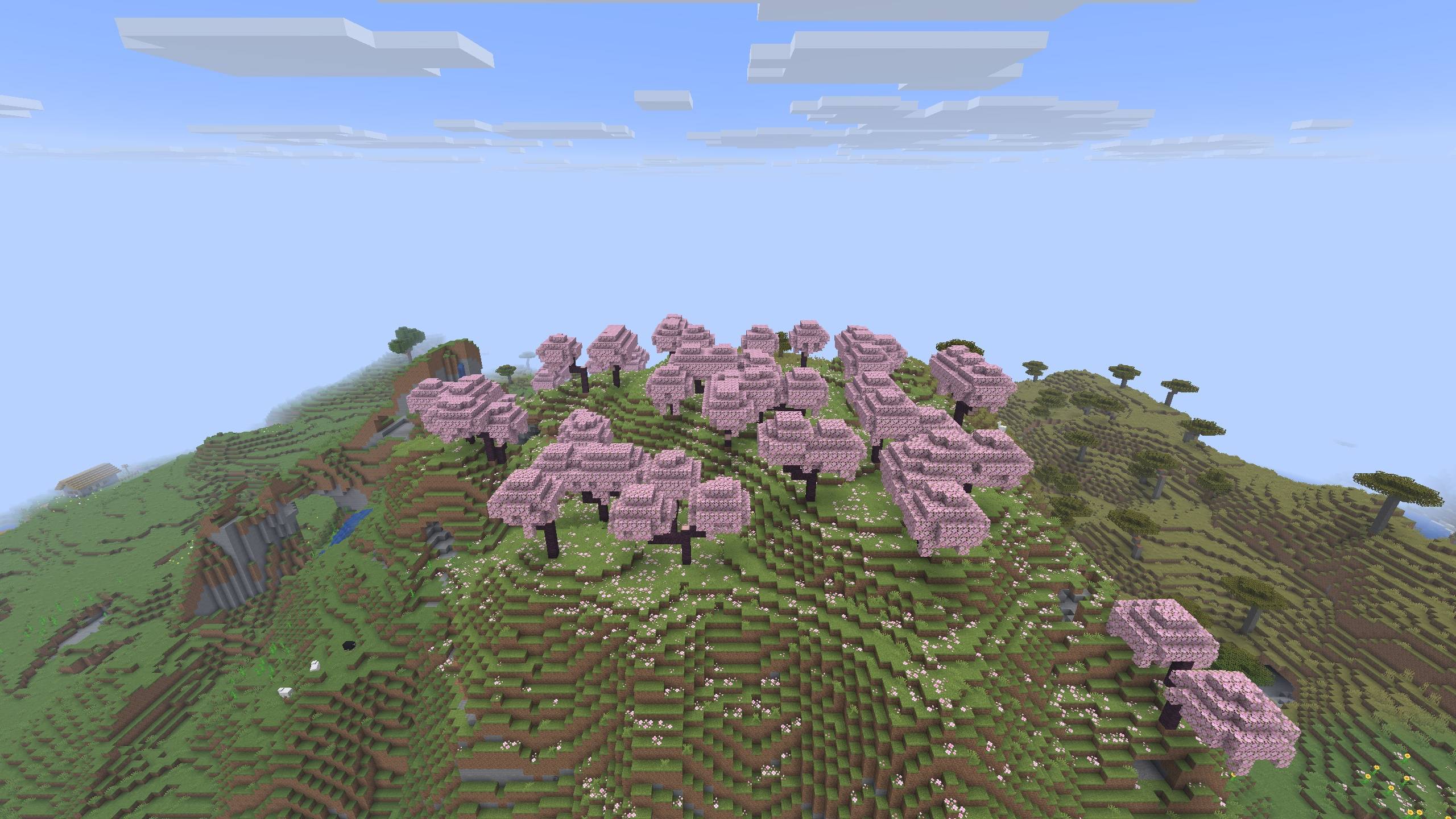
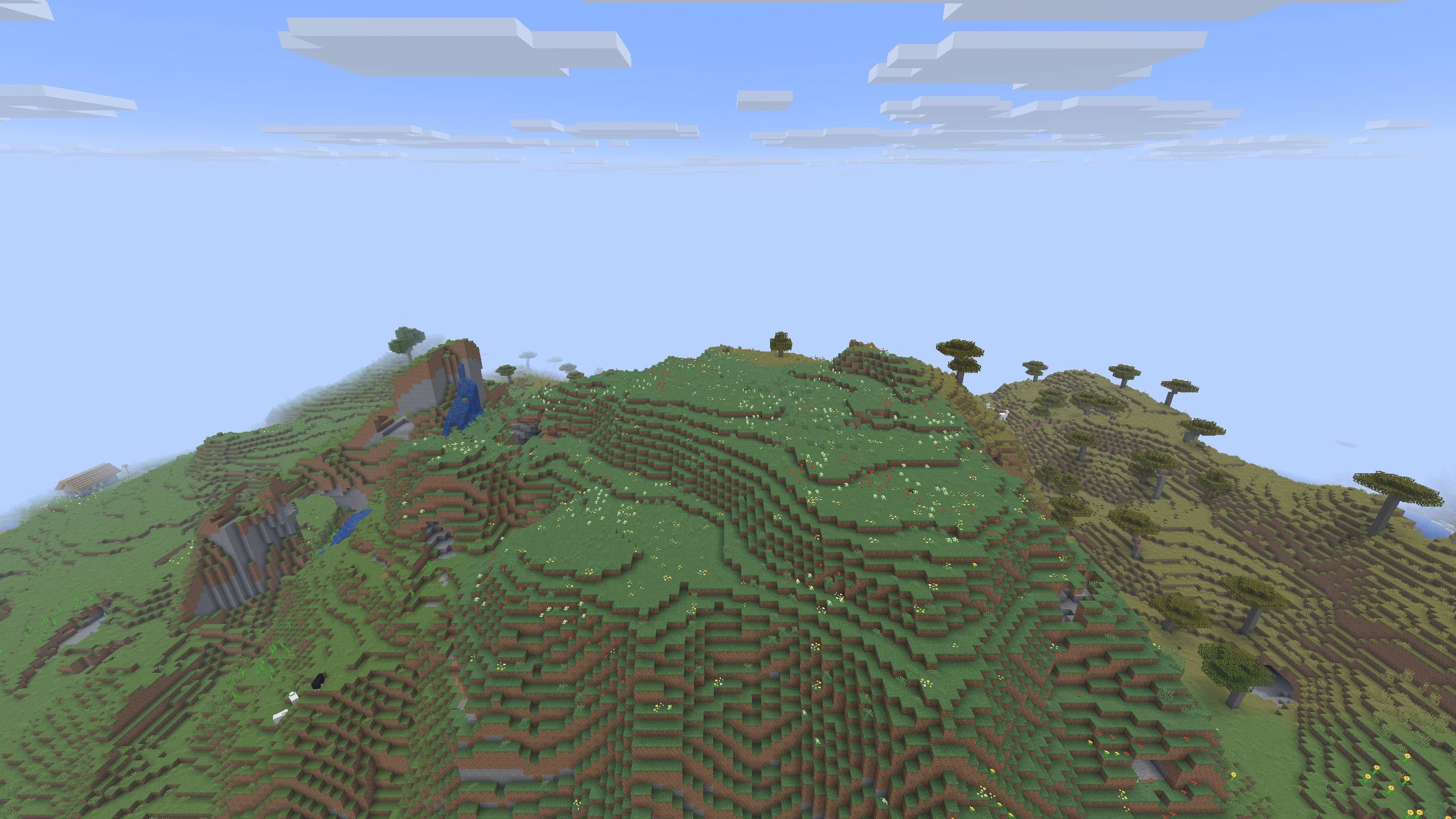
Pick Your Biomes lets you choose which biomes your world generates. Never liked the Cherry Grove? Uncheck it before you create the world and it will not appear. The biomes around it take its place, so the land still joins up the way Minecraft would have made it.
It works in the Overworld, the Nether and the End, for new worlds and for worlds you already have.
– Choosing biomes for a new world
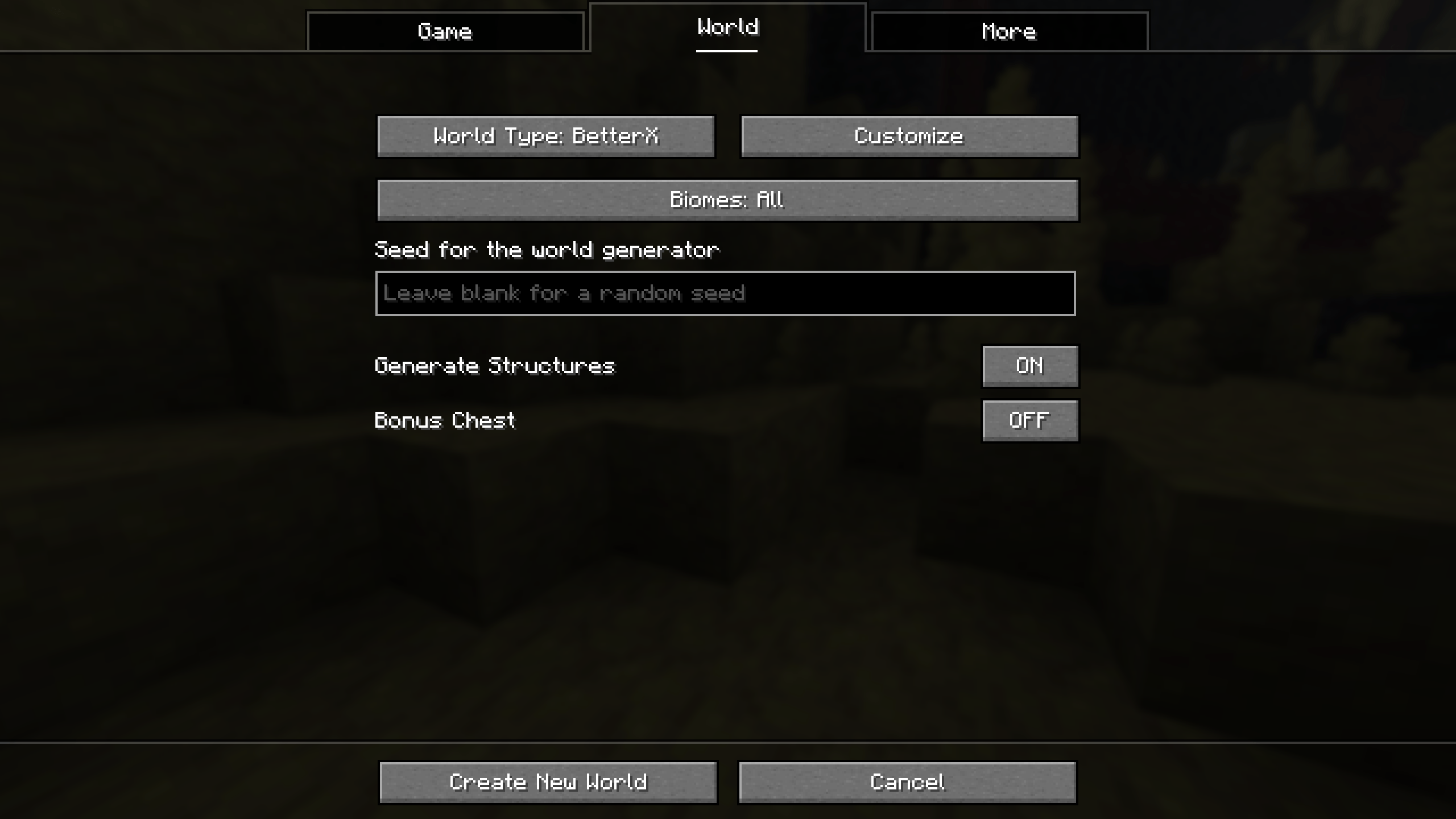
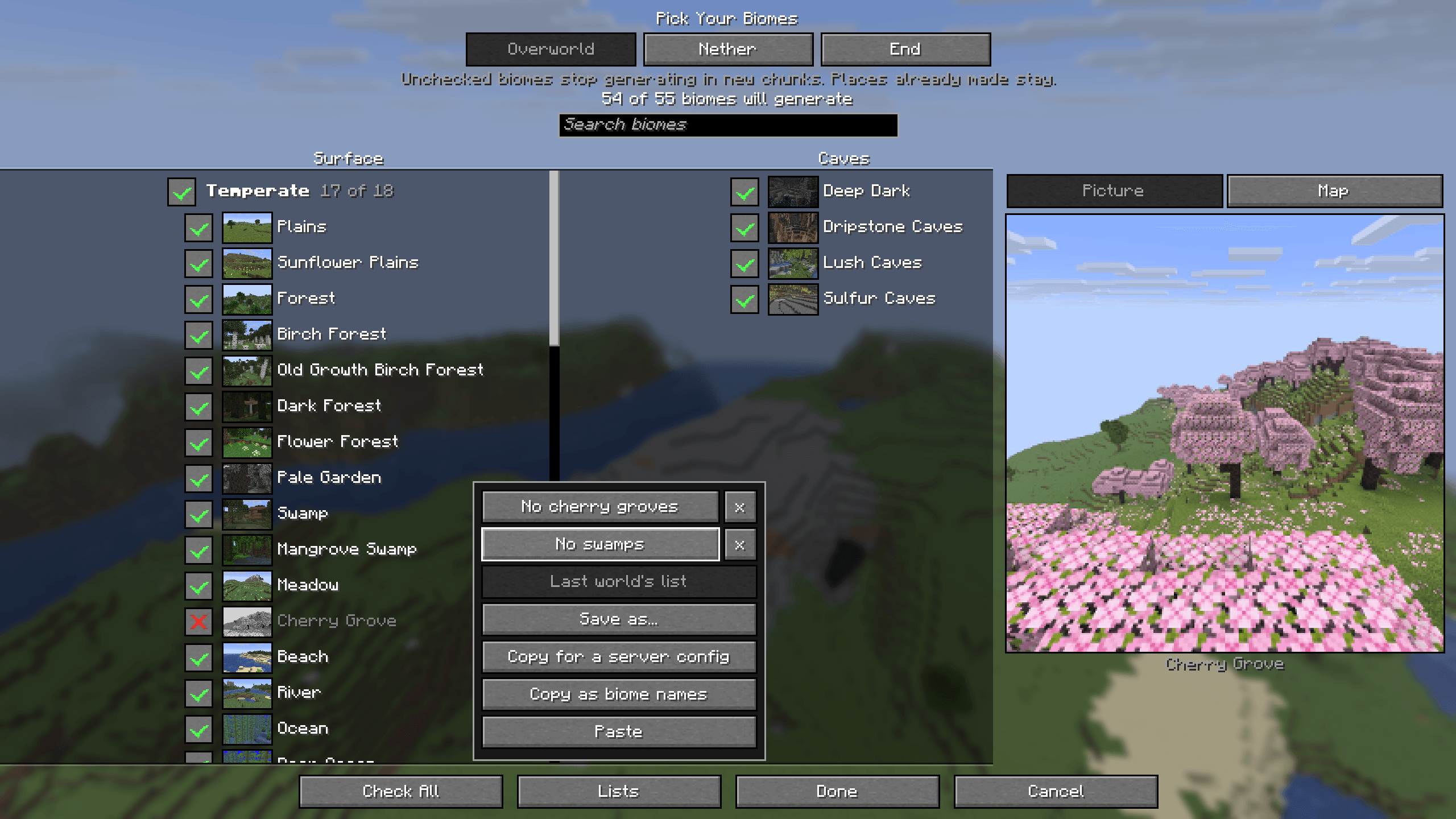
On the Create World screen, open the World tab and press Biomes. The button shows how many biomes will generate, for example “Biomes: 63 of 65”.
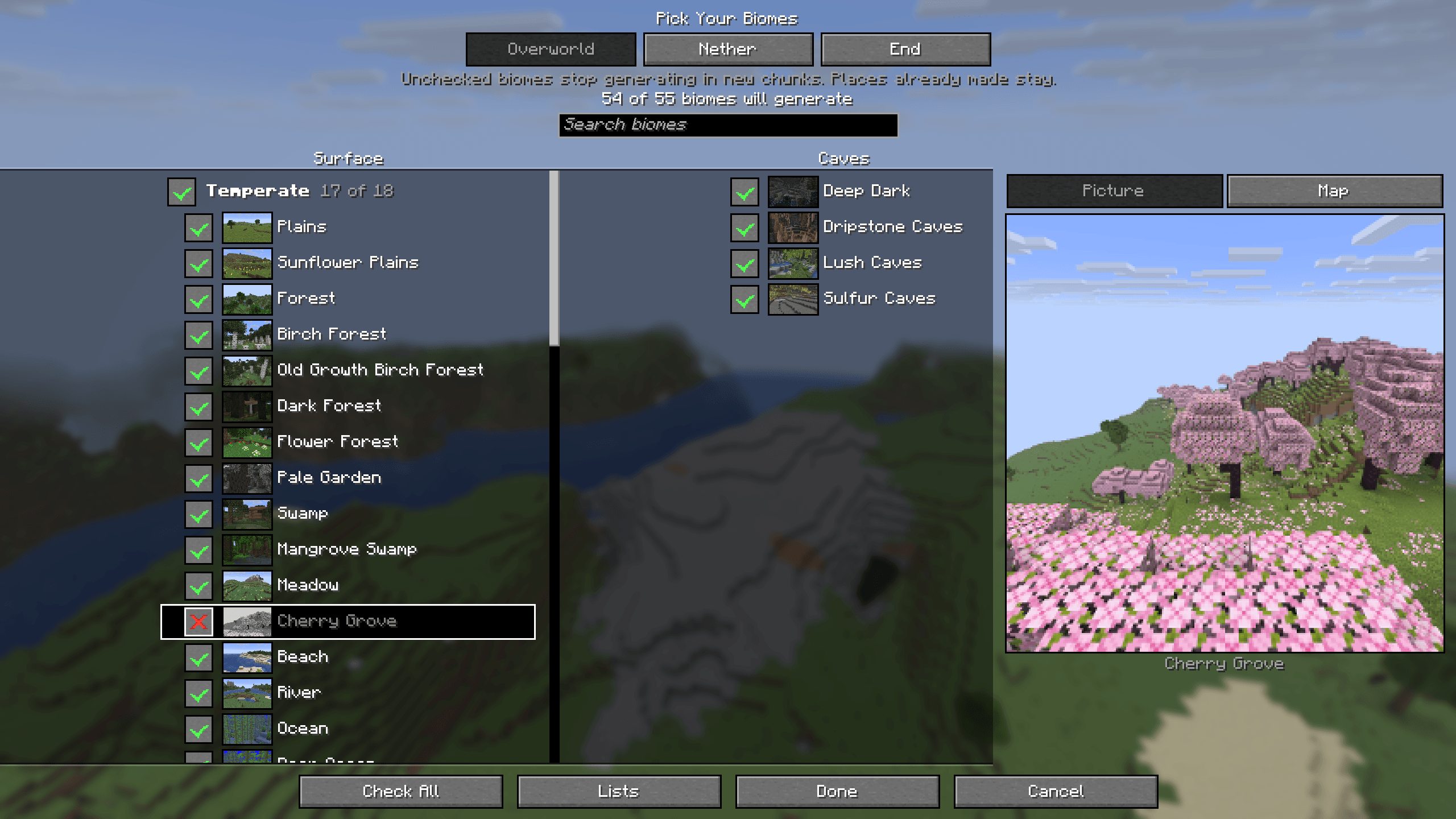
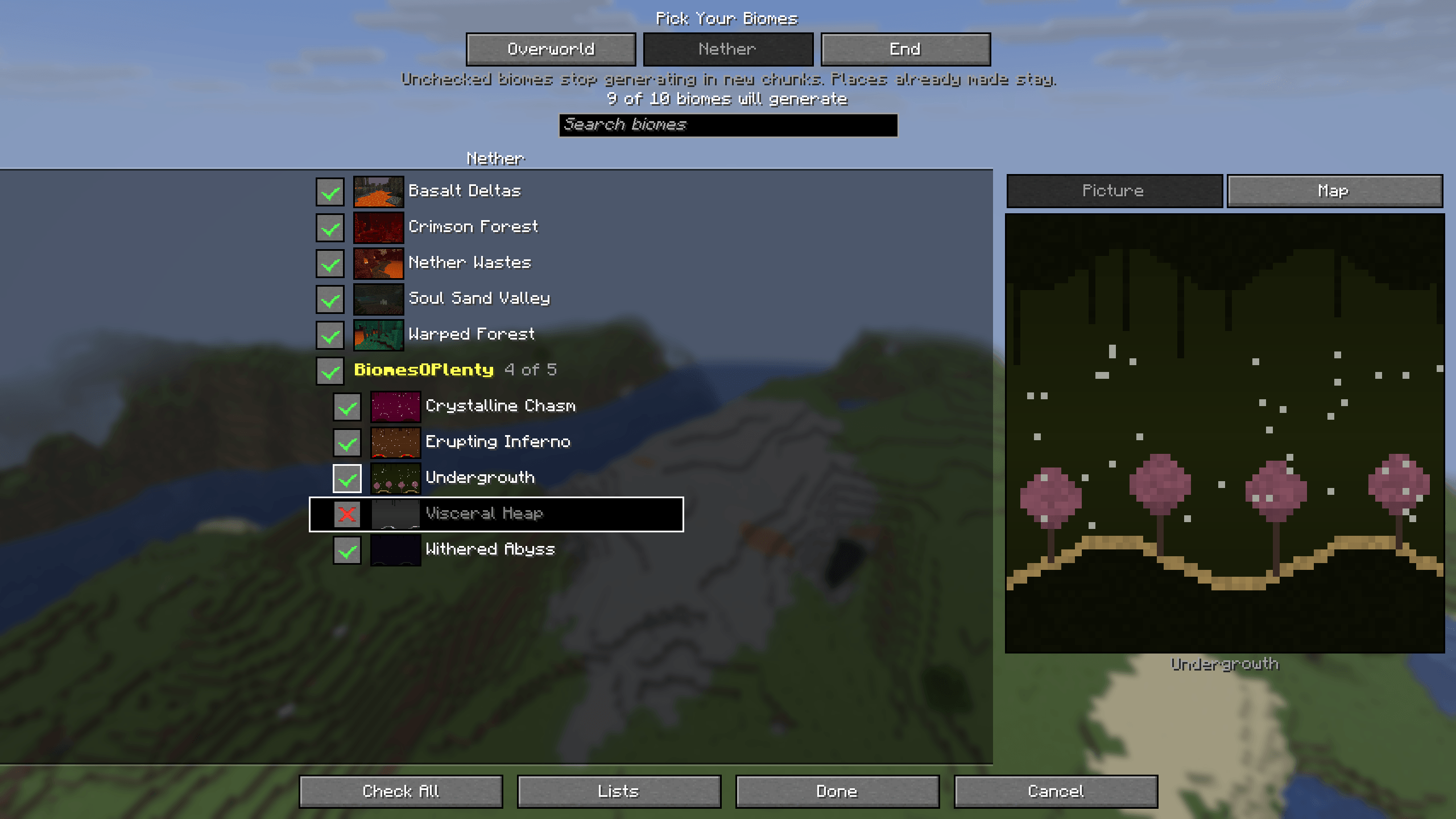
* Every biome has a checkbox and a small picture. Uncheck a biome and it will not generate: its box shows a red X and its picture turns black and white.
* Surface biomes are on the left and cave biomes on the right, so the few cave biomes are easy to find. In a short window the caves join the end of the one list.
* Surface biomes are grouped by climate: Temperate, Warm, Cold and Snowy. Click a group’s heading to uncheck the whole group, and click it again to check them all.
* Vanilla’s biomes come first. Each mod’s biomes follow under a heading with the mod’s name, and that heading’s checkbox unchecks all of them.
* A search box finds a biome by name.
* Tabs at the top switch between the Overworld, the Nether and the End.
* The End’s main island always stays, because the dragon fight is there. End Highlands can be unchecked, but End Cities, and so elytras, only generate there. Its row says so when you point at it.
* At least one surface biome has to stay checked.
Your choice is saved with the world.
– Pictures and the map
A panel beside the checklist has two tabs.
* Picture: point at a biome and see what it looks like. Every vanilla biome has a picture taken in the game. A biome added by another mod shows a small painted landscape instead, made from that biome’s own colours, trees and plants.
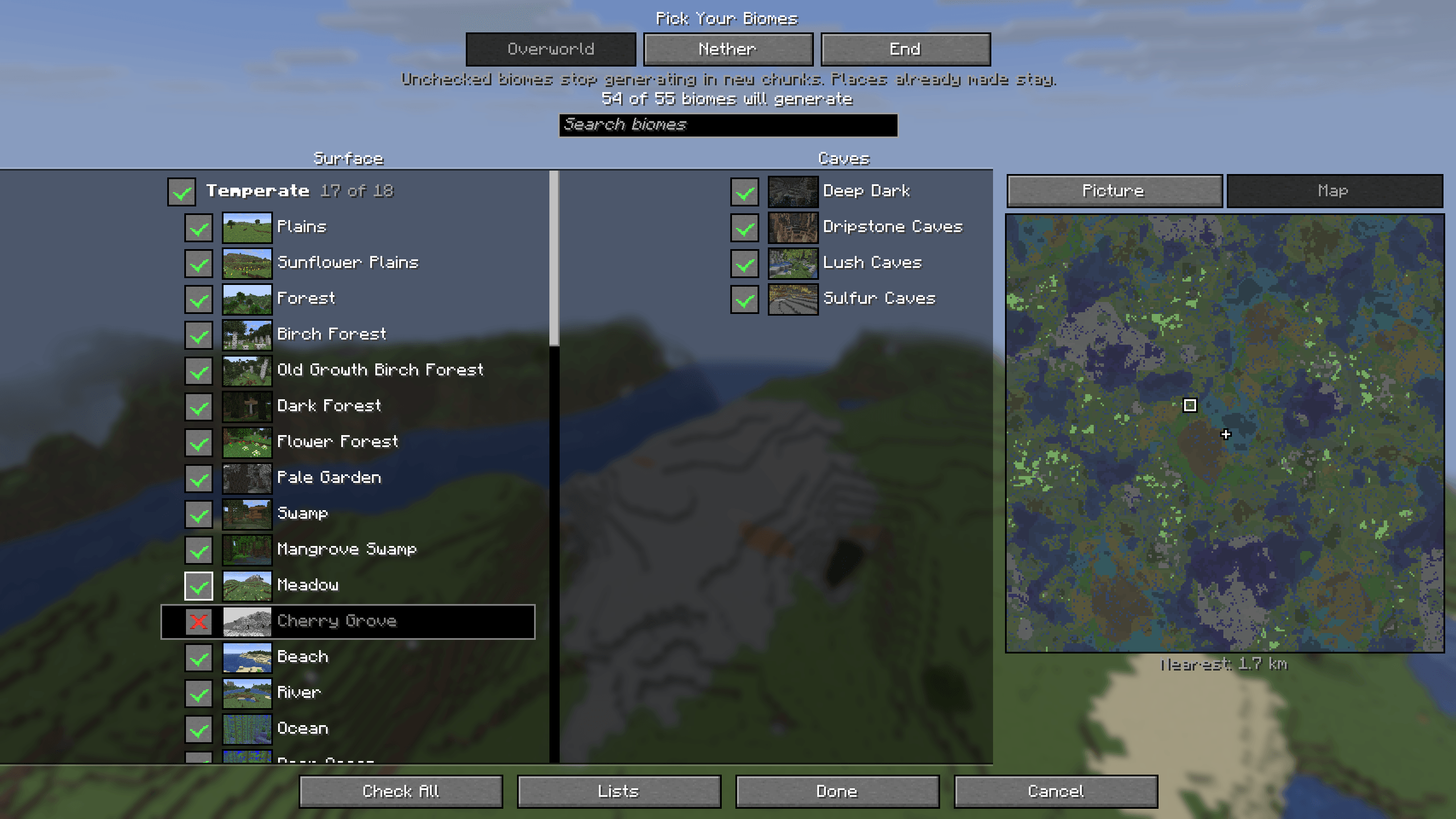
* Map: the biomes around spawn for your seed, about 8 km in each direction. The biome you point at lights up and the nearest place it grows is ringed. The map redraws as you uncheck biomes, so you can see what will grow in their place before you make the world.
– What takes a biome’s place
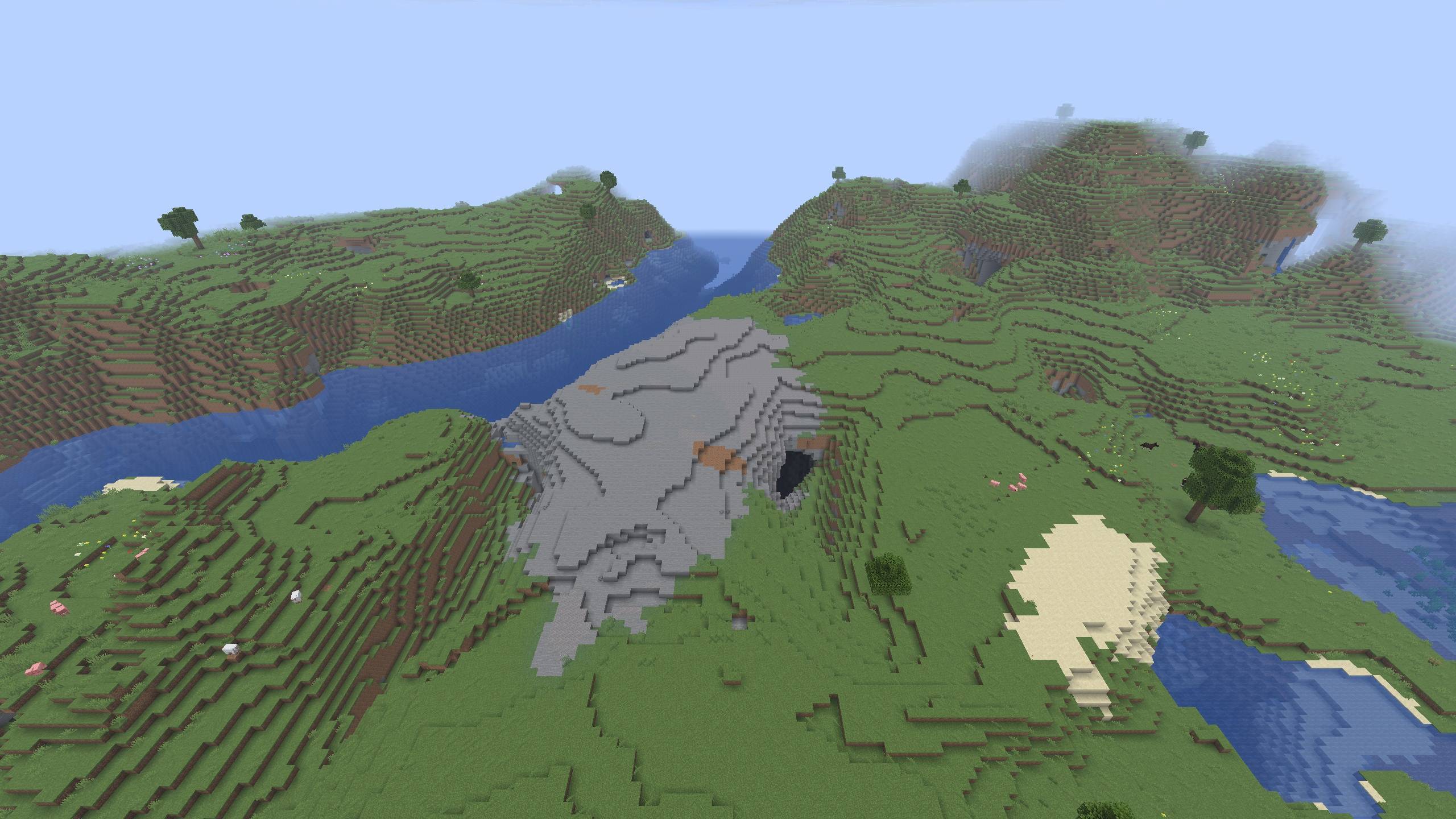
When a biome is removed, the land around it fills the gap with the biome that suits that ground best. In worlds made with 1.4.0 the filler is land: a removed biome no longer leaves lakes, rivers or beaches far from the sea. Worlds made with an older version keep the rule they were made with.
– Saved lists
The Lists button at the bottom of the checklist keeps your choices for next time.
* Save as… saves the checklist under a name. Click a saved list to use it again, or its x to delete it.
* Last world’s list uses the choices you last made for a new world.
* Copy for a server config copies the lines for a server’s config/pickyourbiomes.json. Copy as biome names copies one biome per line, to share with a friend.
* Paste reads either kind back. A biome from a mod you do not have is skipped, and a message says which.
Saved lists are kept in config/pickyourbiomes-lists.json.
– Changing a world you already have
Only chunks made after a change are affected. Places you have already explored keep their biomes, so you may see a straight line where the old land meets the new.
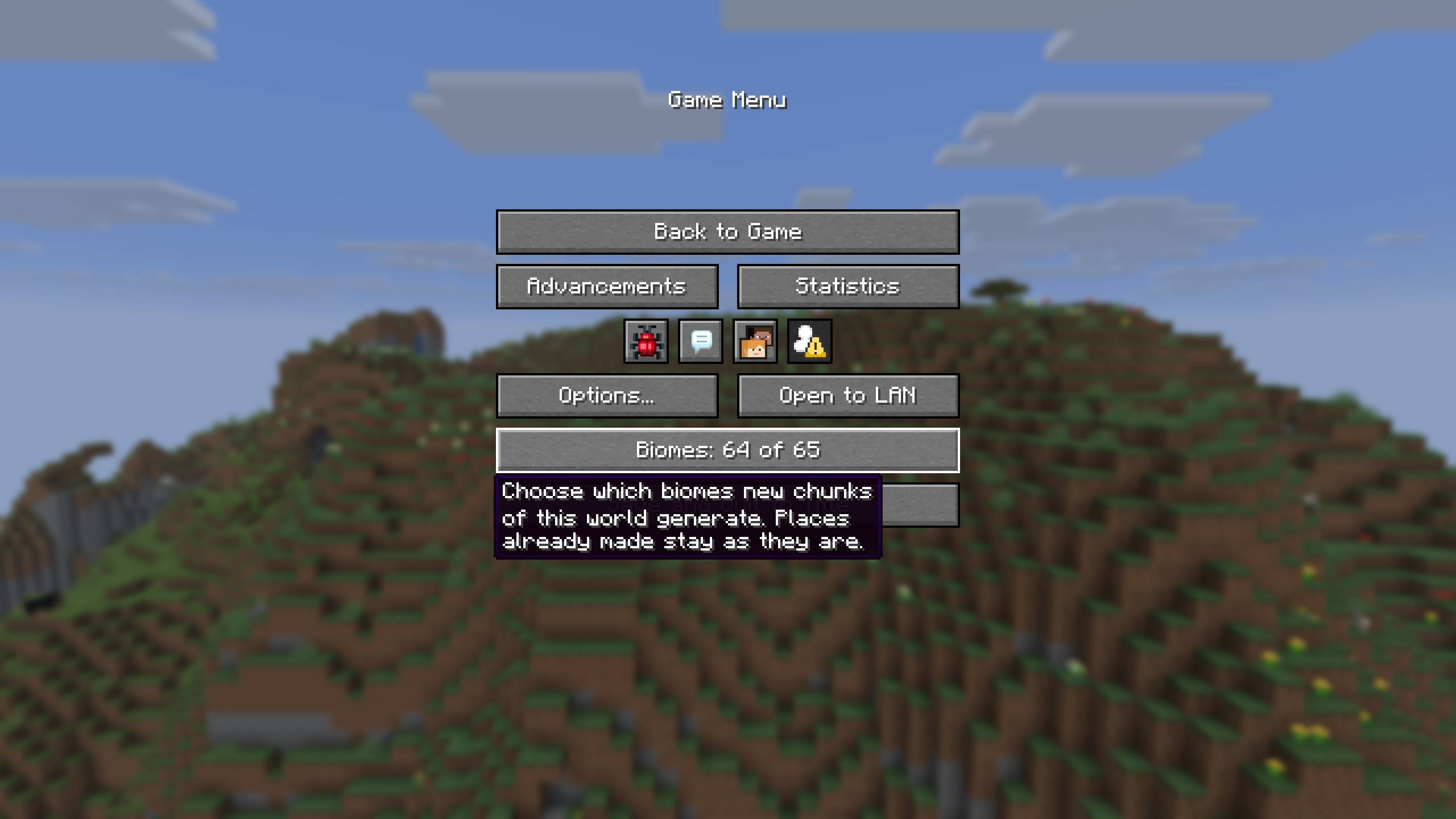
* In singleplayer, the pause menu has a Biomes row above Save and Quit. It opens the same checklist, and you do not need cheats turned on.
* On a server, operators can use /pickyourbiomes:
/pickyourbiomes list shows what each dimension leaves out.
/pickyourbiomes remove <biome> stops a biome from generating.
/pickyourbiomes add <biome> lets it generate again.
/pickyourbiomes coast_only <biome> keeps it only beside the sea (see below).
– Only beside the sea
Stony Shore often generates far inland along rivers, especially in Large Biomes worlds and with terrain mods. After /pickyourbiomes coast_only stony_shore it only generates where the sea is close, and the land next to it takes its place everywhere else. This works for any overworld biome. It is set with the command or the server’s config file, not on the checklist.
– Servers
A dedicated server has no Create World screen, so it reads config/pickyourbiomes.json instead when it makes a new world:
{
“removed_biomes”: [“minecraft:cherry_grove”],
“coast_only_biomes”: [“minecraft:stony_shore”],
“nether_removed_biomes”: [],
“end_removed_biomes”: []
}
The file is only read when the server makes a new world. A biome id that does not exist stops the server before the world is made, and the log says which one.
Players do not need Pick Your Biomes to join a server that has it. If you remove the mod, the world still loads, and new chunks use every biome again.
– Other mods
* Biomes added by other mods, such as Biomes O’ Plenty, are on the checklist too and can be unchecked the same way. The map shows them where they grow.
* BetterNether and BetterEnd biomes can be unchecked in the Nether and End tabs, on every version those mods are made for (26.2, 26.3, 1.21.1 and 1.20.1).
* If another mod or world type makes a dimension that Pick Your Biomes cannot change, that tab is greyed out and says so. The command tells you the same. The map is shown only for dimensions it can draw.
* Superflat, Single Biome and Debug worlds have no biome list, so the Biomes button is off for them.
– Versions
Minecraft 26.2, 26.3, 1.21.10, 1.21.1 and 1.20.1, on Fabric. Requires Fabric API.
Released under the MIT license.
常见问题
Pick Your Biomes 支持哪些 Minecraft 版本?
Pick Your Biomes 支持 Minecraft Java 版 1.20.1–26.3,共 5 个版本,可用的加载器:Fabric。下载时注意选择和你游戏版本一致的文件。
Pick Your Biomes 怎么安装?
先用 PCL2 或 HMCL 启动器安装对应版本的 Fabric,再把下载的 .jar 文件放进游戏目录的 mods 文件夹,重新启动游戏即可。开启了版本隔离的,mods 文件夹在 versions/版本名 下面。
Lego_Stormtrooper 的其他作品
查看全部 →
Colonial Delight [Fabric]
适用于17至18世纪英美厨房的 Farmer's Delight: Refabricated 附属模组:在架子或烟熏房里熏肉、榨苹果汁、搅制黄油、用蜂巢烤炉烘焙、发酵与蒸馏,还能种植玉米、豆类、南瓜和苹果。
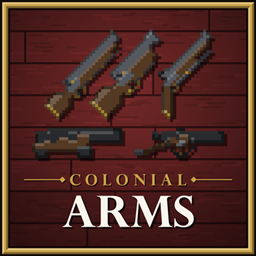
Colonial Arms [Fabric]
适用于Fabric的18世纪黑火药武器:燧发滑膛枪、手枪和喇叭枪,通过真正的钻头装填纸壳弹,还有由船员操作的海军和马拉野战炮,配备火药包、推弹杆和点火杆。

Clay Soldiers: Remoulded [Fabric]
小粘土人会捡起你丢在附近的东西并战斗到最后,它们会骑乘马、兔子、海龟和爬墙蜘蛛,现在还有了自己的城堡。经典粘土士兵模组的重制版。
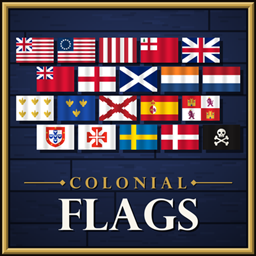
Colonial Flags [Fabric]
20 historically accurate flags of the colonial era, from the Grand Union and Betsy Ross flags to the Union Jack, the Dutch Statenvlag and the Cross of Burgundy. Fly them from flagpoles in 11 woods, stacked to any height, or hang one from a wall.
评论
登录后评论和评分