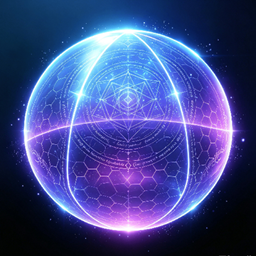
Projector Shield
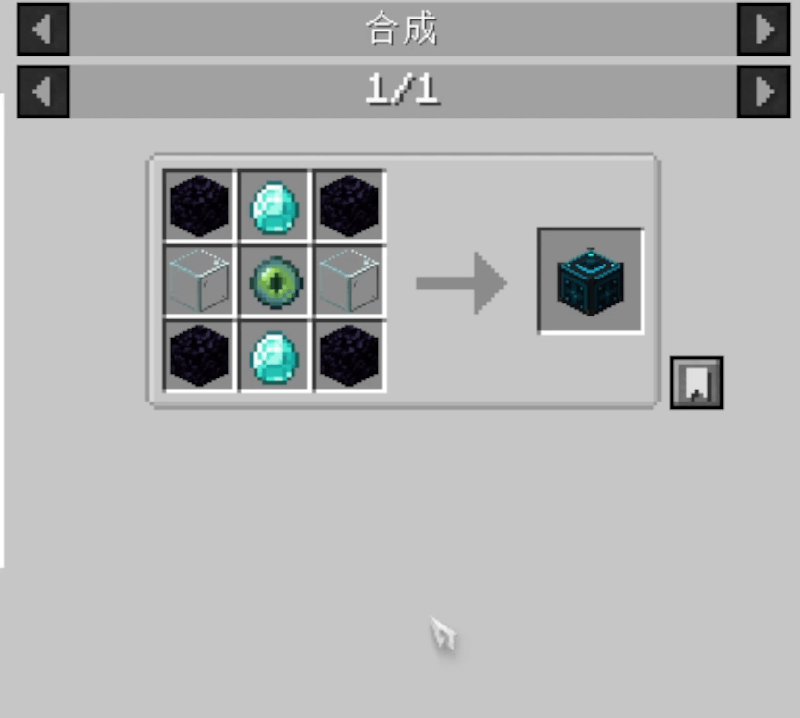
A configurable spherical shield with custom‑texture support. Toggle its state via redstone after placement. You may set pass‑through permissions for other players and mobs separately, while the placer can always go through.
介绍
ProjectorShield Mod
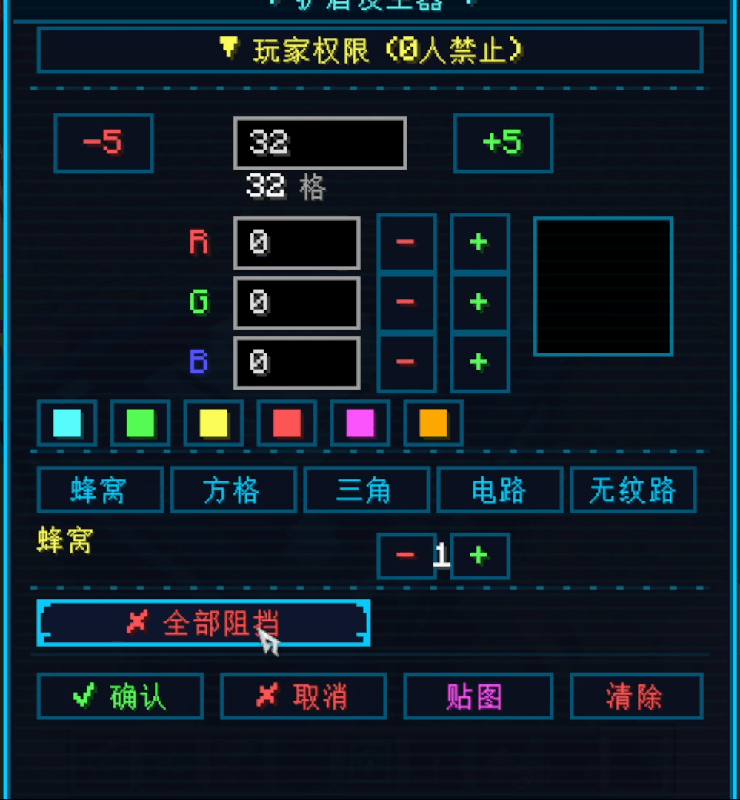
✨ Core Features Spherical Energy Shield — Placing the generator creates a large‑range spherical shield with a configurable radius from 10 to 100 blocks. Redstone Control — Toggle the shield with redstone signals.
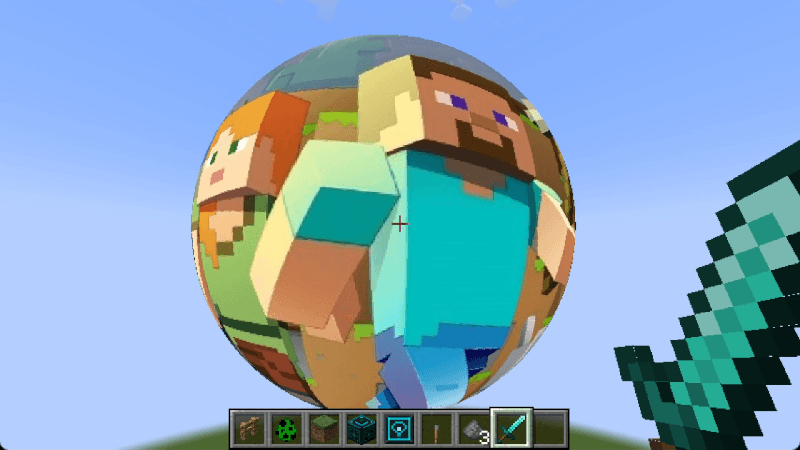
🎨 Custom Appearance RGB Colors — Freely adjust shield color, with preset color palettes for one‑click switching. 5 Texture Patterns — Honeycomb, Grid, Triangle, Circuit, and No Pattern for selection. Texture Projection — Load local images (PNG/JPG/BMP) to project onto the surface of the spherical shield.
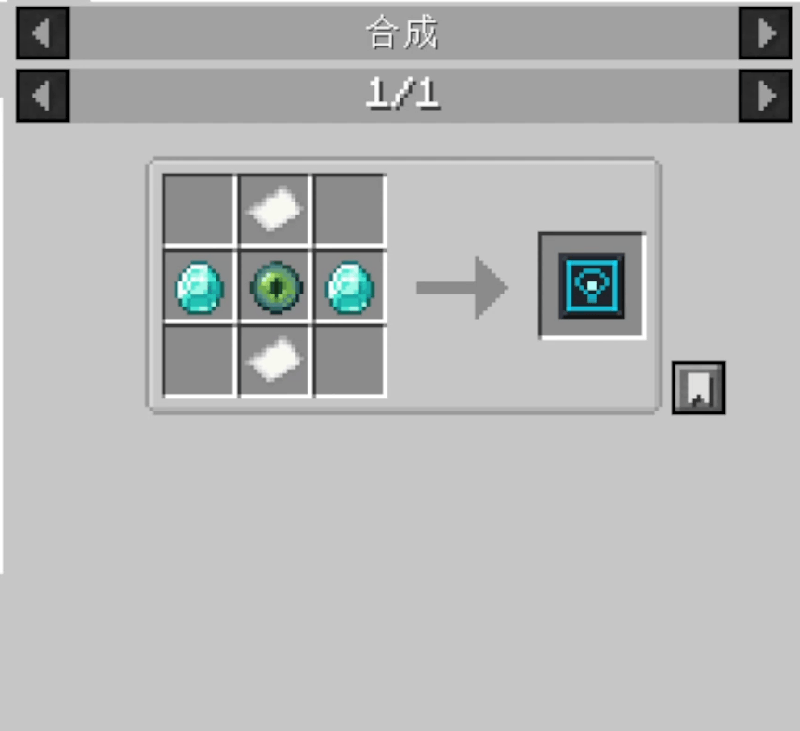
👤 Permission System Player Permissions — Allow or block access for specific players via the GUI dropdown menu. Access‑Pass Item — Right‑click mobs to grant or revoke pass‑through permissions; right‑click players to toggle their access status. Friendly Mode — When enabled, friendly mobs (animals, villagers, etc.) may pass freely, while hostile mobs remain blocked. Explosion Protection — Entities inside the shield are protected from explosions and projectiles.
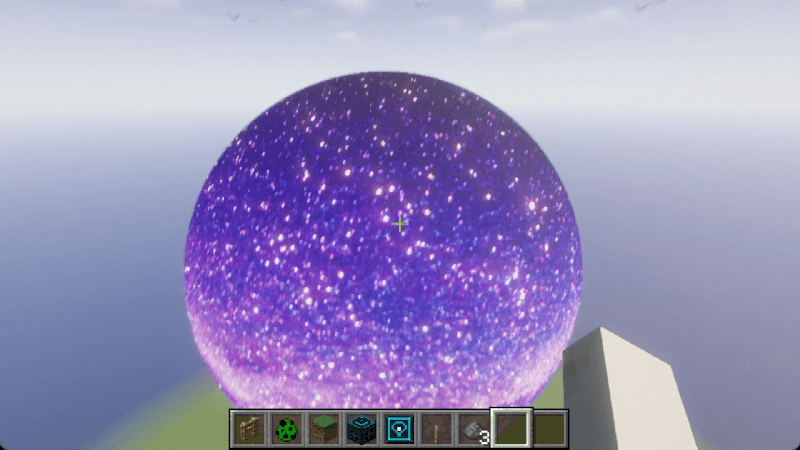
❗Different shaders will have different effects on the color and textures of the shield.
常见问题
Projector Shield 支持哪些 Minecraft 版本?
Projector Shield 支持 Minecraft Java 版 1.20.1–1.21.1,共 2 个版本,可用的加载器:Forge / NeoForge。下载时注意选择和你游戏版本一致的文件。
Projector Shield 怎么安装?
先用 PCL2 或 HMCL 启动器安装对应版本的 Forge / NeoForge,再把下载的 .jar 文件放进游戏目录的 mods 文件夹,重新启动游戏即可。开启了版本隔离的,mods 文件夹在 versions/版本名 下面。
评论
登录后评论和评分