
ShieldGuard
Visible animated shield bubbles, cloaking, shutdown alerts and hopper support for ShieldGrid.
截图

介绍
ShieldGuard
An addon for ShieldGrid that makes force fields something you can actually see and react to.
ShieldGrid protects your base and your airships; ShieldGuard adds the feedback that was missing: a visible bubble, alerts when a shield goes down, and automation support.
Features
🛡️ Visible shield bubble
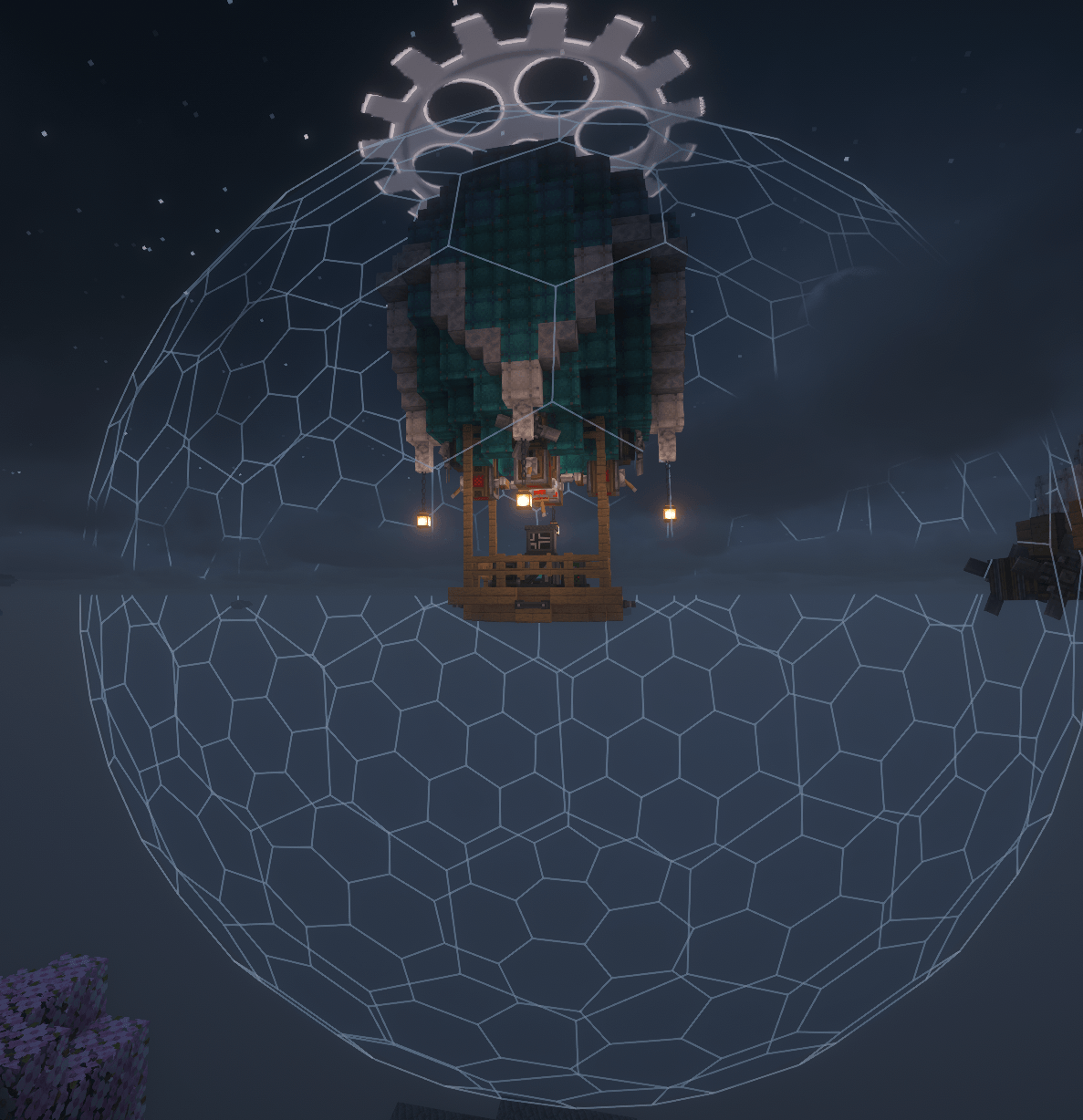
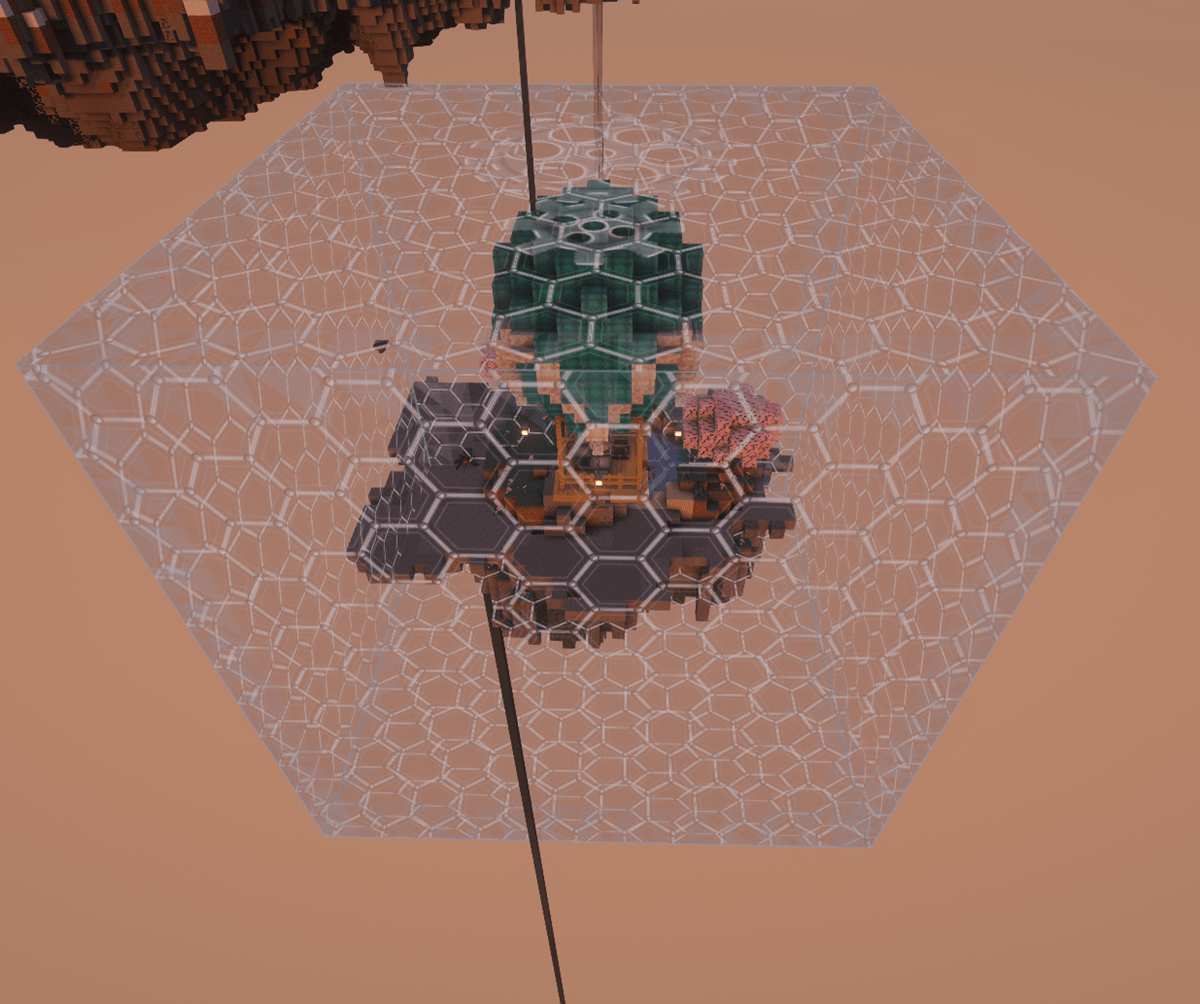
Every active shield draws an animated energy bubble showing exactly what it protects.
-
Works on the ground and on moving ships (Create Aeronautics / Sable): the bubble follows the hull.
-
Disappears as soon as the shield shuts down.
👁️ Cloaking
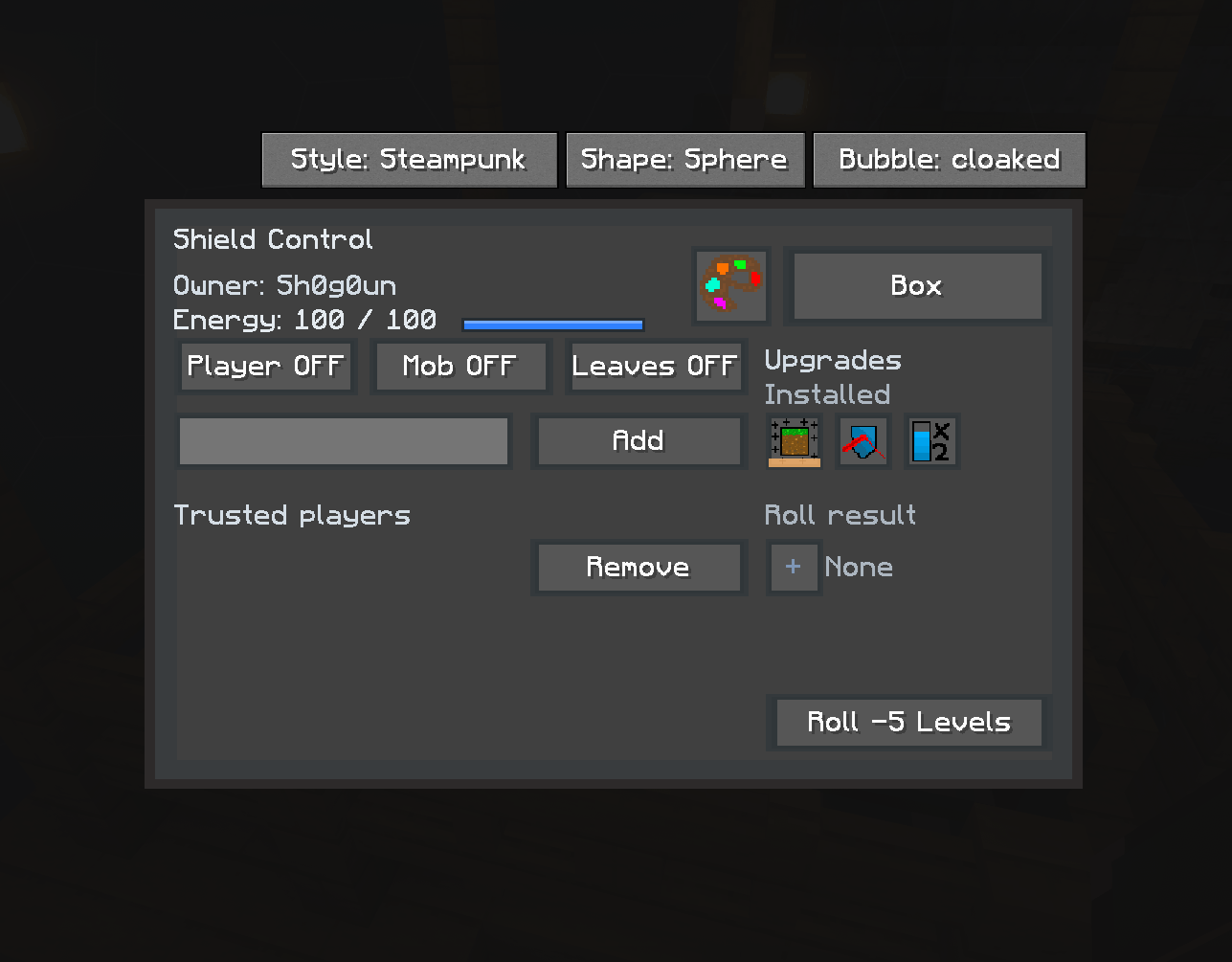
The shield owner gets a Visible / Cloaked button on the Shield Control screen.
-
Cloaked: other players no longer see the bubble.
-
The owner and trusted players always see it.
-
Only the owner (or an admin) can toggle it.
Cloaking is cosmetic. It hides the bubble’s rendering, not the shield itself.
⚠️ Shield Shutdown alerts
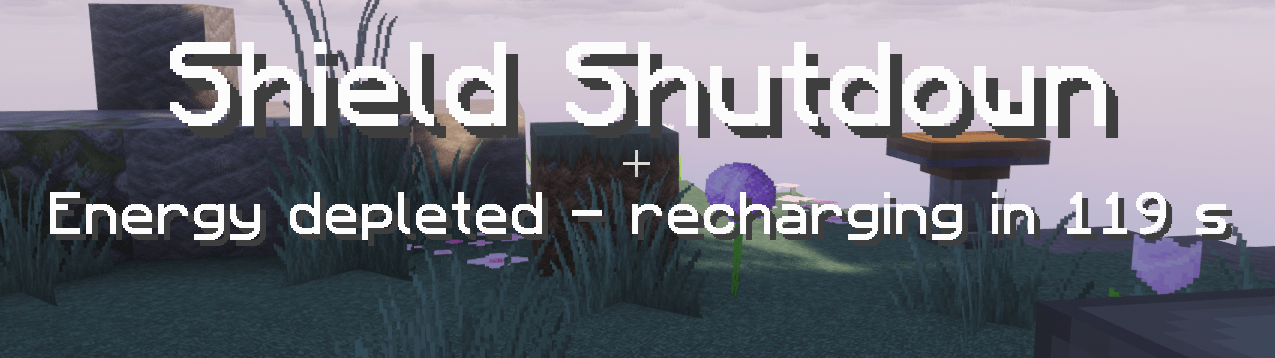
When a shield collapses, a title shows “Shield Shutdown” with the cause:
-
out of energy
-
radar jamming Sent to the owner, trusted players, and anyone standing inside the shield (unless it is cloaked).
⚙️ Automation
The shield generator accepts fuel from hoppers, Create funnels and mechanical arms. Keep your shields running without opening the GUI.
🌍 Translations
Includes a French translation of ShieldGrid. ShieldGuard itself is available in English and French.
🤝 FTB Teams (optional)
Optional integration: teammates can pass through each other’s shields. Disabled by default, enable it in the config.
Requirements
-
Minecraft 1.21.1, NeoForge
-
ShieldGrid 1.1.6+ (required)
-
Install on both client and server
-
Optional: Sable / Create Aeronautics, FTB Teams
Modpacks
Feel free to include ShieldGuard in any modpack.
Credits
ShieldGrid is made by munur35. ShieldGuard is an independent addon and is not affiliated with ShieldGrid.
常见问题
ShieldGuard 支持哪些 Minecraft 版本?
ShieldGuard 支持 Minecraft Java 版 1.21.1,可用的加载器:NeoForge。下载时注意选择和你游戏版本一致的文件。
ShieldGuard 怎么安装?
先用 PCL2 或 HMCL 启动器安装对应版本的 NeoForge,再把下载的 .jar 文件放进游戏目录的 mods 文件夹,重新启动游戏即可。开启了版本隔离的,mods 文件夹在 versions/版本名 下面。
Shogoun 的其他作品
查看全部 →
Builder’s Materials HUD
MineColonies附属模组,无需打开资源清单,就能直接在屏幕上查看建筑师所需的材料。

Steam & Stratosphere
A specialized industrial modpack focused on the synergy between Create's engineering and advanced aeronautics on Minecraft 1.21.1.

Steam & Stratosphere Skybound
Survive on floating sky islands, build steam-powered airships with Create Aeronautics, and explore an archipelago where every ore depends on altitude.

S’nS Core
Altitude ores, alloys, cold and insulation, Create cabin pressurizers and armor plating for the Steam & Stratosphere: Skybound modpack.
评论
登录后评论和评分