
Client Runtime Interface Toolkit 🛠️
Client-side test kit for Minecraft: automated tests drive a real client, operate GUIs, send input, take screenshots and check the client state.
截图
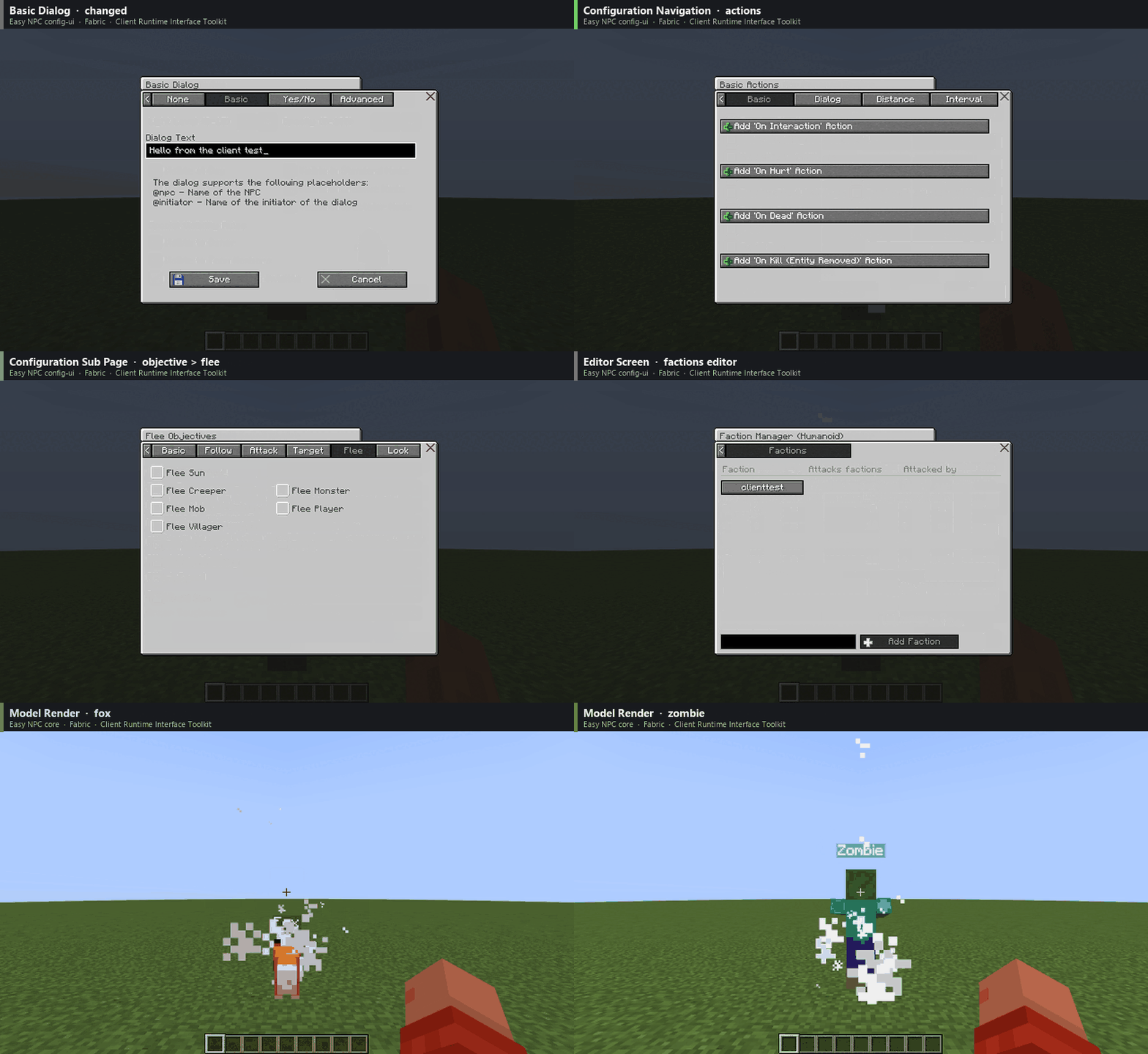
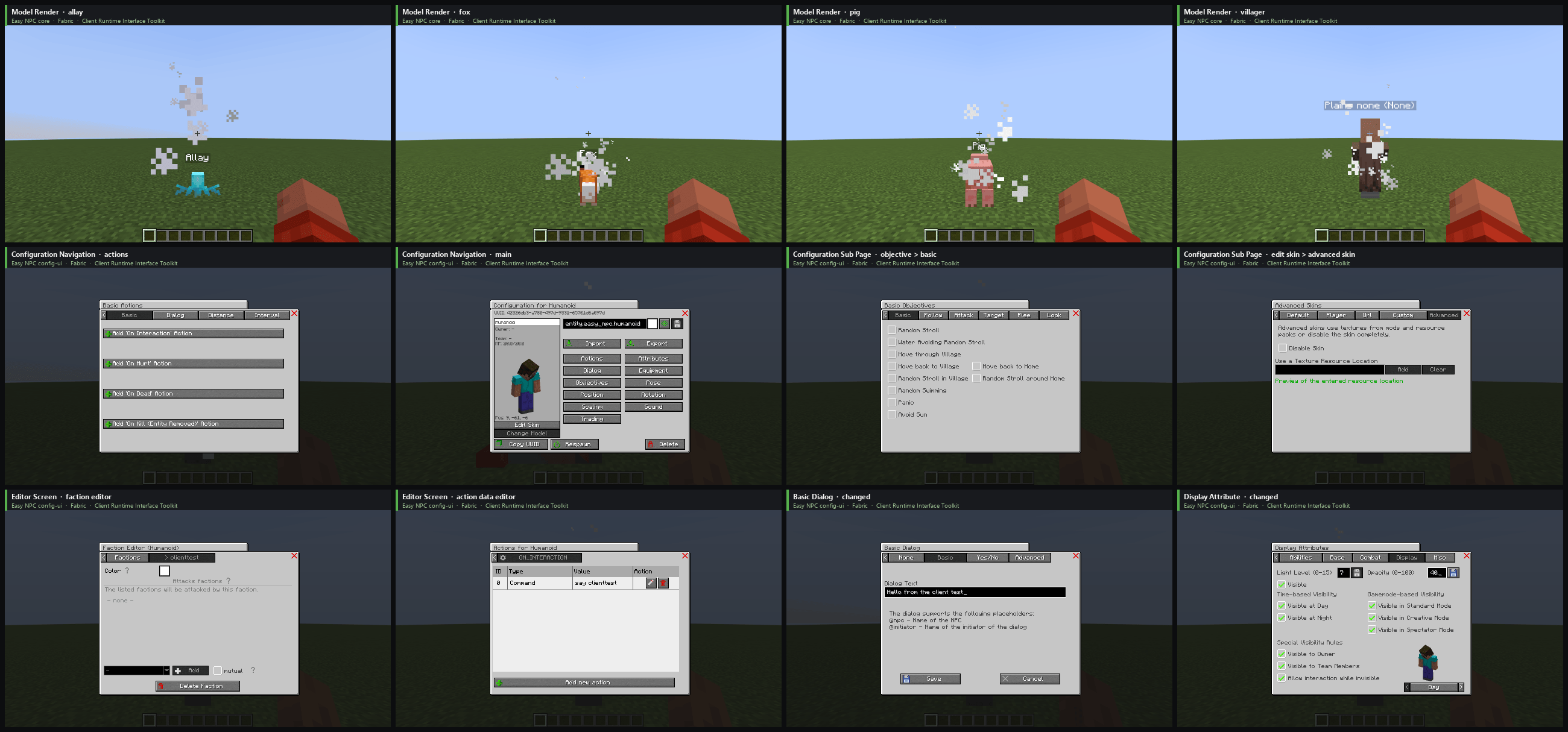
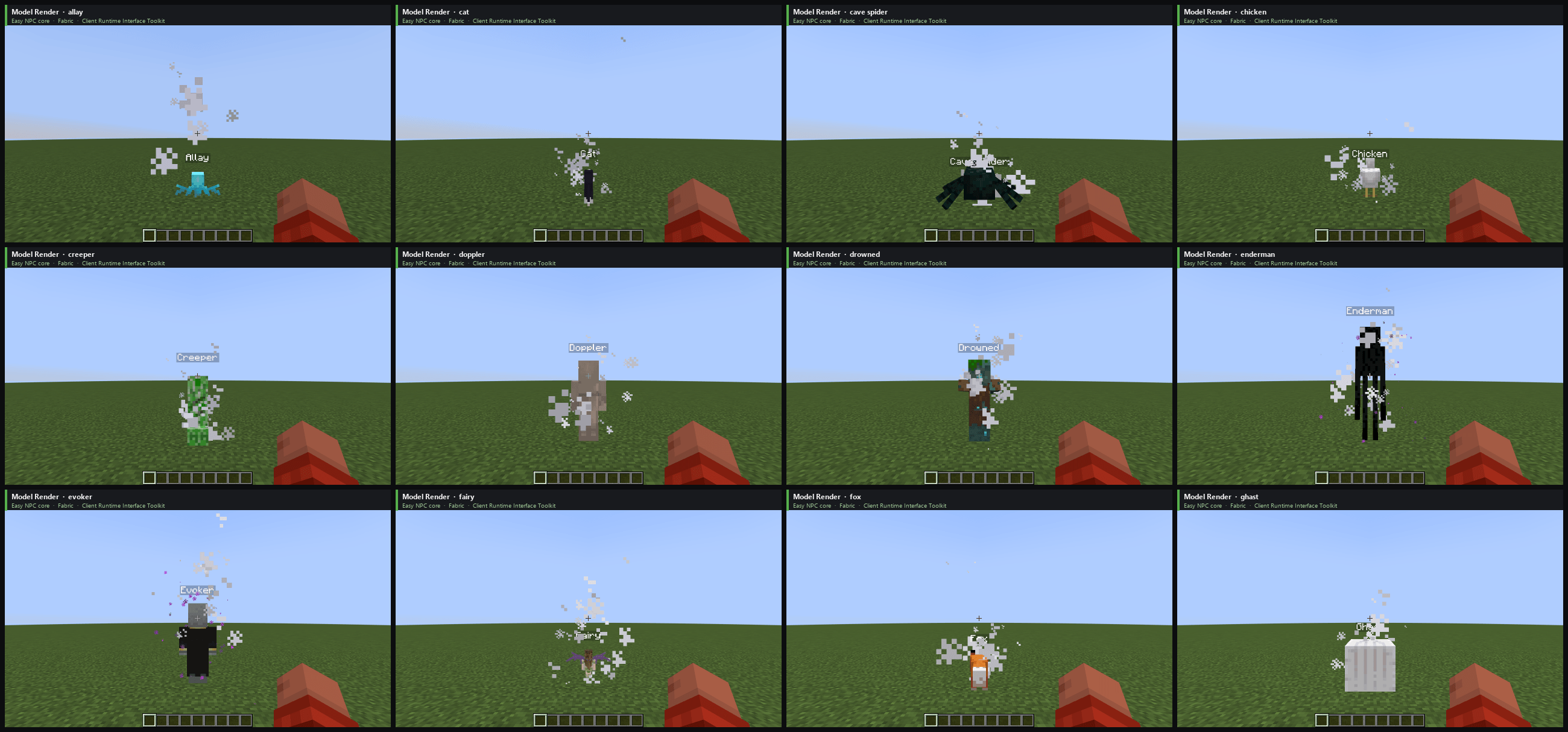
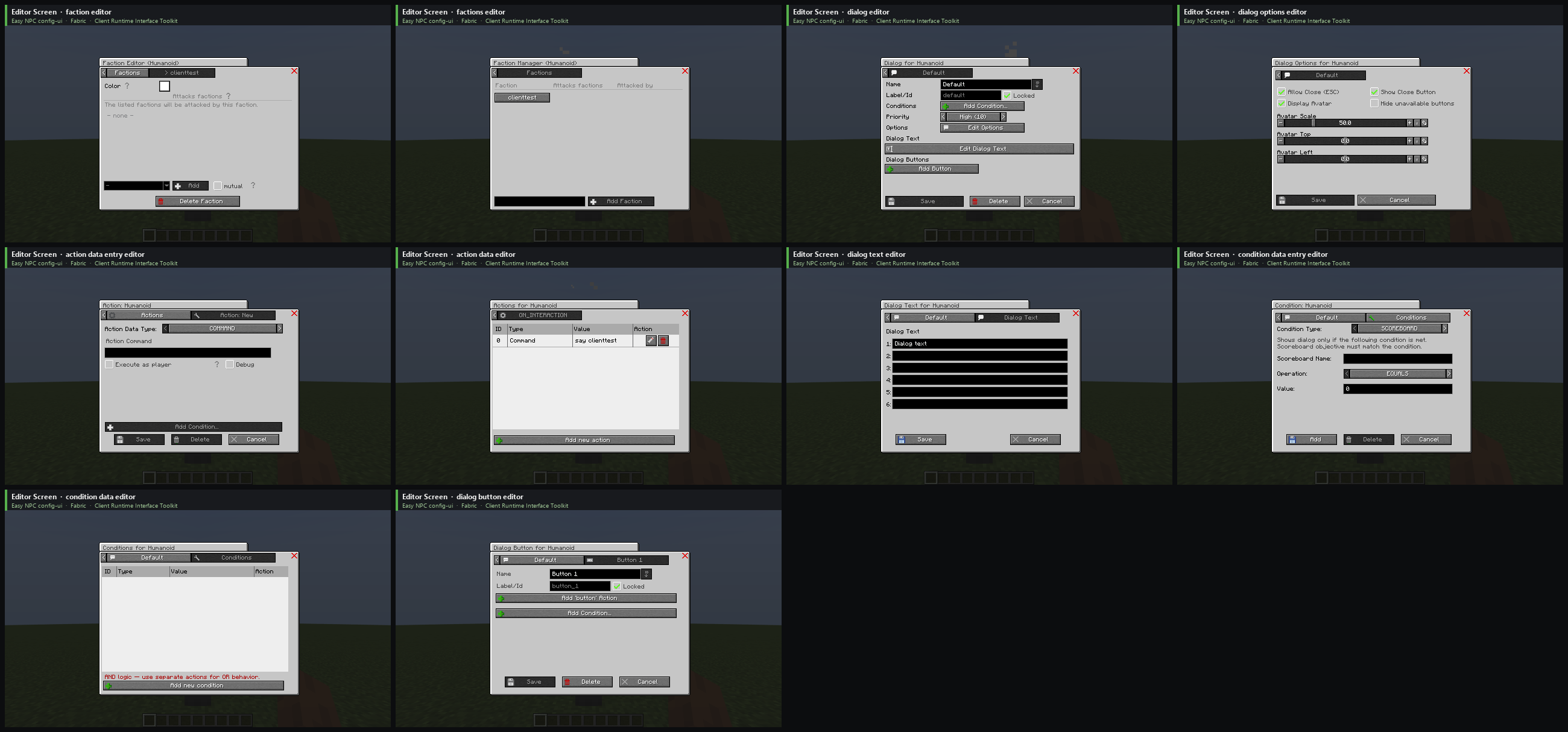
介绍
🧪 Client Runtime Interface Toolkit 🛠️





Client Runtime Interface Toolkit is a test framework library for Minecraft mods with JUnit 5 integration. Your tests drive a real Minecraft client: open screens, click buttons, check what is shown and take screenshots.
🚧 Beta: ready to try, but use it at your own risk. More is coming over the next days.
Why it exists 💡
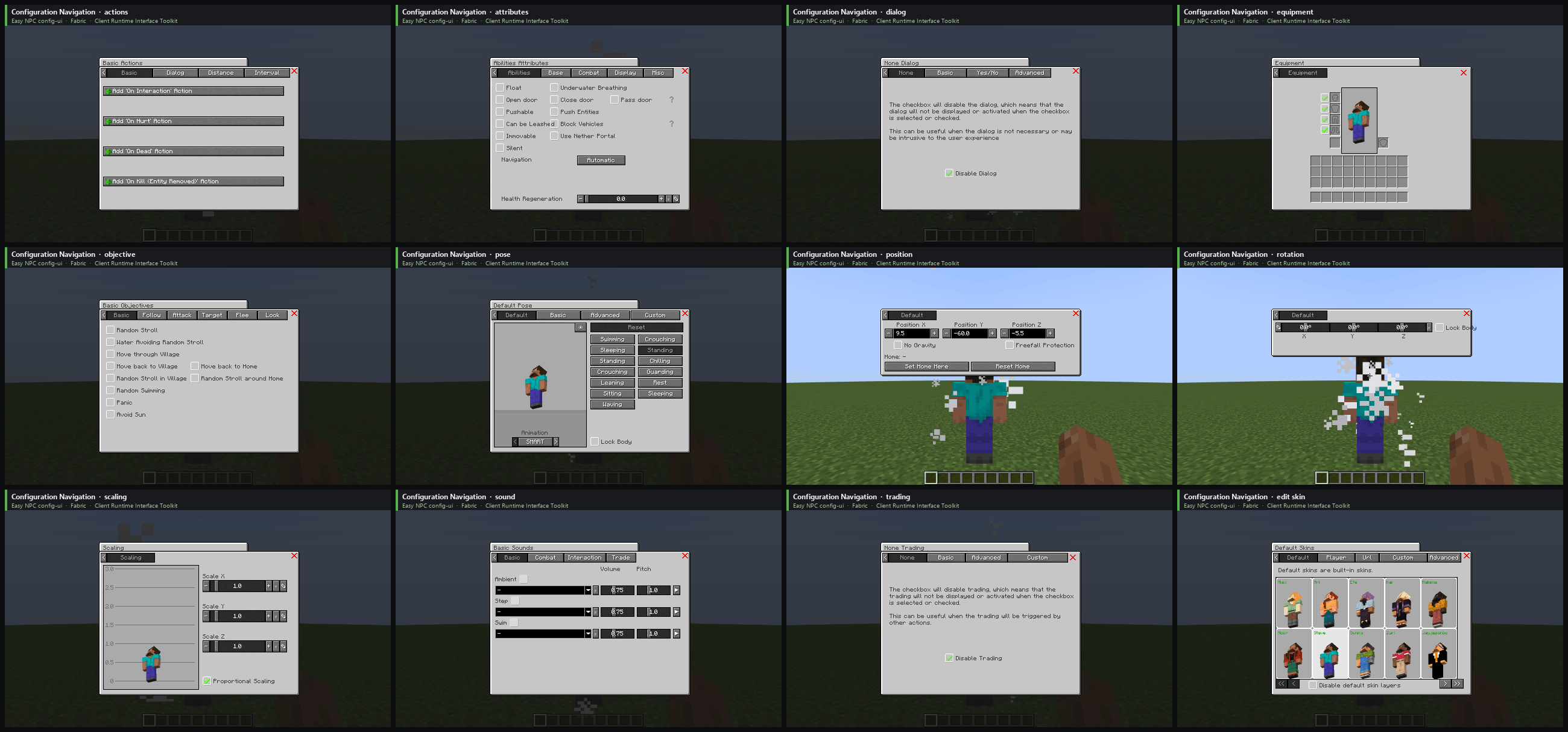
I built it for the configuration UI of Easy NPC: around 500 UI elements like screens, tabs, buttons, checkboxes and options. After every change I had to click through most of them by hand, which took hours. Now the tests do that, and I see right away when something is broken.
Unit tests and game tests run without a client, so they never see a screen, a button or a rendered NPC. This toolkit closes that gap. I have used it for simple checks like “does this screen still open” for a while; now it tests single buttons, widgets and NPCs one by one.
⚠️ Not a cheat, bot or AI tool
- ❌ Not for auto farming, AFK bots or any advantage on other people’s servers.
- ❌ Not a tool for AI agents. It is a test framework, nothing else.
- 🔒 Works only on your own computer (
127.0.0.1), with a secret that changes on every start. - 🖥️ Always shows on screen when the client can be controlled.
- 🔌 The player can disconnect it at any time with the Pause key or “Disconnect toolkit” in the pause menu. It stays off until Minecraft is restarted.
- 🌐 On multiplayer servers, input from the toolkit is refused, unless that server runs the toolkit too and its operator allowed you.
Feature requests that weaken these protections will not be accepted.
Features ✨
- Read the open screen with its widgets, the player, the inventory, the world and nearby entities.
- Click, hover and type by widget text instead of pixel coordinates.
- Wait for and assert on the client state, including a layout check for widgets that overlap, stick out of the screen or show untranslated text.
- Screenshots that carry suite, test and versions in the PNG metadata, never the overlay.
Testing your own mod 🧩
testImplementation group: 'de.markusbordihn.clientruntimeinterfacetoolkit',
    name: 'client_runtime_interface_toolkit-fabric-1.20.1', version: '1.0.0'
class OptionsScreenTest {
@RegisterExtension
static final GameClientExtension CLIENT =
GameClientExtension.of(GameClient.launch().withWindowSize(854, 480));
@Test
void optionsScreenShowsVideoSettings() {
CLIENT.clickAndAwaitScreen(By.translationKey("menu.options"));
CLIENT.assertState(
Until.screen("minecraft:options"),
Until.widgetPresent(By.translationKey("options.video")));
CLIENT.assertLayoutClean();
Path screenshot = CLIENT.saveScreenshot("options");
System.out.println("Screenshot saved to " + screenshot);
}
}The test starts a client at the title screen, opens the options, checks that the “Video Settings…” button is there and nothing overlaps or sticks out, and saves a screenshot to .client_test/screenshots/OptionsScreenTest/optionsScreenShowsVideoSettings-options-01.png. Translation keys find a widget in every language; By.text("Options...") works too, but only in English.
For real examples, see the UI tests of Easy NPC. The test runner inside the jar does nothing unless a test starts it.
Configuration ⚙️
Settings live in config/client_runtime_interface_toolkit/toolkit.properties. The most important one is runtime_profile:
attended(default): someone sits in front of the client, a click takes control back.test: unattended test runs with low volume, no music and reduced graphics.movie: liketest, meant to be watched, at full volume.observer: reading only, the client behaves like vanilla.custom: every option is taken from the file.
control_access=none turns every kind of control off. A wiki with all settings will follow.
常见问题
Client Runtime Interface Toolkit 🛠️ 支持哪些 Minecraft 版本?
Client Runtime Interface Toolkit 🛠️ 支持 Minecraft Java 版 1.20.1–26.3,共 6 个版本,可用的加载器:Fabric / Forge / NeoForge / Quilt。下载时注意选择和你游戏版本一致的文件。
Client Runtime Interface Toolkit 🛠️ 怎么安装?
先用 PCL2 或 HMCL 启动器安装对应版本的 Fabric / Forge / NeoForge / Quilt,再把下载的 .jar 文件放进游戏目录的 mods 文件夹,重新启动游戏即可。开启了版本隔离的,mods 文件夹在 versions/版本名 下面。
Kaworru 的其他作品
查看全部 →
APTweaks: Core (11.x Classic)
核心是所有自适应性能优化模块的必需前置,提供共享API、监控功能、事件和命令。

APTweaks: Items (11.x Classic)
物品堆叠(掉落方块、经验球等)与垃圾清理。

Easy NPC
在你的世界或模组中轻松创建带有对话功能的 NPC。

Easy Mob Farm
这款简易生物农场模组对服务器很友好,可以捕捉各种动物和生物来收集战利品。模组还提供了多种捕捉道具和生物农场,让过程更有趣。
评论
登录后评论和评分