
NeoGeckoJS
作者:MrClockwork
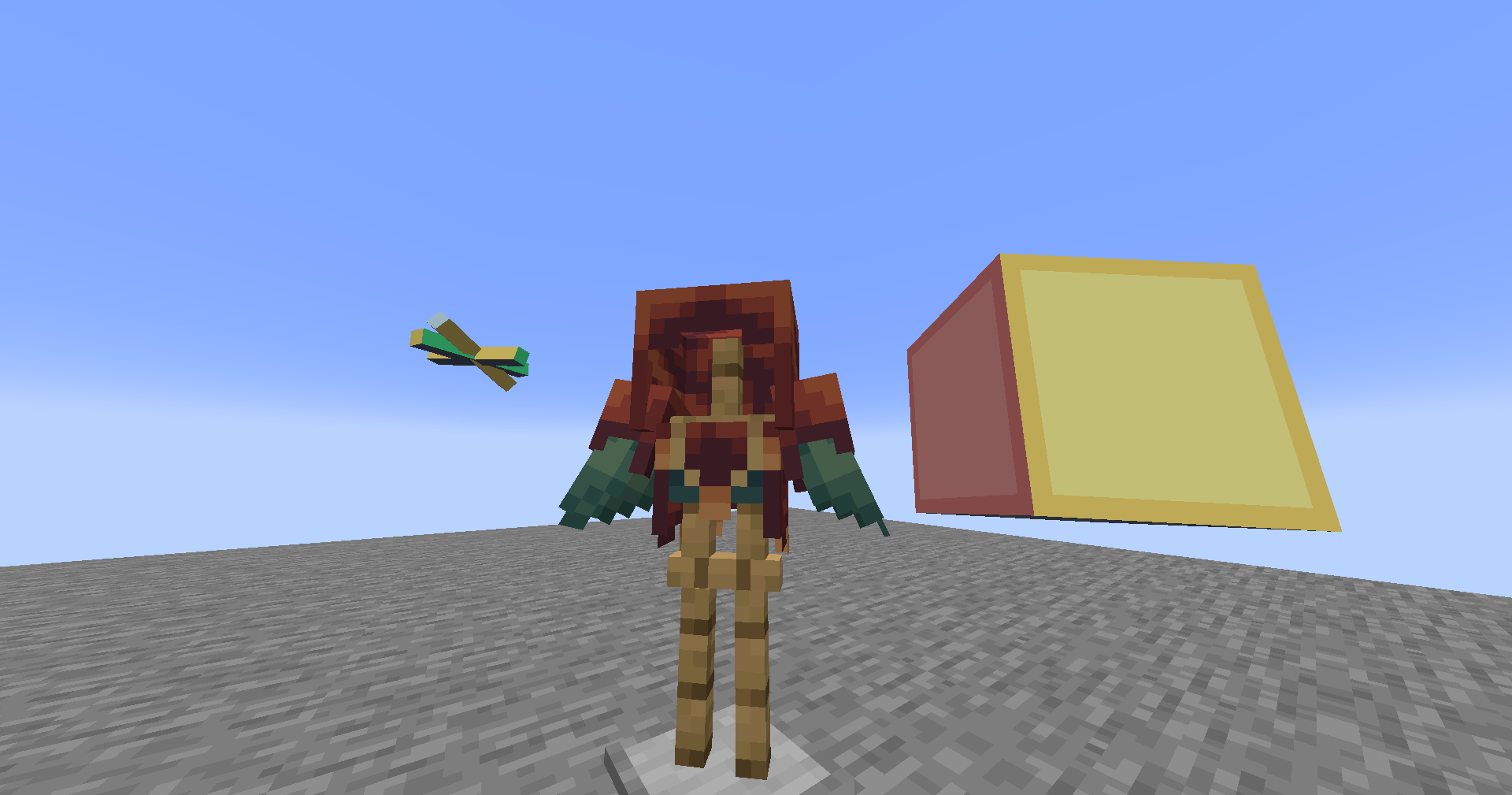
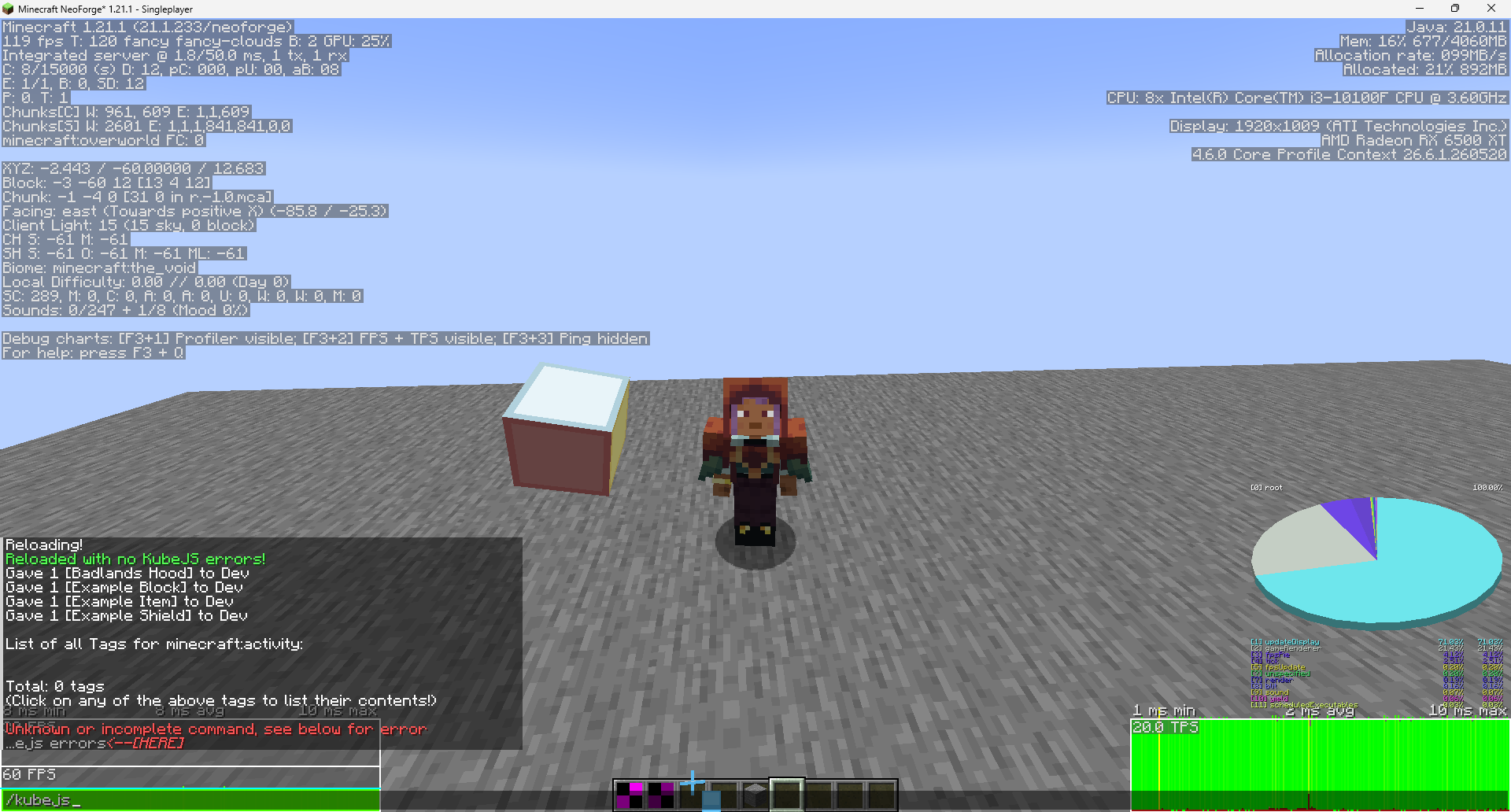
Use GeckoLib to create animatable block/item/armor by KubeJS now on NeoForge!
截图
介绍
中文介绍正在准备中,下面暂时显示原文。
Gecko JS
Use GeckoLib to create animatable block/item/armor by simply using KubeJS!
This mod was originally made for Forge 1.20.1 and had no Modrinth Version, however this both ports and updates the mod for NeoForge 1.21.1 with just about perfect 1:1 replication so any original scripts and assets work almost the same!
What’re some examples?
Any of the original examples should work pretty much the exact same, again it’s just about 1:1.
Startup Script:
StartupEvents.registry("block", event => {

    const rotating = RawAnimation.begin().thenLoop("rotating");

    event.create("geckojs:example_block", "animatable")

        .box(1, 1, 1, 15, 15, 15, true)

        .animatableBlockEntity(blockEntity => {

            blockEntity.addController(state => state.setAndContinue(rotating))

        })

        .defaultGeoModel()

})
Item Example:
StartupEvents.registry('item', event => {
    event.create('cool_sword', 'anim_sword')
        .tier('diamond')
        .defaultGeoModel()
        .addController(controller => {
            controller.addAnimation(state => {
                if (state.isMoving()) {
                    return state.setAndContinue(RawAnimation.begin().thenLoop("walk"))
                }
                return state.setAndContinue(RawAnimation.begin().thenLoop("idle"))
            })
        })
})
Armor Example:
event.create('fancy_helmet', 'anim_helmet')
    .material('iron')
    .defaultGeoModel()
    .armorItemUseGeoModel() // Makes the item icon use the 3D model
    .boneVisibility((renderer, slot) => {
        // Hide a specific bone on the armor model
        renderer.hideBone("extra_antenna")
    })
Blocks Example:
StartupEvents.registry('block', event => {
    event.create('animated_pillar', 'animatable')
        .defaultGeoModel()
        .addController(controller => {
            controller.addAnimation(state => {
                return state.setAndContinue(RawAnimation.begin().thenLoop("spin"))
            })
        })
})
常见问题
NeoGeckoJS 支持哪些 Minecraft 版本?
NeoGeckoJS 支持 Minecraft Java 版 1.21.1,可用的加载器:NeoForge。下载时注意选择和你游戏版本一致的文件。
NeoGeckoJS 怎么安装?
先用 PCL2 或 HMCL 启动器安装对应版本的 NeoForge,再把下载的 .jar 文件放进游戏目录的 mods 文件夹,重新启动游戏即可。开启了版本隔离的,mods 文件夹在 versions/版本名 下面。运行环境:客户端和服务端都要装。
评论
登录后评论和评分