NotLighting
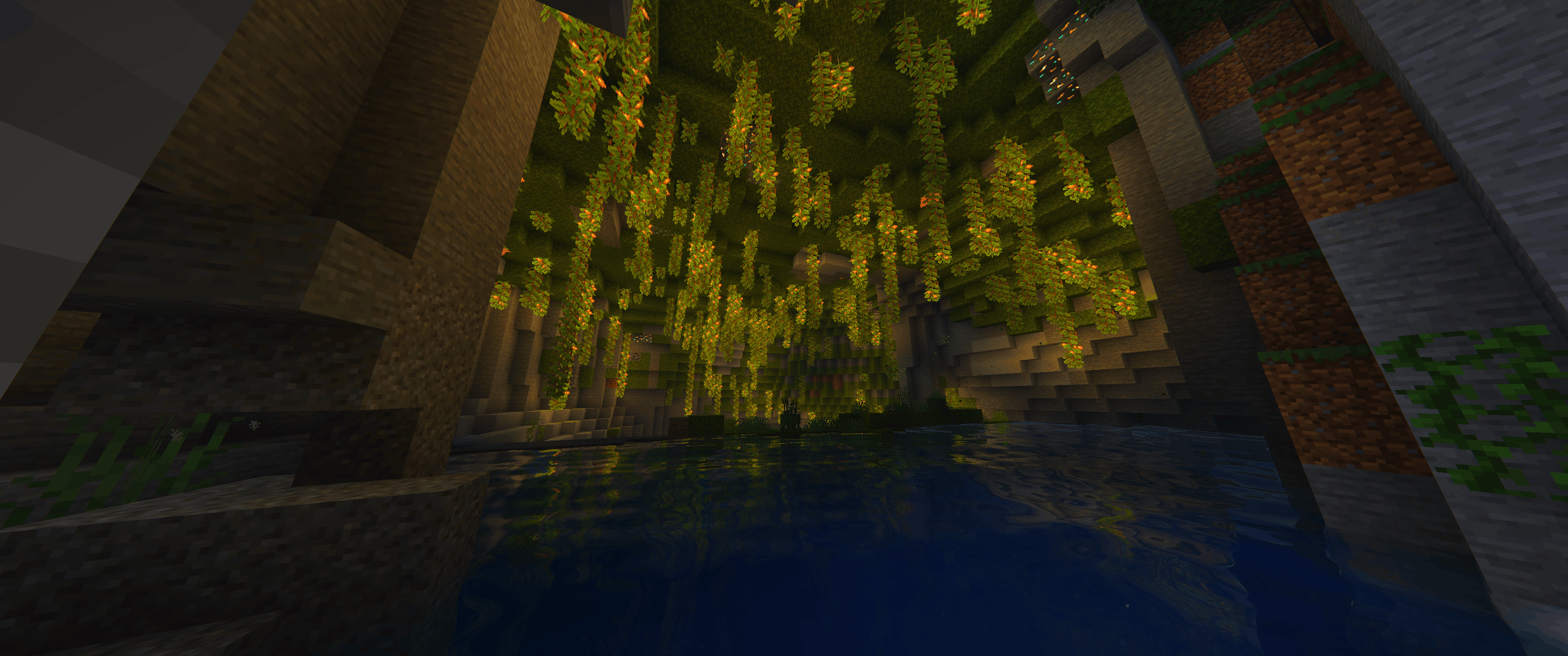
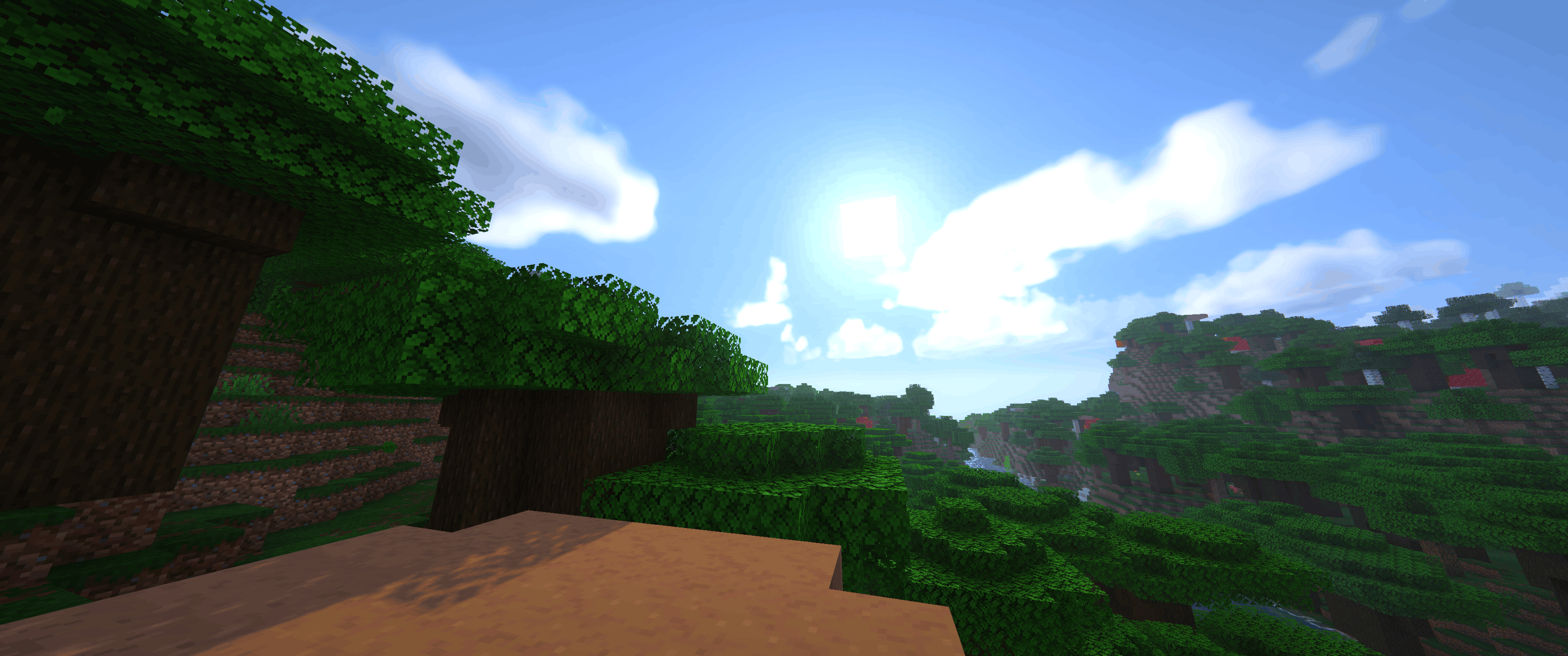
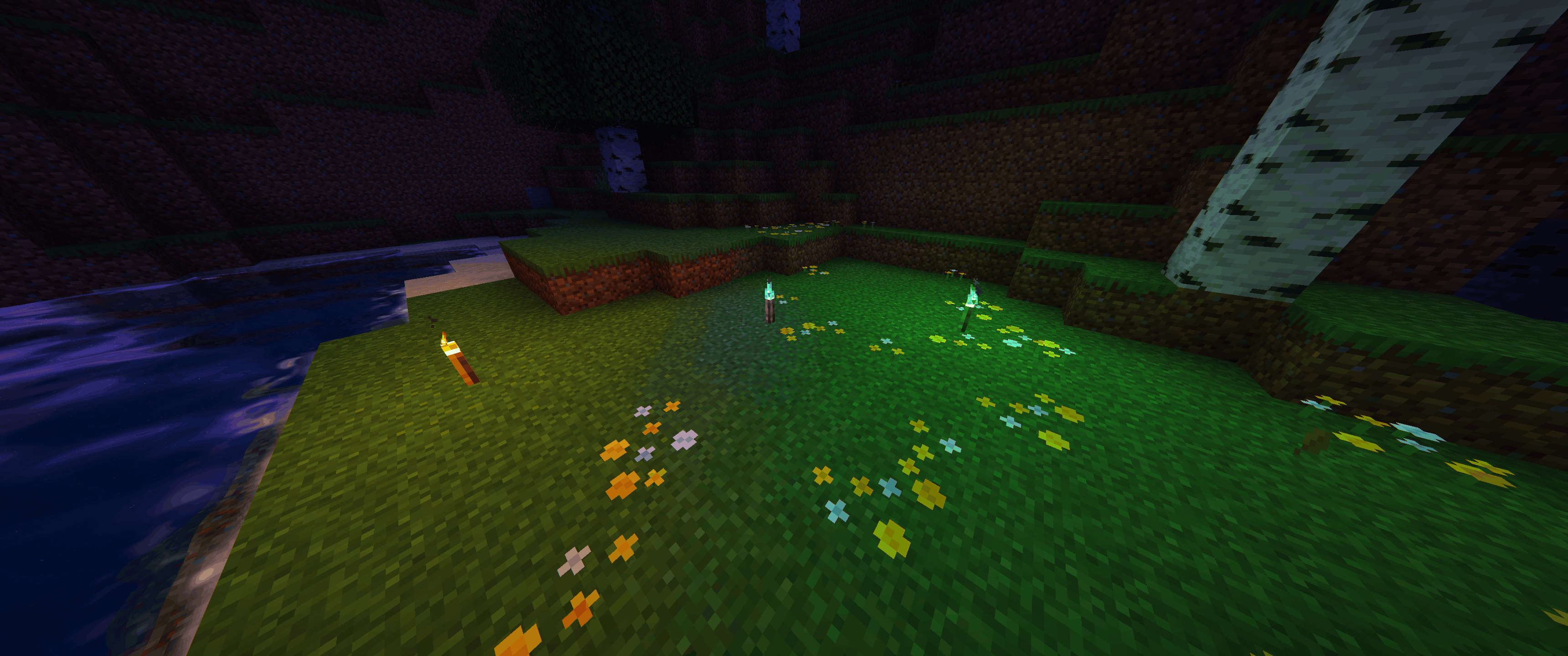
Shader-like lighting, shadows, water and skies as a normal Fabric mod, no shader pack needed.
截图
介绍
Shader-like lighting, shadows, water and skies as a normal Fabric mod, no shader pack needed.
Description:
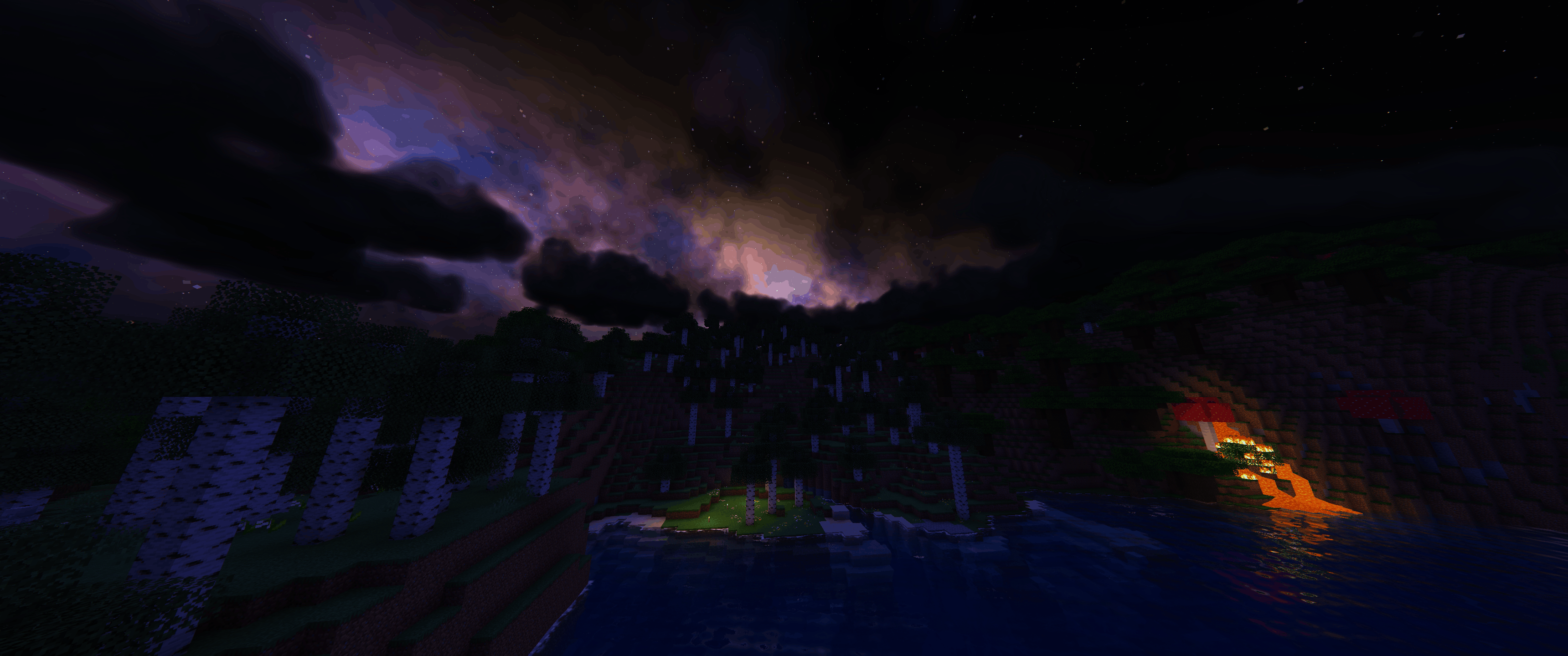
NotLighting makes Minecraft look like you’re running shaders, but it’s just a normal Fabric mod. No Iris, no shader pack, you just drop it into your mods folder.
The mod is still in development. Some things can look a bit off or break here and there, and I’m still adding new stuff and tweaking the look. If you find a bug, let me know in the comments (a screenshot helps a lot).
What’s in it Real shadows from the sun and moon, even the gaps between leaves let light through Colored light: torches glow orange, soul fire blue, redstone red and so on Leaves, grass, flowers, crops, vines and kelp move in the wind Clear water with waves, reflections and caustics. You can see the bottom and the water gets bluer the deeper it goes Wet ground and puddles when it rains Volumetric clouds that cast shadows Milky Way and shooting stars at night, northern lights in snowy biomes A completely new sky in the End: deep space with a huge ringed planet Reworked Nether portals, End portals and End gateways Glowing ores and lava, bloom, god rays and nicer colors Support for LabPBR resource packs (normal and specular maps)
Every effect can be turned on or off in the settings and changes apply right away.
Controls G opens the settings (Mod Menu works too) F7 turns the whole mod on/off Requirements Minecraft 26.3 and Fabric Loader 0.19.5 or newer Fabric API is optional Works with Sodium 0.9.2 and 0.9.3 Works on both OpenGL and Vulkan Don’t use it together with Iris or shader packs
It’s client-side only, so it works on any server.
Performance
Tested on an RTX 5060 with an ultrawide monitor, it runs at around 200 FPS. If it’s too much for your PC, try turning off shadows, clouds or reflections first, or just lower the shadow quality.
常见问题
NotLighting 支持哪些 Minecraft 版本?
NotLighting 支持 Minecraft Java 版 26.3,可用的加载器:Fabric。下载时注意选择和你游戏版本一致的文件。
NotLighting 怎么安装?
先用 PCL2 或 HMCL 启动器安装对应版本的 Fabric,再把下载的 .jar 文件放进游戏目录的 mods 文件夹,重新启动游戏即可。开启了版本隔离的,mods 文件夹在 versions/版本名 下面。
评论
登录后评论和评分