Craft Without Unpacking
Craft directly using ingredients from Shulker Boxes and supported backpacks with JEI, REI, and EMI. No unpacking required.
介绍
Crafting Without Unpacking
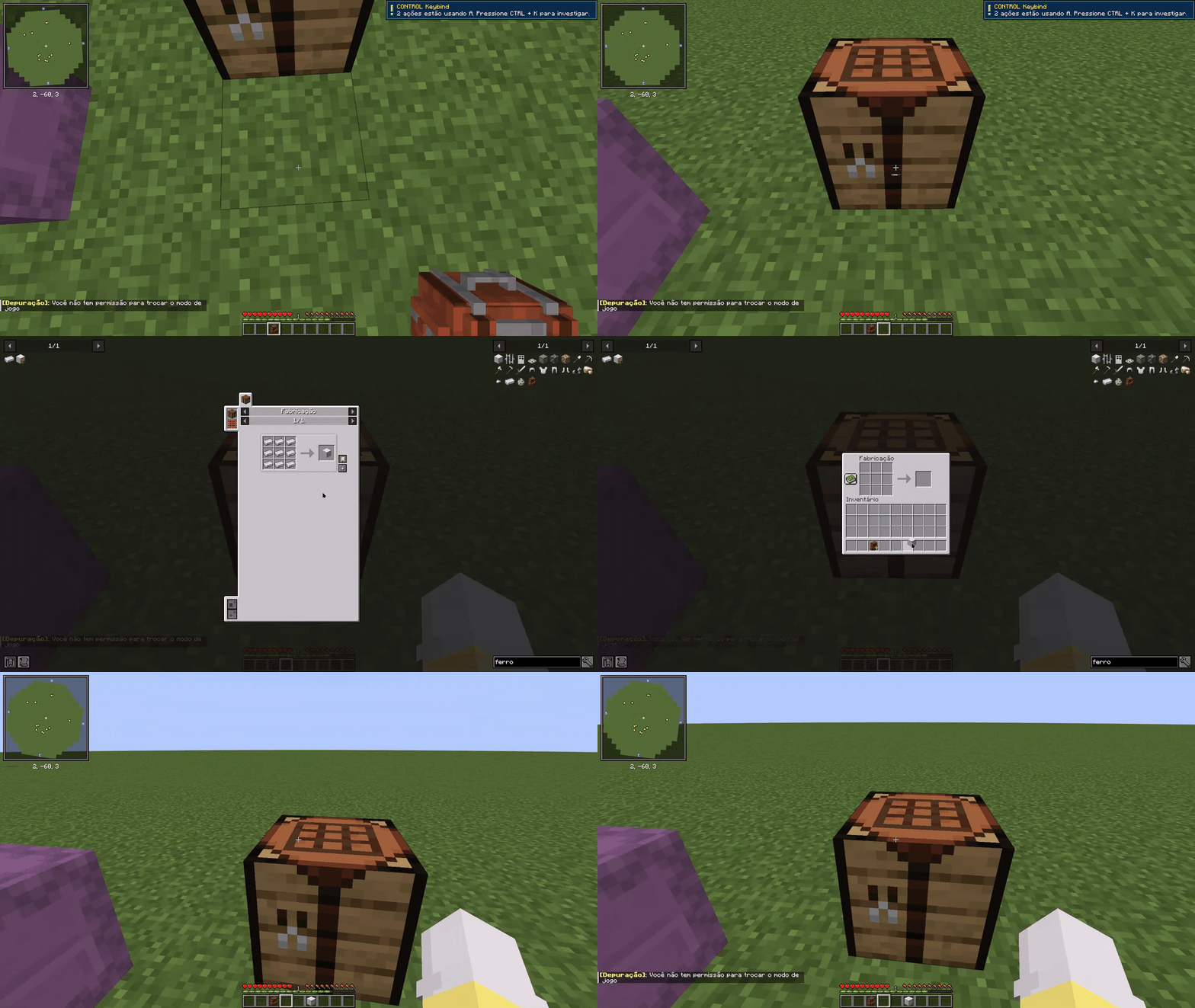
Your ingredients are already with you. Why unpack them just to craft?
Crafting Without Unpacking is a Minecraft utility mod that lets you use ingredients stored inside supported backpacks and Shulker Boxes when transferring recipes with JEI, REI or EMI.
No more opening backpacks, moving stacks into your inventory, crafting, and putting everything back.
Keep your items organized. Craft without the extra steps.
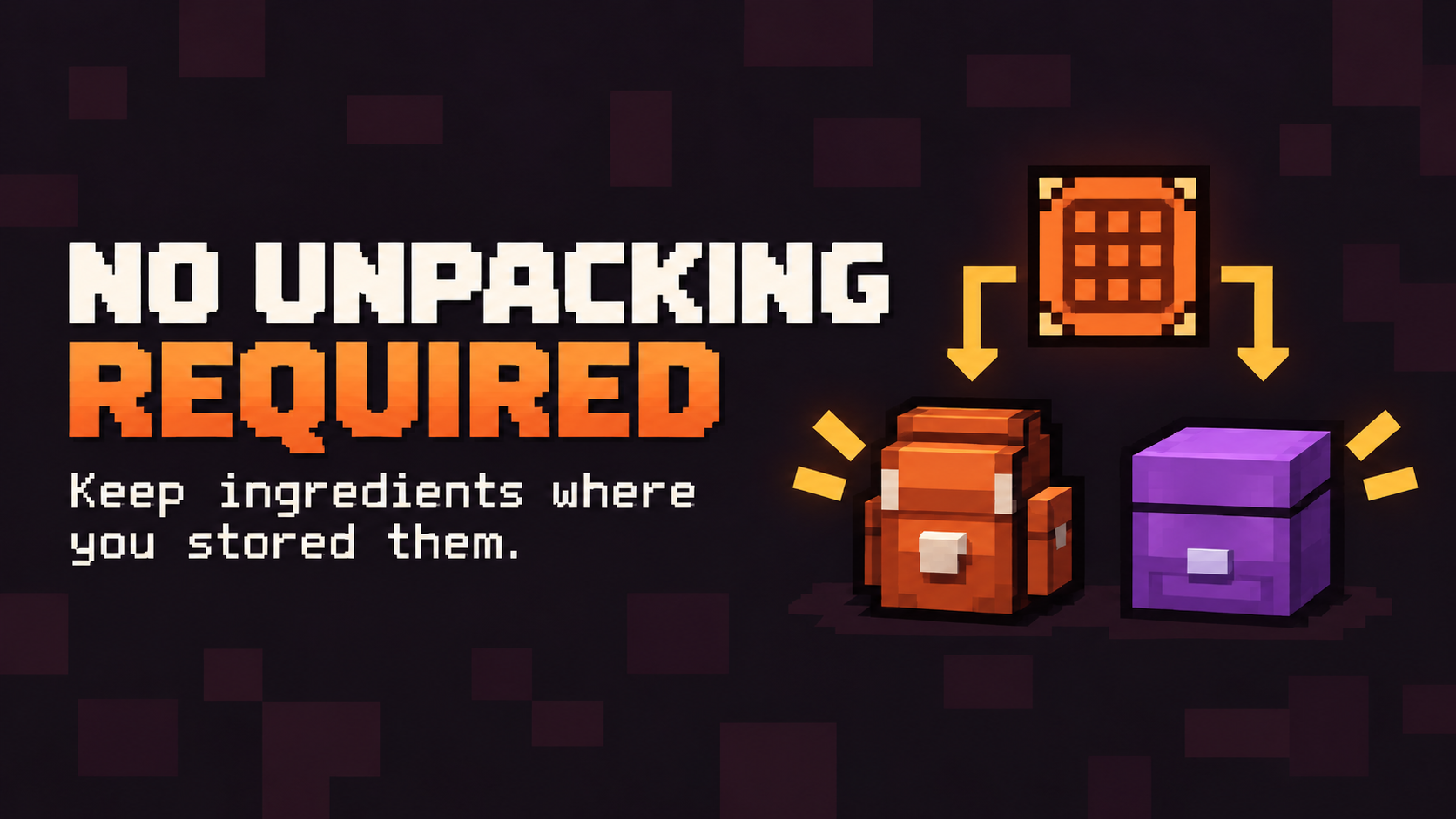
Imagine having your iron ingots inside a Shulker Box and your sticks inside a backpack.
Normally, you would need to open both containers, take out the ingredients, and move them into your inventory before transferring the recipe.
With Crafting Without Unpacking, supported portable storage becomes an additional source of crafting ingredients.
Simply select your recipe and use the normal recipe transfer feature.
Supported Storage
- Shulker Boxes — Vanilla Minecraft storage.
- Sophisticated Backpacks — Access ingredients stored in supported backpacks.
- Traveler’s Backpack — Use stored ingredients without manually unpacking them.
Ingredients can come from your normal inventory and supported portable storage, making crafting more convenient in larger modpacks.
The mod focuses on the supported storage types above rather than claiming compatibility with every storage system.
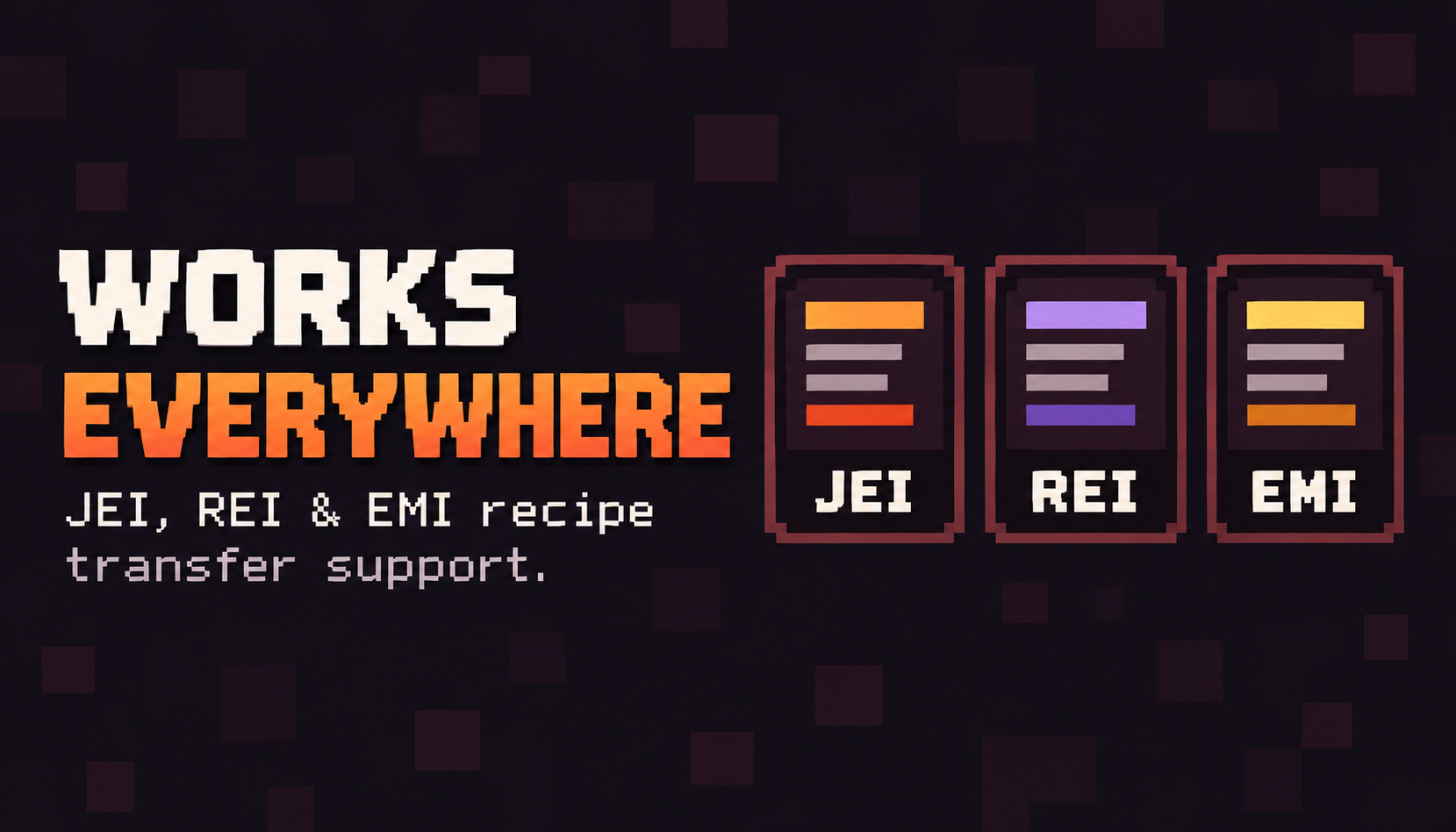
Crafting Without Unpacking integrates with three popular Minecraft recipe viewers:
- JEI — Just Enough Items
- REI — Roughly Enough Items
- EMI
Use the recipe viewer you prefer. Crafting Without Unpacking extends recipe transfers to supported portable storage without replacing your existing recipe interface.
How to Use
- Keep your crafting ingredients inside a supported backpack or Shulker Box.
- Open a crafting interface and find the desired recipe using JEI, REI or EMI.
- Use the recipe viewer’s normal recipe transfer action.
- The mod transfers the required available ingredients into the crafting grid.
- Craft your item normally.
No separate crafting station. No manual unpacking.
Compatibility & Installation
Crafting Without Unpacking is a standalone mod.
It does not require CraftAhead to be installed.
Install the appropriate Crafting Without Unpacking build alongside a compatible recipe viewer. The corresponding backpack mod is needed when using that backpack’s storage.
Automatic ingredient extraction requires installation on both client and server in multiplayer.
In singleplayer, Minecraft’s integrated server handles the process.
For supported Minecraft versions, mod loaders, and dependencies, check the Files and Relations sections of this project.
Crafting Without Unpacking is developed by Denck.
If this mod saves you time and makes your Minecraft experience a little better, consider supporting future development.
☕ Support Denck on Buy Me a Coffee
Thank you for playing!
常见问题
Craft Without Unpacking 支持哪些 Minecraft 版本?
Craft Without Unpacking 支持 Minecraft Java 版 1.20.1–1.21,共 2 个版本,可用的加载器:Fabric / Forge / NeoForge。下载时注意选择和你游戏版本一致的文件。
Craft Without Unpacking 怎么安装?
先用 PCL2 或 HMCL 启动器安装对应版本的 Fabric / Forge / NeoForge,再把下载的 .jar 文件放进游戏目录的 mods 文件夹,重新启动游戏即可。开启了版本隔离的,mods 文件夹在 versions/版本名 下面。
Denck 的其他作品
查看全部 →
CONTROL Keybind
Fix keybind conflicts in seconds and bring your controls between modpacks.
CONTROL Hotbar
Keep automatically received items out of your hotbar when your inventory has room.
CraftAhead
Smarter vanilla crafting with recipe suggestions, automatic recipe filling, bulk crafting, and backpack support.
评论
登录后评论和评分