
Cozy Villages
Create cozy villages with cottages, shops, functional furniture, connected fences, foliage, and precise free placement
截图
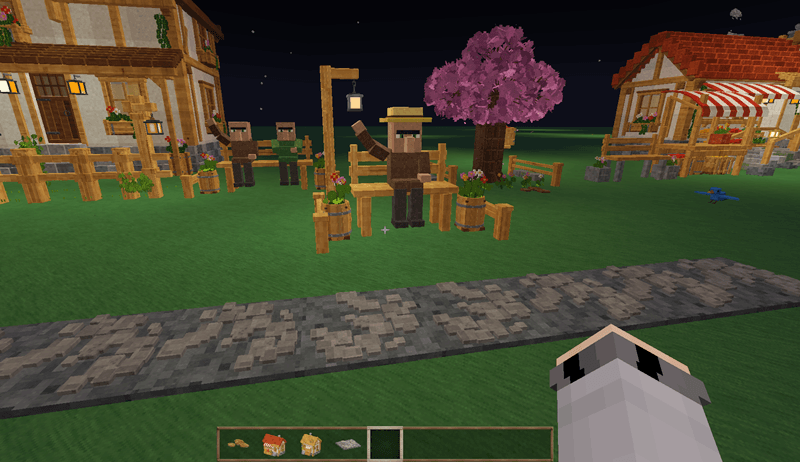
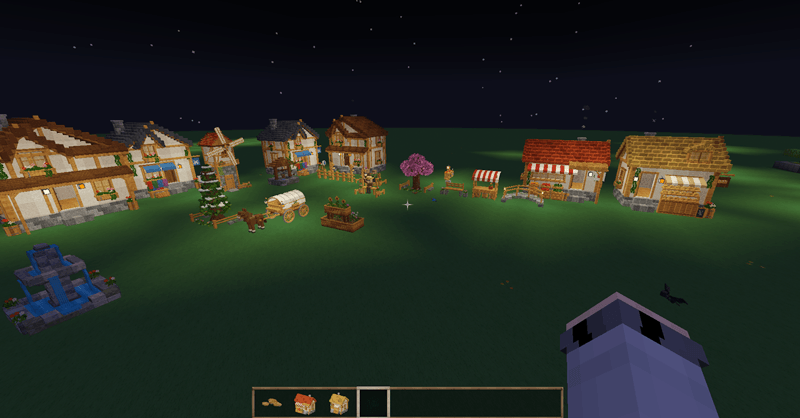
介绍
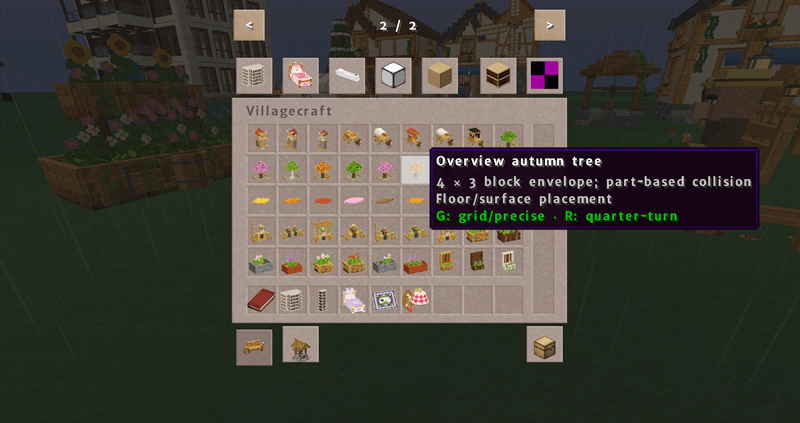
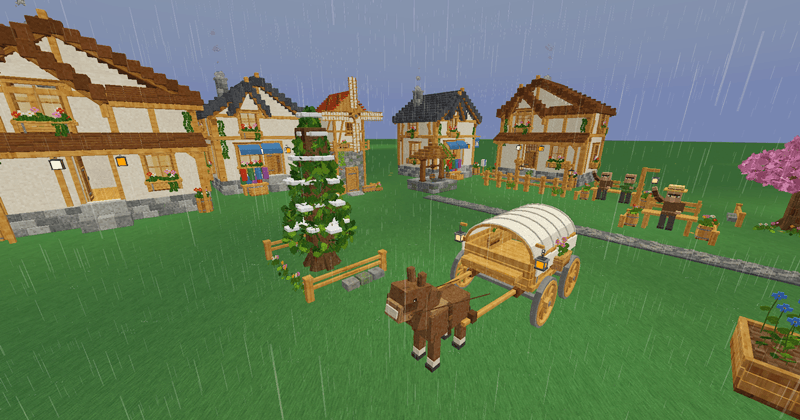
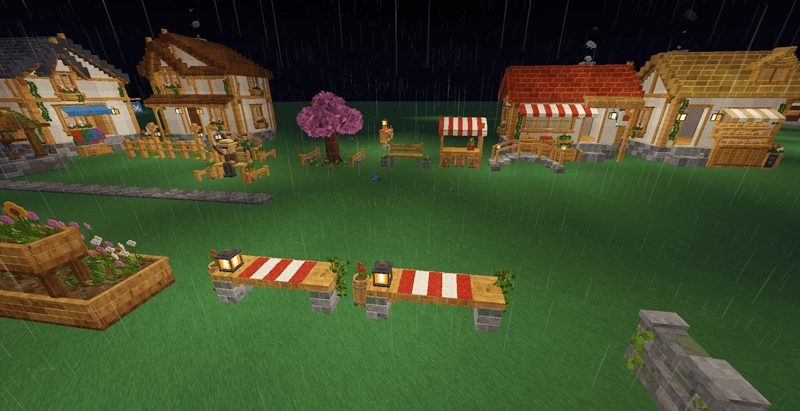
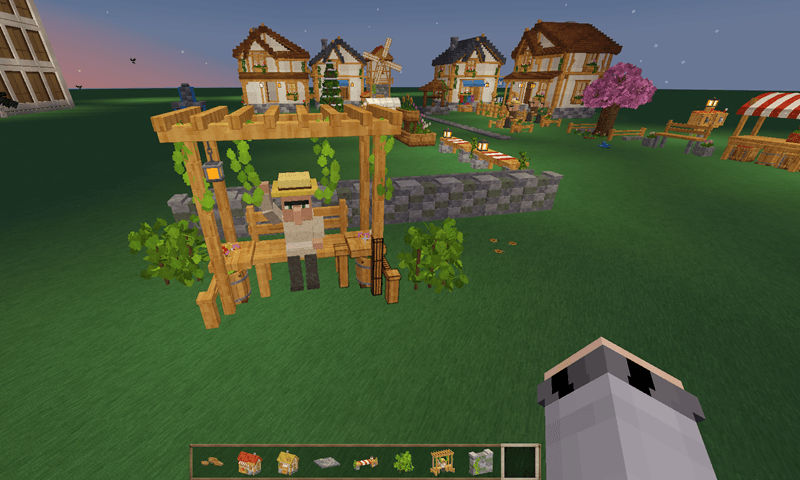
Cozy Village Mod, formerly Villagecraft, brings coordinated cottages, shops, furnishings, and outdoor details to Minecraft. Decorate streets and gardens with flower boxes, planters, lanterns, mailboxes, trees, and connected fences, then furnish usable interiors with seating, storage, lighting, and opening doors. Building placement uses the entrance as its grid anchor and clears grass and ordinary obstructions at the site while protecting existing storage and other protected blocks.
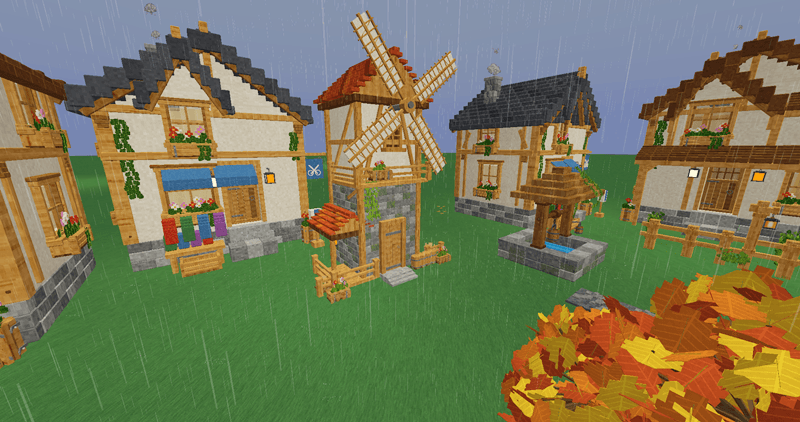
The collection includes 153 visible furnishing entries, with village characters and stationary carriage displays adding detail to the setting. Press G to switch between block-grid placement and precise 1/16-block free placement, and R to rotate a held furnishing. The placement tool supports repositioning and picking up items with stored contents.
常见问题
Cozy Villages 支持哪些 Minecraft 版本?
Cozy Villages 支持 Minecraft Java 版 1.20.1,可用的加载器:Forge。下载时注意选择和你游戏版本一致的文件。
Cozy Villages 怎么安装?
先用 PCL2 或 HMCL 启动器安装对应版本的 Forge,再把下载的 .jar 文件放进游戏目录的 mods 文件夹,重新启动游戏即可。开启了版本隔离的,mods 文件夹在 versions/版本名 下面。
Fantomacademy 的其他作品
查看全部 →
Mid Century Furniture
用个性座椅、雕塑灯饰、纹理玻璃、壁炉和动画电视来布置复古现代风格的家

Autumncraft
舒适的秋季装饰,有发光的南瓜、落叶堆、松鼠、时令美食和噼啪作响的壁炉
Plaid Furniture
协调格纹床、沙发、椅子、地毯和建筑方块,打造舒适的 Minecraft 室内环境

Fantom’s Modern Decor
用奶油色座椅、胡桃木家具、电器、办公用品、植物和灵活摆放来装饰现代家居
评论
登录后评论和评分