
截图
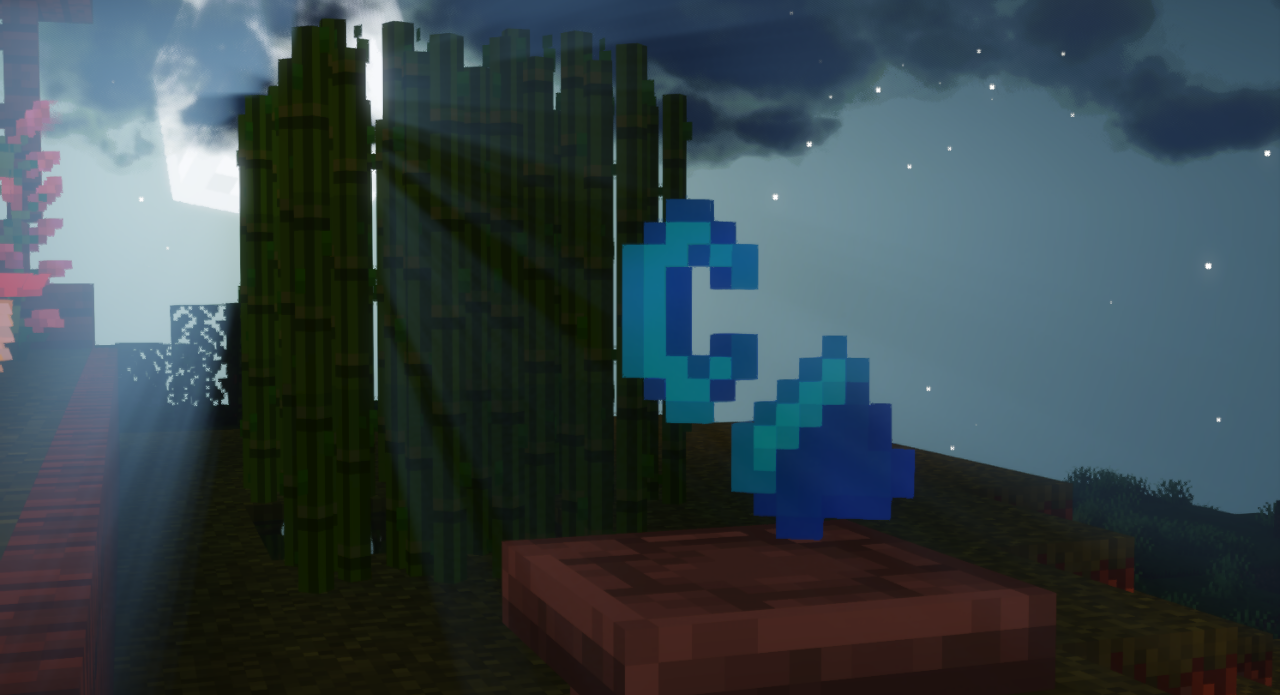
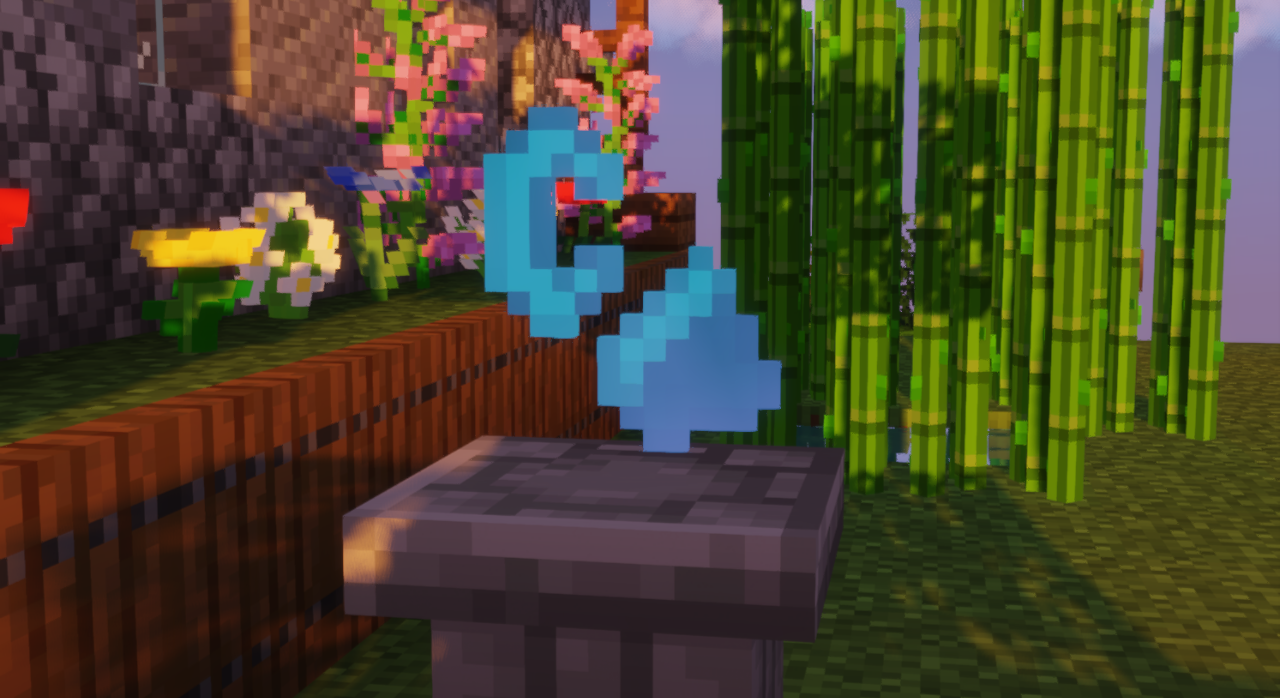
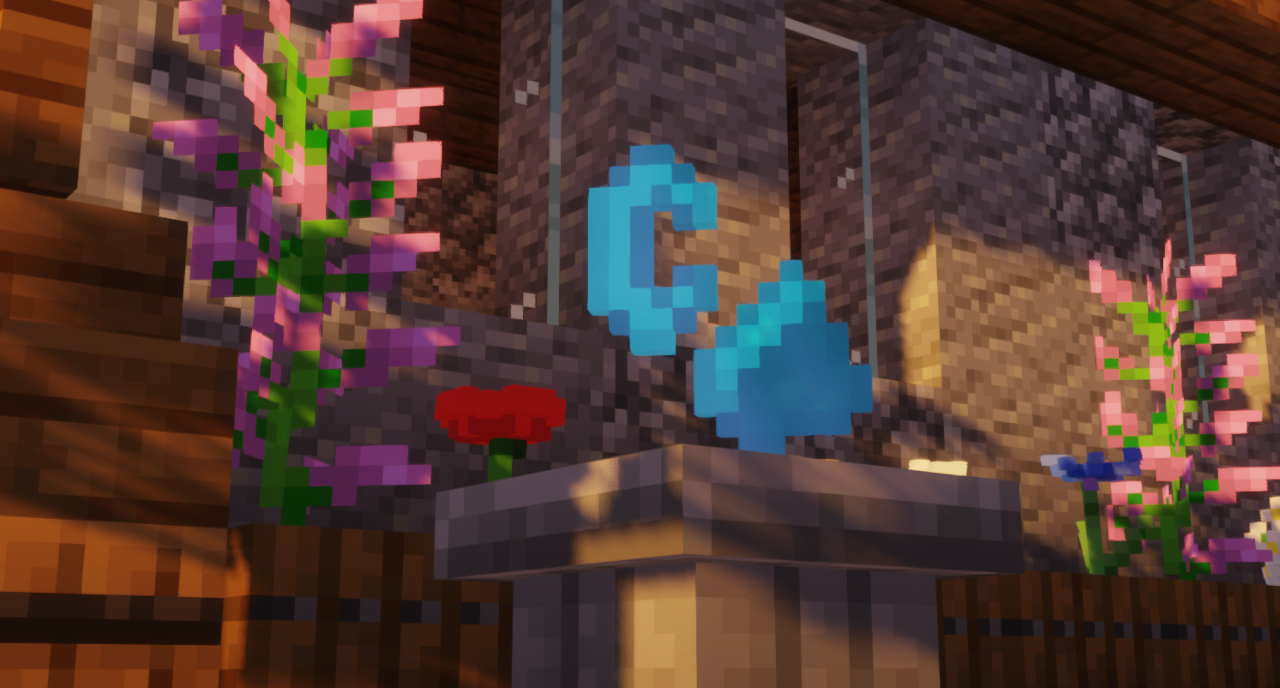
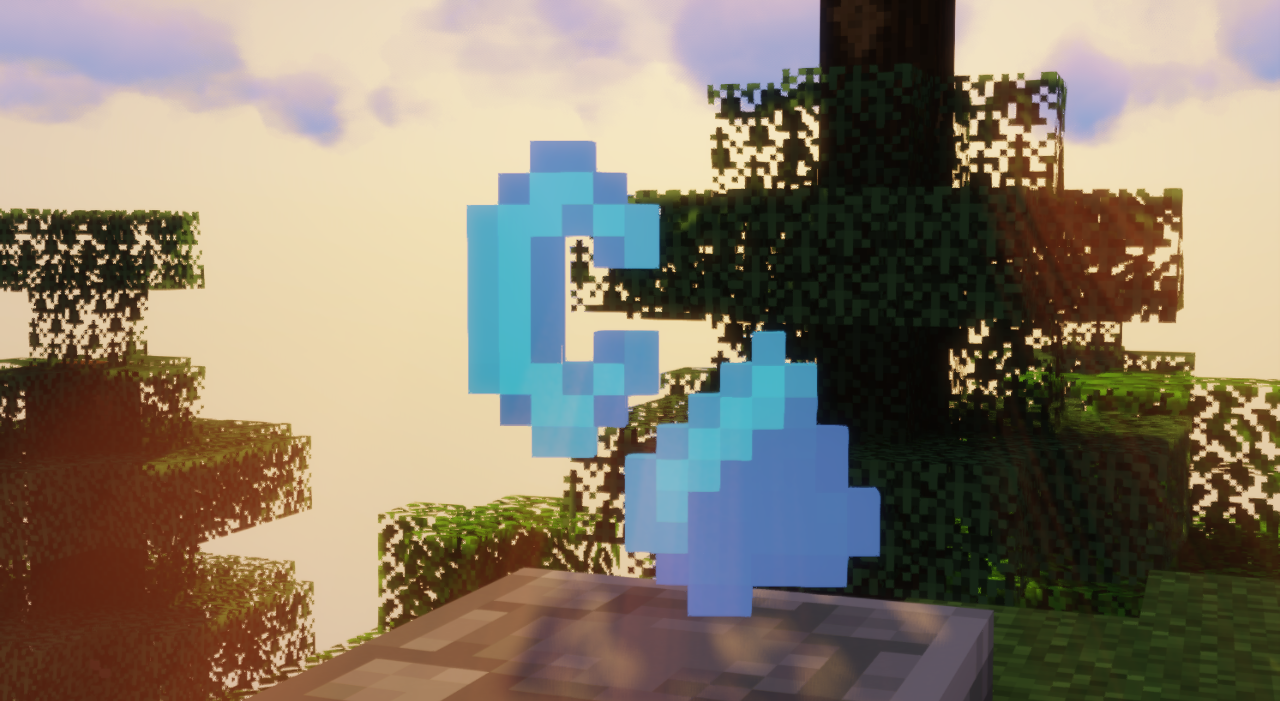
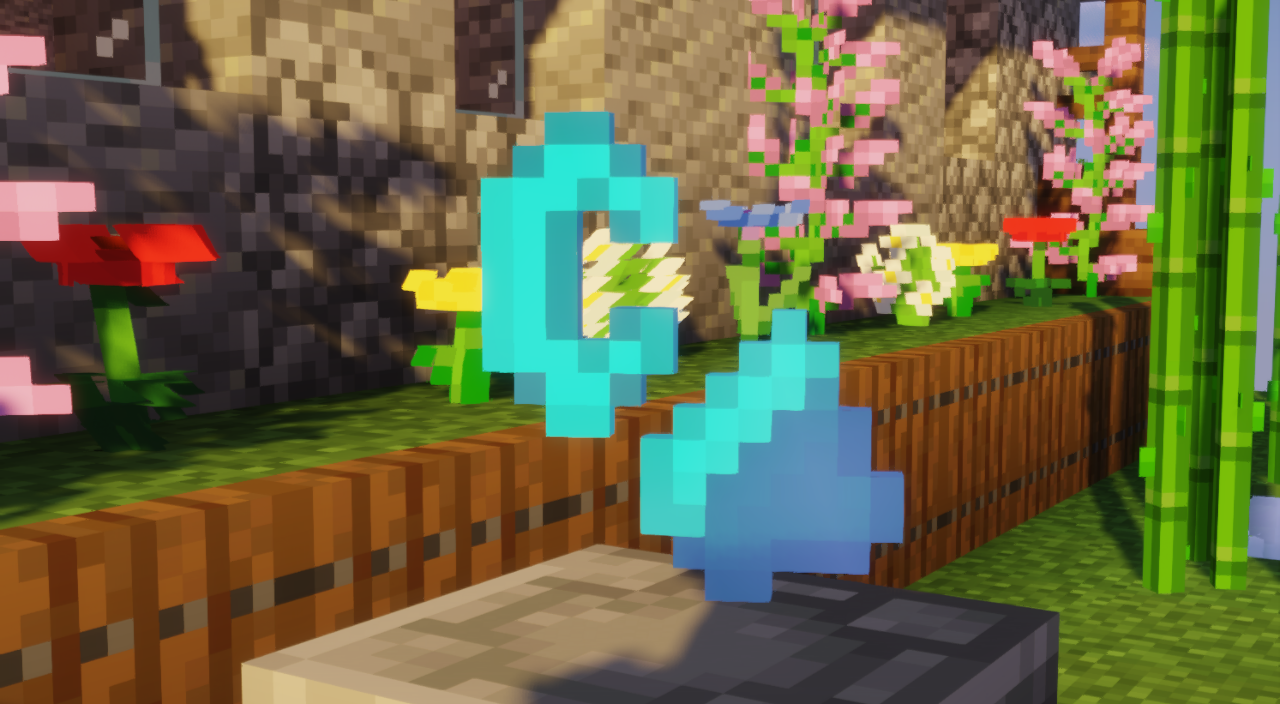
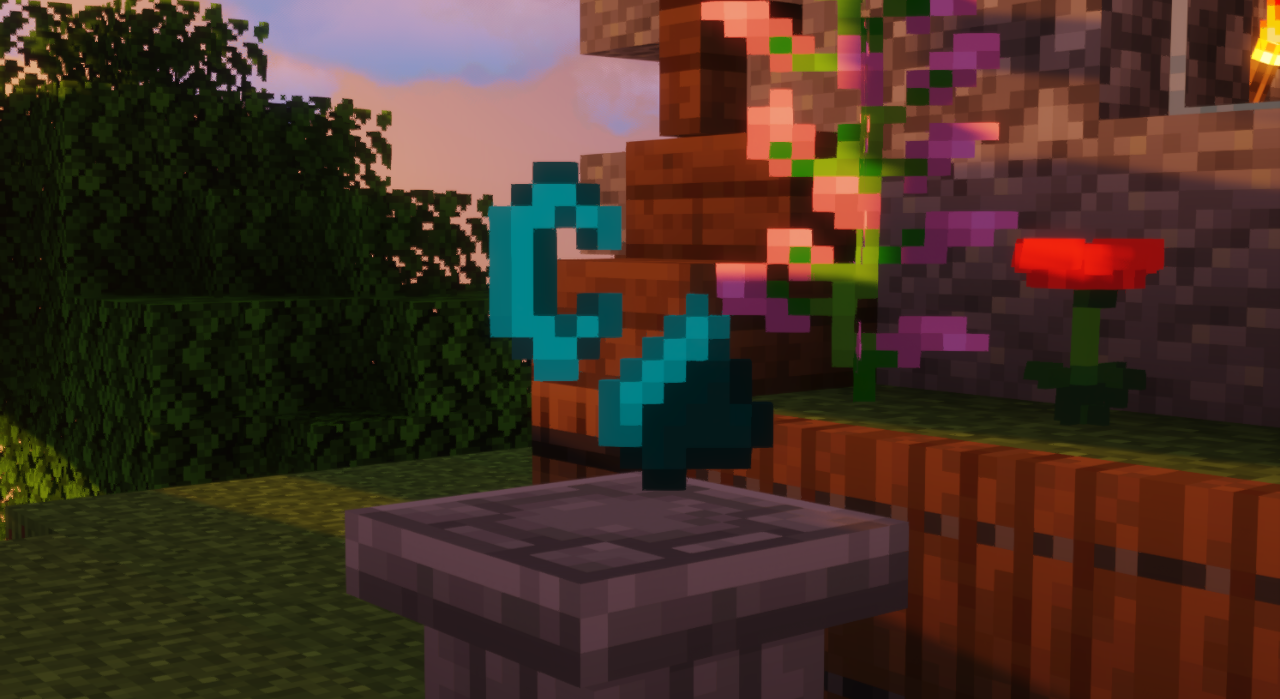
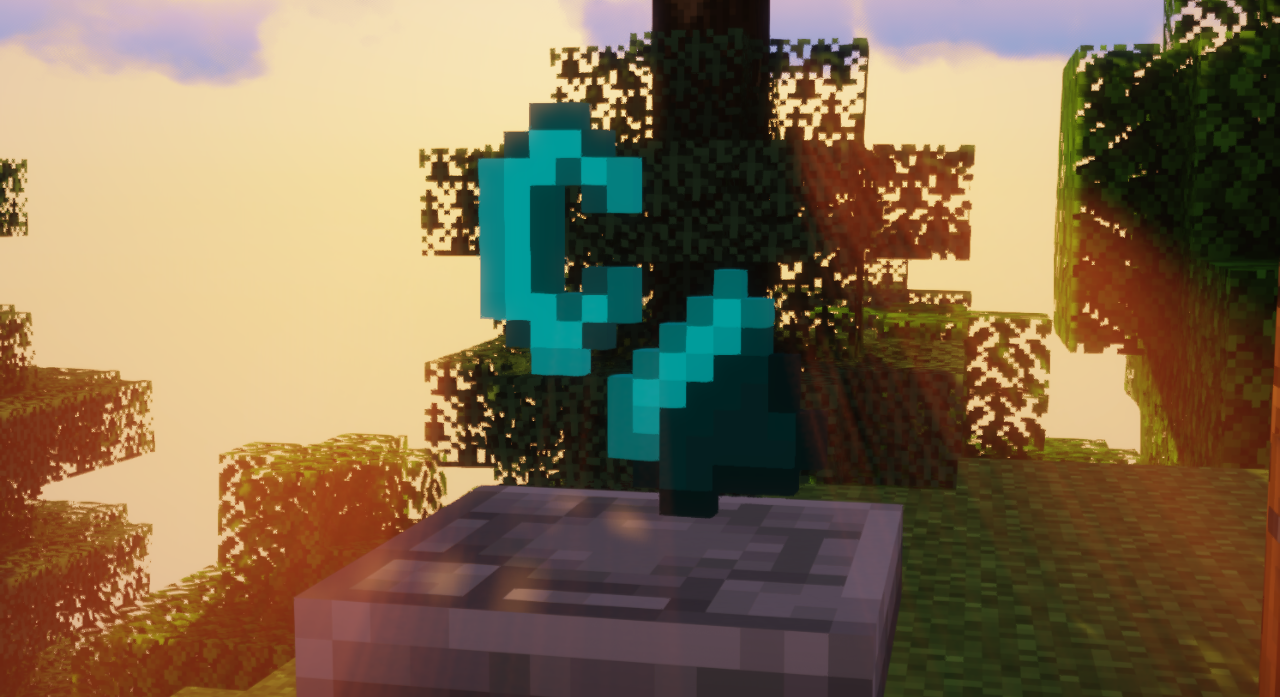
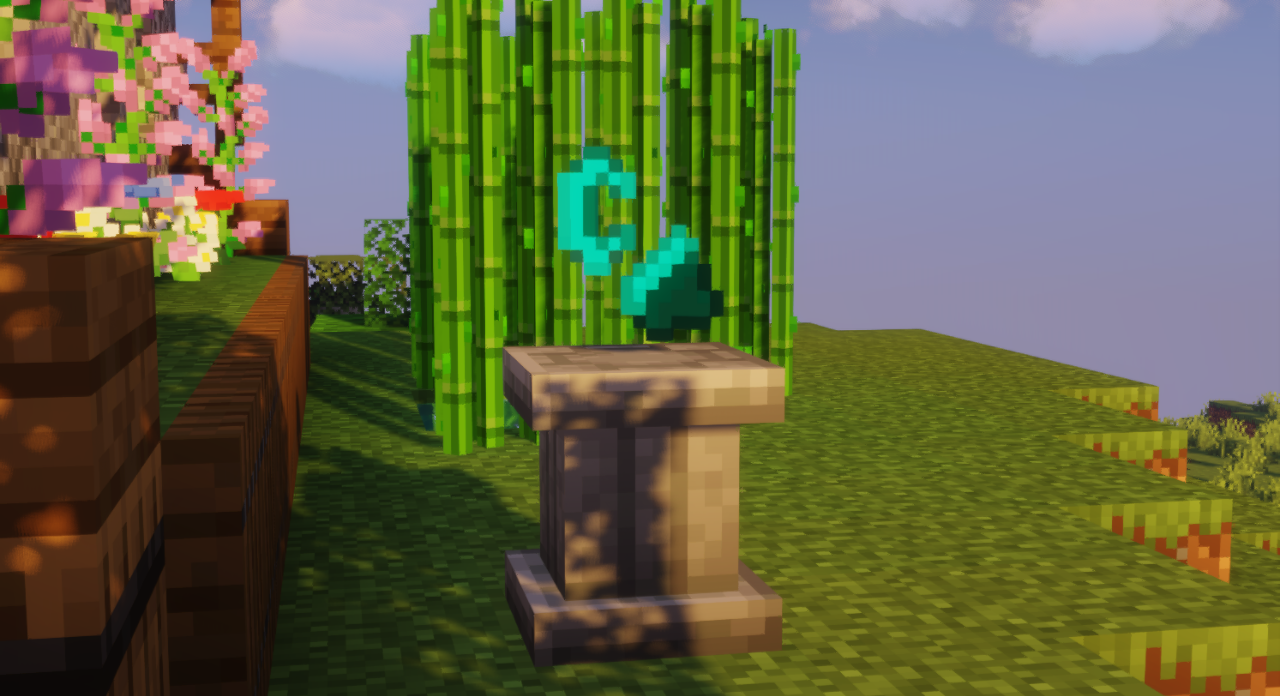
介绍
介绍由机器翻译自 CurseForge 原页面,仅供参考。
该材质包仅 将游戏内物体材质替换为《我的世界:故事模式》的材质。
这个材质包可能在新版本中也能用,如果你在较新的
游戏版本中能用,请在评论中告诉我。
注意: 这是我第一次制作材质包,感谢你的理解。
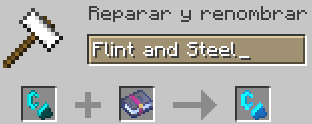
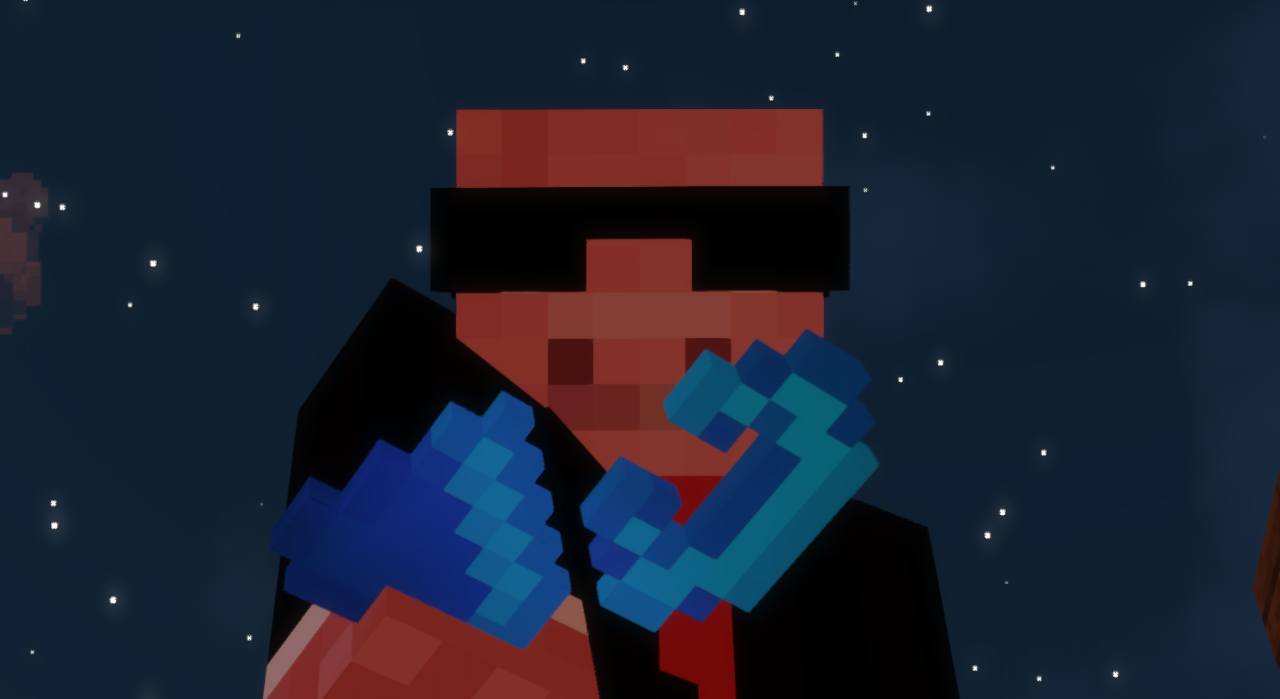
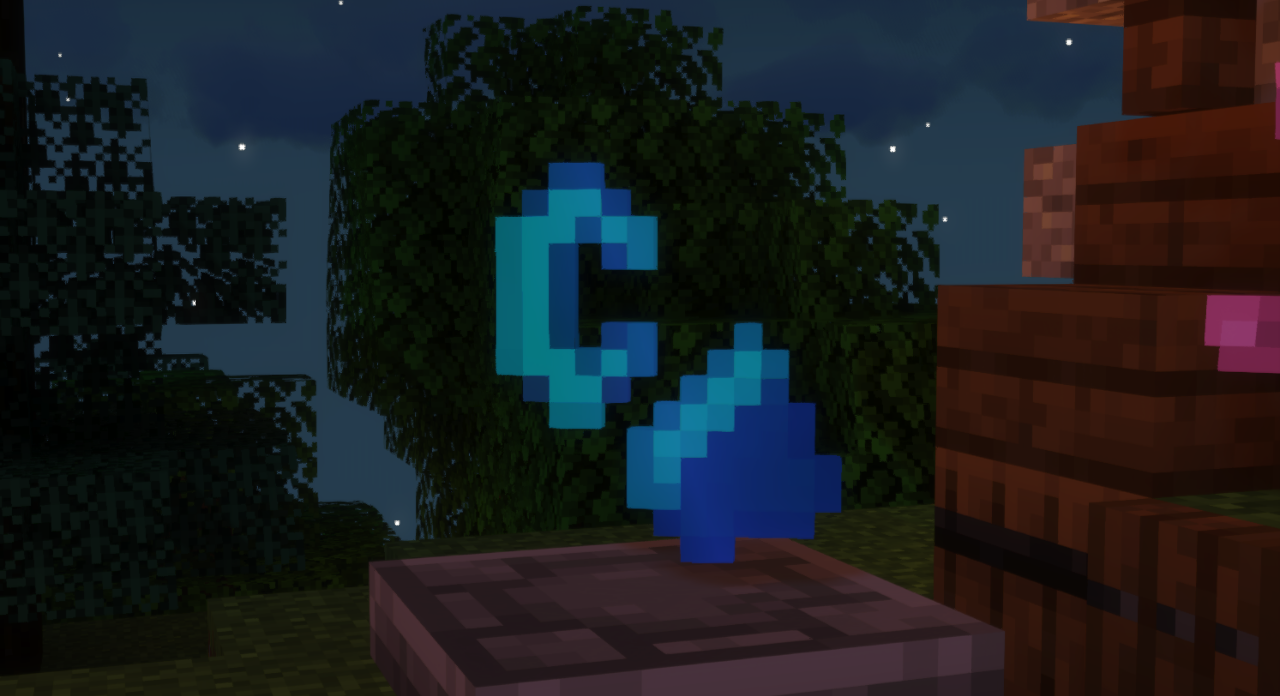
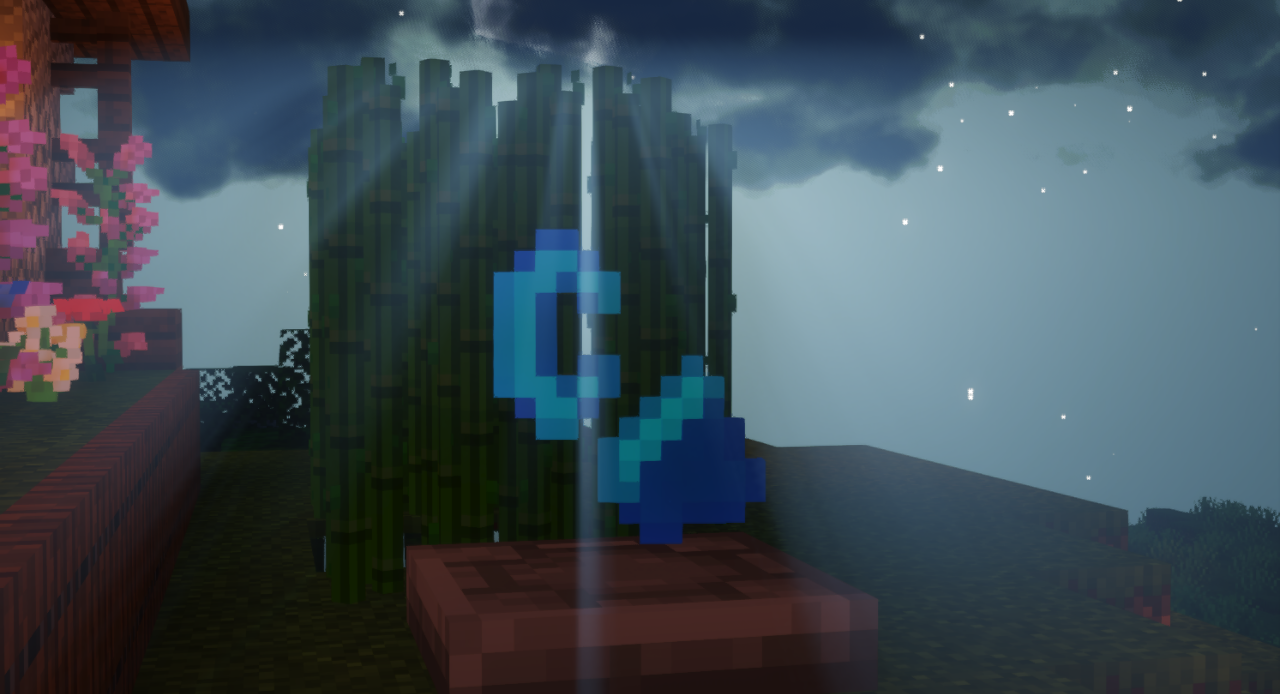
该材质包添加了“附魔打火石”,替换了游戏内的打火石材质,
并将其改为《我的世界:故事模式》的风格。
第二个被替换的物体是红石块,材质改为“红石之心”(仅材质,不发光)
The images show an object where I placed the objects of this texture pack, that object is part of the "Supplementaries mod",
which I will leave in the following link: https://www.curseforge.com/minecraft/mc-mods/supplementaries

The texture pack is in a beta phase and may be buggy.
如果你在任何网站上使用该材质包,请留下免费下载该材质包的直链。
谢谢。
关于其他错误或我可以替换哪些其他物体的建议,请在评论中告诉我。
5/14/2023 Update
-Fixed the bug in the background of the game menu.
-Fixed the bug with the glass and panels in Optifine
– 为附魔实现了更浅蓝色的新材质,以便更好地查看附魔打火石
常见问题
Story Mode Tools 支持哪些 Minecraft 版本?
Story Mode Tools 支持 Minecraft Java 版 1.18–1.19.4,共 8 个版本。下载时注意选择和你游戏版本一致的文件。
Story Mode Tools 怎么安装?
把下载的 .zip 文件(不用解压)放进游戏目录的 resourcepacks 文件夹,进游戏后在「选项 → 资源包」里把它移到右边启用。
评论
登录后评论和评分