Loot Explorer
Makes containers containing loot tables appear in the creative inventory.
截图


介绍
Minecraft-LootExplorer
===============
Overview
The Loot Explorer Mod for Minecraft helps the Minecraft content developer by making containers containing loot tables appear in the creative inventory.
Works in Minecraft 1.21
Requires FabricAPI
Features
Loot Chests
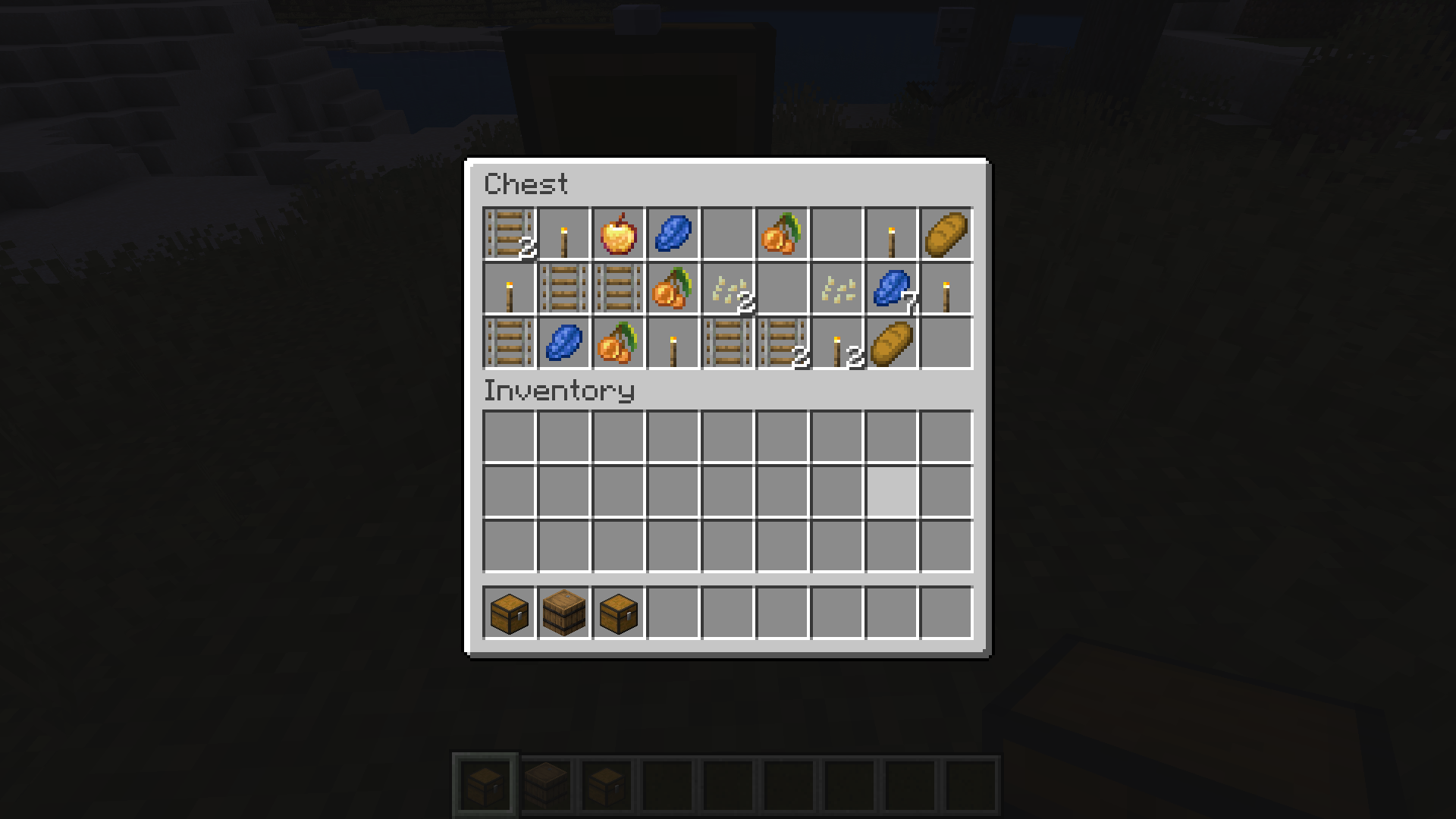
- Creative Inventory: A new tab in the creative inventory with containers that have loot table nbt within them.
- Container Options: The loot table containers include the three vanilla variants of chests, barrels, and trapped chests.
- Copy Loot Table: With the use of the Copy Lore key bind, you can easy copy the lore of any item, allowing to copy the loot table location of the containers.
- Data Pack Compatibility: Loot Tables that come from created data packs are also detected and created.*
Installation
- Download the Loot Explorer Mod file.
- Ensure you have Minecraft Fabric Loader installed.
- Place the mod file into your Minecraft
modsfolder. - Start Minecraft using the Fabric profile.
Dependencies
- Required: FabricAPI
Configuration
Mod Configuration File
- There currently is no configuration file for this mod as it’s fairly simple
Usage
Getting Containers
- Creative Inventory: When in the creative inventory, there is now a new tab labeled Loot Tables that contains all variants of containers of each loot table found.
- Random Chests: The chests will generate random loot based on the loot table whenever they are placed down.
- Lore Copying: While holding a chest in your hand, press the Copy Lore keybind, and the lore of the chest will be copied into your clipboard.
Contributions
Contributions are welcome! If you have ideas for new features, optimizations, or bug fixes, please feel free to open an issue or submit a pull request on the mod’s GitHub repository.
*In order to detect the loot chest, the directory must be in the style of “namespace/loot_table/chests” or “namespace/loot_table/loot”
常见问题
Loot Explorer 支持哪些 Minecraft 版本?
Loot Explorer 支持 Minecraft Java 版 1.21–26.2,共 7 个版本,可用的加载器:Fabric / NeoForge。下载时注意选择和你游戏版本一致的文件。
Loot Explorer 怎么安装?
先用 PCL2 或 HMCL 启动器安装对应版本的 Fabric / NeoForge,再把下载的 .jar 文件放进游戏目录的 mods 文件夹,重新启动游戏即可。开启了版本隔离的,mods 文件夹在 versions/版本名 下面。运行环境:仅客户端。
VgLevelUp 的其他作品
查看全部 →
Fishing Frenzy
Introduces a dynamic fishing experience inspired by Stardew Valley and Terraria. This mod adds new fishing rods, baits, and a variety of new fish with unique spawning conditions and fishing loot requirements.

SleepCycle
Enhances the sleeping mechanics by allowing time to pass progressively while players are asleep, rather than skipping the night instantly.

Structure Voidable
Helps the Minecraft content developer by making the Structure Void block easier to use and visible like barriers.

Sagittary Arrows
Expand Minecraft's archery/fletching system with customizable arrows. Mix and match different arrowheads, shafts, and fletching materials to create arrows with unique stats and special effects, from increased range and speed to fire and other abilities.
评论
登录后评论和评分