
截图

介绍
🎨 HexChatColor – Custom Chat Color Presets
HexChatColor lets you flex fully customizable chat colors using hex codes. Automatically adds color codes before every letter you type—so you type normal, but your messages show up dripped out in color.
🧰 Features
-
✅ Auto-color every letter with real hex codes (e.g.
#ff0000H#00ff00i) -
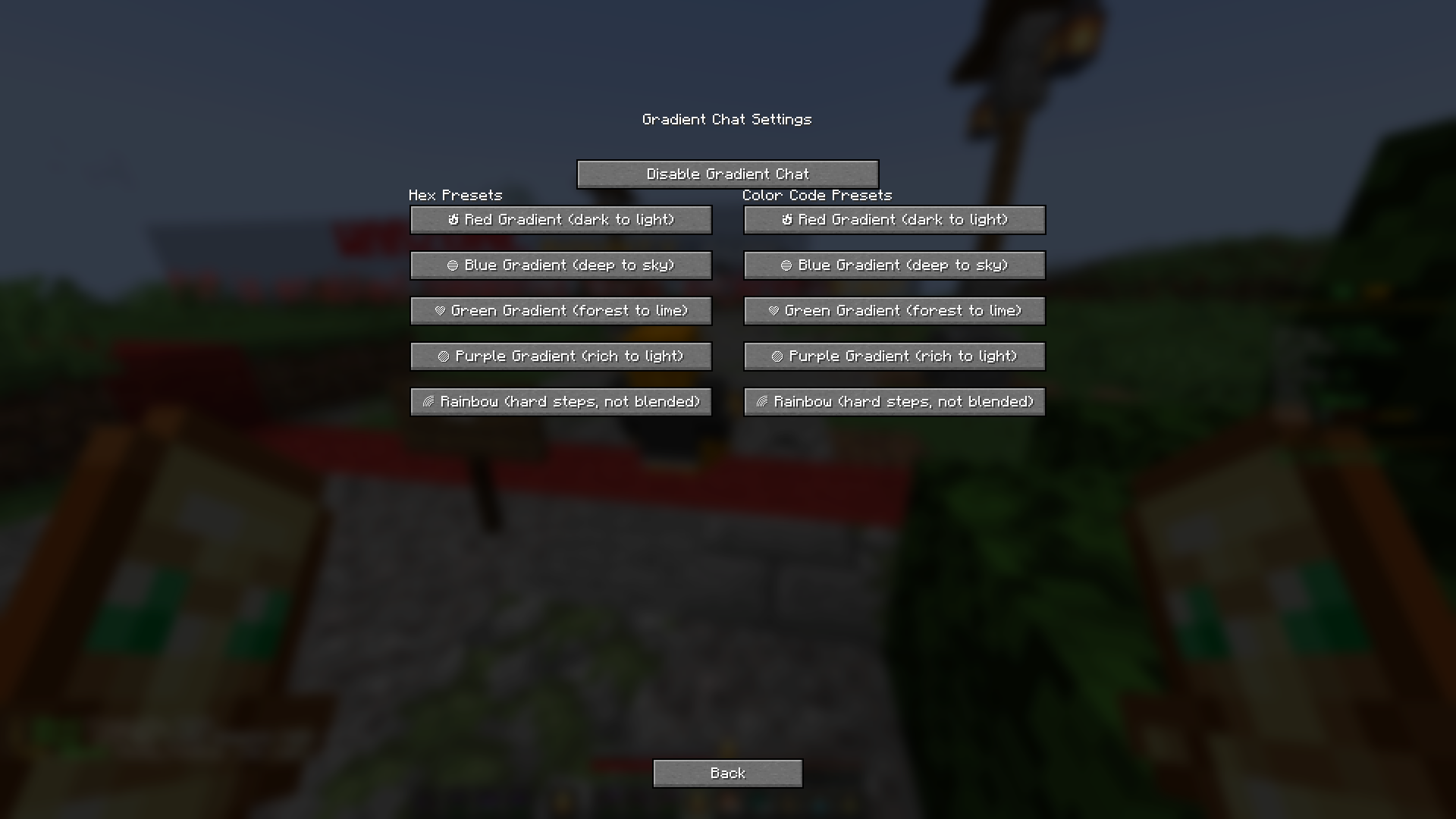
✅ 5 editable presets, each with 10 hex codes per message
-
✅ Easy-to-use GUI (press Right Shift) to edit or switch presets
-
✅ Works on servers that support hex colors
-
✅ Clean gradients or wild rainbow text—up to you
🎨 Preset Ideas
-
🔥 Red gradient: dark red to light red
-
💚 Pastel green shades
-
🌈 Rainbow (non-gradient, bold colors)
-
💎 Aqua to blue smooth transition
-
🖤 Black to gray stealthy look
🖱️ How to Use
-
Open the GUI with Right Shift
-
Choose or edit a preset
-
Type as usual—your message will show up with the selected style
📦 Compatibility
-
✅ Minecraft 1.21.5
-
✅ Java 21
-
✅ Fabric Loader
-
✅ Servers that support
#rrggbbhex color formatting
常见问题
HexChatColor 支持哪些 Minecraft 版本?
HexChatColor 支持 Minecraft Java 版 1.21.5,可用的加载器:Fabric。下载时注意选择和你游戏版本一致的文件。
HexChatColor 怎么安装?
先用 PCL2 或 HMCL 启动器安装对应版本的 Fabric,再把下载的 .jar 文件放进游戏目录的 mods 文件夹,重新启动游戏即可。开启了版本隔离的,mods 文件夹在 versions/版本名 下面。


评论
登录后评论和评分