
Dungeons Controls
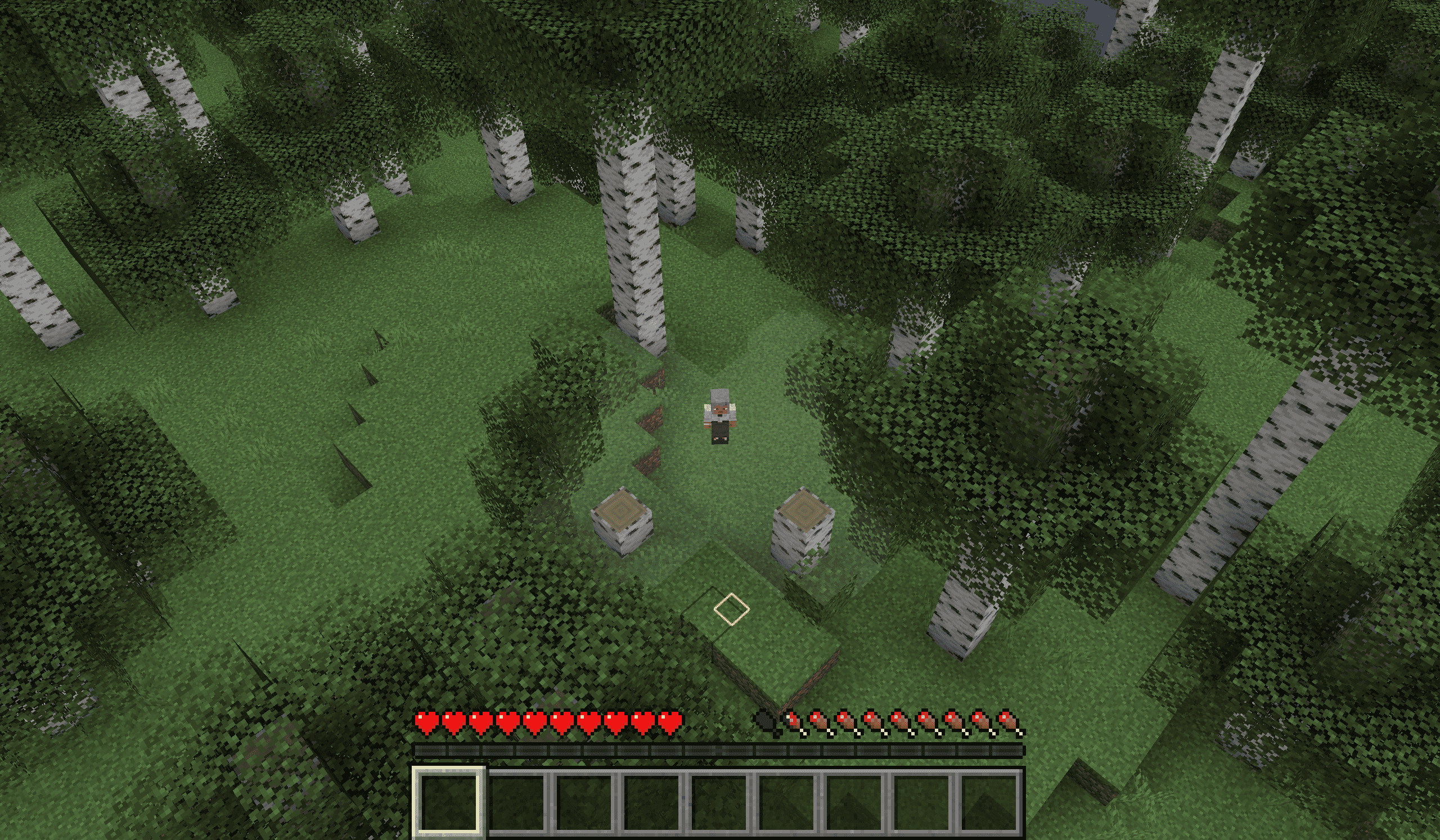
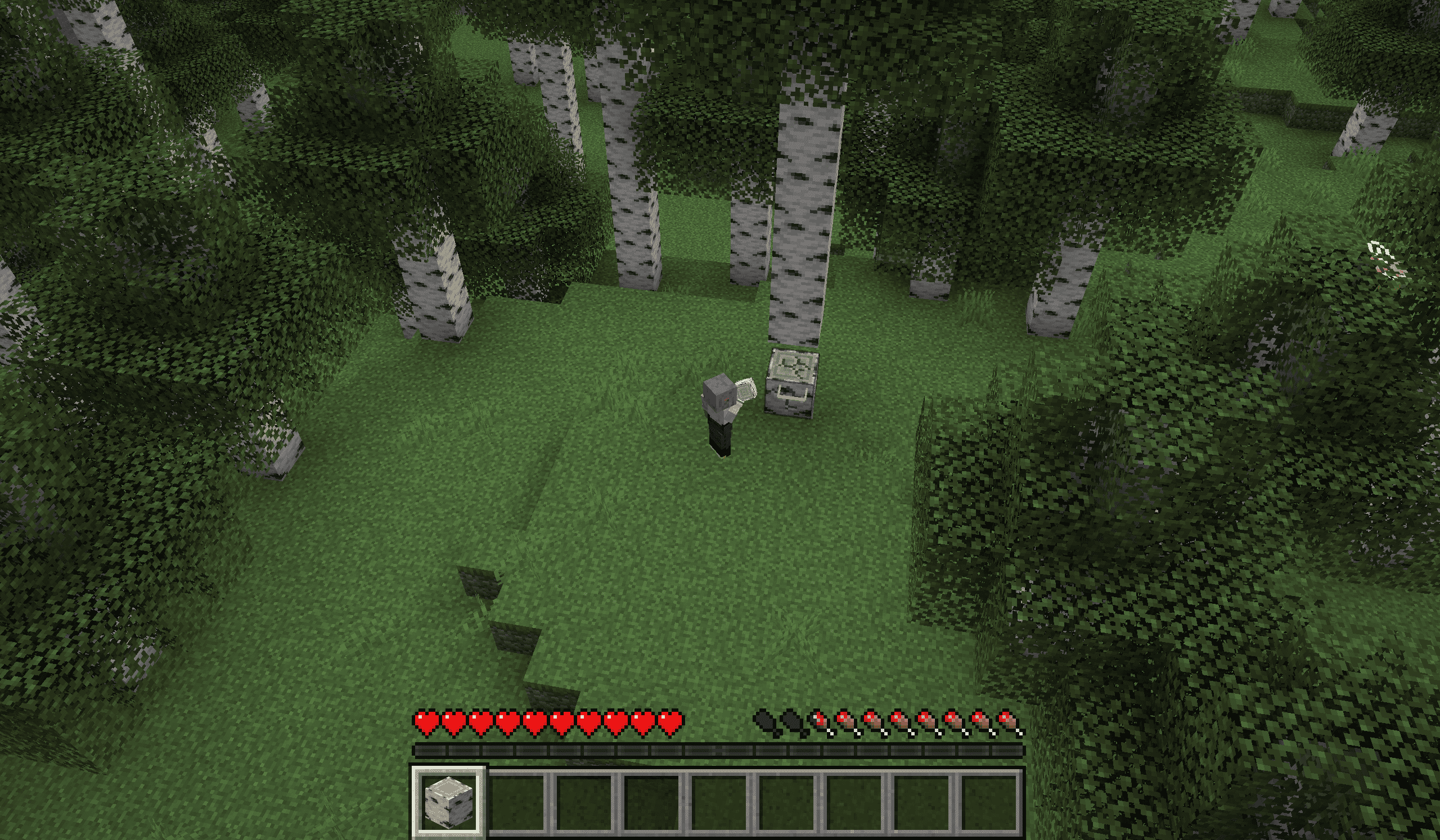
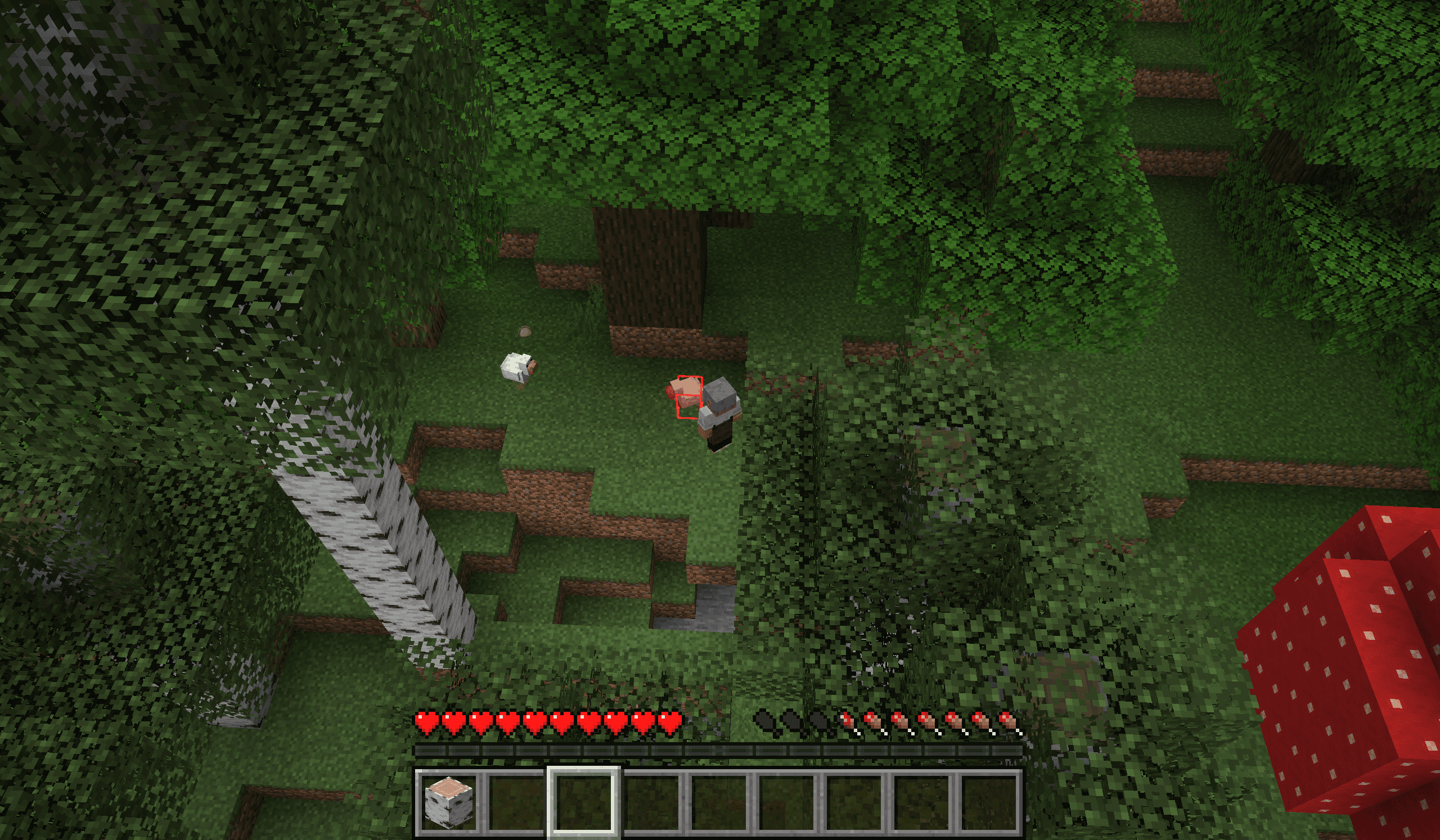
Minecraft Dungeons style click to move, targeting, camera and occlusion fading
截图
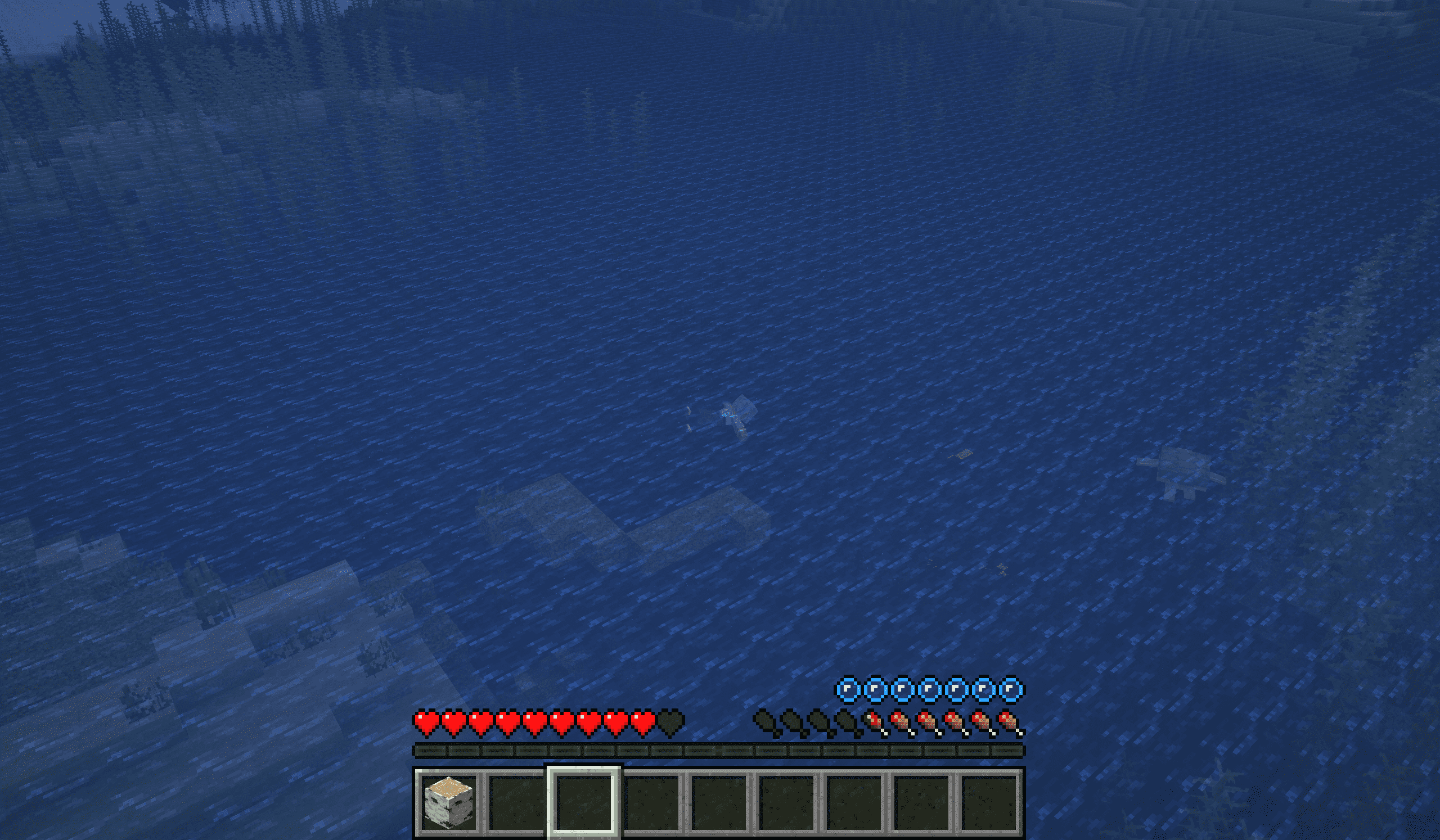
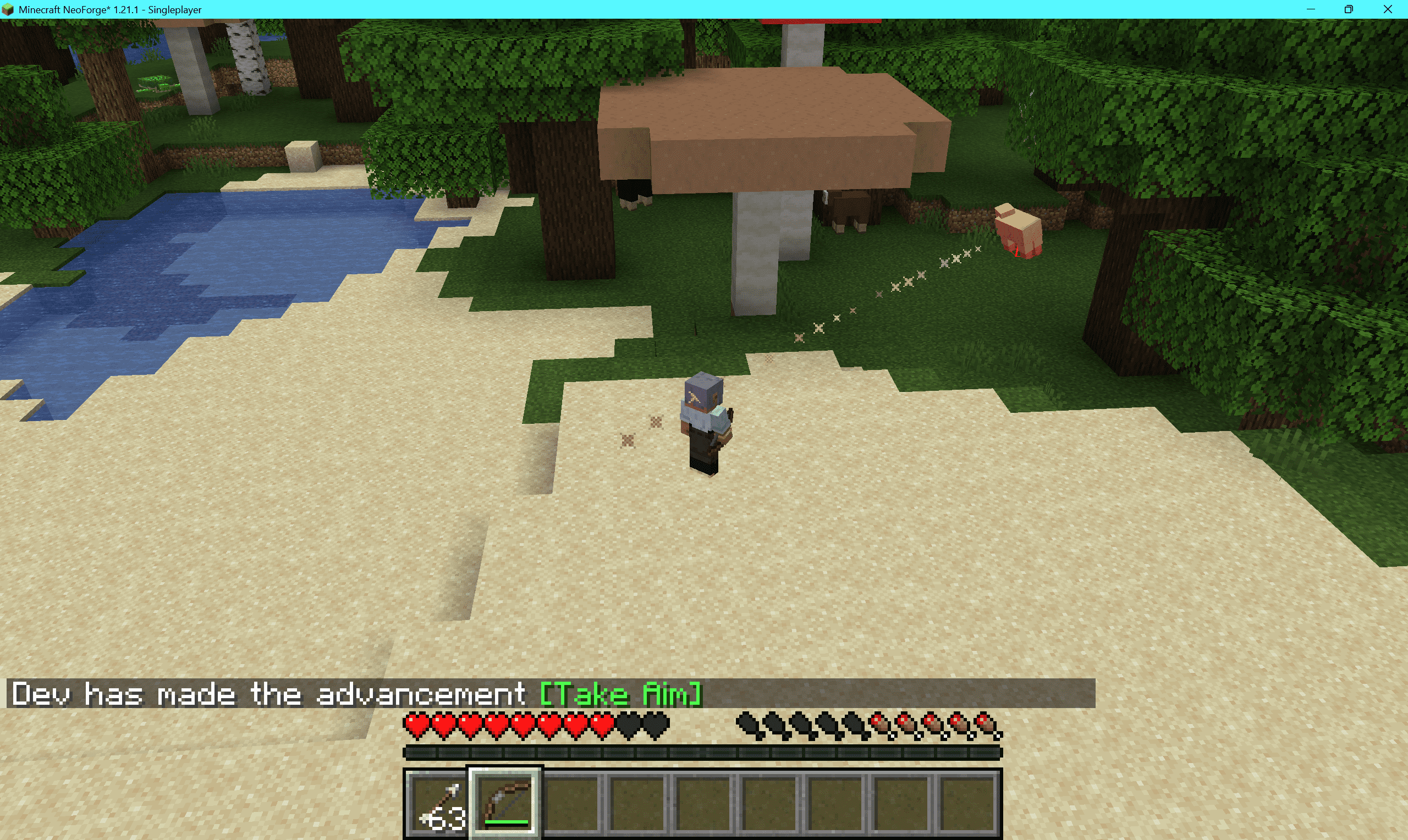
介绍
Dungeons Controls
Dungeons Controls is a client-side-only mod that replaces the vanilla first-person view with a Minecraft Dungeons-style isometric top-down camera, letting you directly command your character to move, attack, and interact using the mouse cursor.
All actions use vanilla packets, so it can be played normally on servers without the mod installed, but it may be considered cheating on servers.
✨ Features
Click to Move
- Left-click the ground to make the player face and move toward the target. Hold left-click on a distant point to keep moving.
- Hold sneak (Shift) to stop moving.
Click to Interact
- Left-click an enemy → attack if in range.
- Left-click a dropped item → move to the target position and pick it up.
- Hold left-click → mine if in range.
Aim Assist
- Automatically calculates ballistic elevation for bows, tridents, ender pearls, etc., to assist aiming.
Isometric Camera
- Smooth isometric third-person camera (default yaw 45°, pitch 50°, distance 12 blocks).
- Hold middle mouse button + move mouse → orbit the camera.
- Mouse wheel → zoom distance (4–24 blocks).
Homekey → snap to the nearest isometric angle (45°/135°/225°/315°).
Occlusion Fade
- Walls between the camera and the character fade into semi-transparent ghost blocks.
- Transparency, maximum faded blocks, and chunk rebuild speed are configurable.
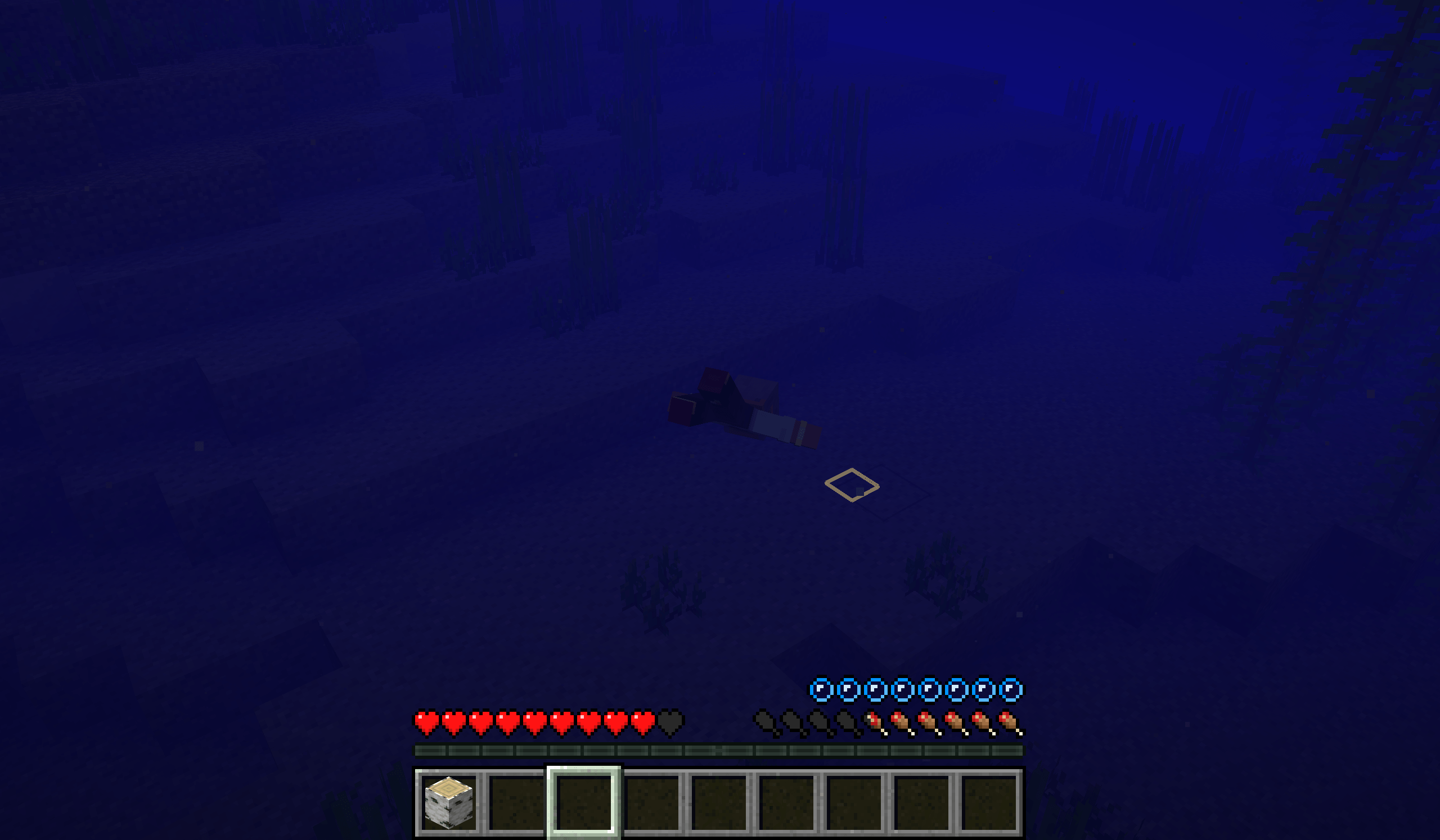
Swim Mode
- Press
Hto toggle horizontal swim depth lock: swim at a fixed height without bobbing up and down.
Key Bindings
| Key | Function |
|---|---|
| F4 | Toggle Dungeons mode |
| Home | Snap isometric view |
| H | Toggle swim mode |
| Left Click | Move / Attack / Mine (hold) |
| Shift | Stop moving |
| Middle Mouse / Pick Block + Move Mouse | Orbit camera |
| Mouse Wheel | Zoom camera distance |
🛠 Configuration
All settings are saved in config/dungeons_controls.json (generated automatically on first launch).
| Option | Default | Description |
|---|---|---|
| enableOnWorldJoin | true | Automatically enable the mode when joining a world |
| replaceWasd | true | Replace WASD with click-to-move when enabled |
| cameraRelativeWasd | true | When the mode is disabled, WASD is relative to camera yaw |
| autoSprint | true | Automatically sprint when walking long distances |
| cameraPitch / cameraYaw / cameraDistance | 50 / 45 / 12 | Initial camera orientation |
| minDistance / maxDistance | 4 / 24 | Camera zoom range |
| cameraFov | 50 | Fixed FOV when the mode is enabled |
| cameraSmooth | 0.28 | Camera focus smoothing factor |
| orbitSensitivity | 0.22 | Orbit sensitivity |
| orbitInvertX / orbitInvertY | false | Invert orbit axes |
| fadeOccluders | true | Enable occlusion fade |
| ghostAlpha | 0.10 | Ghost block transparency (0.08–0.85) |
| ghostMaxBlocks | 160 | Maximum number of faded blocks |
| occlusionHoldTicks | 4 | Fade hold time (ticks) |
| sectionsPerTick | 8 | Chunk sections rebuilt per tick |
| hideCrosshair | true | Hide crosshair when the mode is enabled |
| showGroundMarker | true | Show ground target marker |
常见问题
Dungeons Controls 支持哪些 Minecraft 版本?
Dungeons Controls 支持 Minecraft Java 版 1.21.1,可用的加载器:Fabric / NeoForge。下载时注意选择和你游戏版本一致的文件。
Dungeons Controls 怎么安装?
先用 PCL2 或 HMCL 启动器安装对应版本的 Fabric / NeoForge,再把下载的 .jar 文件放进游戏目录的 mods 文件夹,重新启动游戏即可。开启了版本隔离的,mods 文件夹在 versions/版本名 下面。
yyz729 的其他作品
查看全部 →
yyz’s backpack
或许有一款新的背包模组更适合你。

Charged Mobs
为什么只有闪电苦力怕会受到闪电影响?

Grease
给武器涂上润滑脂即可升级,还能为武器附加短暂效果。

Enchant Innovation
Transform enchantment mechanics! Items now gain XP through durability loss, using their OWN level for enchantments.
评论
登录后评论和评分