
FasterLadderClimbing
Climb ladders faster with the control scheme you choose — look up to ascend, look down to descend, or hold jump. Set your own ascent and descent speed from an in-game screen
截图
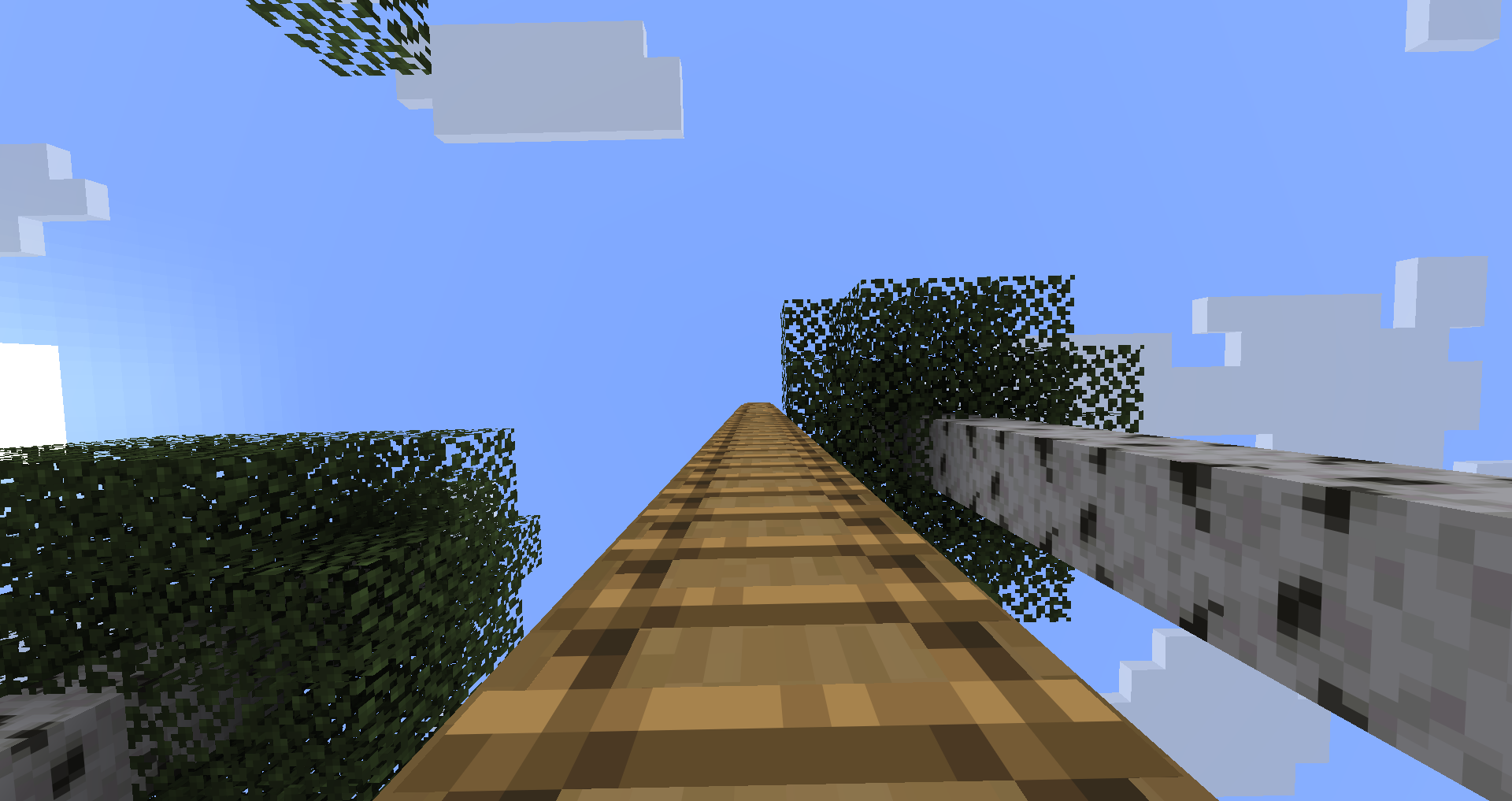
介绍


Climb and descend ladders at the speed you choose, with the control scheme you prefer — hold jump, or simply look where you want to go. Vanilla ladders are one fixed speed with no way to steer them.
Install on both client and server for multiplayer — the server sends its limits, and the slower of your setting and the server’s cap applies. Works in singleplayer out of the box. A client with the mod can still join servers without it; there it stays inactive, so it never gives an advantage where it isn’t installed.
Dependencies: Fabric needs Fabric API and Architectury API. NeoForge needs Architectury API. Forge needs no additional dependencies. Mod Menu is optional on Fabric and adds a Config button to the mod list.
Free to use in any modpack — public or private, no permission needed.
What it does
- Three activation modes — hold jump to climb (
INPUT_FIRST, default), climb purely by looking (LOOK_ONLY), or the original look-and-walk behaviour (LEGACY). - Your own speeds — set ascent and descent speed yourself; look up to climb, look down to drop quickly.
- Sneak to stop — holding sneak stops you on the ladder, and also cancels fast descent while
sneakStopsDescentis on. - Every climbable block — ladders, vines, and anything else vanilla treats as climbable.
- In-game settings screen — open it from the mod list or with
/flc; changes apply when you press Done. - The server stays in charge — server-side limits cap what players can set, so servers and packs keep control.
- 10 languages — English, Russian, Simplified Chinese, Spanish, French, German, Japanese, Brazilian Portuguese, Korean, and Italian; the settings screen follows your game language.
Configuration
Open the settings from the mod list (Mod Menu on Fabric — optional; built-in on Forge and NeoForge) or with the client-side command /fasterladderclimbing (short: /flc), which works on any server. Changes apply when you press Done.
Your preferences live in config/fasterladderclimbing/client.json; what a server allows lives in config/fasterladderclimbing/server.json.
Note the defaults: ascent starts at vanilla speed, so out of the box the mod changes how you climb rather than how fast. Raise the climb-up speed to go faster.
For modpack authors
server.jsonsets what is allowed —enabled,upSpeedLimit,downSpeedLimit. It ships fully permissive; lower the limits to cap a pack, or setenabledtofalseto switch the mod off without removing it (climbing stays vanilla).- Out-of-range or malformed values are clamped, not rejected — a broken config never stops the game from starting.
- No items, blocks, entities, recipes, world generation or key bindings — nothing to conflict with, and it can be removed from an existing world with no side effects.
Feedback
Please report any bugs, errors, or feature suggestions on Discord: https://discord.gg/HTkn94BXmA
More mods by Nikrecs: PathSpeed · ElytraHUD
My other mods that I recommend.
常见问题
FasterLadderClimbing 支持哪些 Minecraft 版本?
FasterLadderClimbing 支持 Minecraft Java 版 1.19.2–26.3,共 9 个版本,可用的加载器:Fabric / Forge / NeoForge。下载时注意选择和你游戏版本一致的文件。
FasterLadderClimbing 怎么安装?
先用 PCL2 或 HMCL 启动器安装对应版本的 Fabric / Forge / NeoForge,再把下载的 .jar 文件放进游戏目录的 mods 文件夹,重新启动游戏即可。开启了版本隔离的,mods 文件夹在 versions/版本名 下面。运行环境:客户端 / 服务端。
Nikrecs 的其他作品
查看全部 →
DeathCompass
重生时自动获得一个指南针,精准指向你上次死亡的位置。

Terralith: River In Jungle
Terralith add-on that adds wide, winding jungle rivers with natural sloping banks — instead of tiny vanilla streams.

Swing Through Grass
Swing through grass to hit mobs: attacks no longer get eaten by tall grass, ferns and plants, so your sword reaches the target through foliage. Lightweight, server-side, no client needed

PerformanceHUD
Lightweight client-side HUD showing FPS, RAM, entities, chunks, ping, and CPU in one customizable corner overlay.
评论
登录后评论和评分