
CDNPerspective 3D
Allows for moving the camera 360 Degrees without changing movement-direction.
截图


介绍
NOTE: THIS MOD NOW (1.2+) REQUIRES FABRIC-API FOR 1.19.3+ ON BOTH SERVER & CLIENT.
This Mod allows you to change the Camera-Position while running around, allowing for advanced looking around, while keeping the movement-direction.
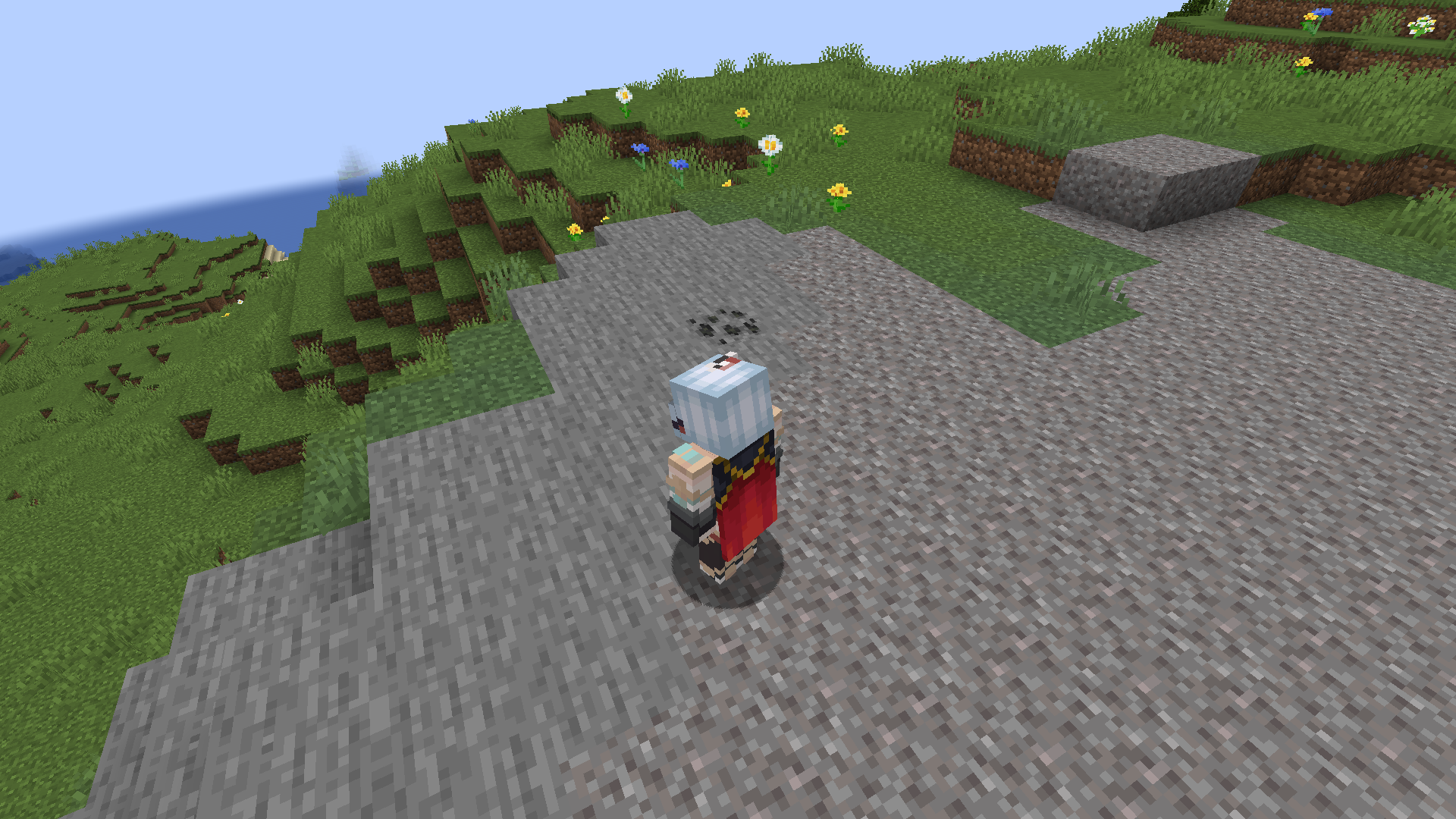
What this Mod does:
- Client:
When installed on the Client, you can press a hotkey (F4 by default) to enter perspective-mode. while in this mode, you can use your mouse to look around. This will not affect your movement-direction, only the camera-direction. when you press the hotkey again, you leave perspective-mode, and will be set to the previous Perspective again.
- Server:
When installed on a Server, This essentially disables the use of this mod on your server.
How this works?
Once a player joins, this mod will send a packet to that player’s client. If the player doesn’t have this mod, the packet will just be ignored.
if it has it installed, it will react to the packet, and disable all of it’s Features.
NOTE: THIS IS NOT A RELIABLE ANTICHEAT. Java as a language is pretty vulnerable to reverse-engineering, which means technically everyone can just take the source-code, remove these functionalities, and circumvent that system. The mod beeing open source on GitHub is also a thing. I only provide this because this CAN be considered a Cheat.
As always, if you find any Bugs, you can always report them on my GitHub (Left Sidebar, click Issues)
Also as always, you can Support me with an optional donation on Ko-Fi.
常见问题
CDNPerspective 3D 支持哪些 Minecraft 版本?
CDNPerspective 3D 支持 Minecraft Java 版 1.19.3–1.21.4,共 11 个版本,可用的加载器:Fabric。下载时注意选择和你游戏版本一致的文件。
CDNPerspective 3D 怎么安装?
先用 PCL2 或 HMCL 启动器安装对应版本的 Fabric,再把下载的 .jar 文件放进游戏目录的 mods 文件夹,重新启动游戏即可。开启了版本隔离的,mods 文件夹在 versions/版本名 下面。运行环境:客户端和服务端都要装。
Lunatic 的其他作品
查看全部 →
No Block Overlay
Completely removes the Outline-Overlay rendered when looking at Blocks.
Option Focus Fix
Fixes a bug introduced in 1.19.4, which made options stay focused even if you don't hover over them after clicking.
NoFramerateLimit
Removes the pesky fps-limit on the title-screen that applies to mouse-movement too.
Custom Block Overlay
Customize your Block Overlay Color!
评论
登录后评论和评分