截图
介绍
🎭 Emotecraft — Unofficial Port
An unofficial port of Emotecraft 2.4.12 for Minecraft 1.12.2 Forge.
Bring custom player emotes and animations to Minecraft 1.12.2!
✨ Features
🎮 Emote wheel with multiple pages
🎨 Custom emotes
🔎 In-game emote library
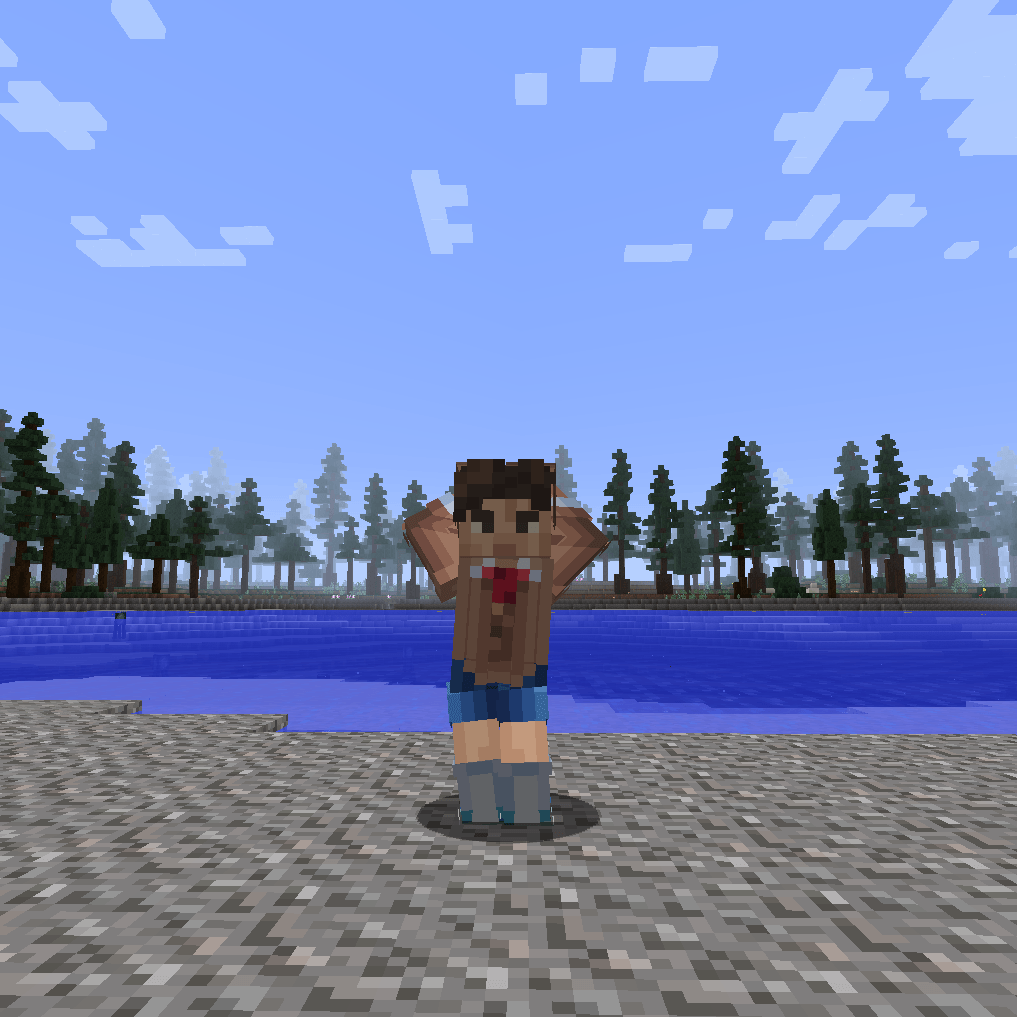
🕺 Full player body animations
🔗 Multiplayer synchronization
🎵 Custom icons and music
📦 Support for .json, .emotecraft, .emote and ZIP files
⚡ Player Animator is built in
📌 Requirements
• Minecraft: 1.12.2
• Forge: 14.23.5.2859+
• Java: 8
For multiplayer synchronization, install the mod on both the client and server.
🎮 Controls
• B — Open emote wheel
• N — Open emote library
• G — Stop current emote
Custom emotes can be placed in:
.minecraft/emotes
🛠️ Create Your Own Emotes
Custom animations can be created with Blender or Blockbench.
Emote Creation Guide:
https://docs.zigythebird.com/emotecraft/creatingemotes/
Blender Tools:
https://github.com/KosmX/emotes/tree/development/blender
Emote Sharing Portal:
https://emotes.kosmx.dev/
❤️ Credits
Kaban4ik2023 — Minecraft 1.12.2 port
Original Emotecraft:
https://github.com/KosmX/emotes
Source Code:
https://github.com/Kaban4ik2023/Emotecraft-Unofficial-Port
⚠️ This is an unofficial port and is not affiliated with or supported by the original Emotecraft developers.
常见问题
Emotecraft (Unofficial Port) 支持哪些 Minecraft 版本?
Emotecraft (Unofficial Port) 支持 Minecraft Java 版 1.12.2,可用的加载器:Forge。下载时注意选择和你游戏版本一致的文件。
Emotecraft (Unofficial Port) 怎么安装?
先用 PCL2 或 HMCL 启动器安装对应版本的 Forge,再把下载的 .jar 文件放进游戏目录的 mods 文件夹,重新启动游戏即可。开启了版本隔离的,mods 文件夹在 versions/版本名 下面。
评论
登录后评论和评分