
截图


介绍
🤵♂️ Vanilla NPC’s
Easily create your own NPC in Minecraft thanks to the new mannequins! No Command knowledge required!
How to use: Press ESC or open the Quick Options Menu (default Keybind is G) or use the following command: “/function vanillanpc:menu“ in order to open the main menu.

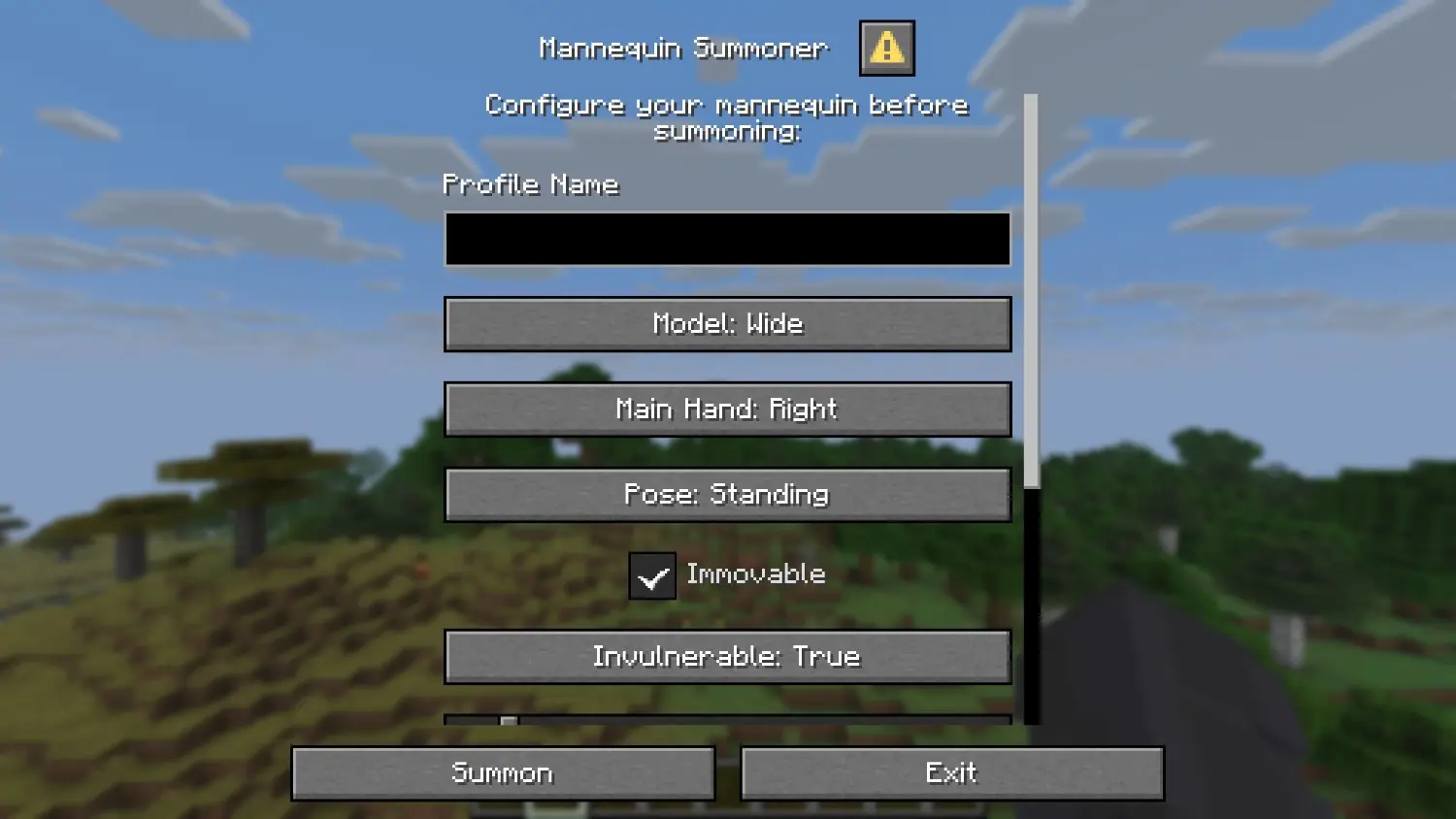
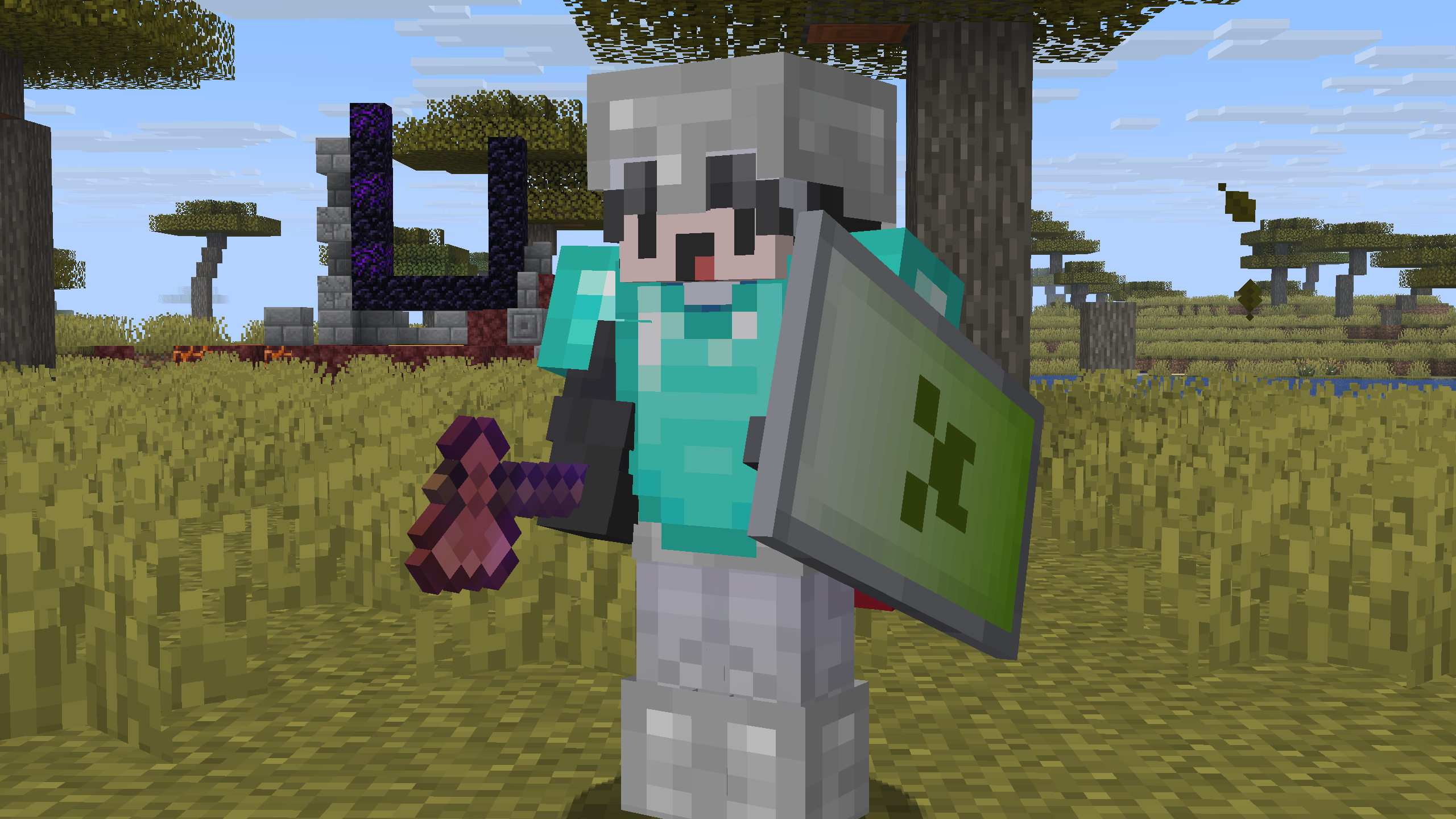
📚 How to Install the Datapack
👤 Singleplayer
Drag the downloaded .zip file into the “"\.minecraft\saves\YOURWORLD\datapacks"“ folder.
Now enter your world. You can check whether the datapack is enabled with /datapack list.
👥 Multiplayer (Server)
Drag the downloaded .zip file into the datapack folder, which is located in the default “world” folder.
Now join your server. You can check whether the datapack is enabled with /datapack list.
Enjoy!
常见问题
Vanilla NPC 支持哪些 Minecraft 版本?
Vanilla NPC 支持 Minecraft Java 版 1.21.9–26.3,共 8 个版本,可用的加载器:Fabric / Forge / NeoForge / Quilt。下载时注意选择和你游戏版本一致的文件。
Vanilla NPC 怎么安装?
先用 PCL2 或 HMCL 启动器安装对应版本的 Fabric / Forge / NeoForge / Quilt,再把下载的 .jar 文件放进游戏目录的 mods 文件夹,重新启动游戏即可。开启了版本隔离的,mods 文件夹在 versions/版本名 下面。运行环境:客户端 / 服务端。
marbrueck 的其他作品
查看全部 →
Mob Hearts
Shows you the hearts of all mobs above their heads.
Mob Hearts
Shows you the hearts of all mobs above their heads.

Timer
Adds a simple but customizable timer.

Harvest Simplified
Auto Harvest and Auto Pickup: With Harvest Simplified, you can use your farm more efficiently and no longer need to collect items and replant crops! Customizable for all available crops.
评论
登录后评论和评分