
CultivateCraft
Decorative plants, Cotton crop, Beekeeper, Dunegras, future additions. Evolving farming experience.
截图
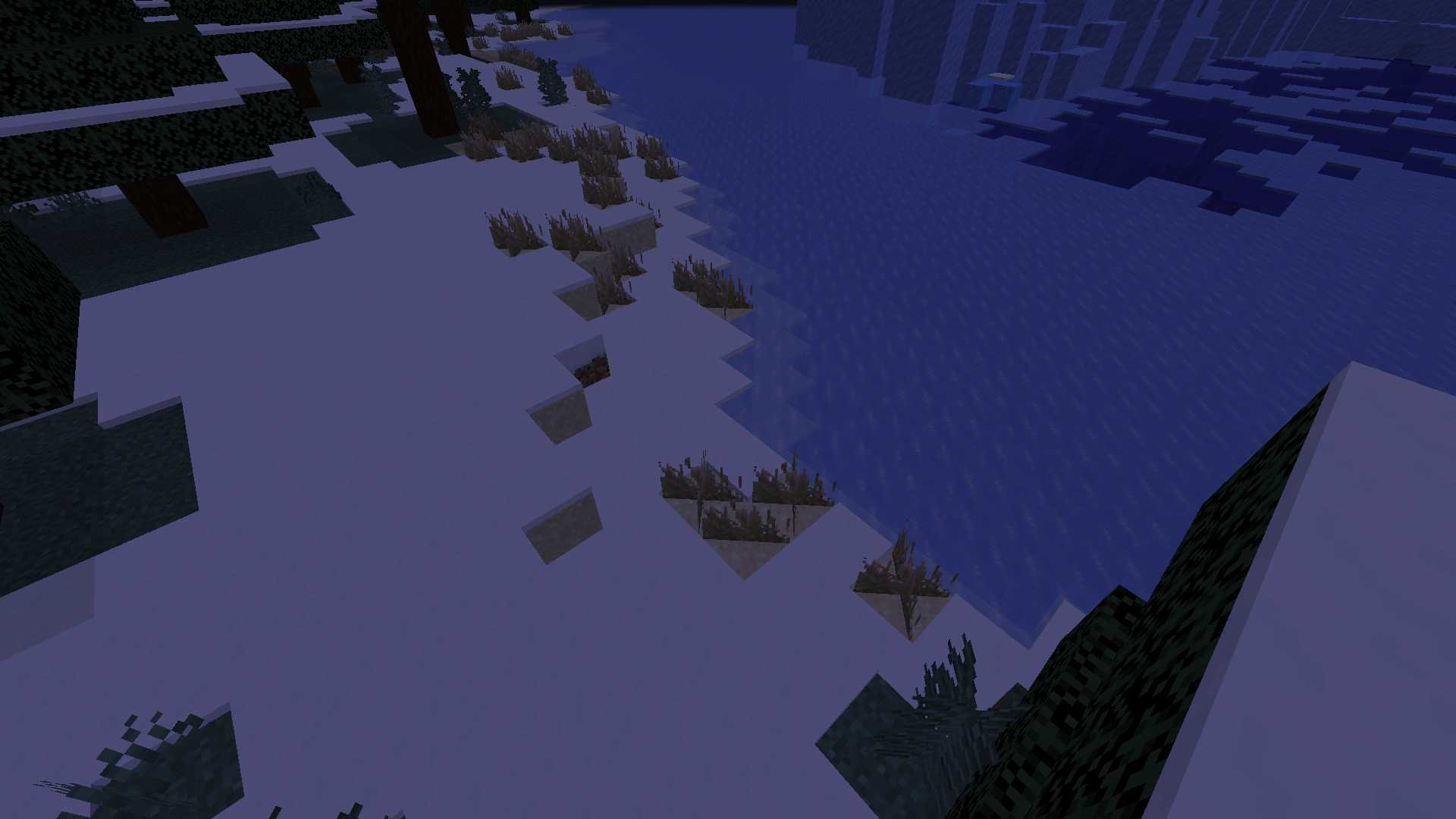
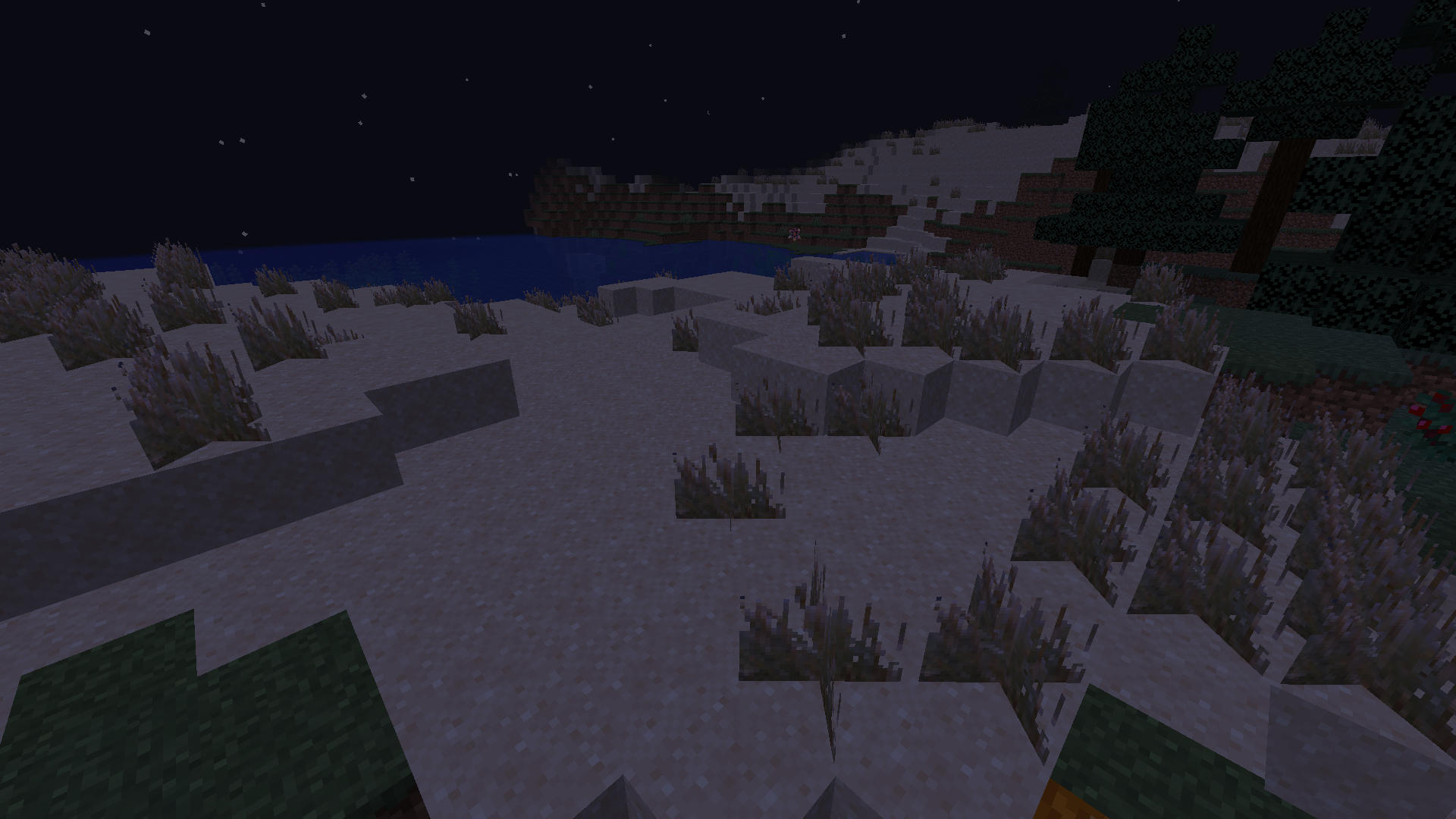
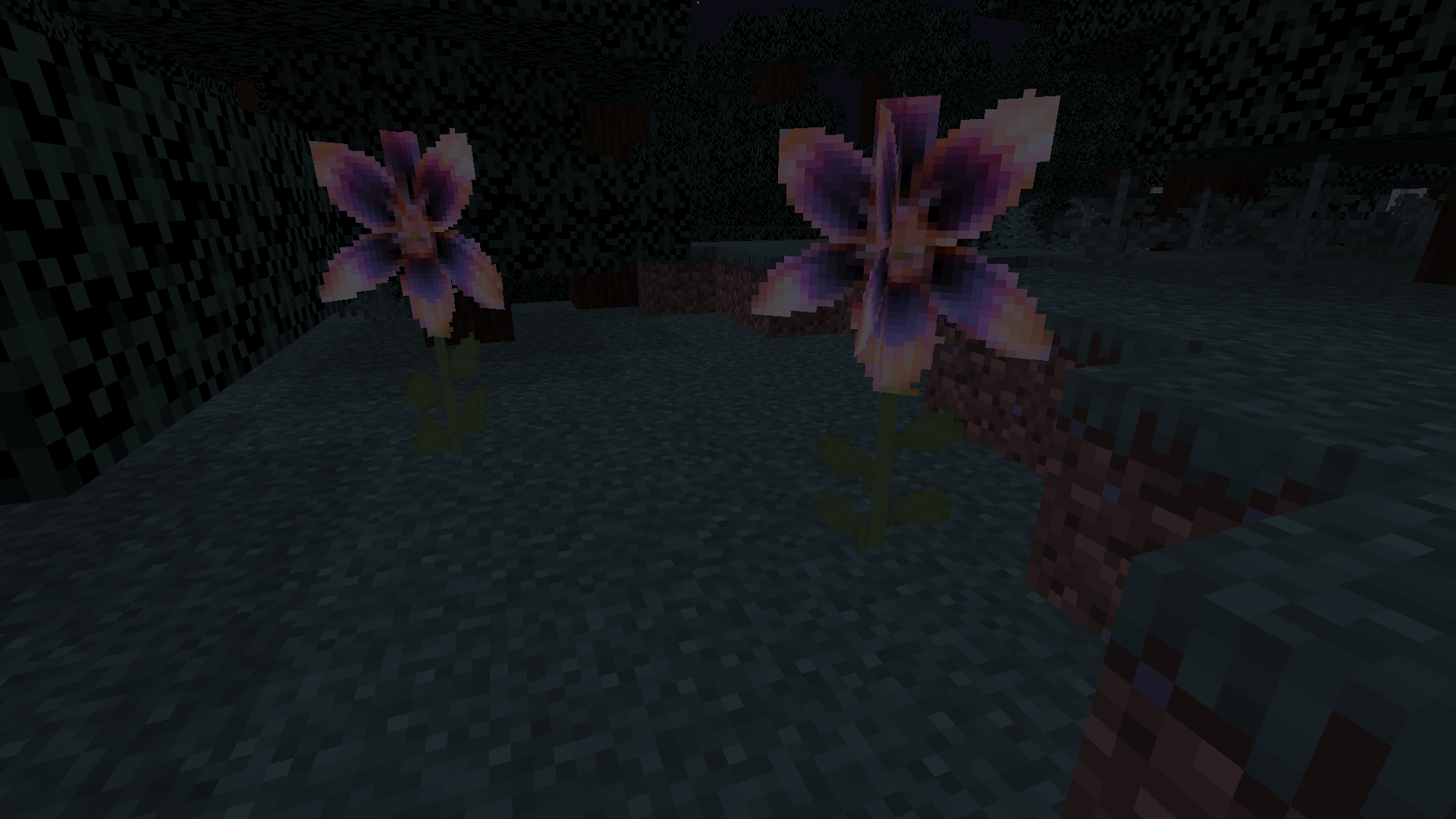
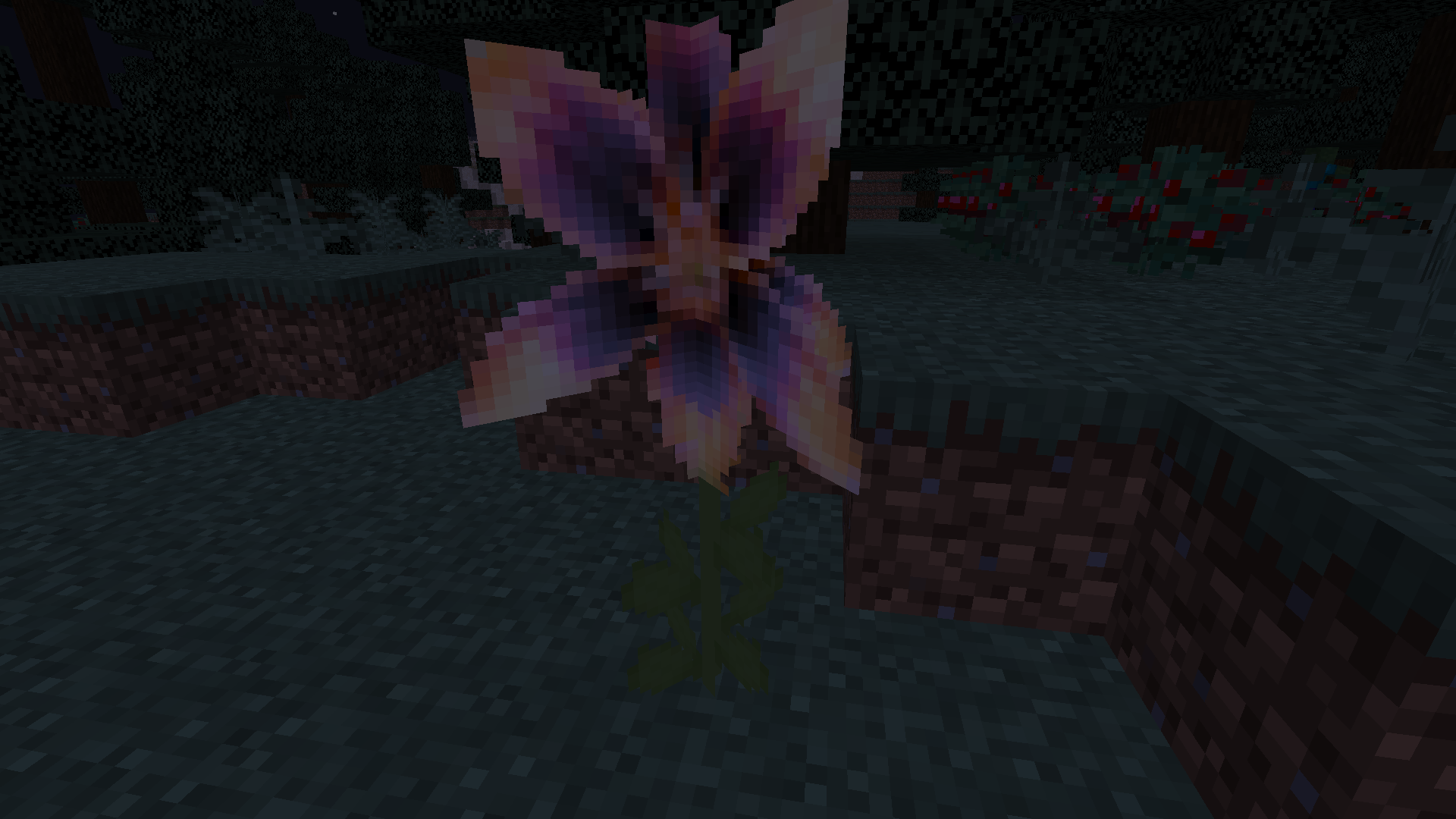
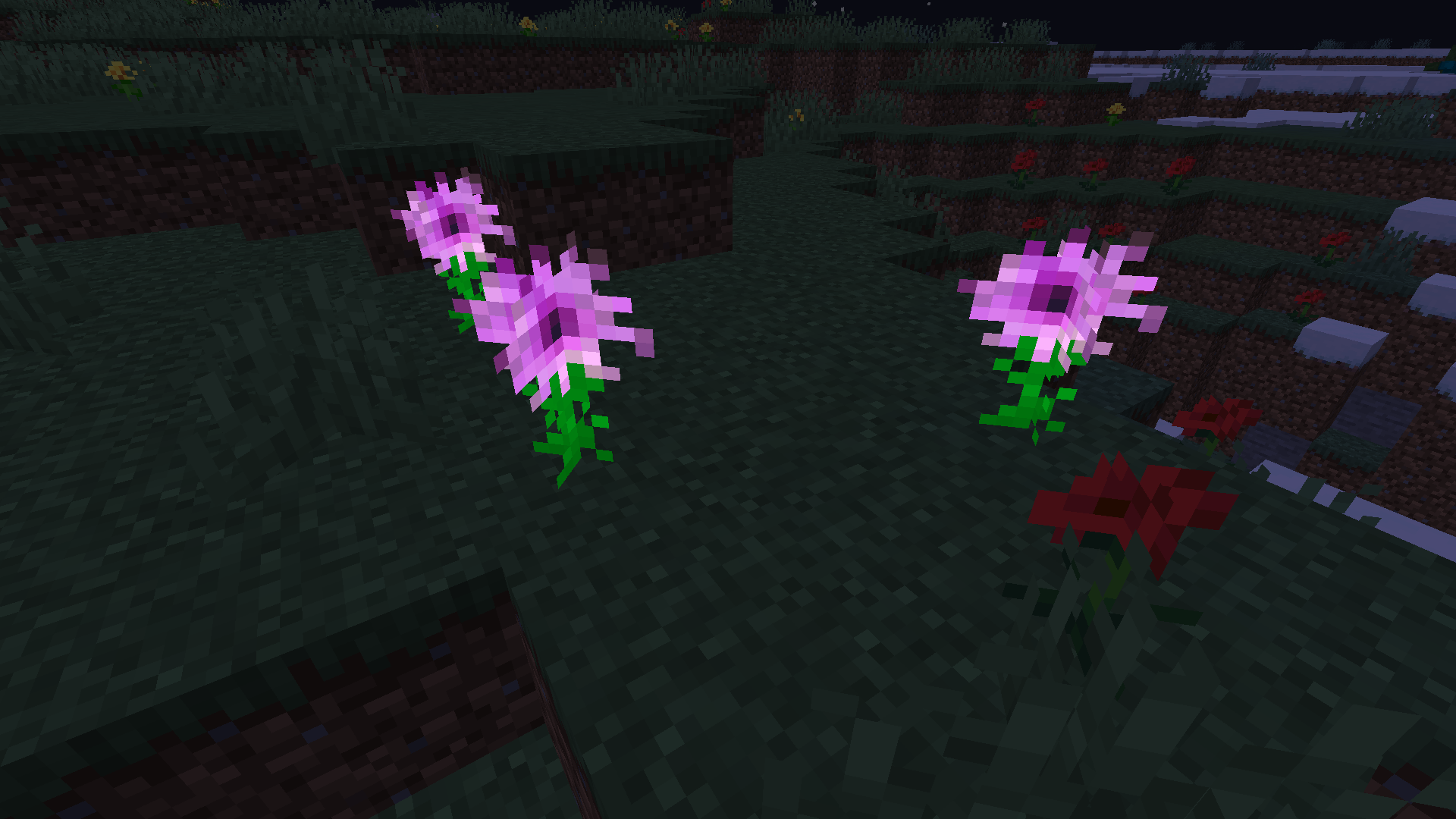
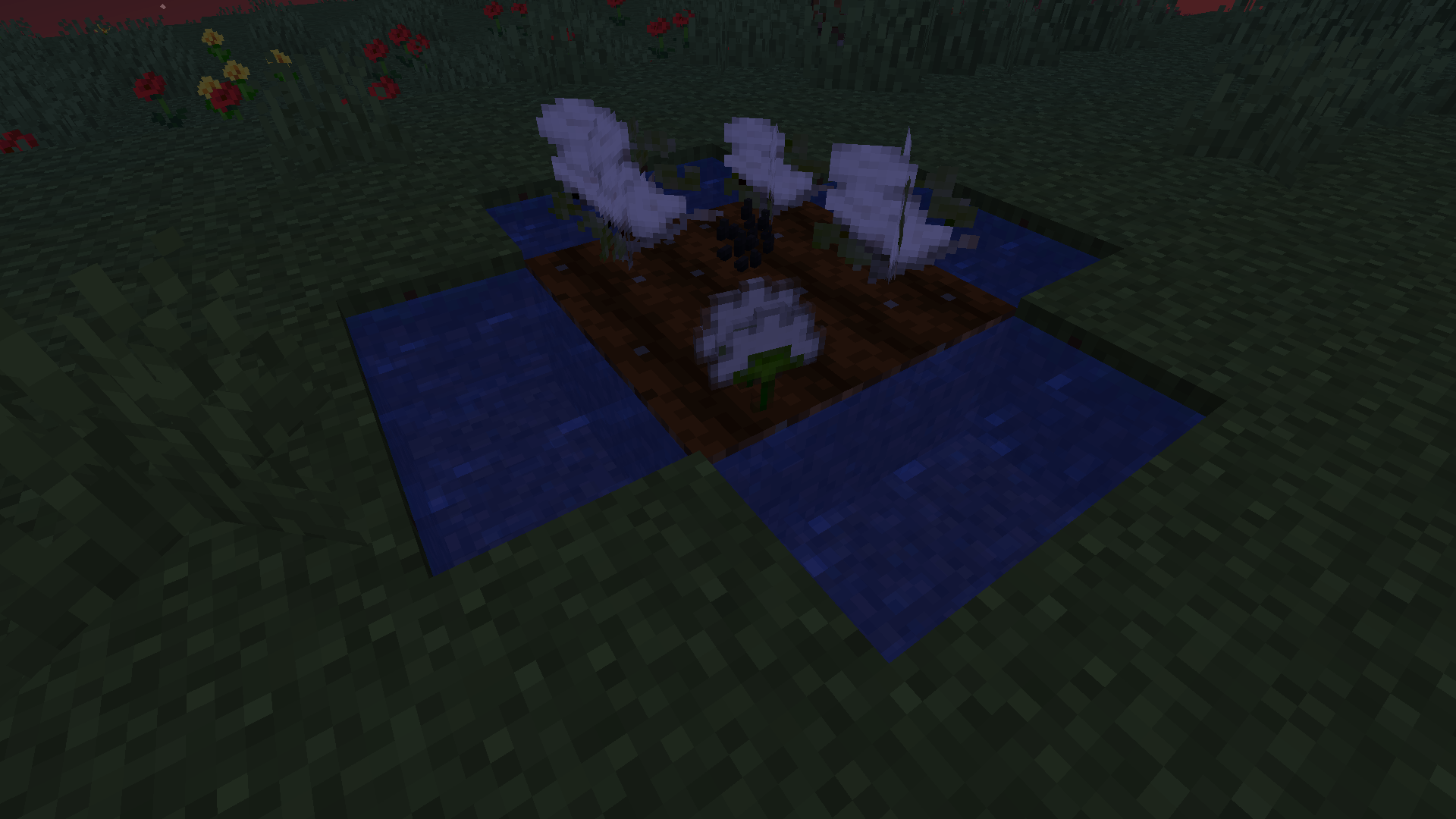
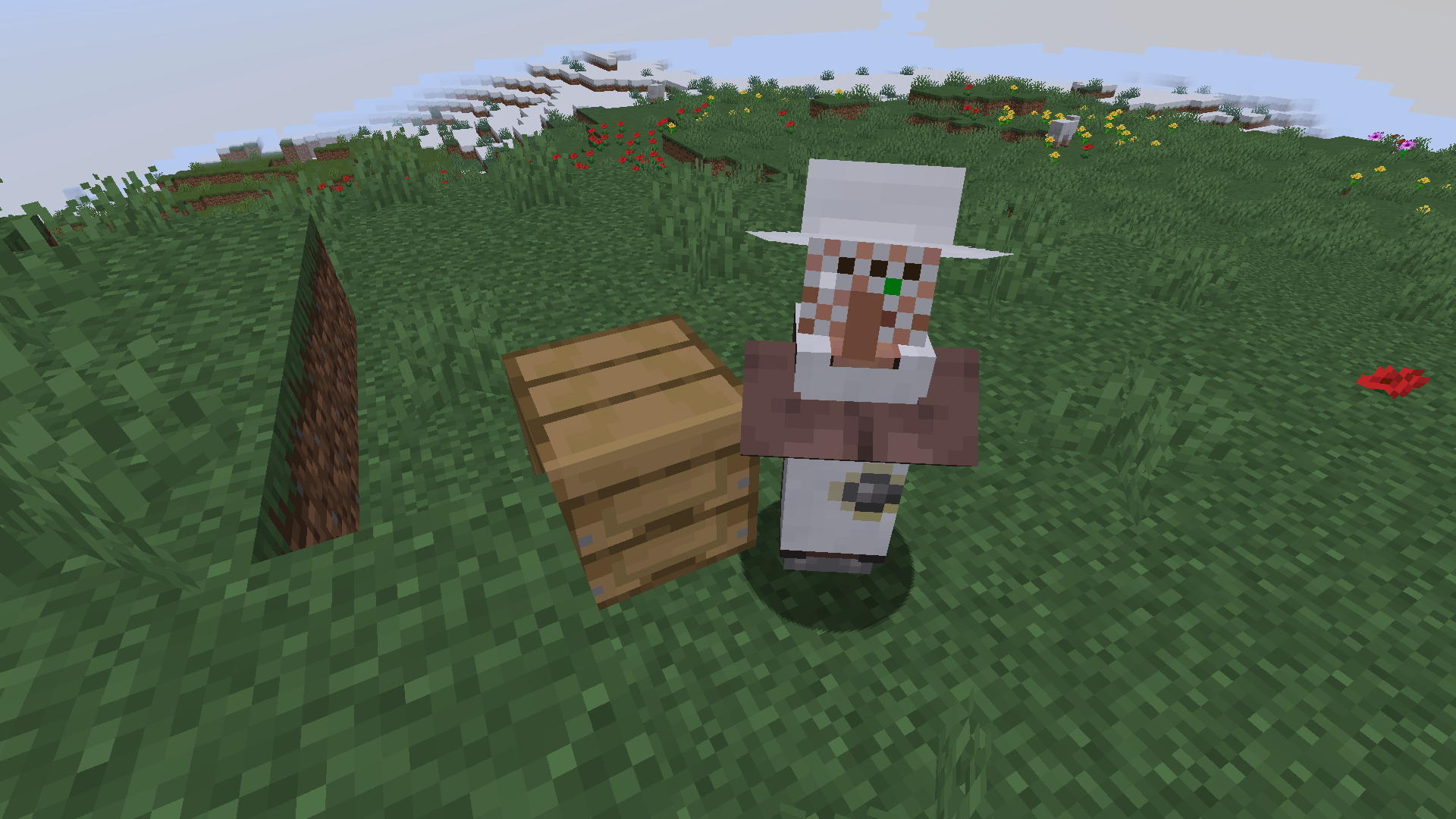
介绍
Welcome to the CultivateCraft Mod, an immersive and visually stunning addition to your Minecraft gameplay! Version 0.0.0 introduces an array of exciting features that will enhance your farming adventures.
Dive into the vibrant world of flora with the addition of the Magentafern, a beautiful decorative plant that adds a splash of color to any landscape. Embrace the exotic with the Fire Lily, a captivating plant that brings an element of intrigue to your surroundings.
But that’s not all! CropCraft Mod also introduces the Cotton crop, currently serving as a decorative element, but with exciting plans for future updates. Soon, you’ll be able to utilize Cotton in various crafting recipes, unlocking its true potential and expanding your possibilities.
To complement your farming endeavors, the Beekeeper character and the Beekeeper station join the mod’s cast. Although the Beekeeper doesn’t engage in trades just yet, upcoming versions will introduce trading mechanics, allowing you to barter and acquire unique items.
Immerse yourself in the atmosphere with the Dunegras, a decorative plant that adds a touch of realism to sandy landscapes and desert biomes, making your adventures even more visually captivating.
Exciting developments lie ahead for CropCraft Mod! Be prepared for forthcoming versions, where new animals, trees, and structures will be introduced, elevating your farming experience to new heights. Stay tuned for updates as the mod continues to evolve, providing endless possibilities for your agricultural pursuits.
Embark on a journey filled with vibrant plants, intriguing characters, and the promise of even more exciting features to come. CropCraft Mod is your ticket to an immersive farming adventure in the world of Minecraft!
常见问题
CultivateCraft 支持哪些 Minecraft 版本?
CultivateCraft 支持 Minecraft Java 版 1.19.4,可用的加载器:Forge。下载时注意选择和你游戏版本一致的文件。
CultivateCraft 怎么安装?
先用 PCL2 或 HMCL 启动器安装对应版本的 Forge,再把下载的 .jar 文件放进游戏目录的 mods 文件夹,重新启动游戏即可。开启了版本隔离的,mods 文件夹在 versions/版本名 下面。
free_lps217 的其他作品
查看全部 →
PackBack Plus
Just another Backpack Mod

Expert’s Journey
An extensive modpack for experts, offering new features and challenges.

Legends of the Past: Archaeology Chronicles
EnchantedRealm: Immersive Minecraft Modpack with Magic, Exploration, and Adventure

People´s Journey
The best Combination of Performance and Entertainment
评论
登录后评论和评分