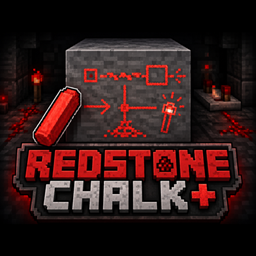
Redstone Chalk+
Redstone Chalk+ lets you draw custom red chalk markings directly onto block faces, making it easy to label redstone builds, mark directions, leave symbols, and annotate machines while keeping a simple vanilla-style feel.
截图


介绍
Redstone Chalk+
Redstone Chalk+ adds a simple, vanilla-style way to draw red markings directly onto blocks.
Use Redstone Chalk on a supported block face to open a compact 32×32 drawing editor, create your marking, and save it directly onto that side of the block.
You can use it for:
- Redstone input/output labels
- Arrows and directions
- Circuit markings
- Machine controls
- Warning symbols
- Build planning
- Mine and cave markers
- Multiplayer instructions
- General technical annotations
Features
- Draw directly onto individual block faces
- 32×32 custom drawing canvas
- Pencil, eraser, and straight-line tools
- Multiple brush sizes
- Undo and redo
- Edit existing chalk markings
- Remove markings with Sneak + Right Click
- Different sides of the same block can have different drawings
- Markings stay attached to the block surface
- Drawings persist after saving and reloading the world
- Multiplayer synchronization
- Owner/admin protection for editing markings
- Redstone Chalk has 128 durability
- Simple vanilla-style crafting and gameplay
Redstone Chalk+ intentionally focuses on red chalk only instead of becoming a full painting system, keeping the mod lightweight and close to vanilla Minecraft.
Crafting
Redstone Chalk is crafted using:
Calcite + Redstone Dust
The recipe unlocks in the recipe book after the player discovers Redstone Dust.
Requirements
Required:
- Fabric API
Supported Versions:
- Fabric 1.20.1
- Fabric 1.21.1
- Fabric 26.2
常见问题
Redstone Chalk+ 支持哪些 Minecraft 版本?
Redstone Chalk+ 支持 Minecraft Java 版 1.20.1–26.2,共 3 个版本,可用的加载器:Fabric。下载时注意选择和你游戏版本一致的文件。
Redstone Chalk+ 怎么安装?
先用 PCL2 或 HMCL 启动器安装对应版本的 Fabric,再把下载的 .jar 文件放进游戏目录的 mods 文件夹,重新启动游戏即可。开启了版本隔离的,mods 文件夹在 versions/版本名 下面。
Apricats 的其他作品
查看全部 →
Animal Feeder+
Animal Feeder+ 添加了一个简易食槽,可自动喂食附近的农场动物,让牲畜照料更轻松,也不用再逐只喂食。
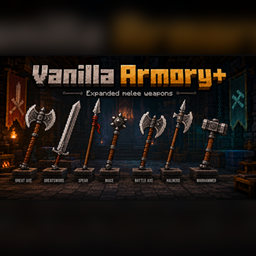
Vanilla Armory+
一个为游戏带来 7 种新近战武器的模组。
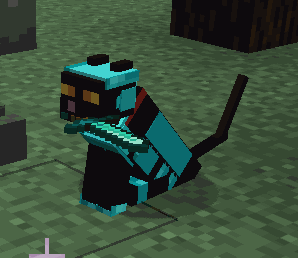
Cat Companions+
Cat Companions+将Minecraft的可驯服猫扩展为有用的冒险伙伴。猫可以装备自定义盔甲和武器,让它们与主人并肩作战,同时保留原版猫的熟悉行为和个性。
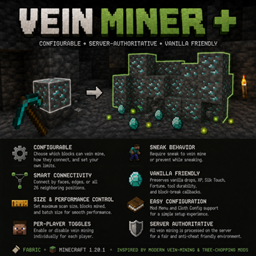
Vein Miner +
A mod I created to quickly mine veins of ore, and dig clay & gravel!
评论
登录后评论和评分