
Opal | Jade Addon
Enhance Jade with 26 contextual gameplay indicators, customizable icons, and detailed block and entity information.
截图
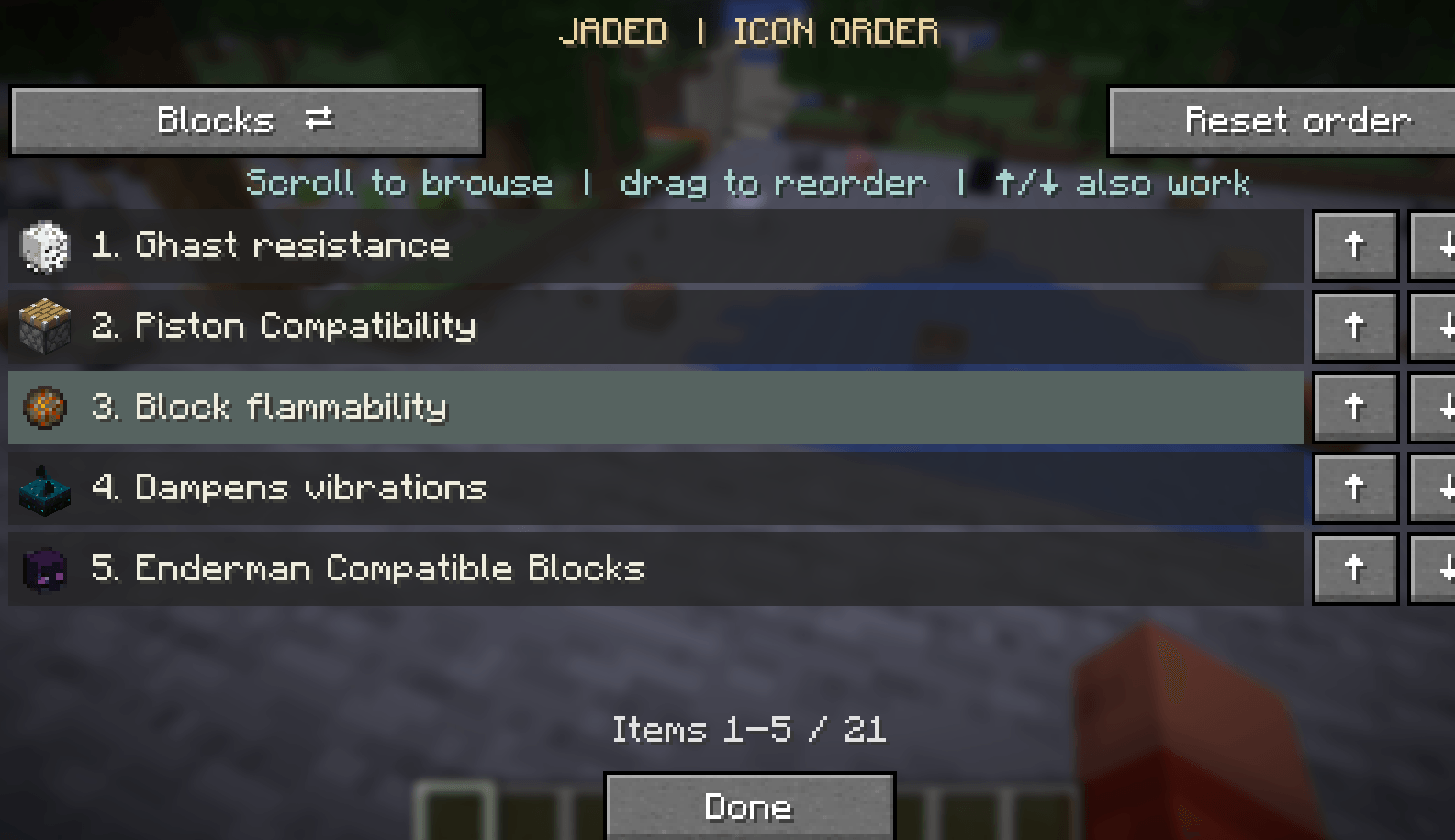
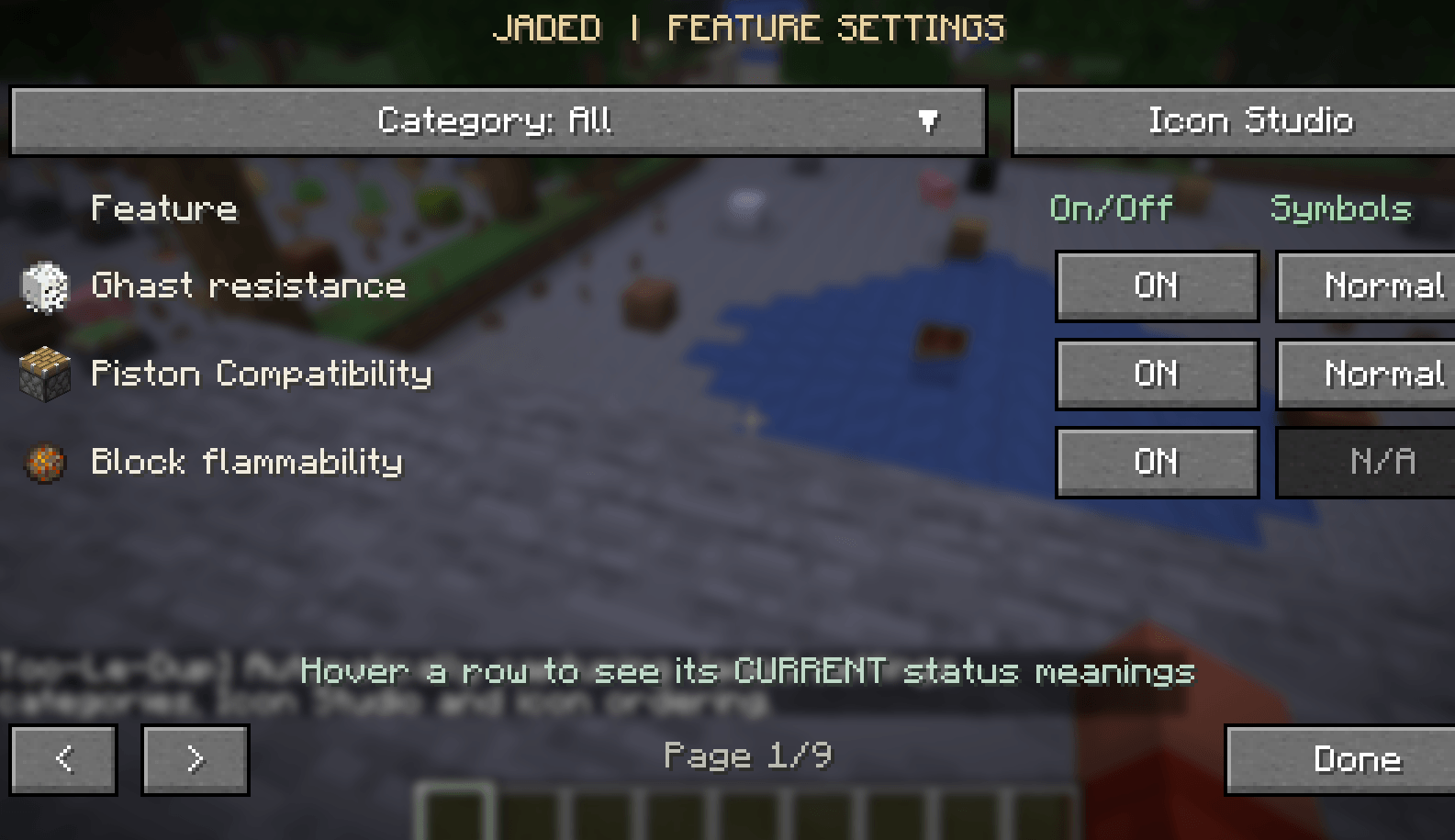
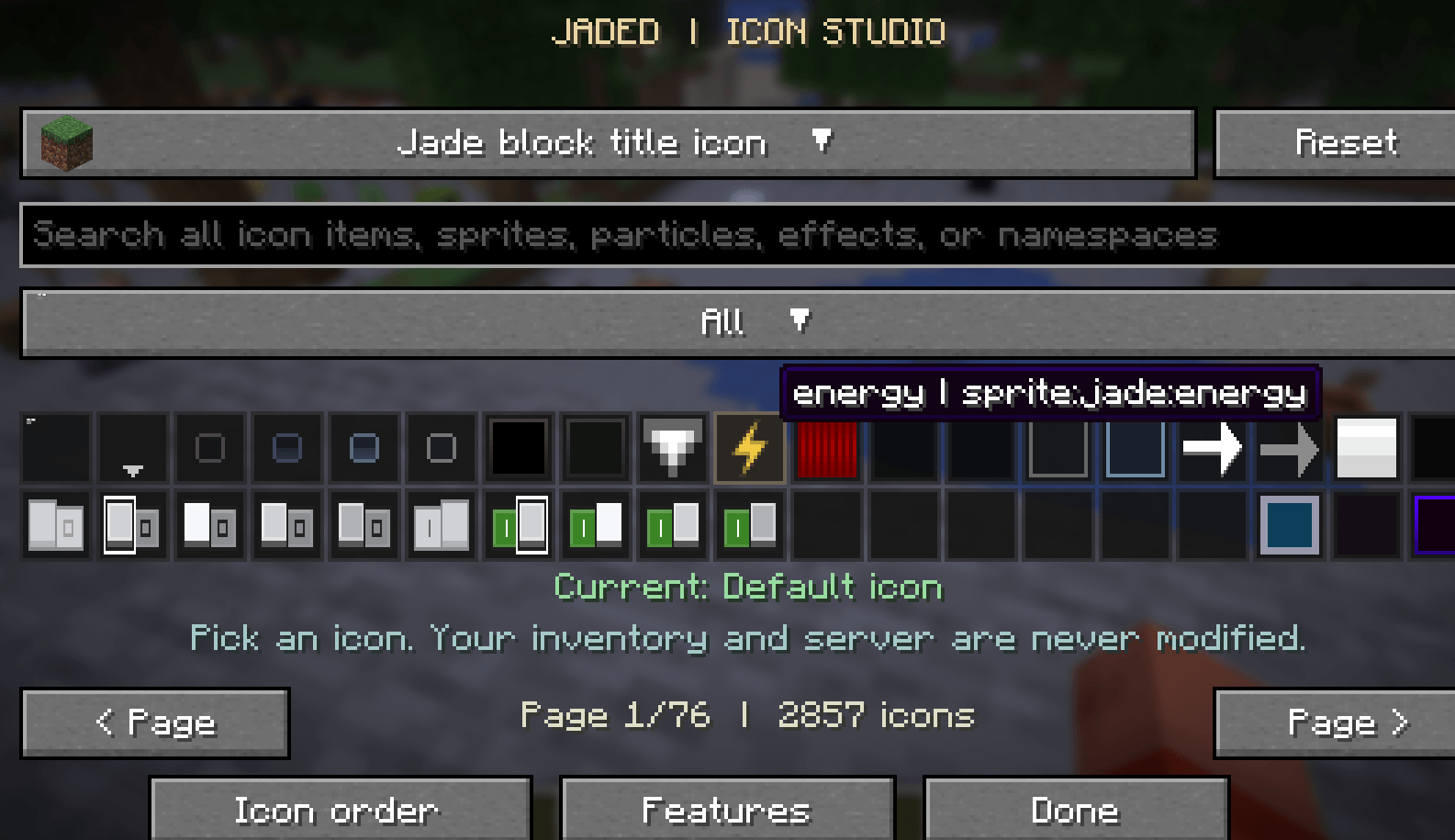
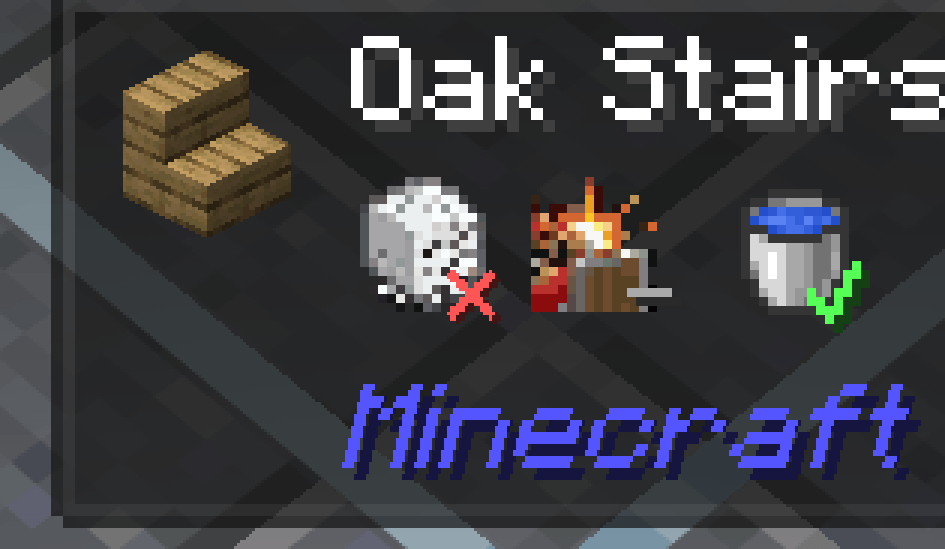
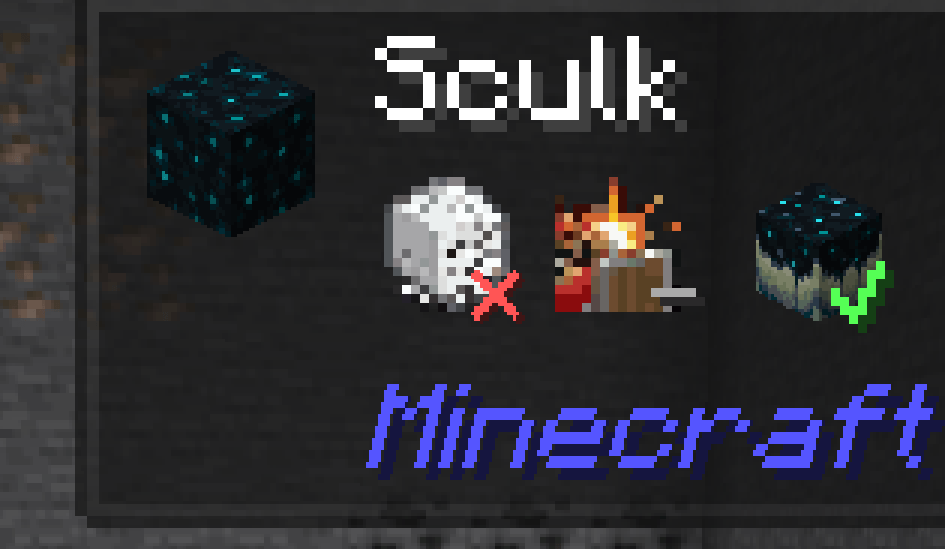
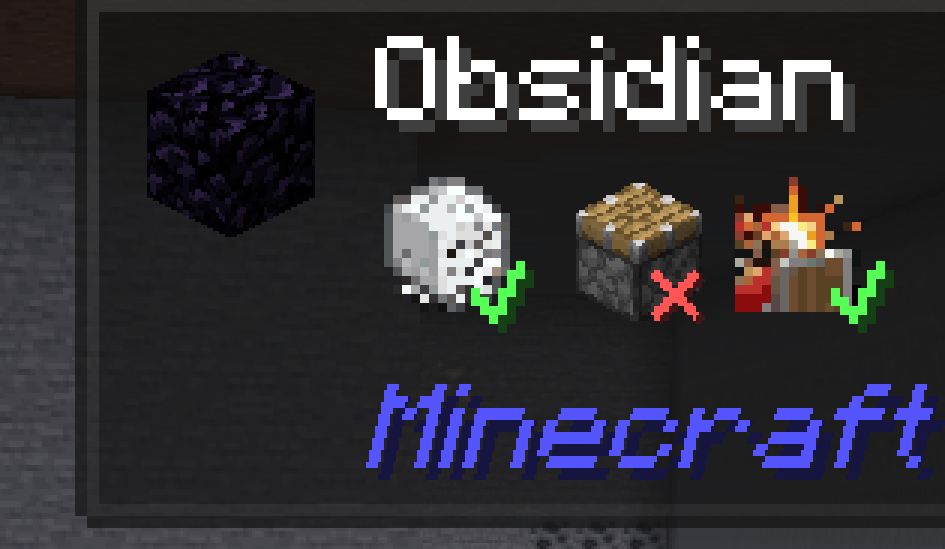
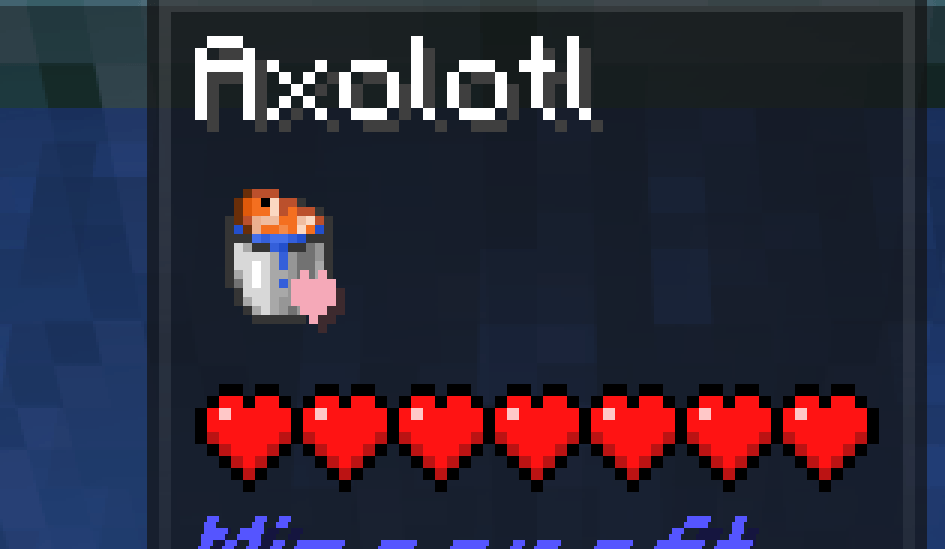
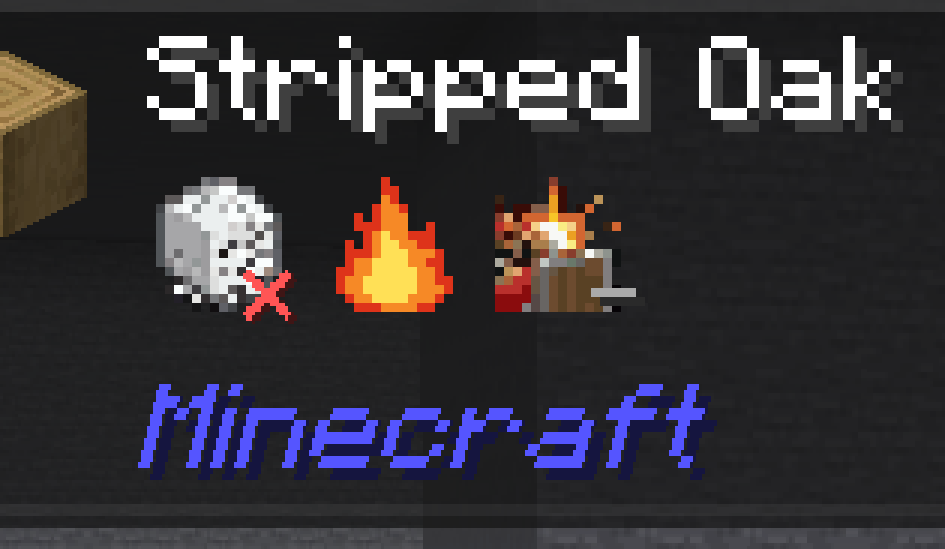
介绍
Required Dependencies:
Jaded is a client-side expansion for Jade, designed to make Minecraft’s block and entity tooltips more informative, useful, and customizable.
Building on Jade’s existing functionality, Jaded introduces 26 contextual gameplay indicators, giving you additional information about the world around you without needing to open menus, consult a wiki, or interrupt your gameplay.
Whether you’re building, exploring, farming, or interacting with mobs, Jaded helps you understand what you’re looking at.
✨ Features
26 Contextual Indicators
Discover additional information about blocks and entities, including:
- Block Properties: Information about explosion resistance, flammability, and other block characteristics.
- Farming: Contextual information about farmland, hydration, and agricultural mechanics.
- Sculk: Additional information about sculk-related block properties.
- Animal Interactions: Useful indicators for breeding, taming, equipment, and other mob interactions.
- Contextual Status Indicators: Quickly recognize relevant gameplay properties through visual badges.
🎨 Icon Studio
Make Jaded your own with its built-in icon customization system.
Browse available icons, customize indicator appearances, adjust their presentation, and reset your changes whenever you like.
⚙️ Customizable Experience
Configure Jaded’s contextual indicators to suit your preferences.
Choose which information you want displayed and tailor the experience to your playstyle.
🔍 Seamless Jade Integration
Jaded enhances Jade’s existing tooltip interface rather than replacing it with an entirely separate overlay.
Your additional contextual information appears naturally alongside Jade’s familiar block and entity details.
常见问题
Opal | Jade Addon 支持哪些 Minecraft 版本?
Opal | Jade Addon 支持 Minecraft Java 版 26.3,可用的加载器:Fabric / NeoForge。下载时注意选择和你游戏版本一致的文件。
Opal | Jade Addon 怎么安装?
先用 PCL2 或 HMCL 启动器安装对应版本的 Fabric / NeoForge,再把下载的 .jar 文件放进游戏目录的 mods 文件夹,重新启动游戏即可。开启了版本隔离的,mods 文件夹在 versions/版本名 下面。
评论
登录后评论和评分