
Name Tag Upgrade
Smarter name tags with renaming on the go and handy quality-of-life improvements.
截图
介绍




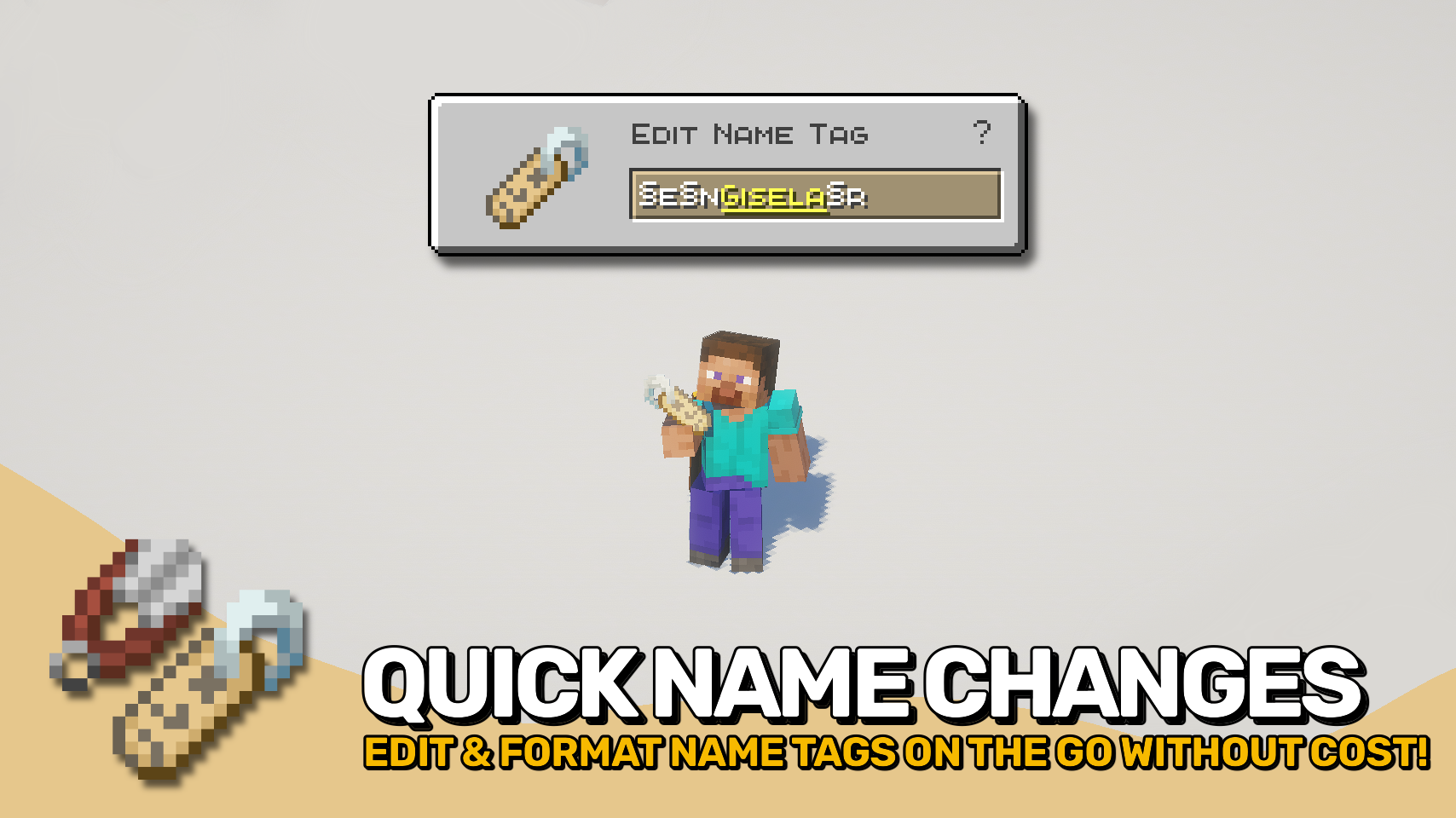
Name Tag Upgrade gives name tags the improvements they have always deserved. 🏷️ Rename them instantly from your hotbar, no anvil and no experience cost required.
A handy edit screen lets you change names on the fly simply by using the item, making mob naming faster and far more convenient. Want colorful or stylized text? The editor supports formatting codes, allowing custom colors, bold text, italics, and more. ✨
Beyond easier renaming, Name Tag Upgrade also improves how named mobs and name tags behave, making every tag feel more useful and less wasteful.

- 🏷️ Instant Name Tag Editing: Rename name tags directly and on the go from a dedicated screen without anvils or experience costs.
- ✨ Formatting Support: Use formatting codes to add colors, bold text, italics, and other styling to names.
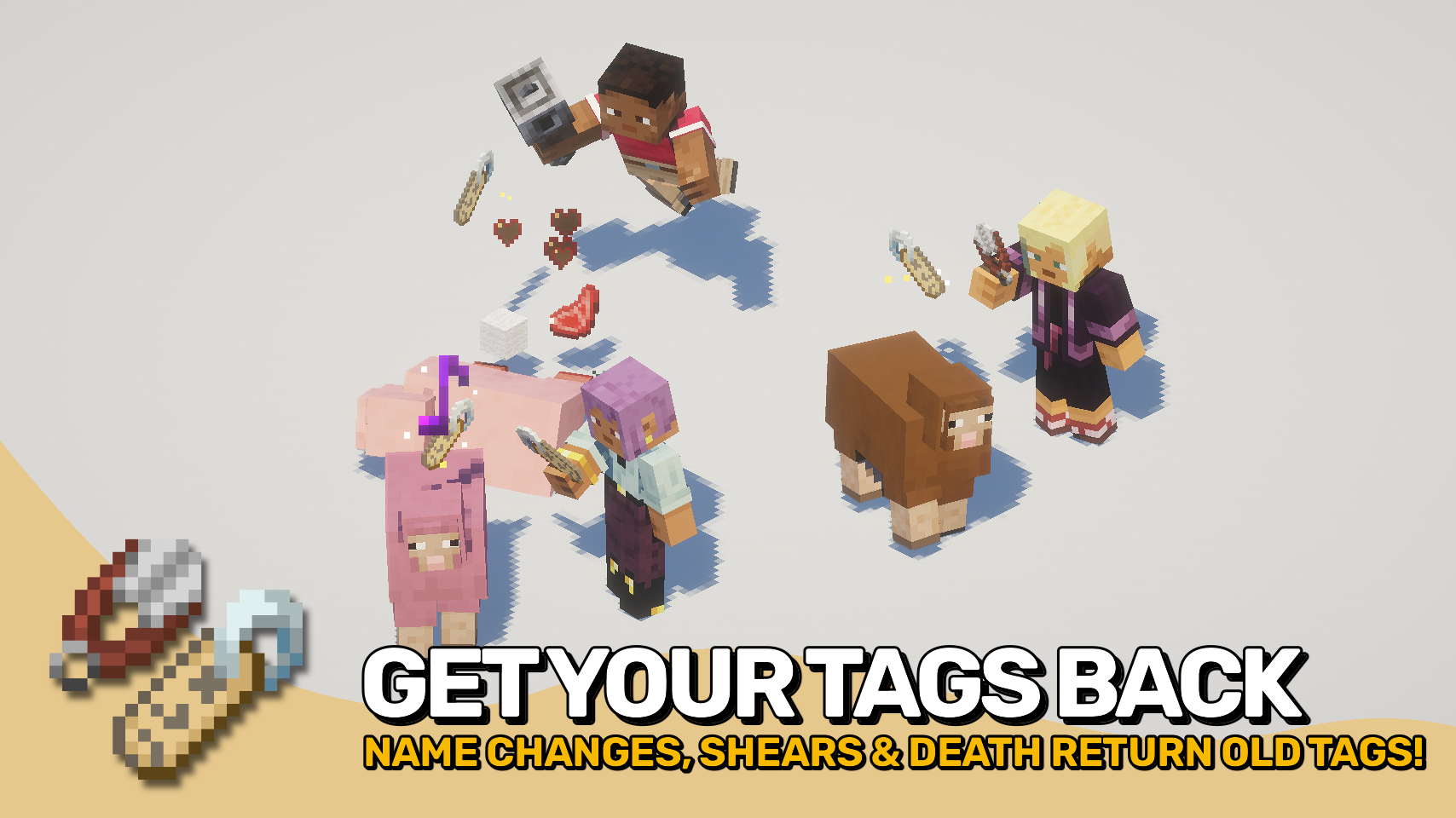
- ♻️ No More Wasted Name Tags: Using a tag with an identical name will no longer consume it.
- ✂️ Remove Custom Names: Use shears on named mobs to remove their custom name and recover the matching name tag.
- 💀 Named Mob Drops: Named mobs can drop their name tag when they die, preserving custom names.
- 🔁 Return Old Name Tags: Renaming an already named mob returns the previous name tag instead of deleting it.
- 🔊 Extra Feedback: Applying a name tag plays a satisfying sound effect.


⏩ INSTALLATION REQUIRED ON CLIENT & REQUIRED ON SERVER
⏩ REQUIRES PUZZLES LIB TO BE INSTALLED (FABRIC & NEOFORGE)
⏩ REQUIRES FABRIC API TO BE INSTALLED (FABRIC)
⏩ REQUIRES FORGE CONFIG API PORT TO BE INSTALLED (FABRIC)

If available for a mod, configuration is possible directly from in-game using the mod menu (requires Mod Menu by Prospector to be installed on Fabric).
For manual configuration using an external text editor all files are found at .minecraft/config, named as MOD_ID-client.toml, MOD_ID-common.toml, or MOD_ID-server.toml, depending on the type of config. Not all types might exist for a mod, if any at all.

🌟 Thanks to tfarecnim and their Nametags Without Anvils mod, which parts of this mod are largely inspired by.
 |
 |
|
 |
 |
|
 |
 |
|
 |
 |
|
 |
 |

© 2026 @heyitsfuzs. All rights reserved. This page was last edited on 11 September 2026, at 06:44 (UTC).
常见问题
Name Tag Upgrade 支持哪些 Minecraft 版本?
Name Tag Upgrade 支持 Minecraft Java 版 1.21.1–26.3,共 7 个版本,可用的加载器:Fabric / NeoForge。下载时注意选择和你游戏版本一致的文件。
Name Tag Upgrade 怎么安装?
先用 PCL2 或 HMCL 启动器安装对应版本的 Fabric / NeoForge,再把下载的 .jar 文件放进游戏目录的 mods 文件夹,重新启动游戏即可。开启了版本隔离的,mods 文件夹在 versions/版本名 下面。运行环境:客户端和服务端都要装。
Fuzs 的其他作品
查看全部 →
Puzzles Lib
为什么叫谜题?这就是谜题所在。

Forge Config API Port
为其他模组生态提供 NeoForge 和 Forge 的配置系统。专为多加载器架构设计。

Visual Workbench
物品会留在工作台内,并且会渲染在上方。真的很精致!

Pick Up Notifier
收集到的所有物品都会通知你。
评论
登录后评论和评分