
CTM Selector
This mod allows you to choose which blocks will have connected textures in every CTM resource pack you have loaded
截图
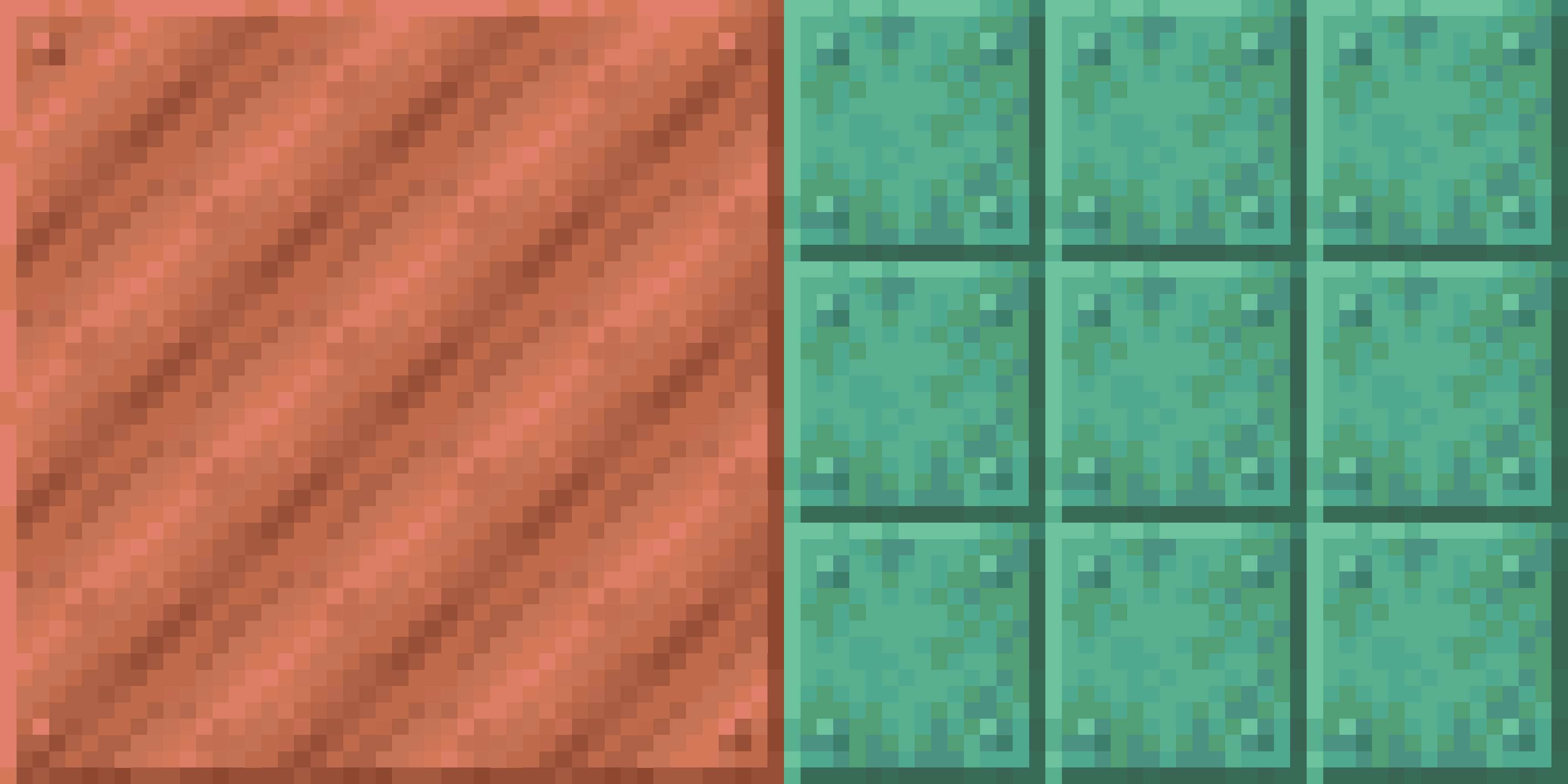
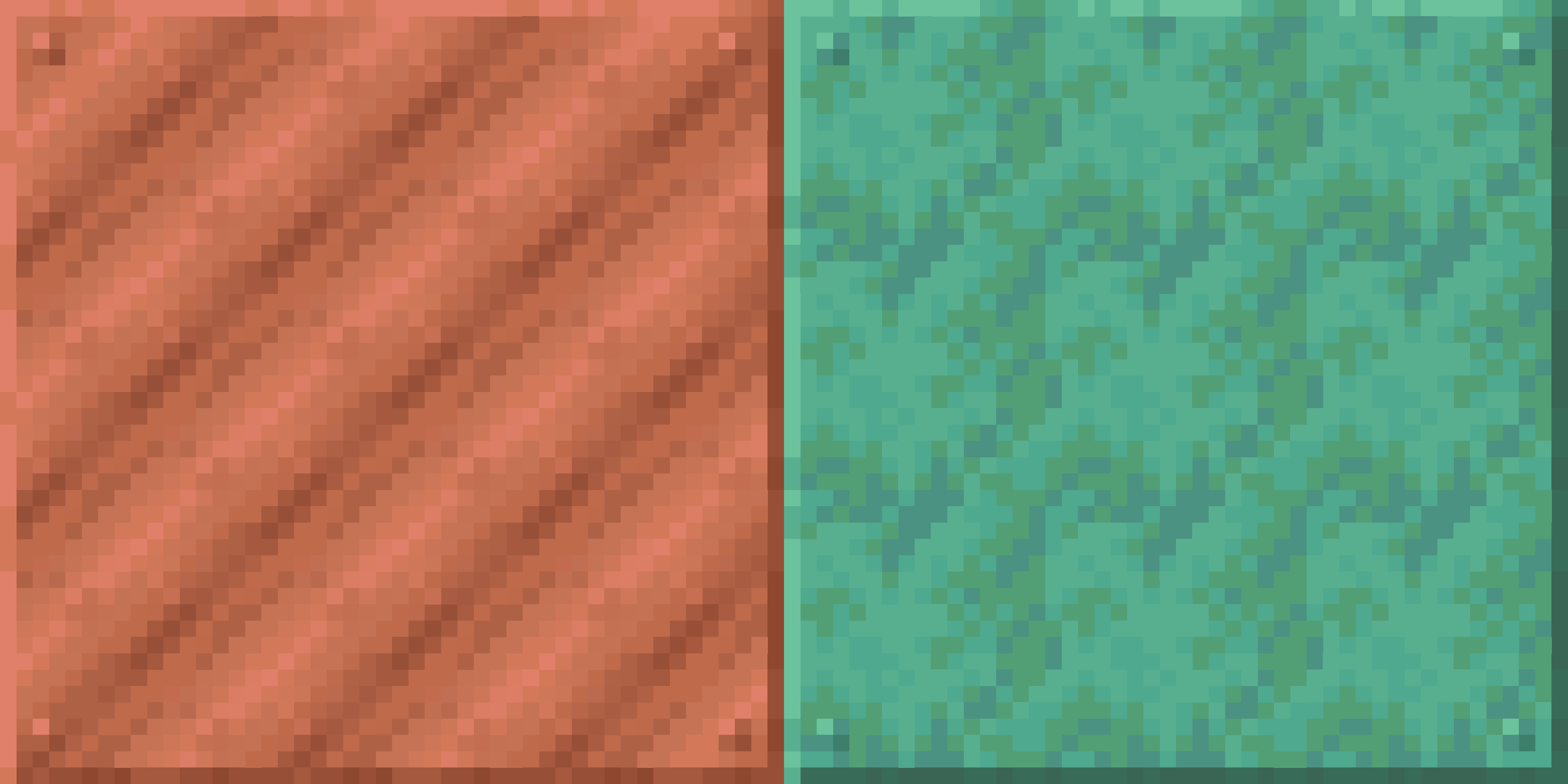
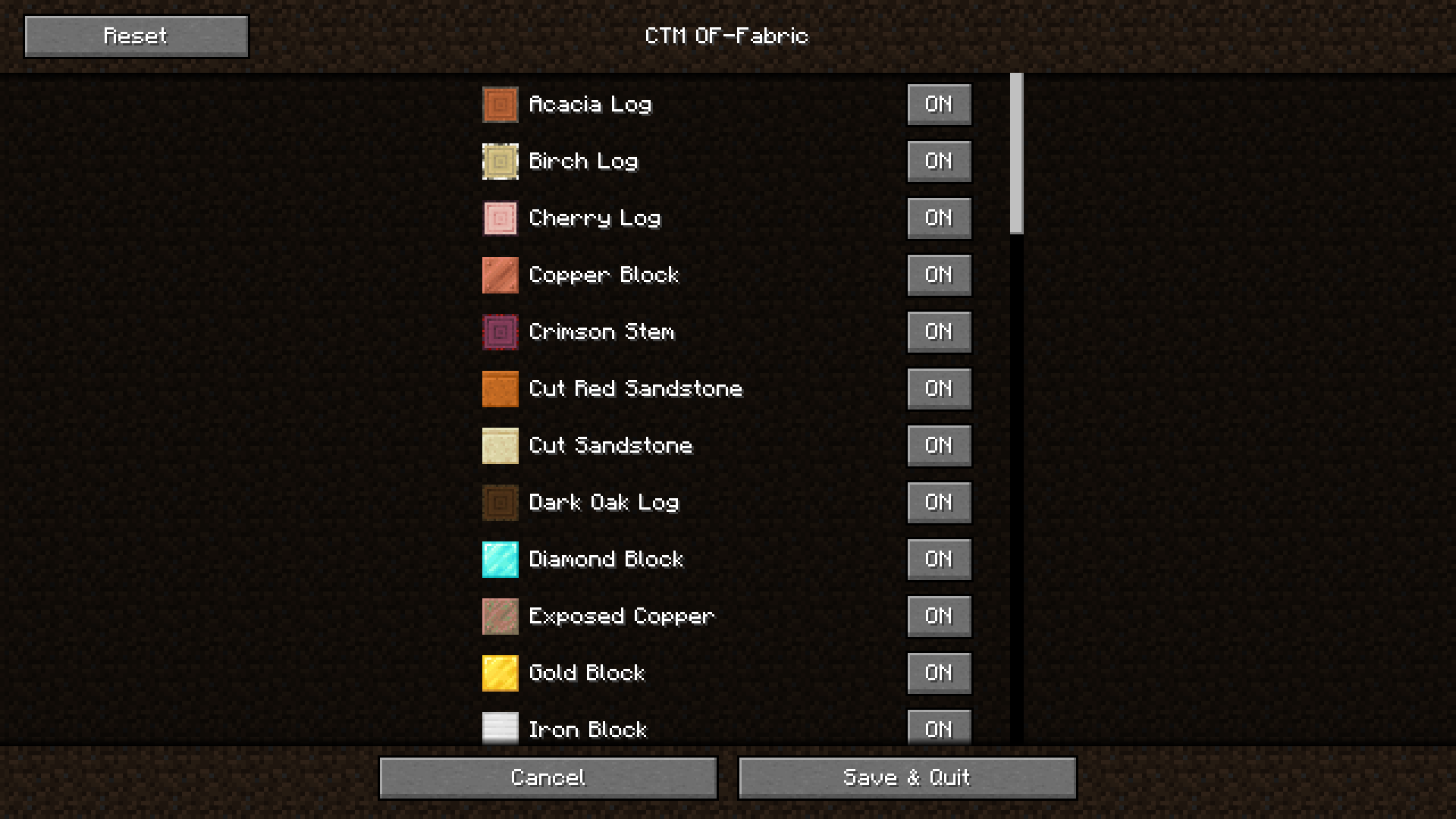
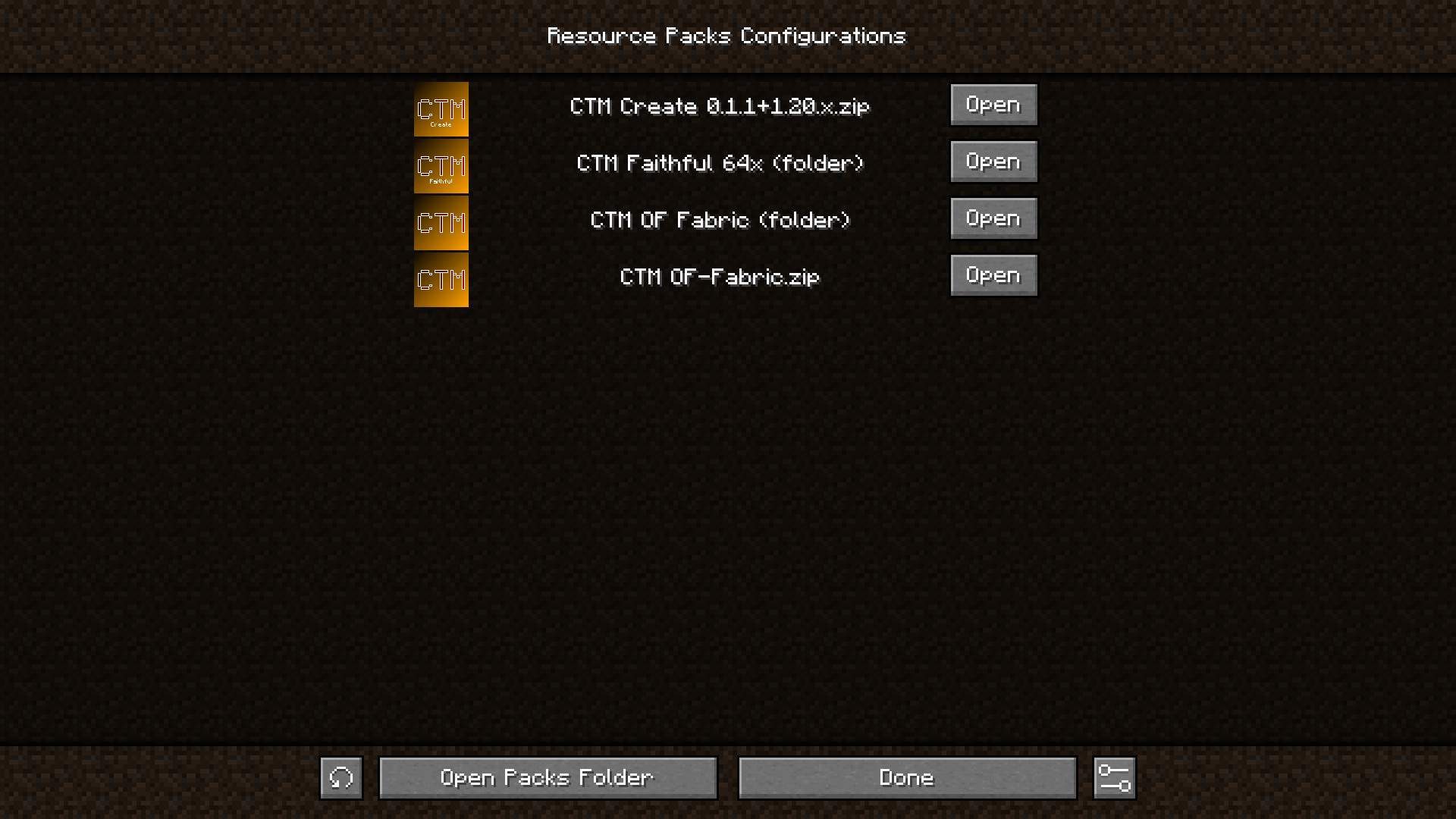
介绍


or

🎴 Show available versions
| Supported MC Version | Up to date | Last version |
|:——————–:|:———-:|:————:|
| 1.19.4 | ❌ | 0.1.2 |
| 1.20.x | ❌ | 0.1.2 |
| 1.20.2 | ✅ | latest |
| 1.20.4 | ✅ | latest |
| 1.20.6 | ✅ | latest |
| 1.21-1.21.8 | ✅ | latest |
| 1.21.9 | ❌ | none |
| 1.21.10-1.21.11 | ✅ | latest |
Description
This mod allows you to choose which blocks with connected textures will be enabled in your pack. For example, if you
have a connected textures pack, but you don’t want the log textures to be connected, then you can simply disable only
these textures, while keeping the other textures connected
🏛️ In order to work, this mod needs 3 things (for links, you can click the badges above) :
- The Fabric or Quilt API
- A connected textures mod like Continuity or Optifine
- A CTM capable resource pack (basically a resource pack that adds connected textures)
For the resource packs to be detected, they simply have to be in your usual resourcepacks folder
Once you have installed the mods and resource pack(s), you have to select in Minecraft the resource packs you want (you
just need to activate the resource pack like in vanilla). Then you can go in the config screen of the mod using the U
key or ModMenu, and you will have access to all the options
💲Features
- Choose which blocks will have connected textures among the possible ones (❗ if your pack is a zip file, the resources will reload 2 times when enabling or disabling textures, this is normal. It is because zip files can’t be modified while used by Minecraft, so we the mod unloads the pack, modifies it and reloads it)
- Choose which group of block will connect (ex: all logs or all metals)
If you want a CTM capable resource pack, you can check these (the badges are clickable) :
For pack developers
If you want to make your resource pack compatible with this mod, read the documentation
here : https://git.sr.ht/~aeldit/CTMSelector/tree/main/item/docs/GROUPS.md
If you find any issue, please make sure to report it here: https://todo.sr.ht/~aeldit/CTMSelector so I can fix it
If you have a suggestion, you can go on my discord server and create a post in 🗽-suggestions-forum

Check out the rest of my projects !


常见问题
CTM Selector 支持哪些 Minecraft 版本?
CTM Selector 支持 Minecraft Java 版 1.19.4–1.21.11,共 19 个版本,可用的加载器:Fabric。下载时注意选择和你游戏版本一致的文件。
CTM Selector 怎么安装?
先用 PCL2 或 HMCL 启动器安装对应版本的 Fabric,再把下载的 .jar 文件放进游戏目录的 mods 文件夹,重新启动游戏即可。开启了版本隔离的,mods 文件夹在 versions/版本名 下面。运行环境:仅客户端。
Aeldit 的其他作品
查看全部 →
Dark Smooth GUI
为 Minecraft 添加深色简洁的界面,并支持许多模组的界面。

CTM Optifine – Fabric
为Minecraft添加连接纹理,并支持多个模组

CyanSetHome
Adds the /sethome command and a system of trust between player to allow them to teleport to their respective homes
CyanSetHome
Adds the /sethome command and a system of trust between player to allow them to teleport to their respective homes
评论
登录后评论和评分