
Timer
Timer Data Pack - Multiple designs to choose - Toggle-able rules to freeze/secure/blind players
截图

介绍
M-Timer & Clock
Add a timer to your HUD to stop times or display the current time. You have full control over your timer with design customization or even rules like freezing/blind/secure all players on timer pause.
Important
This data pack was designed for simple usage in single player. If you search for a high customizable timer with even more features like custom designs with animations, automated tasks and more visit the plugin (and soon fabric mod) version of MTimer!
Access & customize the Timer
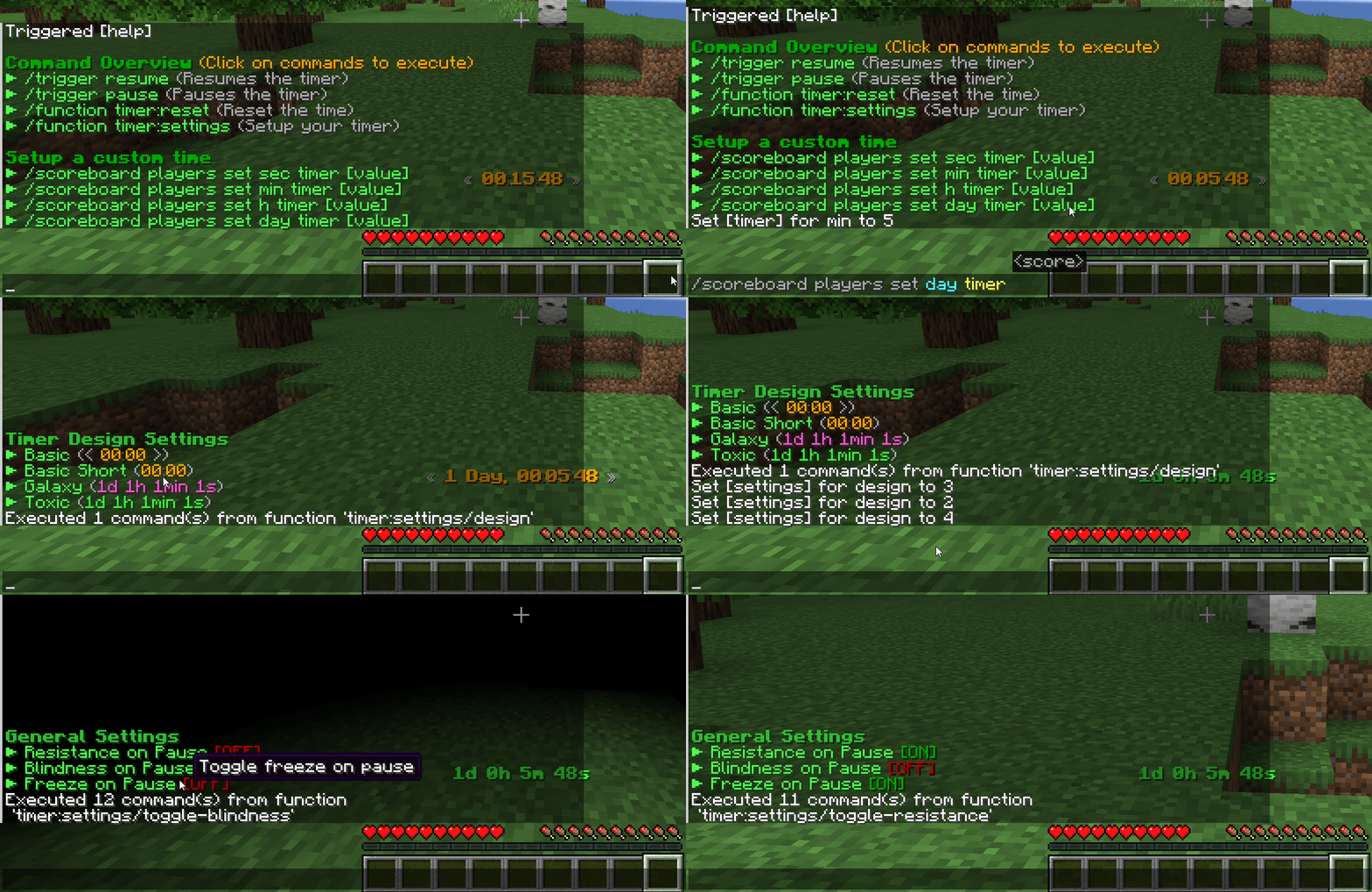
Some commands can be used without cheats enabled via /trigger <action>.
| Command | Cheat-less Command | Short Description |
|:-:|:-:|:-:|
| /function timer:resume | /trigger resume | Resumes your timer |
| /function timer:pause | /trigger pause | Pauses your timer |
| /function timer:reset | ❌ | Resets the current time |
| /function timer:help | /trigger help | Displays a list of all commands |
| /function timer:settings | ❌ | Customize your timer (design & rules) |
Timer Designs
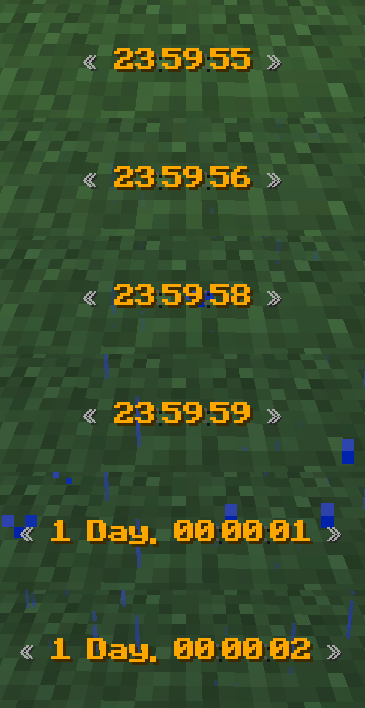
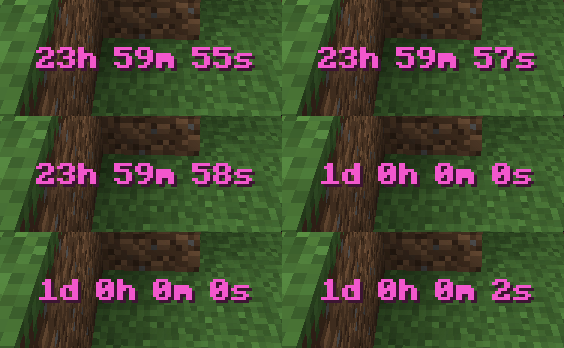
The data pack was designed to easily support multiple designs. If you have an idea for a new unique design join our Discord Server to suggest it!
You can try to create it on your own in our design creator of the original MTimer.
Timer Settings
MTimer currently support 3 rules to customize the experience accessible under function timer:settings. You can toggle…
- Player invulnerability on pausing (default off)
- Blindness on pausing (default off)
- Player movement freezing (default off)
Roadmap
In 1.20.2 a new feature called macros releases. This will allow me to add timer animations too to the cost of performance (probably very small impact). Until then, no animations are possible in designs currently.
常见问题
Timer 支持哪些 Minecraft 版本?
Timer 支持 Minecraft Java 版 1.16–1.21.8,共 32 个版本,可用的加载器:Fabric / Forge / NeoForge / Quilt。下载时注意选择和你游戏版本一致的文件。
Timer 怎么安装?
先用 PCL2 或 HMCL 启动器安装对应版本的 Fabric / Forge / NeoForge / Quilt,再把下载的 .jar 文件放进游戏目录的 mods 文件夹,重新启动游戏即可。开启了版本隔离的,mods 文件夹在 versions/版本名 下面。运行环境:客户端 / 服务端。

评论
登录后评论和评分