
Position Logger
A mod allowing you to know the position of all the players on a server thanks to a simple text file.
截图
介绍
Hey! I’m a little French Minecraft Youtuber named Slimour and I’m passionate about programming, I have also a Fiverr account where I can develop YOUR custom mod 😄
In any case I hope you will like this mod and if you are French: n’hésite pas à t’abonner à ma chaîne YouTube mon reuf
This mod which has been coded with IntelliJ IDEA Community Edition 2021.3 and Java 8 will print the username, dimension, and coordinates of every player connected to a server to a file every few seconds. The location of the file and the time between writes can be configured in a config file. With this mod, you will be able to open the file at any time and see where everyone is.
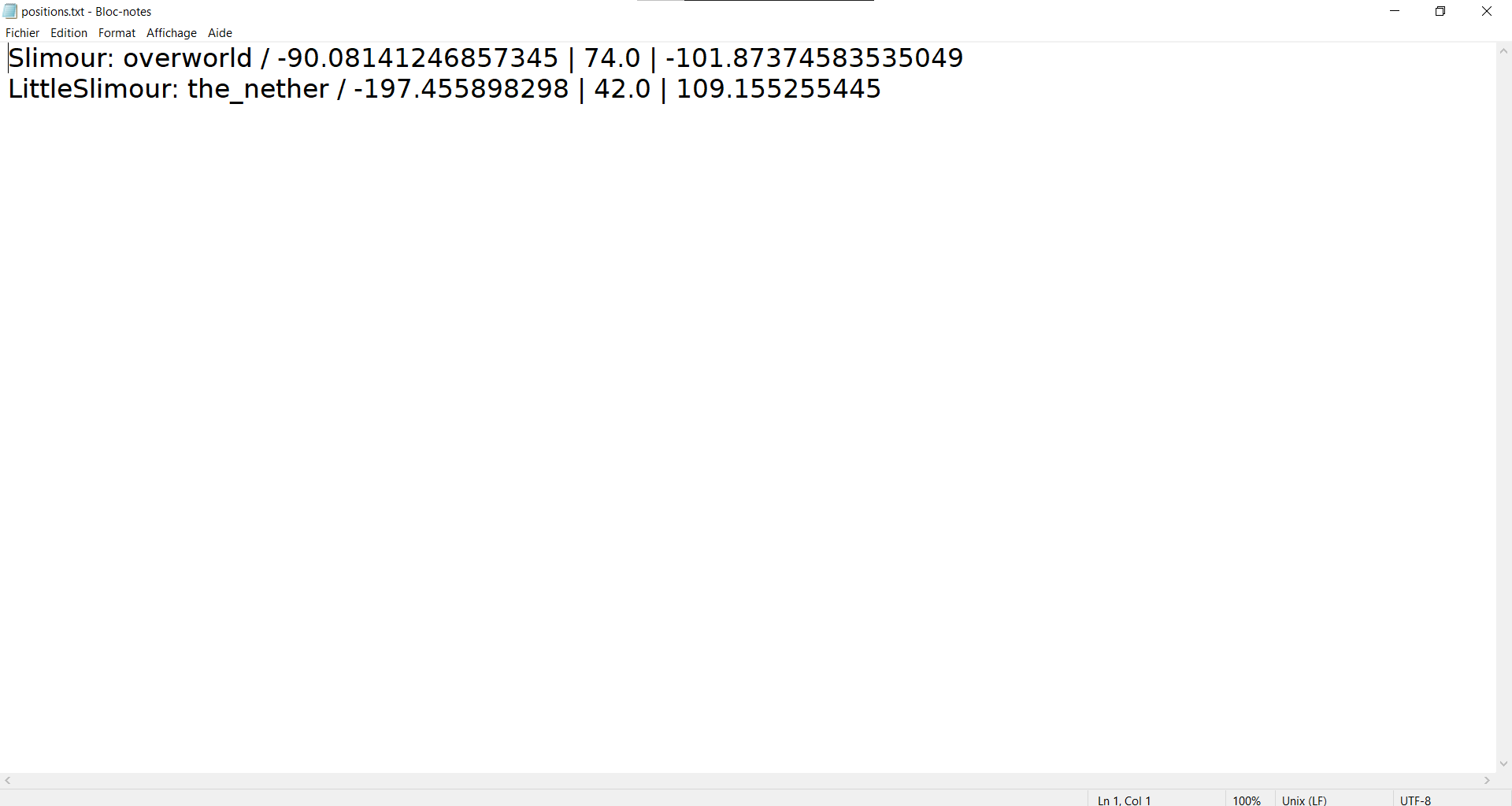
The contents of the file is looking like this:
Username1: overworld / 0 | 80 | 0
Username2: the_nether / 6000 | 200 | 300
Username3: end / 200 | 20 | 40
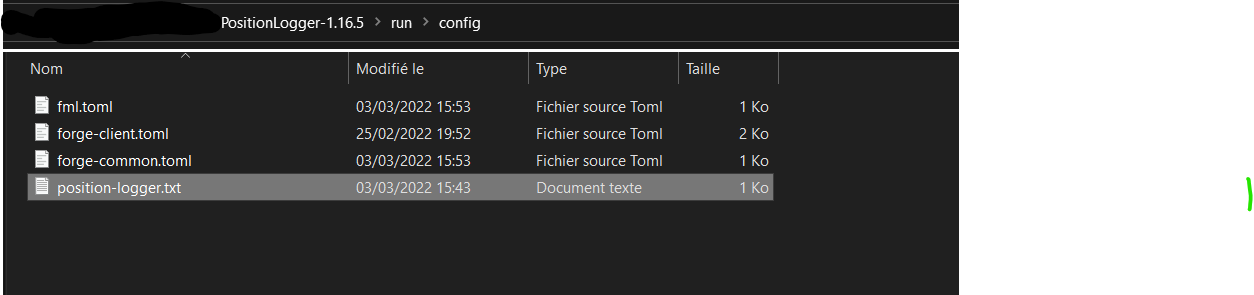
This mod is only ServerSide and works with a file named position-logger.txt to put in the config folder of your server. You will have to put in the first line the number of seconds and in the second the whole path to the file and its name with the file extension, as in this example:
3
C:\Users\slimour\.minecraft\config\positions.txt
常见问题
Position Logger 支持哪些 Minecraft 版本?
Position Logger 支持 Minecraft Java 版 1.16–1.16.5,共 6 个版本,可用的加载器:Forge。下载时注意选择和你游戏版本一致的文件。
Position Logger 怎么安装?
先用 PCL2 或 HMCL 启动器安装对应版本的 Forge,再把下载的 .jar 文件放进游戏目录的 mods 文件夹,重新启动游戏即可。开启了版本隔离的,mods 文件夹在 versions/版本名 下面。

评论
登录后评论和评分