
Hyper-Realistic Black Hole
Adds a spawnable Black Hole into the game. Very early progress
截图

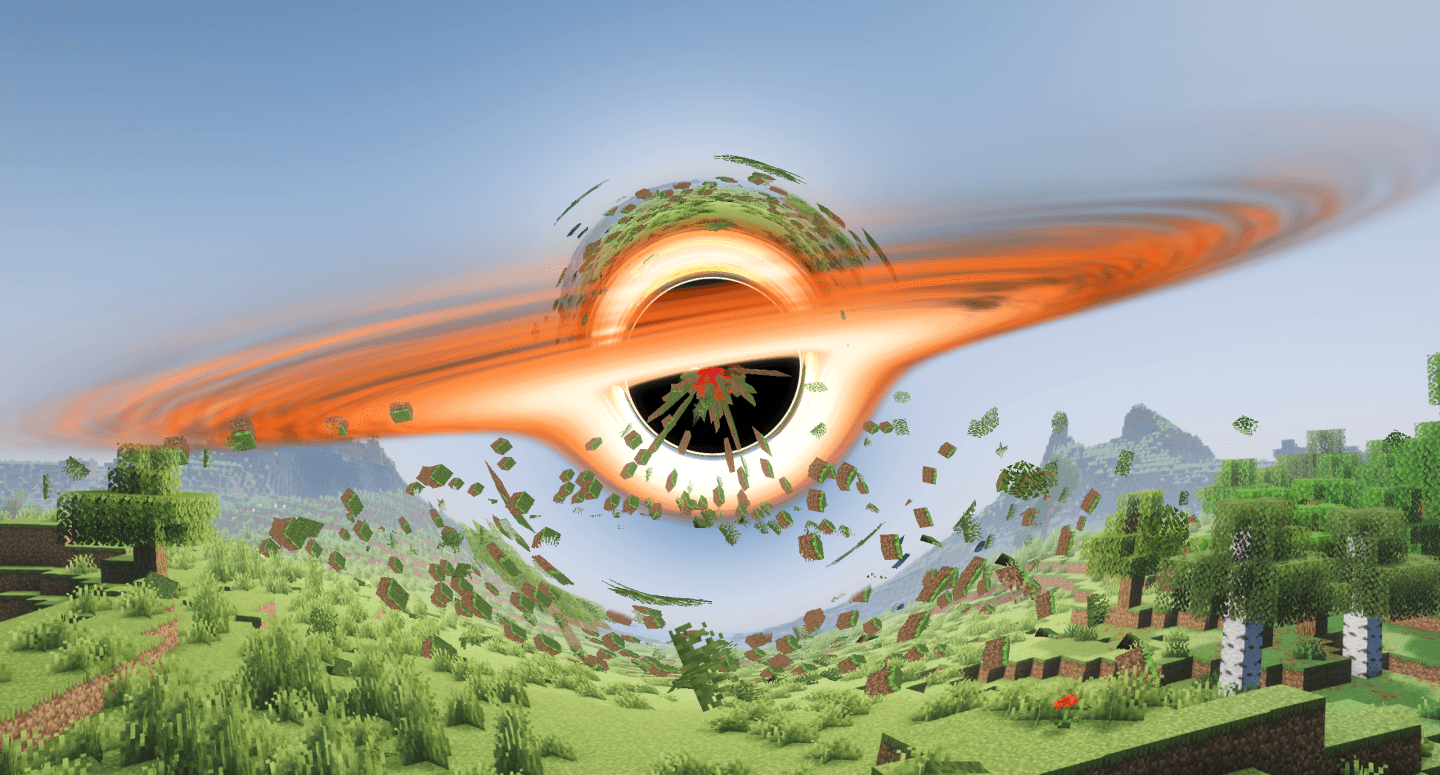
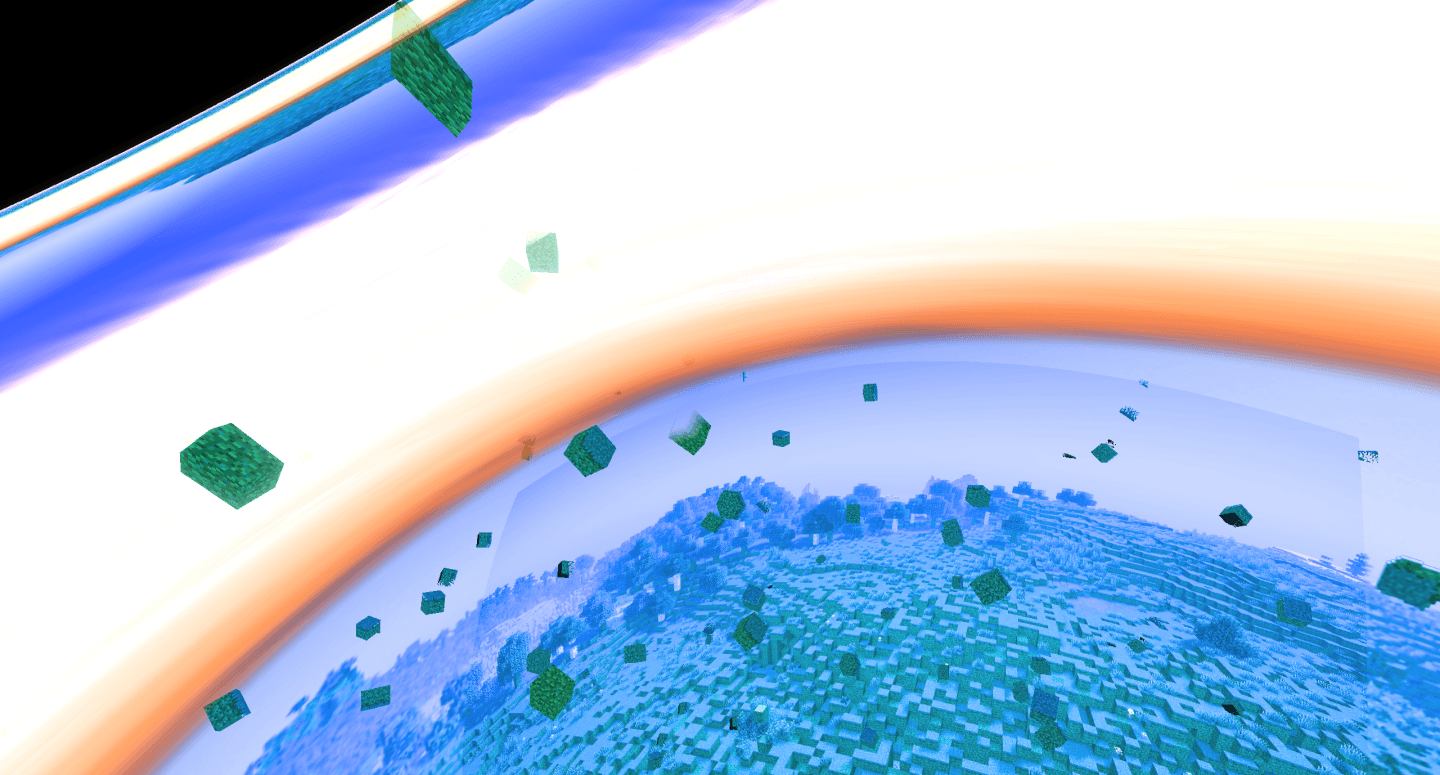
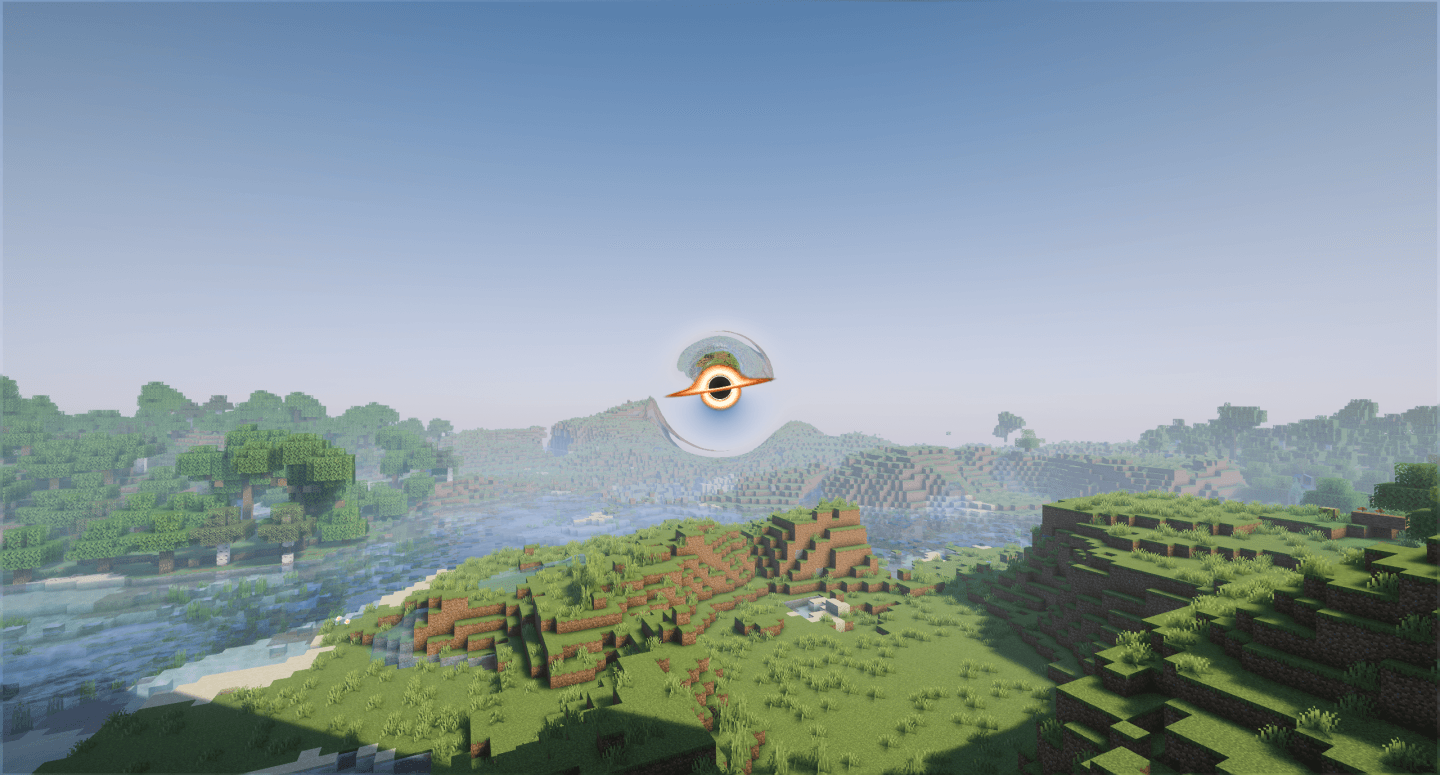
介绍
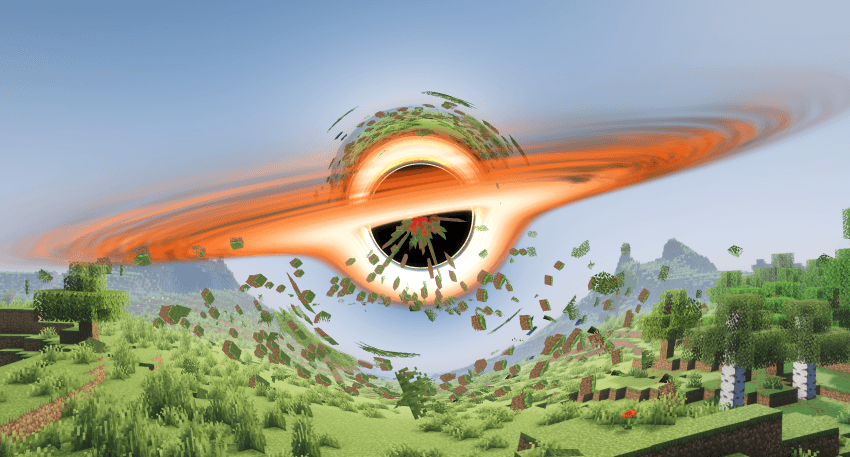
HYPER-REALISTIC BLACK HOLE MOD
*Beta Version*
I was bored, so I made this mod.
Yeah that’s right, no fancy majestic description, just an honest message from me to whoever reads this 🙂
Also, if you want to make a video on the mod, please link my YT on the description, I’d appreciate it a lot 😀
Use /blackhole to spawn or remove the Black Hole
/blackhole spawn x y z black_hole_type to spawn a Black Hole
/blackhole remove to delete any currently active Black Hole
Use /blackholefx to customize the Black Hole (Only Visual Changes)
/blackholefx show to see the current visual settings of the Black Hole
/blackholefx color black_hole_type style color(s) to change the color of the Black Hole’s Disc
/blackholefx set setting_type value to change the visual settings of the Black Hole
/blackholefx save to save the current visual settings for future sessions
/blackholefx load to load the latest saved visual settings
/blackholefx reset to return to default visual settings
Use /blackholegrowth to customize the functional features of the Black Hole
/blackholegrowt show to see the current functional settings of the Black Hole
/blackholegrowt set setting_type value to change the functional settings of the Black Hole
/blackholegrowt save to save the current functional settings for future sessions
/blackholegrowt load to load the latest saved functional settings
/blackholegrowt reset to return to default functional settings
There’s an Item called Gravimeter that shows you how many Gs you’re character is being influenced by.
!WARNING!
The Mod may be performance heavy on weak devices.
If you want to use Shaders, I recommend using the Iris Shaders mod along side Complementary Unbound.
Any issues, you can report them in the comment section of this mod or in my Discord Server.
常见问题
Hyper-Realistic Black Hole 支持哪些 Minecraft 版本?
Hyper-Realistic Black Hole 支持 Minecraft Java 版 26.3,可用的加载器:Fabric。下载时注意选择和你游戏版本一致的文件。
Hyper-Realistic Black Hole 怎么安装?
先用 PCL2 或 HMCL 启动器安装对应版本的 Fabric,再把下载的 .jar 文件放进游戏目录的 mods 文件夹,重新启动游戏即可。开启了版本隔离的,mods 文件夹在 versions/版本名 下面。


评论
登录后评论和评分