
Better Blue Ancient Debris [16×16]
A texture pack that makes Ancient Debris blue so you can see it better
截图


介绍
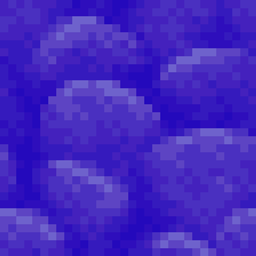
This texture Pack (or Ressource pack) helps you to find Ancient Debris in your Minecraft world or server. It changes the color from the Ancient Debris from the bad red to a nice-looking and good visible blue, so you will never miss an Ancient Debris you mined.
This is the 16×16 Edition of the texture pack. It keeps the style of the Vanilla Minecraft textures. There is also a 32×32 and a 64×64 Version of the texture pack.
To Install the Pack, go in your Minecraft settings to a menu called “Ressource Packs”. Put it by Drag-and-Drop intro your Minecraft window. It will appear in the left side of the window. Do a double-click on it or click the triangle, when you hover over the pack’s name. Once it is on the right side, make sure it is the first pack in the list. Otherwise it’s possible that the pack doesn’t work. To bring it to the top, simply click the triangle faced to the top when you hover over it, until it is the first pack.
Have fun with it!
常见问题
Better Blue Ancient Debris [16×16] 支持哪些 Minecraft 版本?
Better Blue Ancient Debris [16×16] 支持 Minecraft Java 版 1.20.3–26.2,共 20 个版本。下载时注意选择和你游戏版本一致的文件。
Better Blue Ancient Debris [16×16] 怎么安装?
把下载的 .zip 文件(不用解压)放进游戏目录的 resourcepacks 文件夹,进游戏后在「选项 → 资源包」里把它移到右边启用。
Fennerik 的其他作品
查看全部 →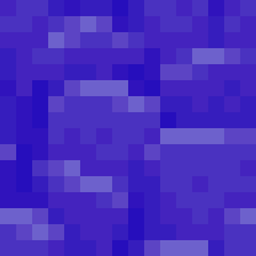
Better Blue Ancient Debris [16×16]
A texture pack that makes Ancient Debris blue so you can see it better
Better Blue Ancient Debris [32×32]
A texture pack that makes Ancient Debris blue so you can see it better

Better Blue Ancient Debris [32×32] [Faithful Addon]
A texture pack that makes Ancient Debris blue so you can see it better
评论
登录后评论和评分