介绍
Armor Stand Tweaks
This mod adds a few tweaks to armor stands to improve their usability in survival mode while keeping them feeling natural.
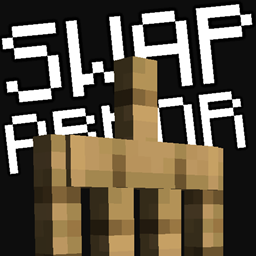
Swap Armor with Armor Stands

In survival, armor stands are primarily used to display armor. But why not make them a little more useful? For example, what if you want different armor sets—like a caving set with a golden helmet, an exploration set with an elytra, or an underwater breathing set for visiting your underwater base—and need a quick way to switch between them?
To do this, crouch and right-click an armor stand—your armor will instantly swap with the armor stand’s. It even switches items in your hands!
About Hands

If you have two spare sticks, you can add arms to an armor stand. Don’t like them? Just right-click the armor stand with an empty hand to remove them.
Remove the Base Plate

If you don’t like the look of the base plate or want to reuse it for crafting more armor stands, right-click the armor stand’s feet with an empty hand. You can reattach the plate by right-clicking with a smooth stone slab in hand.
Why this mod?
Though simple, this quality-of-life mod aims to be minimalistic, survival-friendly, and as vanilla-feeling as possible.
For older Minecraft versions, try:
https://www.curseforge.com/minecraft/mc-mods/armor-stand-utils
(Nearly identical feature set)
常见问题
Armor Stand Tweaks 支持哪些 Minecraft 版本?
Armor Stand Tweaks 支持 Minecraft Java 版 1.20.1,可用的加载器:Fabric。下载时注意选择和你游戏版本一致的文件。
Armor Stand Tweaks 怎么安装?
先用 PCL2 或 HMCL 启动器安装对应版本的 Fabric,再把下载的 .jar 文件放进游戏目录的 mods 文件夹,重新启动游戏即可。开启了版本隔离的,mods 文件夹在 versions/版本名 下面。

评论
登录后评论和评分