
TekkiechZee’s Optimised
This is a combination of optimisation mods and other QOL mods
截图
介绍
This is a combination of optimisation mods and other QOL mods to make your Minecraft experience not only playable, but enjoyable and less unstable.
Performance
TekkiechZee’s Optimised is faster than OptiFine. This is due to the various Fabric optimization mods like Sodium, FerriteCore, Lithium, Clumps and Starlight.
Features
Optifine has a lot of useful features like dynamic lights, connected textures and shaders . This has been achievable with the Fabric modloader through the use of mods like Sodium Extra, Iris, LambDynamicLights, Continuity and Zoomify.
Tweaks & QOL Improvements
In order to make Minecraft feel more immersive but not too Vanilla-breaking, not-too-heavy mods have been added such as Dynamic Surroundings, ExtraSounds, Presence Foosteps and Sound Physics Remastered.
Testing
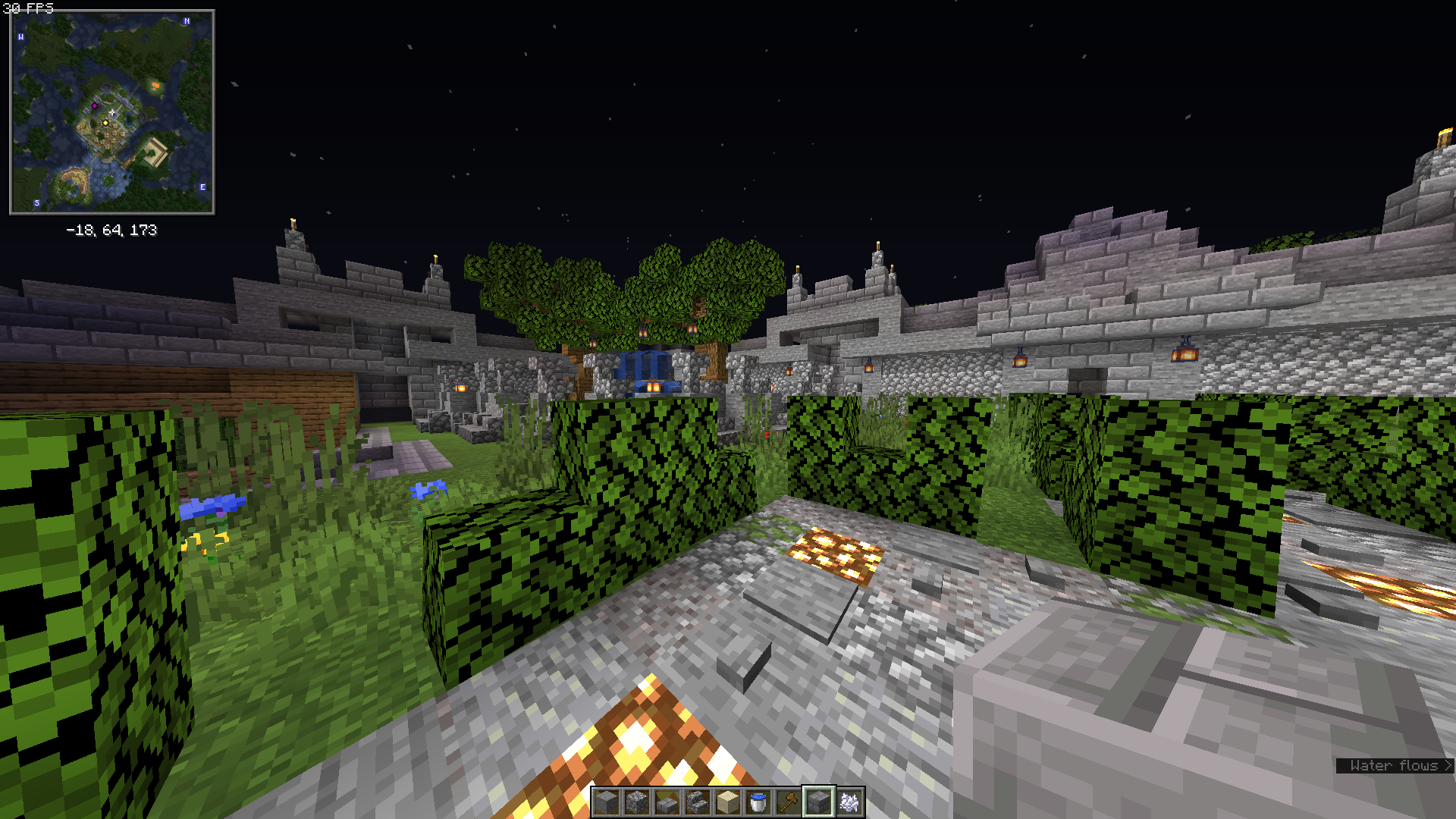
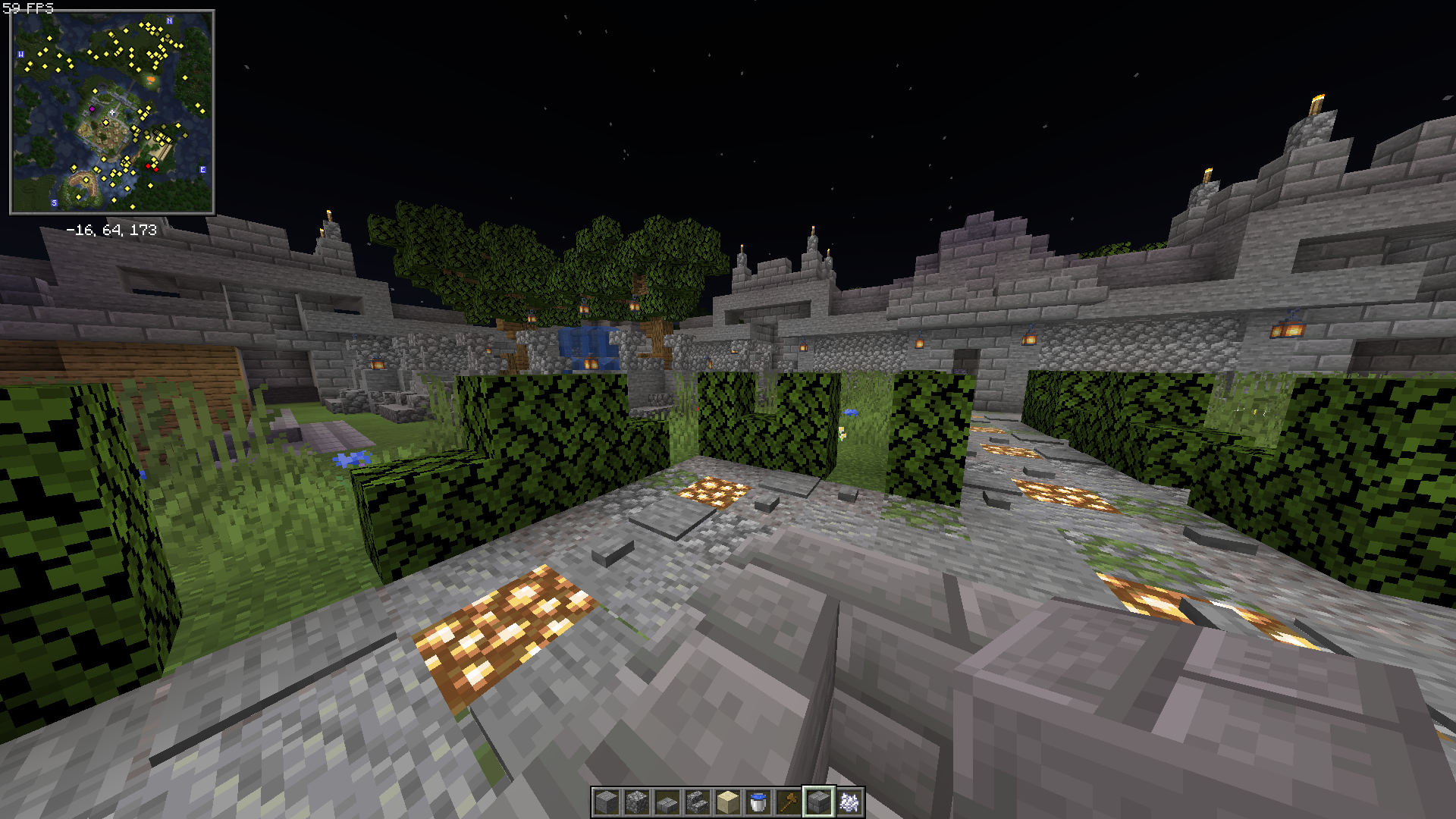
The modpack was tested on a Lenovo T460 laptop with 8GBs of RAM, i5-6300u with an iGPU and got ~60FPS constanly while getting above ~30FPS with shaders. (I’ll add some images to show this.)
This is using the Fabric modloader. I’ll try to update to newer versions as much as possible. Enjoy!
P.S: I added some of the best-performance shaders to the mod pack. I hope you like it!
Modlist:
- Starlight (Fabric) (by Spottedstar)
- Sodium (by jellysquid3_)
- Not Enough Crashes (Fabric) (by NatanFudge)
- Reese’s Sodium Options (by FlashyReese)
- Sodium Extra (by FlashyReese)
- Lithium (Fabric) (by jellysquid3_)
- LazyDFU (by tuxed)
- Sound Physics Remastered (by henkelmax)
- Diagonal Fences (by Fuzs)
- Dynamic Surroundings: Remastered Fabric Edition (by maksim789456)
- Xaero’s Minimap (by xaero96)
- Presence Footsteps [Fabric] (by S0llace)
- Puzzles Lib [Forge & Fabric] (by Fuzs)
- YetAnotherConfigLib (by XanderIsDev)
- FPS – Display (by Grayray_75)
- Fabric API (by modmuss50)
- Dynamic FPS (by juliand665)
- Clumps (by Jaredlll08)
- Mod Menu (by Prospector)
- Forge Config API Port [Fabric] (by Fuzs)
- FerriteCore (Fabric) (by malte0811)
- LambDynamicLights (by LambdAurora)
- Fabric Chunk Pregenerator (by SuperCoder79)
- Xaero’s World Map (by xaero96)
- ExtraSounds (by stashymane)
- Continuity (by Pepper_Bell)
- Fabric Language Kotlin (by modmuss50)
- Zoomify (by XanderIsDev)
- Dynamic Crosshair (by Crendgrim)
- Iris Shaders (by coderbot)
- WorldEdit (by sk89q)
常见问题
TekkiechZee’s Optimised 支持哪些 Minecraft 版本?
TekkiechZee’s Optimised 基于 Minecraft Java 版 1.19.2,使用 Fabric 加载器。
TekkiechZee’s Optimised 怎么安装?
点本页「前往下载」拿到整合包文件(Modrinth 的是 .mrpack,CurseForge 的是 .zip),在 PCL2 或 HMCL 启动器里选择「导入整合包」,启动器会自动装好 Minecraft、加载器和全部模组。建议在启动器里给游戏分配 4–6 GB 内存。
TekkiechZee’s Optimised 开服需要多大内存?
推荐服务器内存 12 GB。在线人数多、或者建了大量机器和区块加载器时,可以再加 2–4 GB。
怎么和朋友一起玩 TekkiechZee’s Optimised?
点本页的「一键开服」,选好配置后会自动安装 TekkiechZee’s Optimised 的服务端,几分钟就能开好。把服务器地址发给朋友,大家用同一个版本的整合包连进去就行。

评论
登录后评论和评分