
ThePIR4TE’s Playtime Tracker
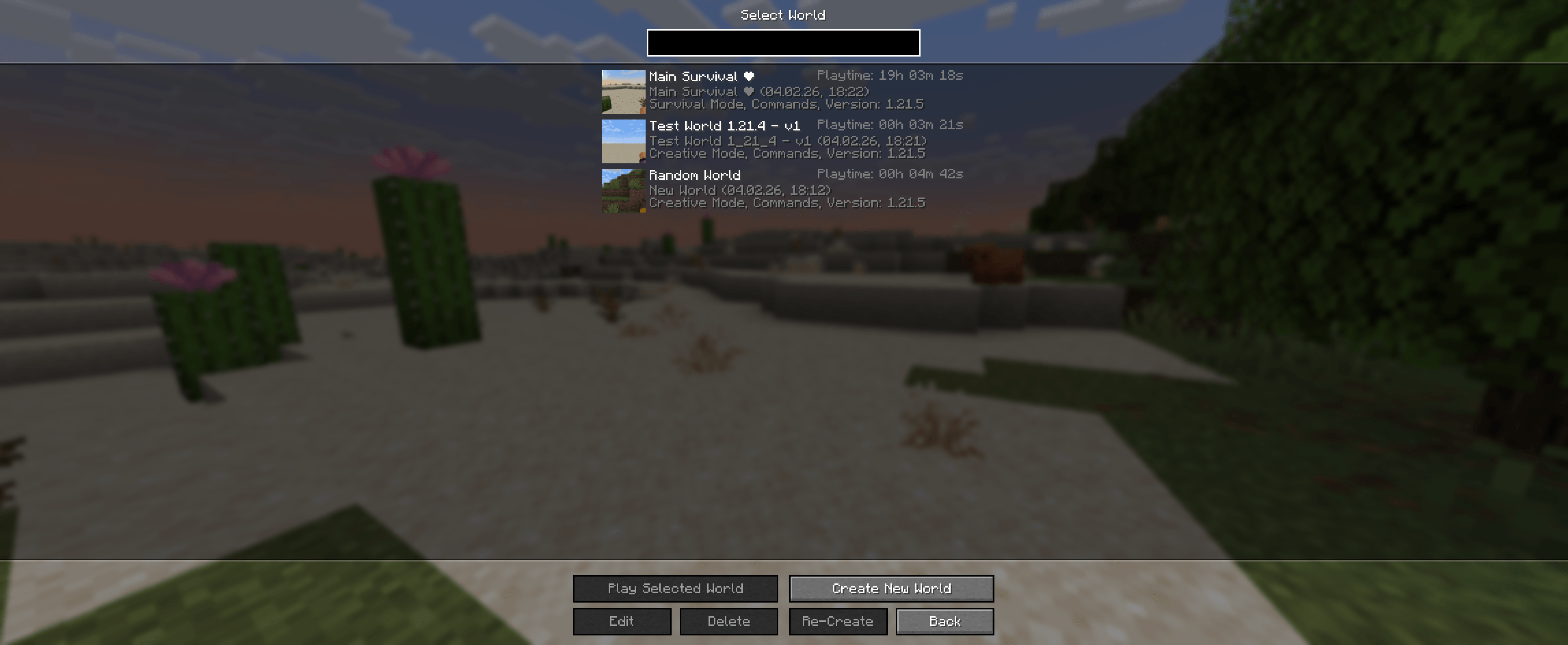
Customizable playtime HUD (Session, World, Total) with hex-color support and a blur-free drag-and-drop editor. Open the settings menu with "K" to move and scale the display live in-game.
截图


介绍
⏱️ Playtime Tracker
📊 Playtime tracking
-
Session playtime
-
World-specific playtime
-
Total playtime
🖥️ Customizable HUD
-
Drag & drop editor (blur-free)
-
Live scaling and positioning
-
Hex color support (#RRGGBB)
-
Clean and minimal design

⚙️ In-game editor
-
Open the settings menu with K
-
Changes apply instantly, no reload required
🚀 Performance-friendly
-
Lightweight and optimized
-
No background lag or unnecessary calculations
常见问题
ThePIR4TE’s Playtime Tracker 支持哪些 Minecraft 版本?
ThePIR4TE’s Playtime Tracker 支持 Minecraft Java 版 1.21.1–1.21.8,共 8 个版本,可用的加载器:Fabric。下载时注意选择和你游戏版本一致的文件。
ThePIR4TE’s Playtime Tracker 怎么安装?
先用 PCL2 或 HMCL 启动器安装对应版本的 Fabric,再把下载的 .jar 文件放进游戏目录的 mods 文件夹,重新启动游戏即可。开启了版本隔离的,mods 文件夹在 versions/版本名 下面。
thepir4te 的其他作品
查看全部 →
Hardcore Heart Totem
这个资源包会将不死图腾的纹理改成 Minecraft 极限模式的爱心。

Light Anvil
这个模组将昂贵的原版铁砧配方替换为使用铁锭和仅一个铁块的更便宜版本,适用于 Minecraft 1.21.11。

Minable budding Amethyst
使紫水晶母岩可以用精准采集挖掘。

Clean Deepslate
Clean Deepslate去除了深板岩杂乱的纹理,使其呈现光滑均匀的外观。
评论
登录后评论和评分