
Mine Papers Online
Here’s the Minecraft painting modification you’ve been searching for. It offers straightforward and practical features that are easy to grasp without requiring lengthy tutorials on YouTube
截图
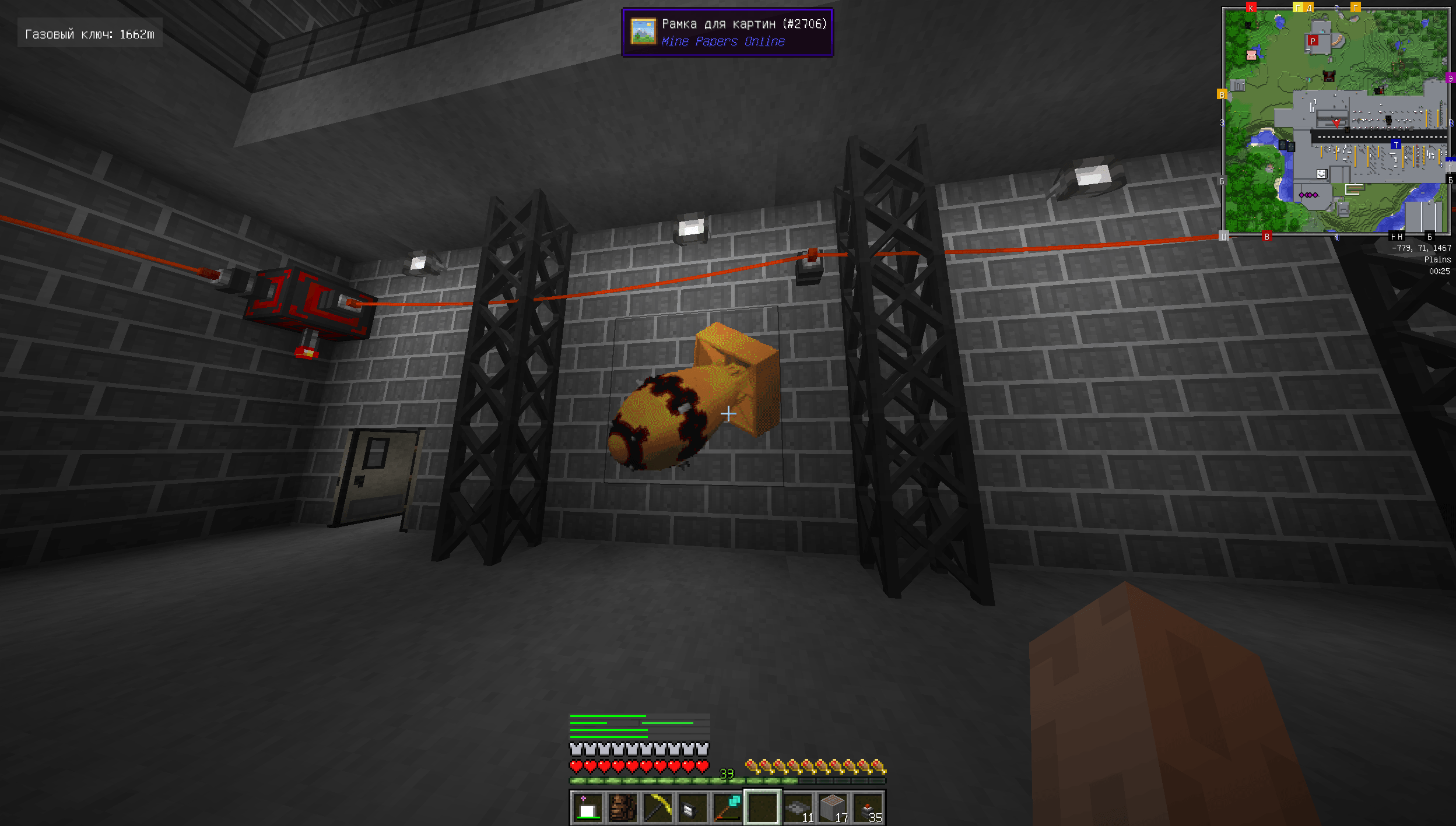
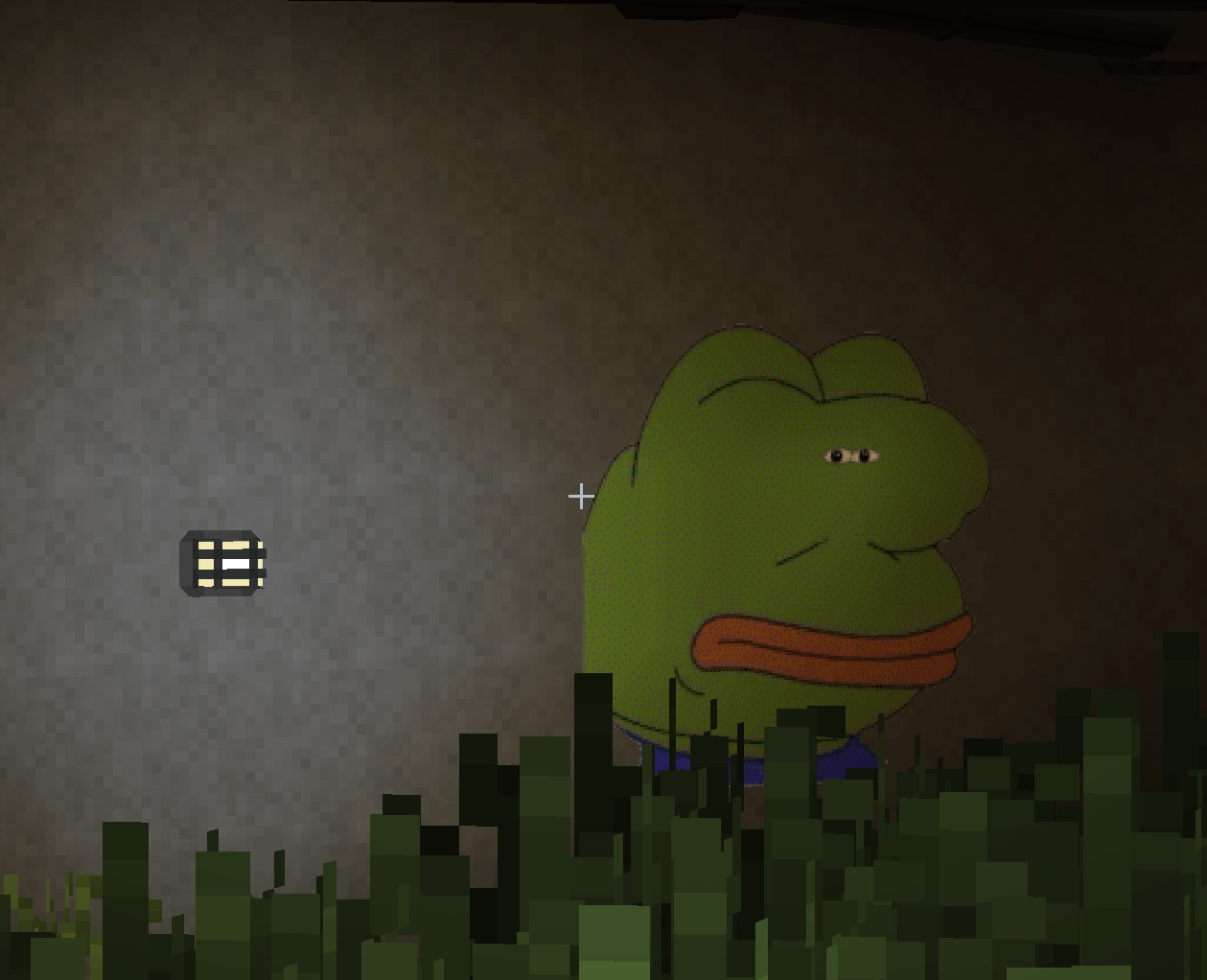
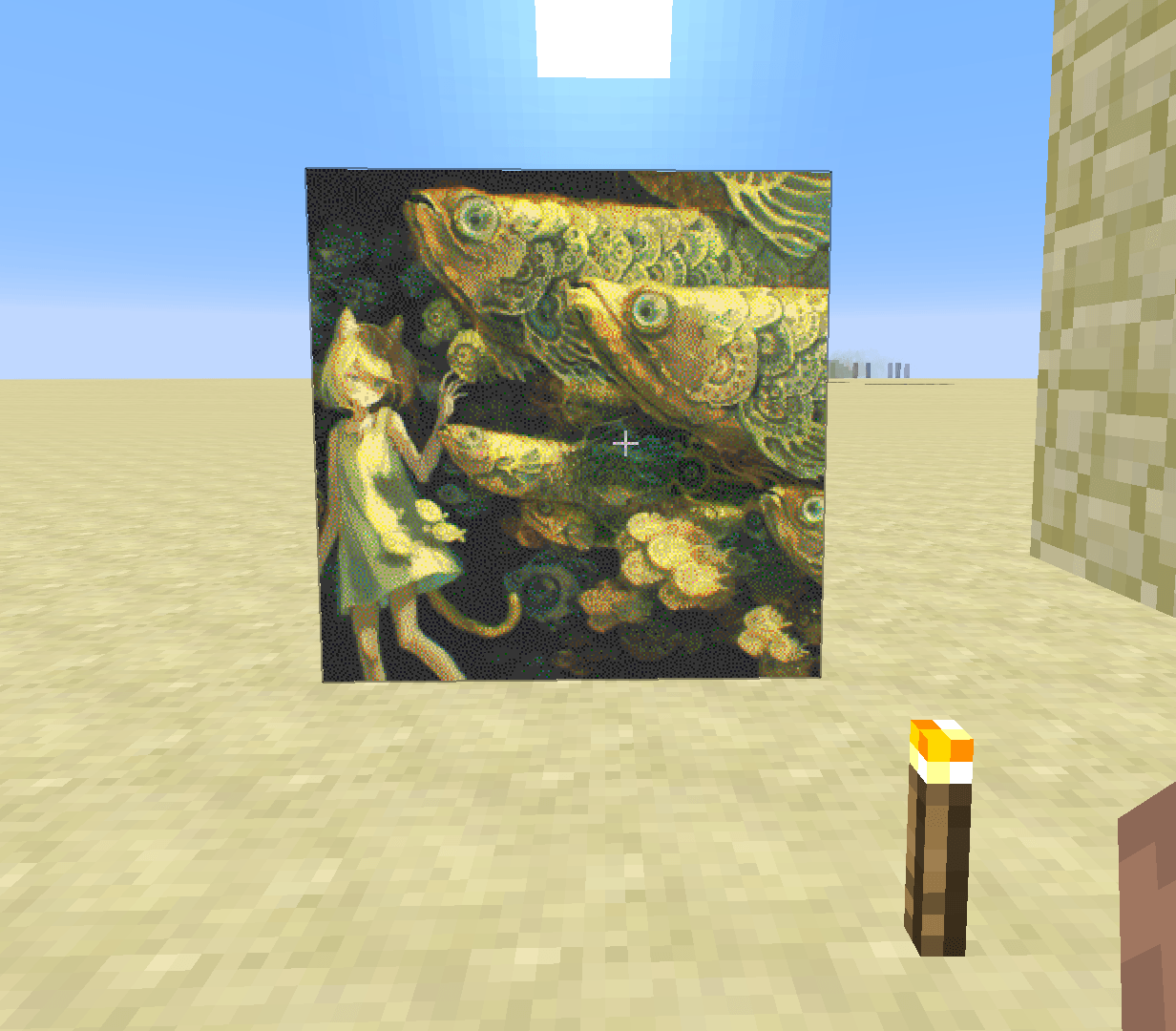
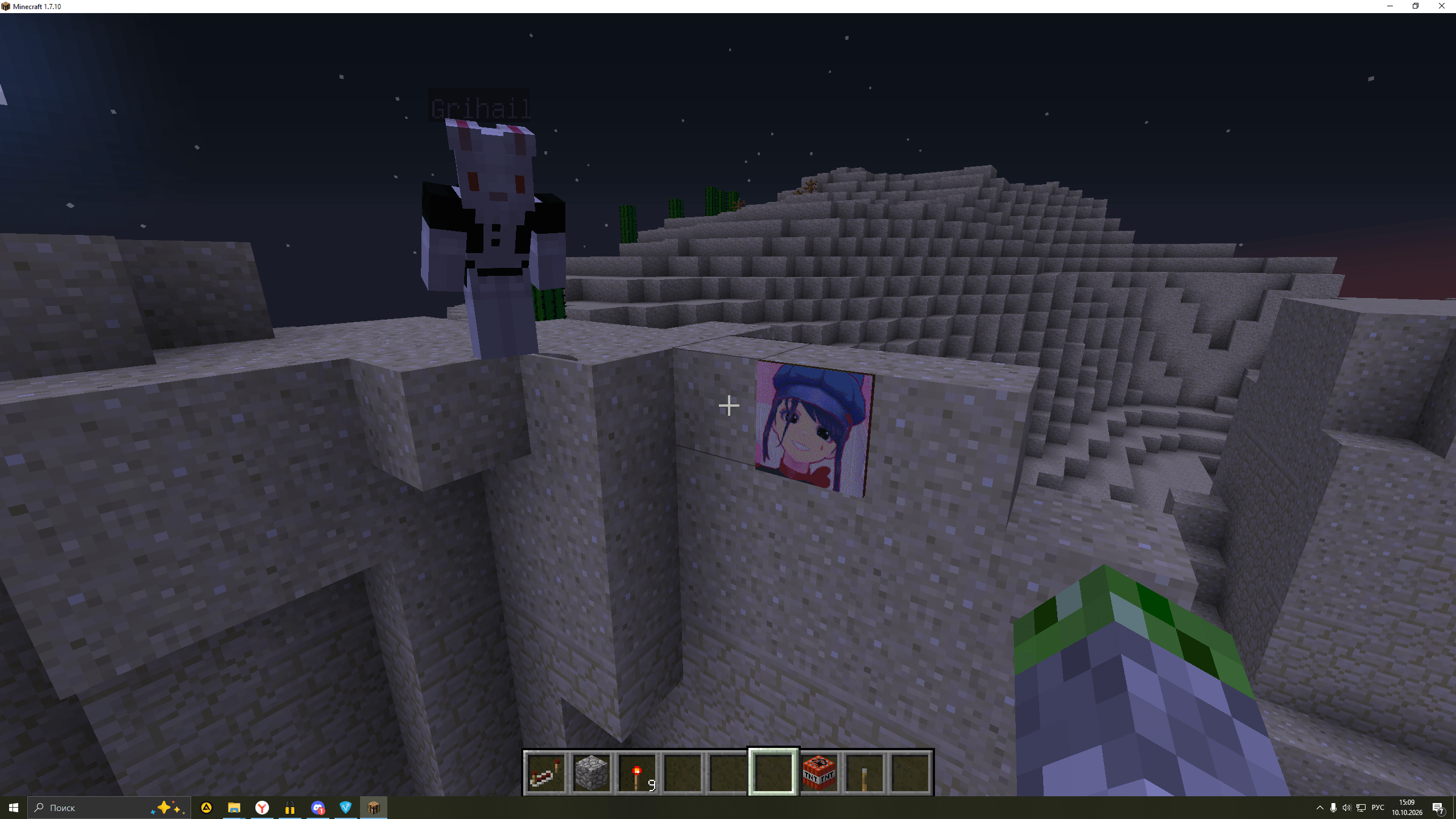
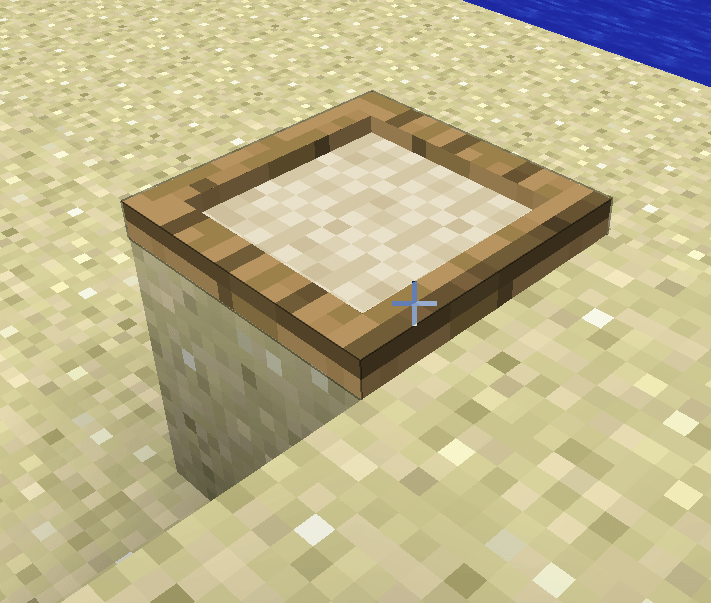
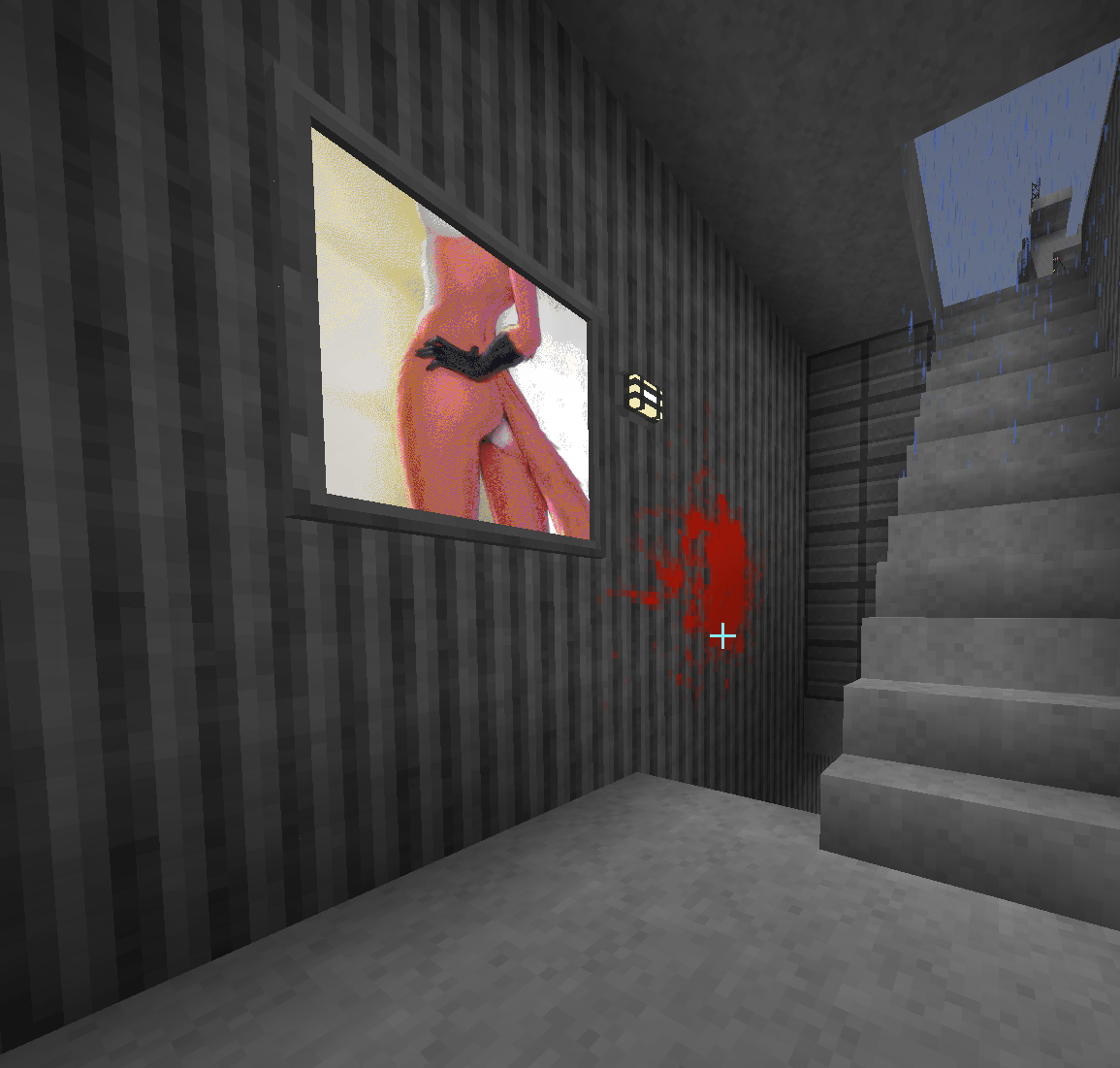
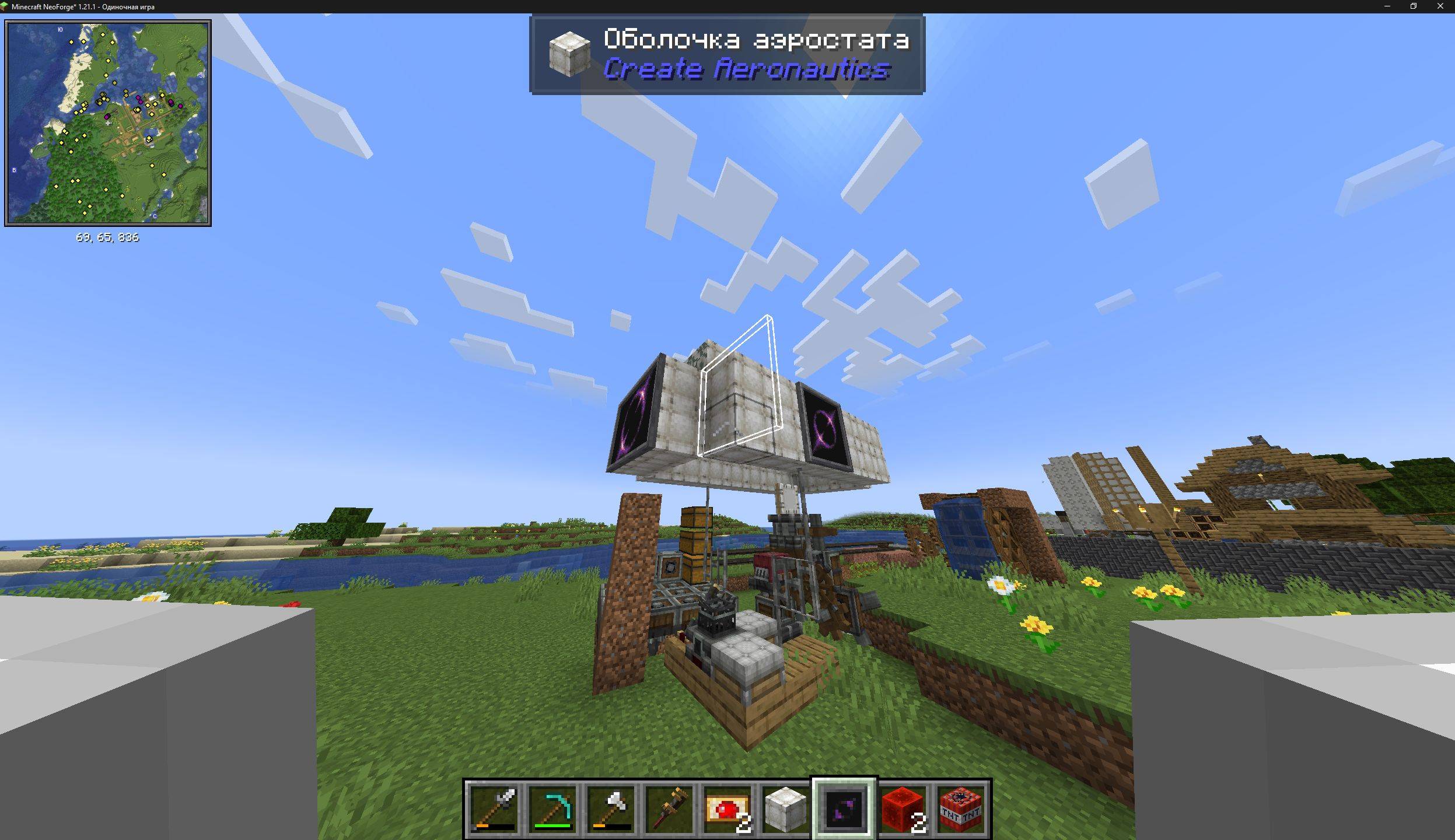
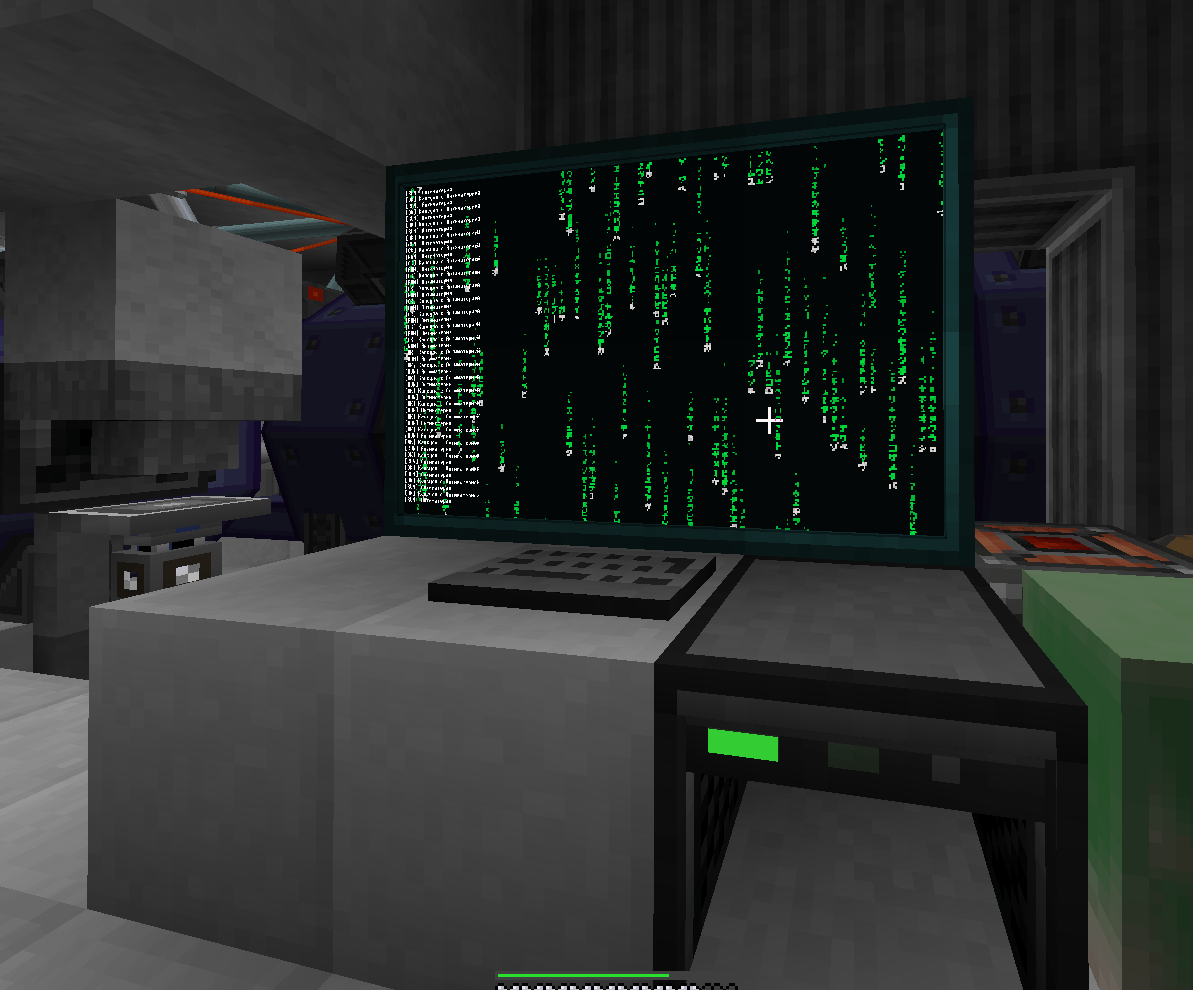
介绍
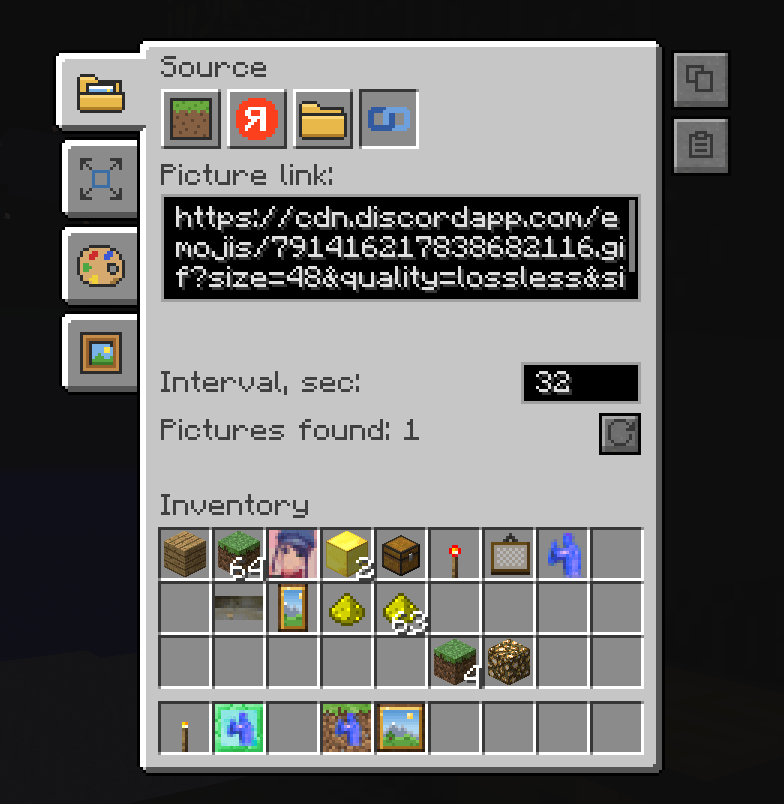
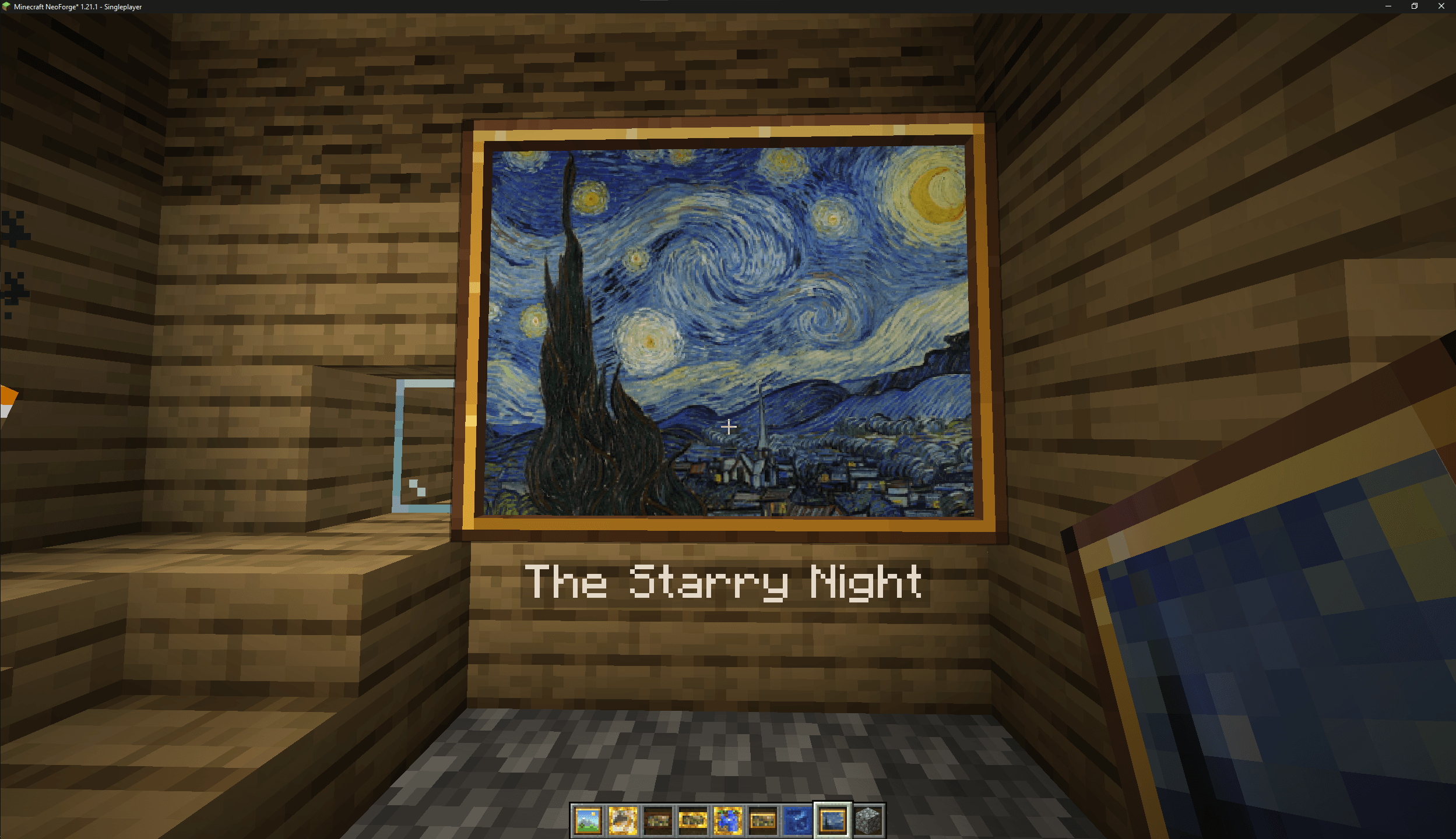
Mine Papers Online adds a frame that shows your own pictures in the world, either a single image or a slideshow. In multiplayer, images from your computer upload to the server automatically, so every player sees them without downloading anything.
Image sources
Supported image formats: PNG, JPG, GIF, BMP, WEBP
| Sources | Description |
|---|---|
config/minepapers folder |
|
| Any folder on your computer | A folder becomes a slideshow: images change at an interval you set, and every player sees the same slide at the same time |
| Public Yandex Disk folder | |
| Public Google Drive folder | ⏱ soon |
| Direct image link |
Customization
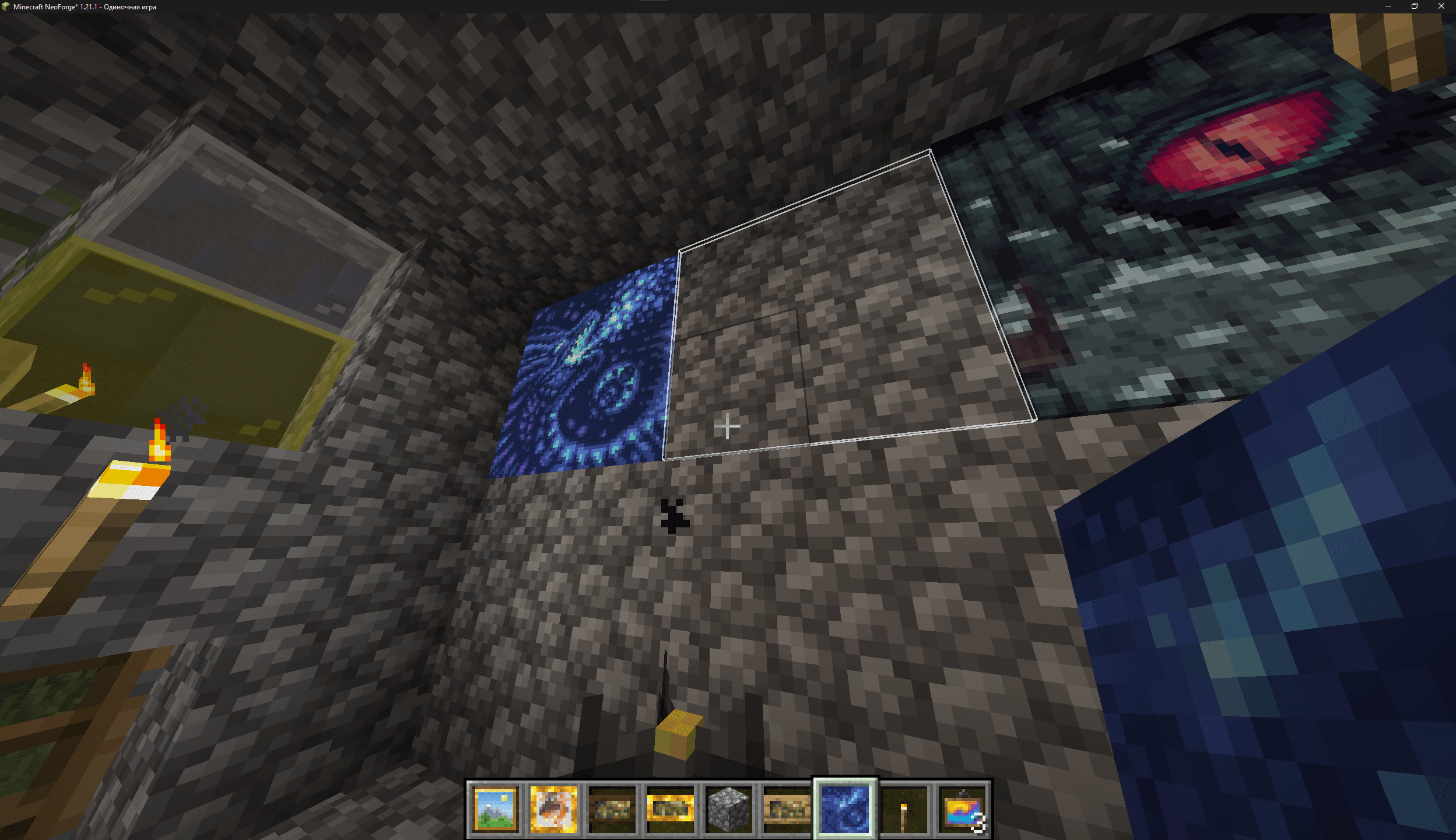
Choose a panel, a 3D frame, a plate or graffiti (no frame, so a transparent PNG looks like a decal). The frame can use the texture of any block. Size, offset, fit mode (fill, contain, cover and more) and resolution are all adjustable. An optional Minecraft map palette with dithering makes pictures look like vanilla map art.
Feels like vanilla
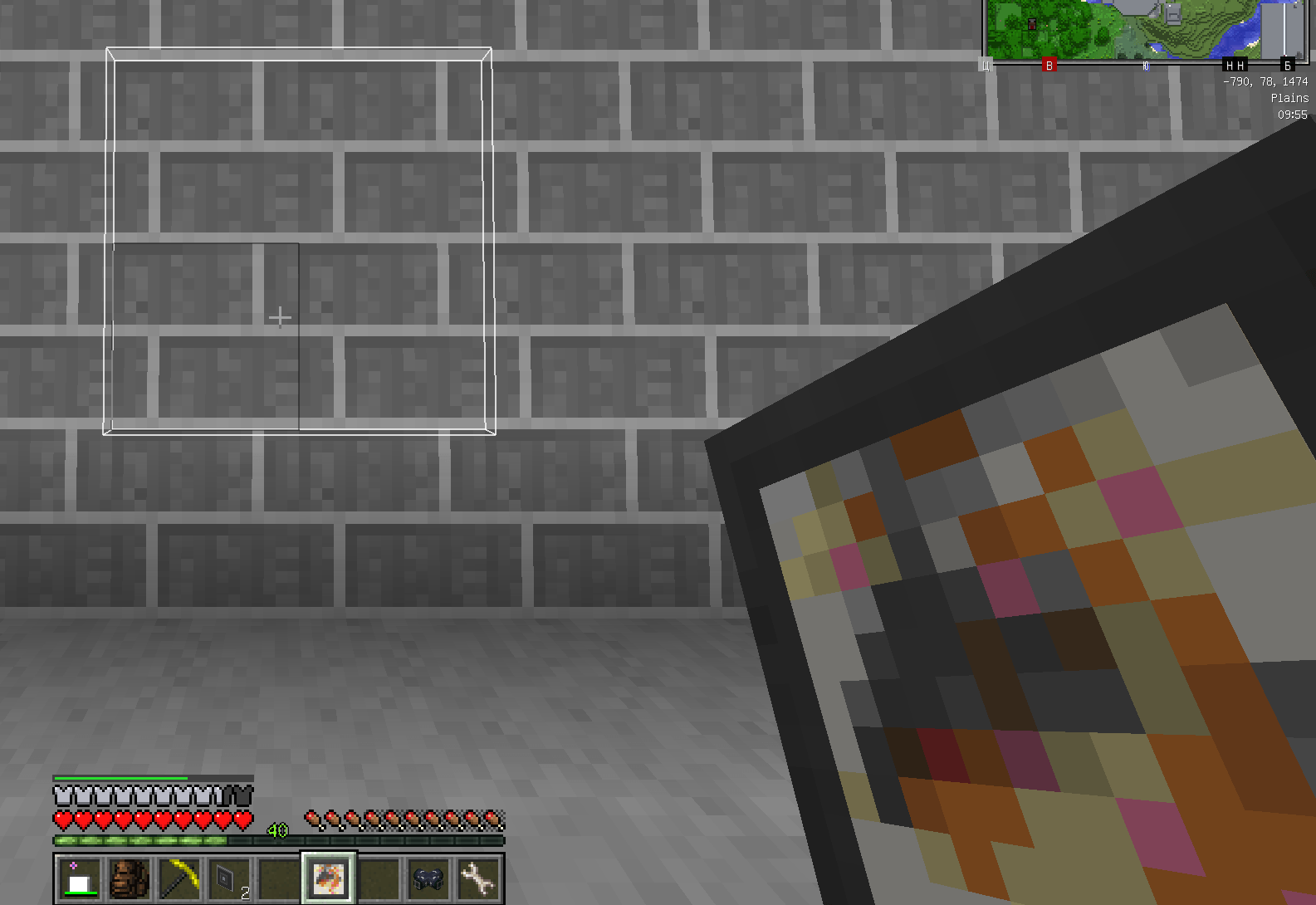
Pictures attach to any surface, including floors, ceilings, slabs and fences. While placing, an outline shows where the picture will go. Pictures break like wood and drop with their settings, and you can copy them at a crafting table.
Translated into English, Russian, Japanese, Chinese.
常见问题
Mine Papers Online 支持哪些 Minecraft 版本?
Mine Papers Online 支持 Minecraft Java 版 1.7.10–1.21.1,共 4 个版本,可用的加载器:Fabric / Forge / NeoForge。下载时注意选择和你游戏版本一致的文件。
Mine Papers Online 怎么安装?
先用 PCL2 或 HMCL 启动器安装对应版本的 Fabric / Forge / NeoForge,再把下载的 .jar 文件放进游戏目录的 mods 文件夹,重新启动游戏即可。开启了版本隔离的,mods 文件夹在 versions/版本名 下面。
grihail 的其他作品
查看全部 →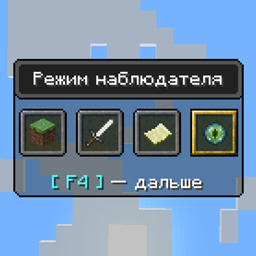
Gamemode Spectator
A small mod that adds the spectator mode to minecraft 1.7.10 Forge
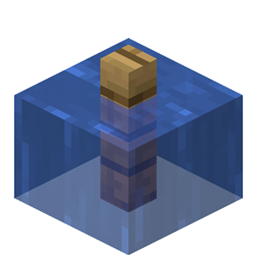
Waterlogging
Waterlogging for Minecraft 1.7.10 Forge

AE Graph
AE2 addon that plans whole crafting jobs as one optimized recipe graph, reuses byproducts, feeds machines without stalls and links crafting between separate ME networks.

Extended Height
A mod that expands the limits of the construction of the upper and lower boundaries of the minecraft 1.7.10 Forge world. ALL vanilla mechanics are preserved
评论
登录后评论和评分