Leyends Visualis (Fabric)
Hi, this is a modpack I created to make Minecraft look nicer. I was planning to use it to play with a friend, but since I liked it so much, I decided to publish it. It's not very demanding; my PC has 8GB of RAM and an Intel Core 3.
截图
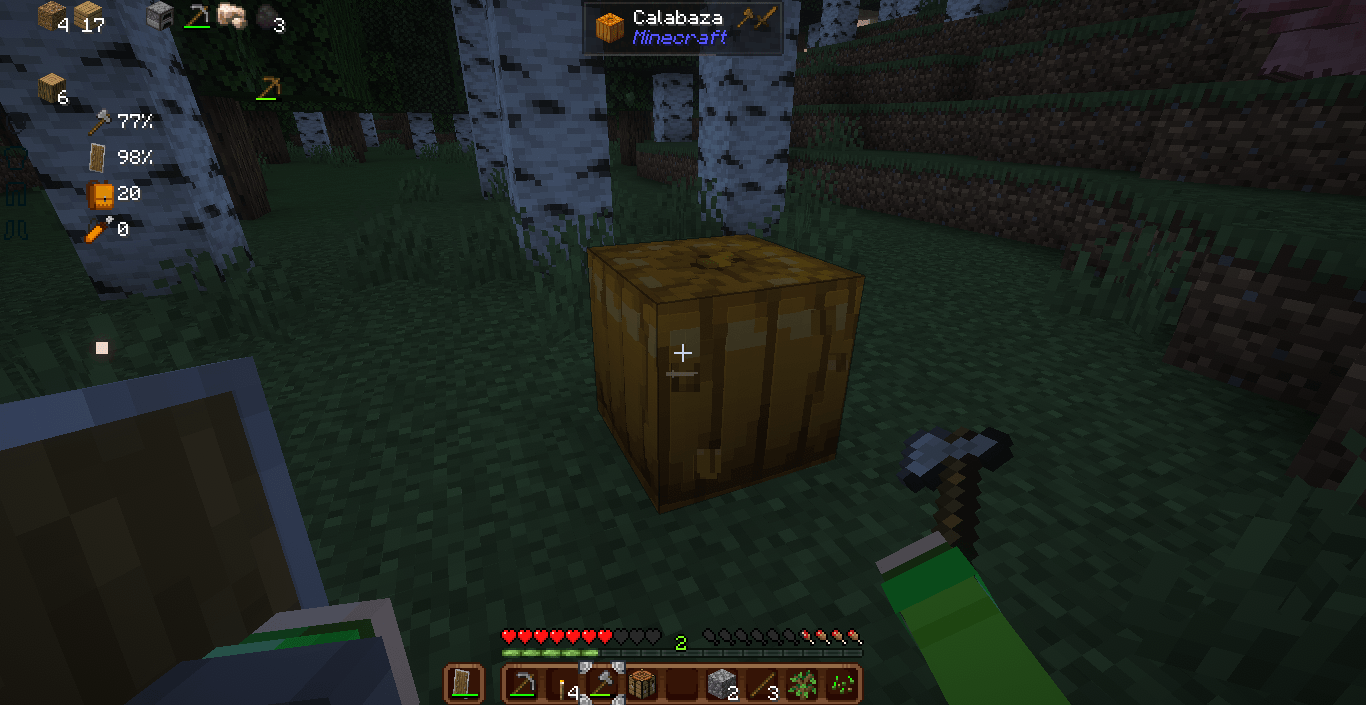
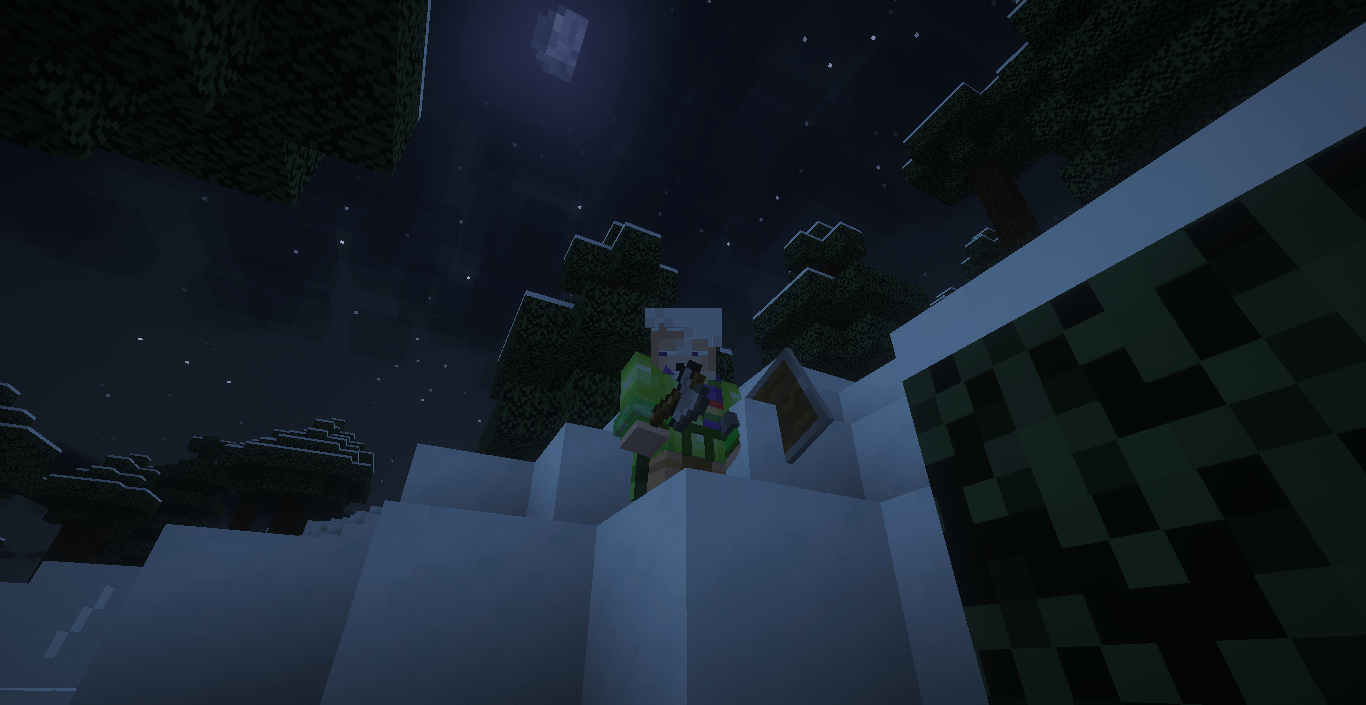
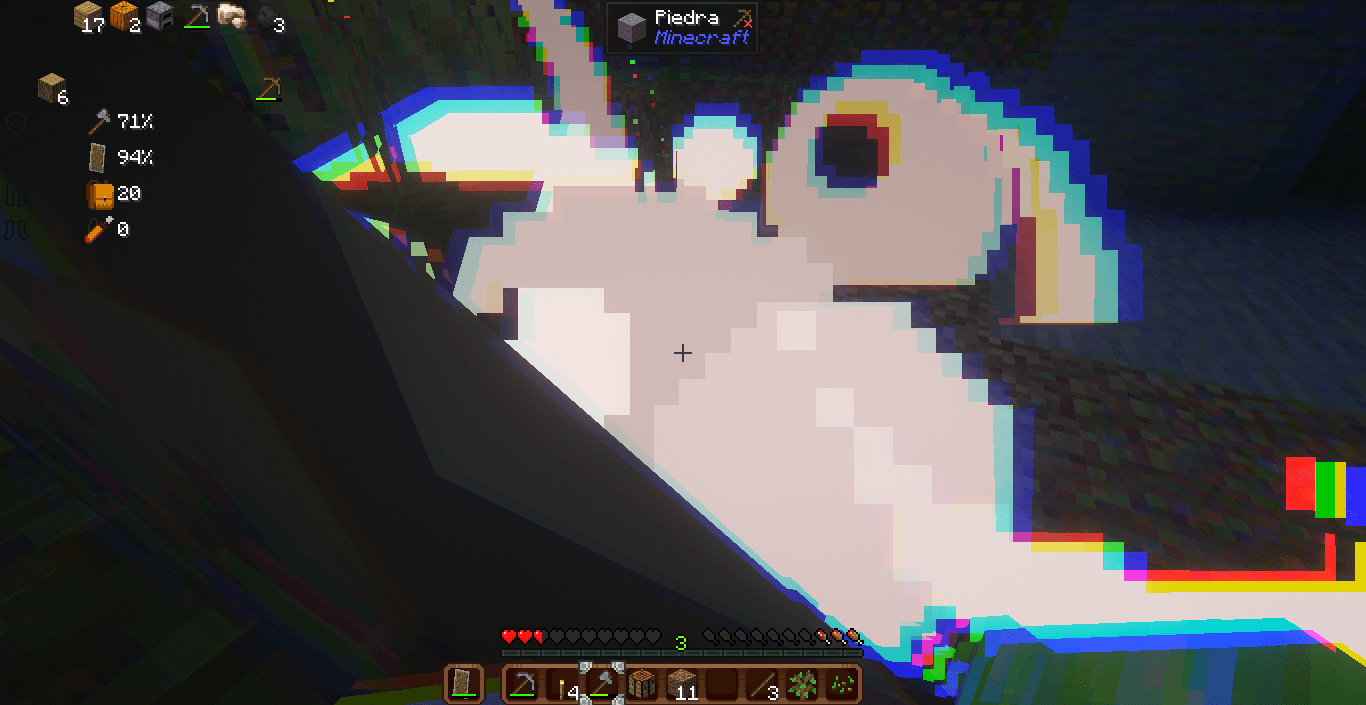
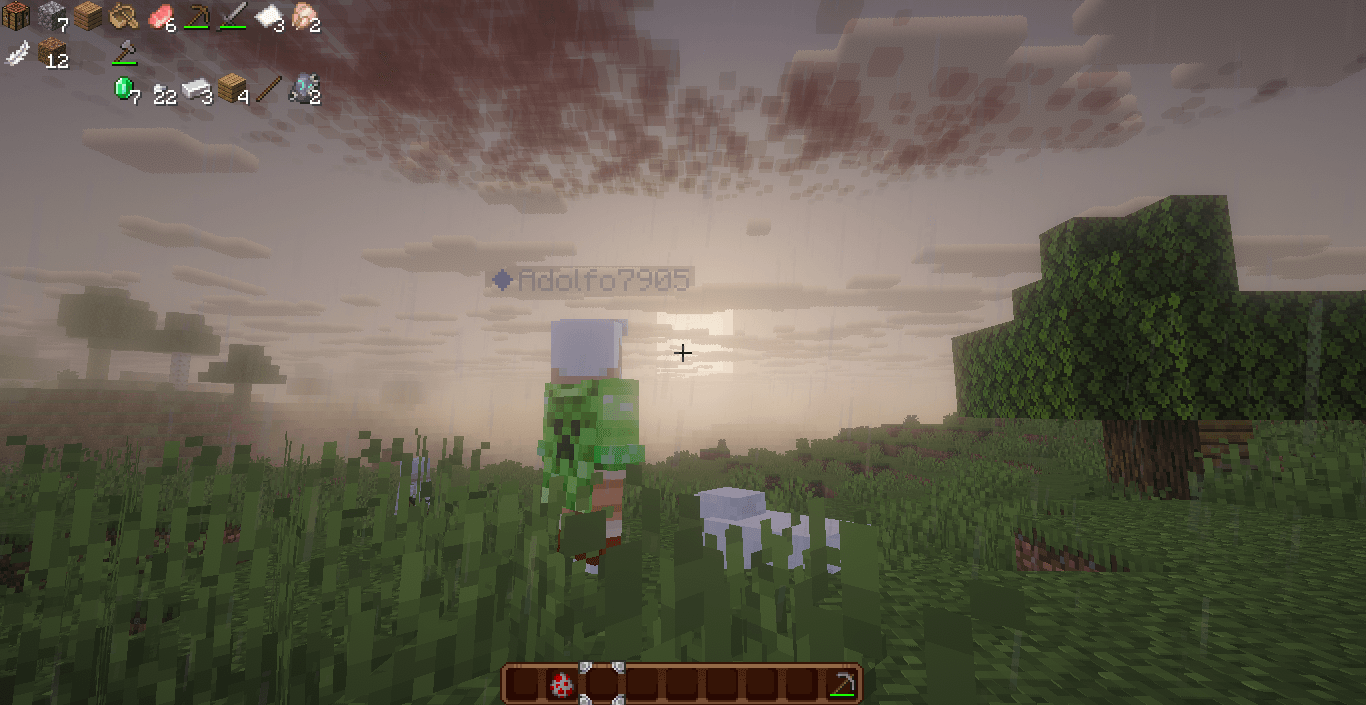
介绍
Initial Description
I created this modpack to play with a friend. The focus was on the visuals, and I wanted it to be usable on servers, which I achieved. This modpack was originally intended for playing with a friend, but I liked it so much that I published it. I suppose if you’re here, it’s because you know my YouTube channel: https://www.youtube.com/@adolfo5409 or my TikTok account: https://www.tiktok.com/@adolfo.5409. I recommend checking them out.
———————————————————————————————————————–
Descripcion inicial
Este modpack lo cree para jugar con un amigo, el objetivo es el apartado visual, queria que fuera posible usarlo en servidores y lo logre, este modpack estaba originalmente pensado para jugar con un amigo pero me gusto mucho y lo publique, supongo que si estas aqui es porque conoces mi canal de yt: https://www.youtube.com/@adolfo5409. o mi cuenta de ti tok https://www.tiktok.com/@adolfo.5409 te recomiendo verlas
———————————————————————————————————————–
Recomendations
- Disable clouds in the shader settings.
- If you’re using PBR textures, make sure the shaders are in Lab PBR mode.
- Play with 4 GB of RAM allocated.
- You can configure mods in the Mods tab: I recommend configuring InventoryHUD+.
- The Fresh Moves texture is the one for dynamic eyes. When playing on servers, the Item Physics and Visual
- Workbench mods may not work.
- On some PCs the reimagined intro may run slowly
- If you have problems strating the game, disble reimaginated intro and its dependences
———————————————————————————————————————–
Recomendaciones
- Desactiva las nubes en la configuracion de shaders
- Si usas las texturas pbr asegurate que los shaders este en modo Lab pbr
- Juega con 4 gb de ram asignada
- En la pestaña de mods puedes configurarlos: te recomiendo configurar el InventoryHUD+
- La textura de fresh moves es la de los ojos dinamicos
- Al jugar en servers los mods de Item phisics y Visualworkbench pueden fallar
- En alginas pc el reimaginated intro puede ir lento
- Si tienes problemas al iniciar el juego desactiva el reimaginated intro y sus dependencias
———————————————————————————————————————–
Texture Order / Orden de las texturas
Please check the description in the mod version file. You can also configure some things in the mods tab.
Por Favor checa la descripcion en el archivo de la version de mod, Tambien puedes configurar algunas cosas en la pestaña de mods
c
Info de mi pc
Procesador Intel(R) Core(TM) i3-4005U CPU @ 1.70GHz 1.70 GHz
RAM instalada 8.00 GB
Almacenamiento 447 GB SSD KINGSTON SA400S37480G
Tarjeta gráfica Intel(R) HD Graphics Family (113 MB)
Identificador de dispositivo 81111DA0-1D3A-4A93-95B6-85D5EFA6A004
Id. del producto 00327-30000-00000-AAOEM
Tipo de sistema Sistema operativo de 64 bits, procesador x64
Lápiz y entrada táctil La entrada táctil o manuscrita no está disponible para esta pantalla
常见问题
Leyends Visualis (Fabric) 支持哪些 Minecraft 版本?
Leyends Visualis (Fabric) 基于 Minecraft Java 版 1.21.1,使用 Fabric 加载器。
Leyends Visualis (Fabric) 怎么安装?
点本页「前往下载」拿到整合包文件(Modrinth 的是 .mrpack,CurseForge 的是 .zip),在 PCL2 或 HMCL 启动器里选择「导入整合包」,启动器会自动装好 Minecraft、加载器和全部模组。建议在启动器里给游戏分配 4–6 GB 内存。
Leyends Visualis (Fabric) 开服需要多大内存?
推荐服务器内存 12 GB。在线人数多、或者建了大量机器和区块加载器时,可以再加 2–4 GB。
怎么和朋友一起玩 Leyends Visualis (Fabric)?
点本页的「一键开服」,选好配置后会自动安装 Leyends Visualis (Fabric) 的服务端,几分钟就能开好。把服务器地址发给朋友,大家用同一个版本的整合包连进去就行。
评论
登录后评论和评分