
Spontaneous-Replace
Provide players with enhanced vanilla adventures with new content
截图

介绍
A One-Of-A-Kind Minecraft Adventure Journey
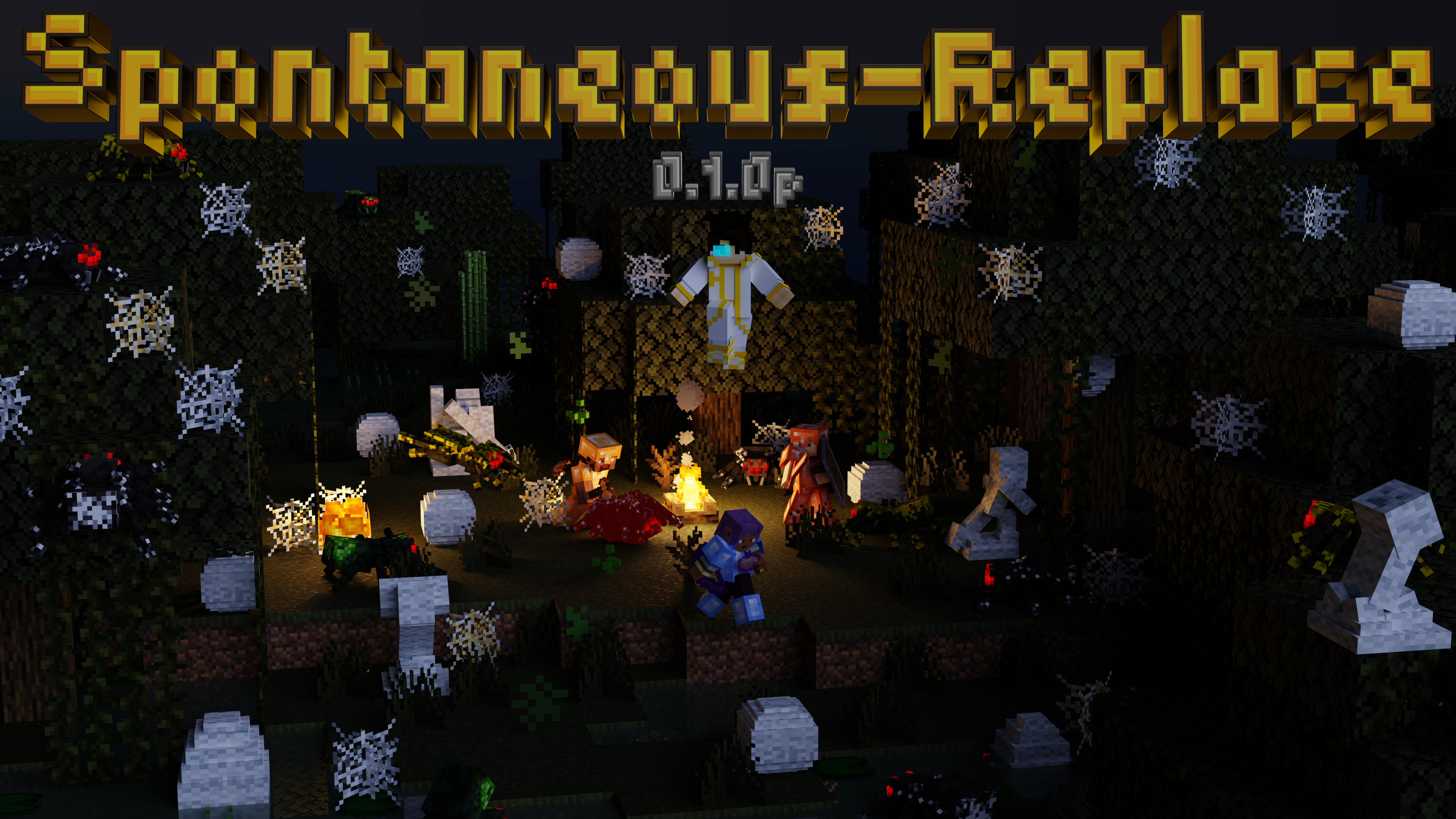
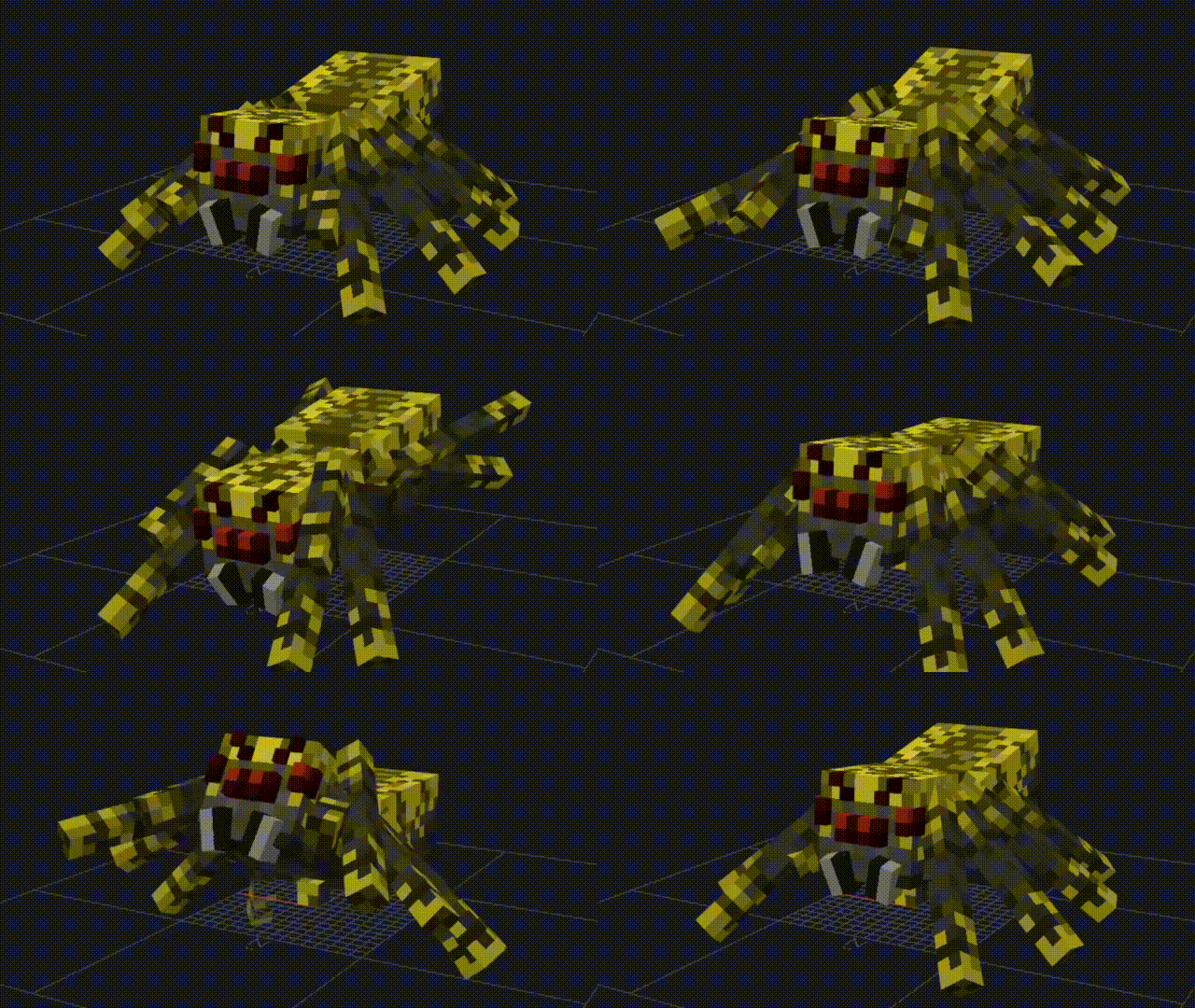
Spontaneous-Replace adds a full set of alloy equipments, special bow and crossbow, new mob variants and unique features to the Minecraft vanilla. Designed to bring players a better Minecraft playing experience.

✦Alloy System And Bow& Crossbow Expansion✦
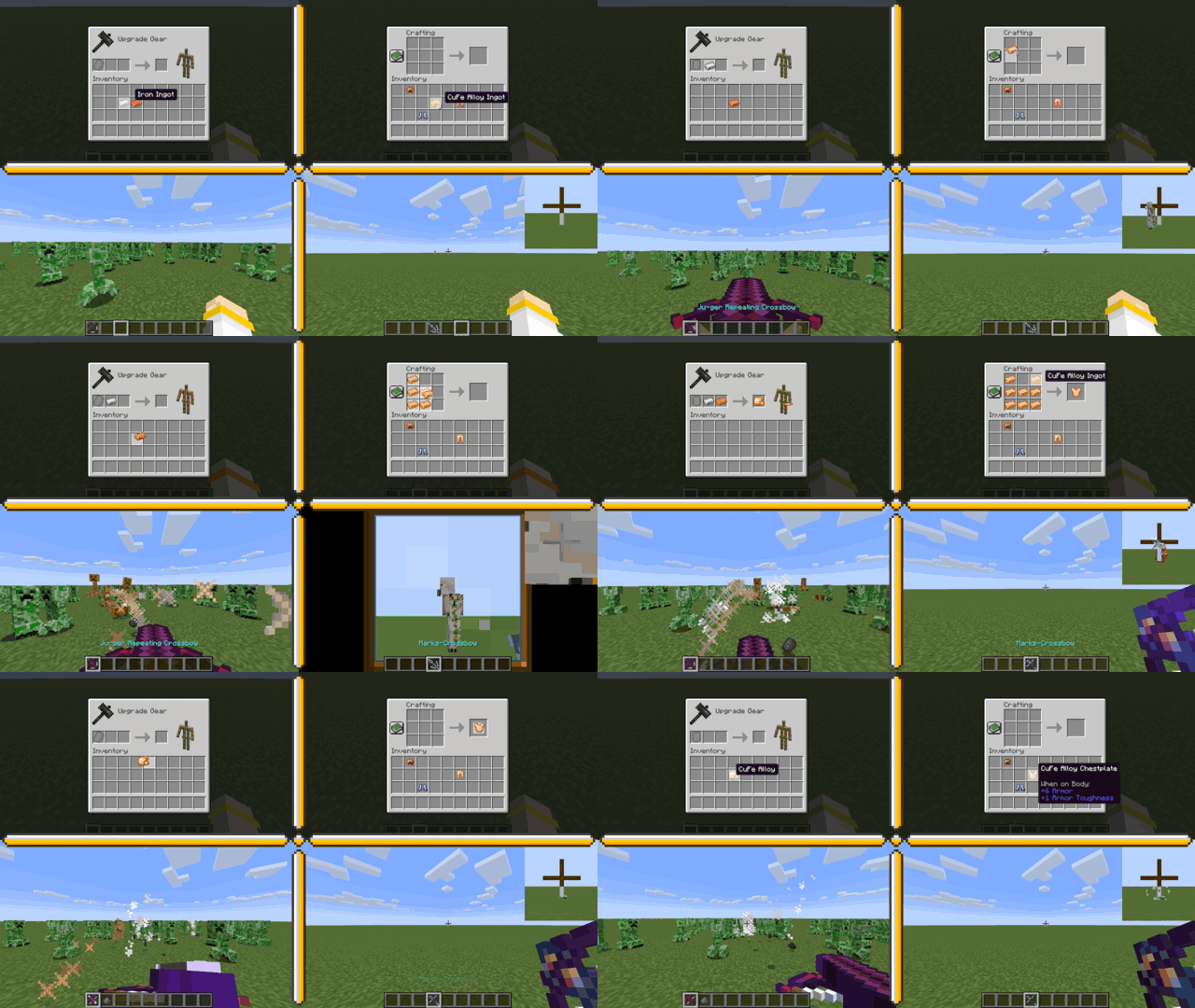
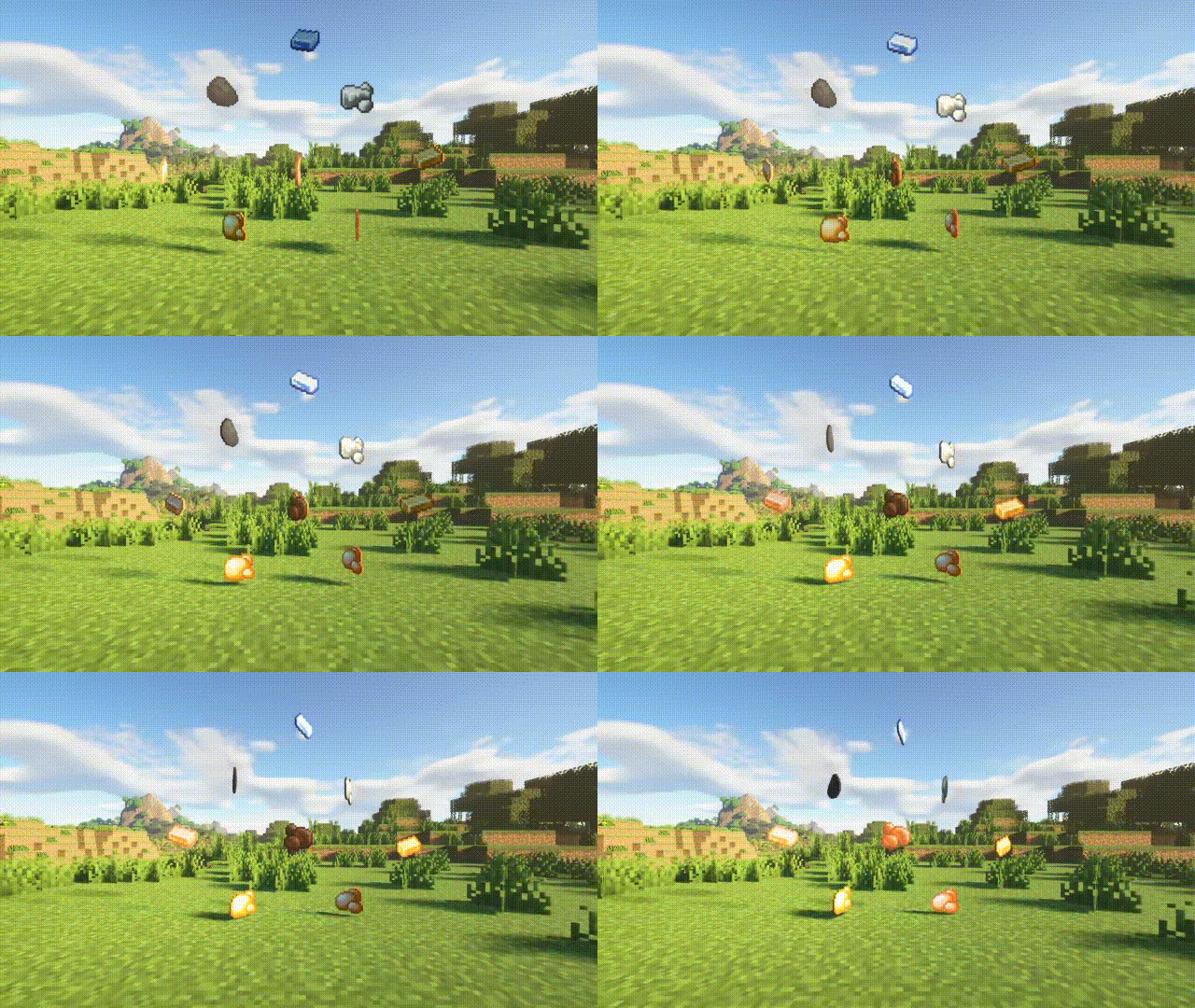
The alloy system is expanded from copper and smithing table, filling in more options for vanilla equipment and adding more metal materials. These
materials and special strings can be craft into more distinctive bows and crossbows. For example, the Zhuge Repeating Crossbow and the marks-crossbow,
showcasing their great power!
✦Advancement System✦
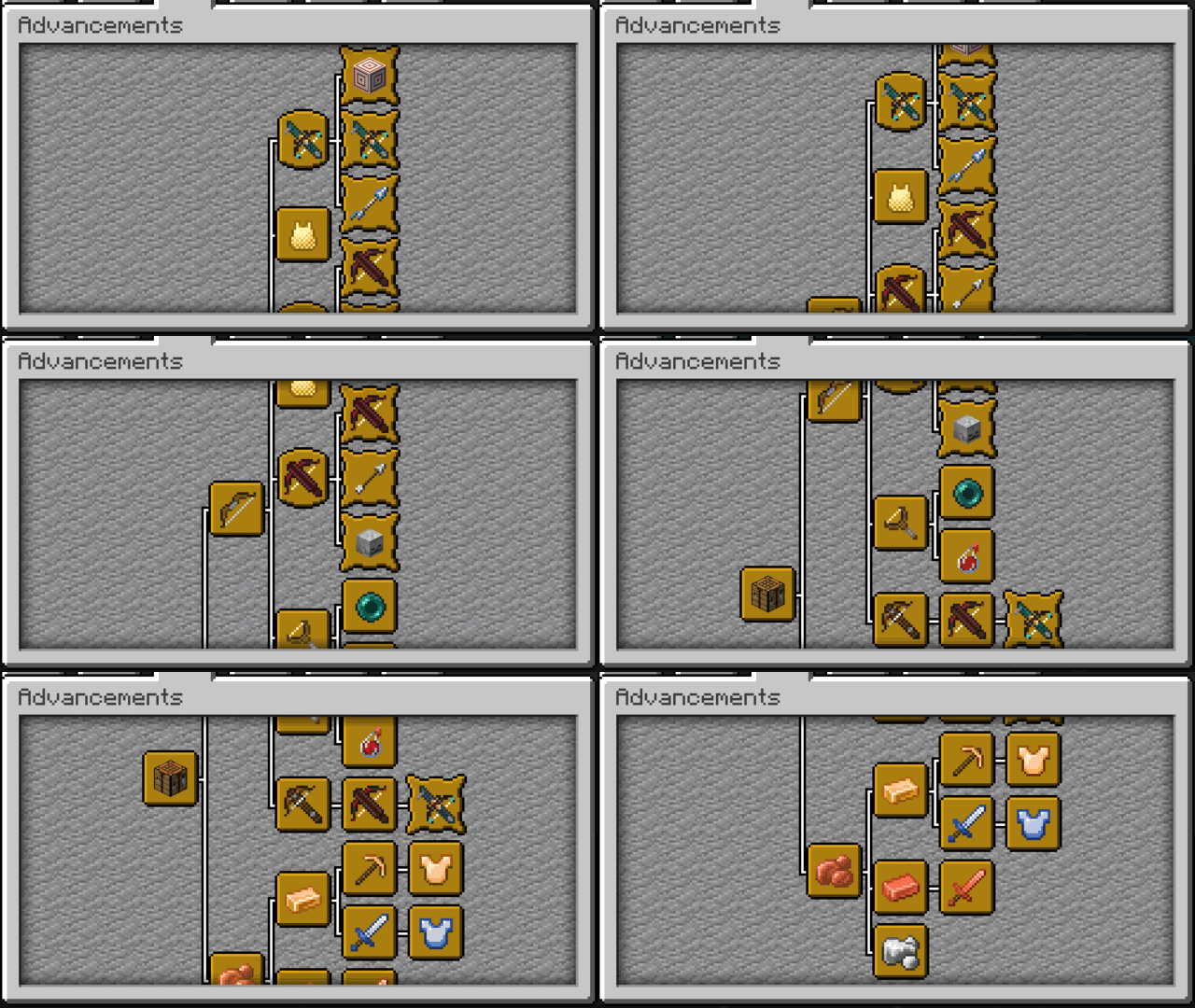
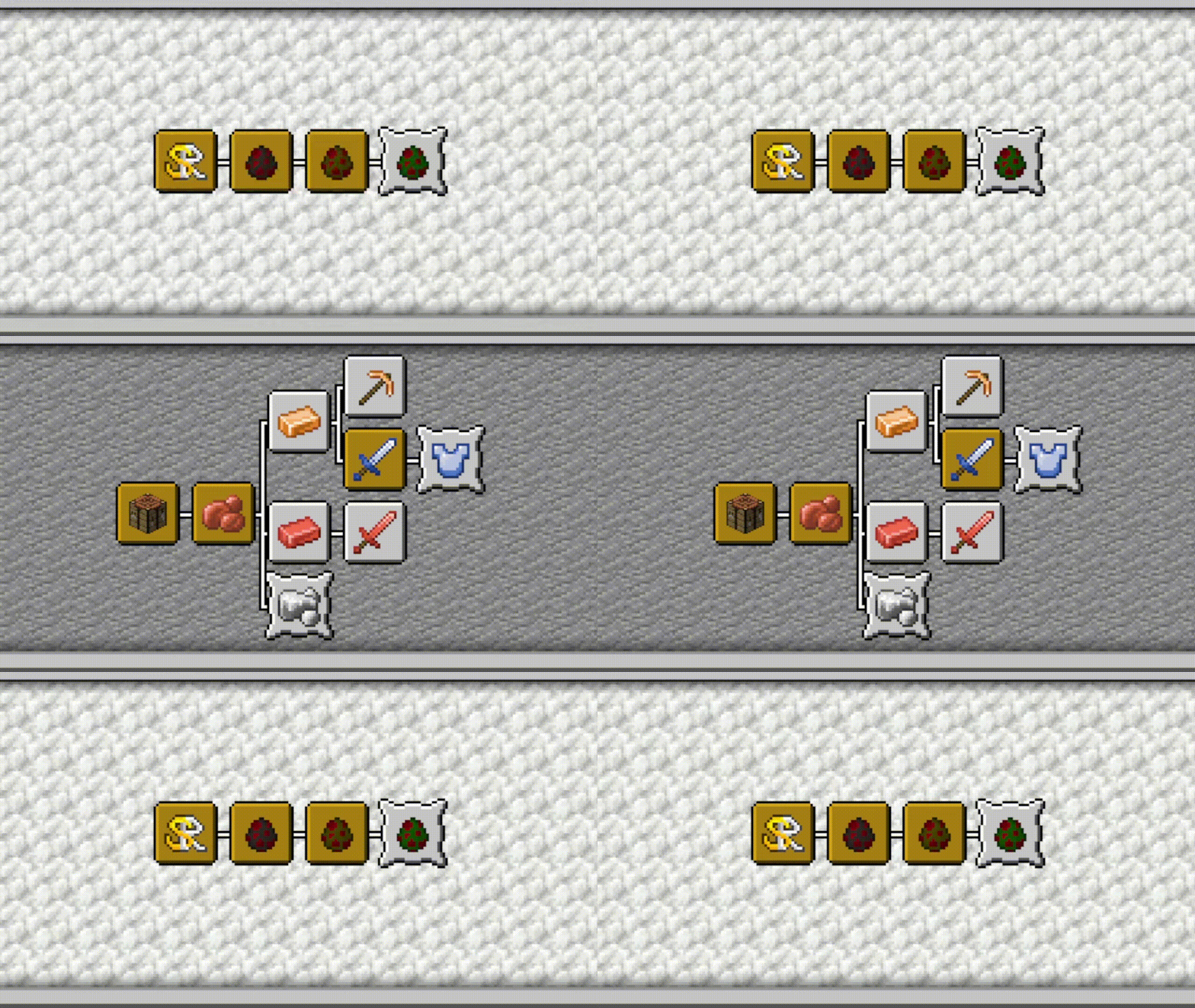
The progress system of Spontaneous-Replace has achieved its goal: to guide players through the mod content step by step. Yes, you don’t have to worry about
feeling lost while playing this mod; the carefully designed progress serves as a guide, leading you through the experience gradually.
✦Scalability✦
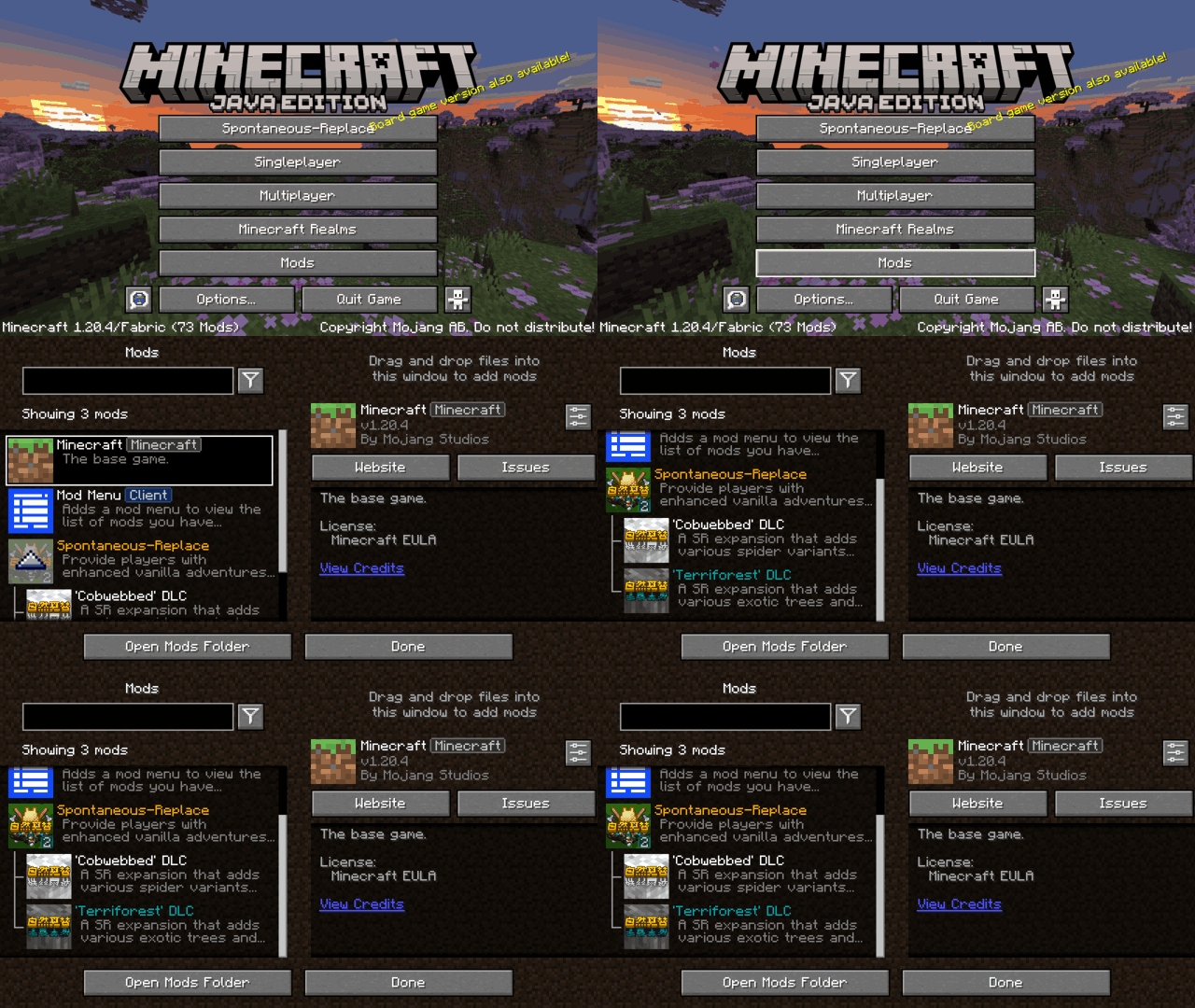
With the power of the Silk API, this mod can have countless expansion mods. Different expansion mods can be added or
modified based on the author’s ideas, which is the charm of Spontaneous-Replace.
💥If you would like to support the Spontaneous-Replace💥
💥Please consider contributing to our Patreon or 爱发电!💥
**💥Head over to modrinth to download the mod or
join our discord community💥**
✦Note To Other Authors✦
Modpack Author:
- You can use this mod in your modpack without notifying me, but state the author of the mod and cannot cancel the mod button display.
Mod Author:
- This mod is completely prohibited from appearing in your mod. This mod is open-source on GitHub, and you can use the code according to the license without asking me. I fully support creating expansion mods for this mod.
常见问题
Spontaneous-Replace 支持哪些 Minecraft 版本?
Spontaneous-Replace 支持 Minecraft Java 版 1.18.2–1.21.1,共 15 个版本,可用的加载器:Fabric / Quilt。下载时注意选择和你游戏版本一致的文件。
Spontaneous-Replace 怎么安装?
先用 PCL2 或 HMCL 启动器安装对应版本的 Fabric / Quilt,再把下载的 .jar 文件放进游戏目录的 mods 文件夹,重新启动游戏即可。开启了版本隔离的,mods 文件夹在 versions/版本名 下面。运行环境:客户端和服务端都要装。
评论
登录后评论和评分