FPS Item Visual
Customize Minecraft's visuals by selectively hiding dropped items, blocks, and particles, or disabling animations through a simple vanilla-style interface.
截图
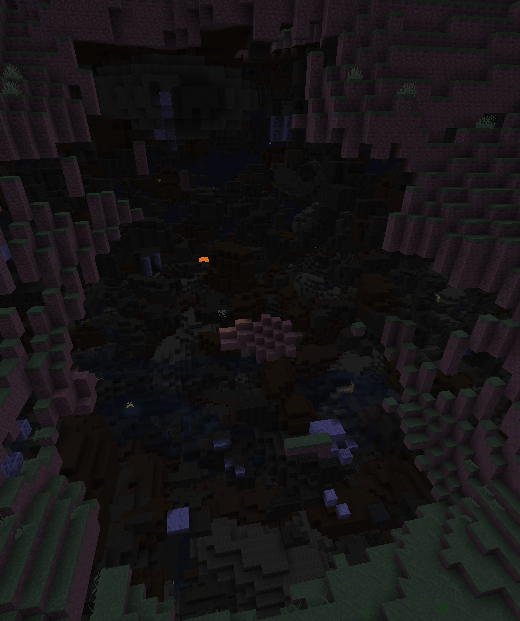
介绍
VisualControl
Take control of what you see in Minecraft.
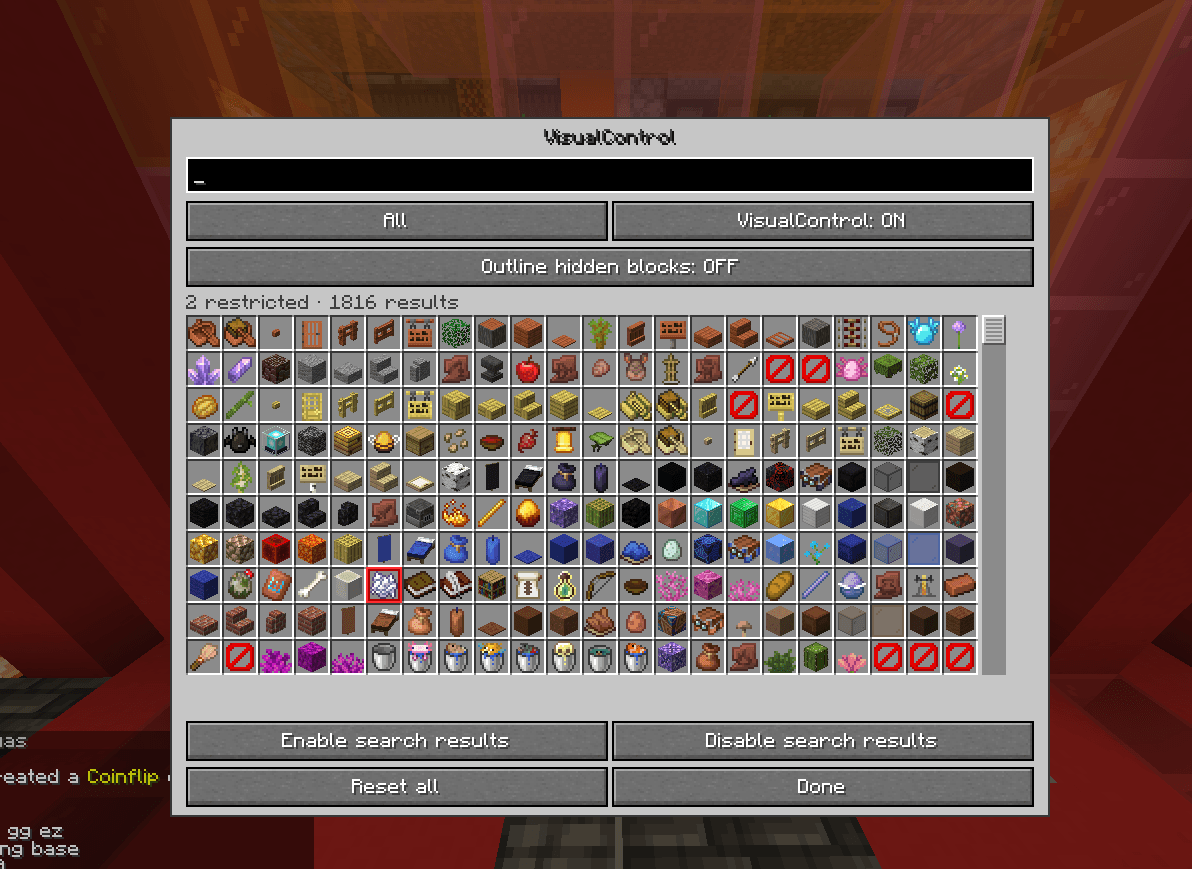
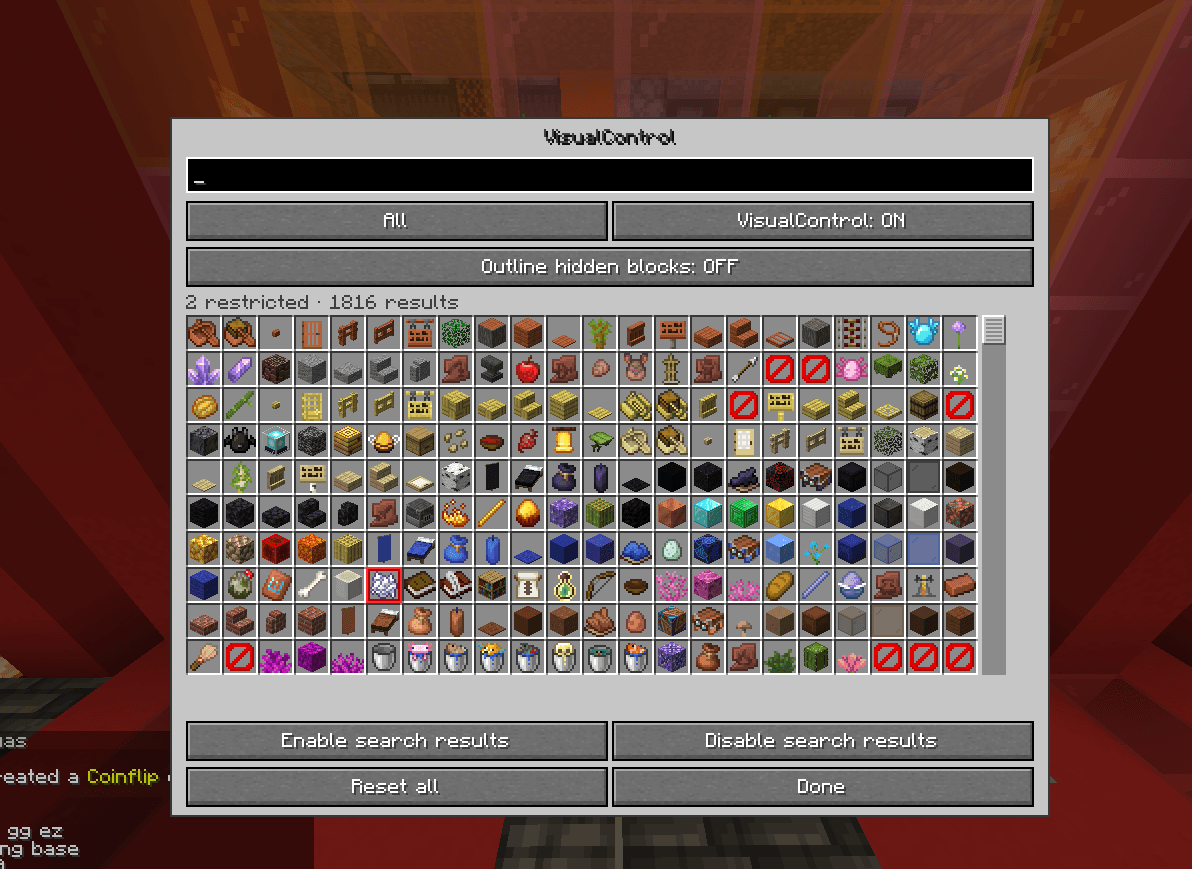
VisualControl is a client-side Fabric mod that lets you customize Minecraft’s visuals. Hide specific blocks, dropped items, and particles, or disable selected animations — all from one clean, vanilla-style interface.
Features
| Feature | Description |
|---|---|
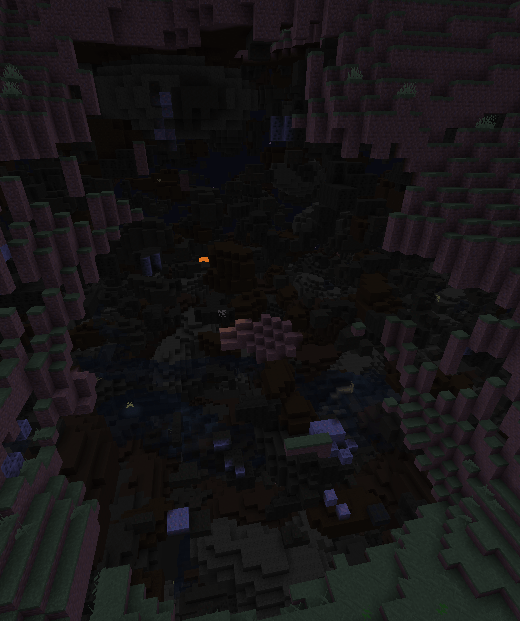
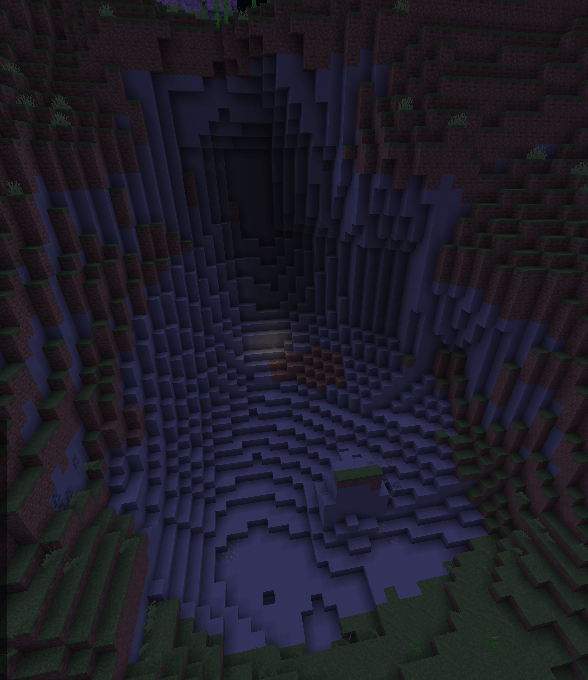
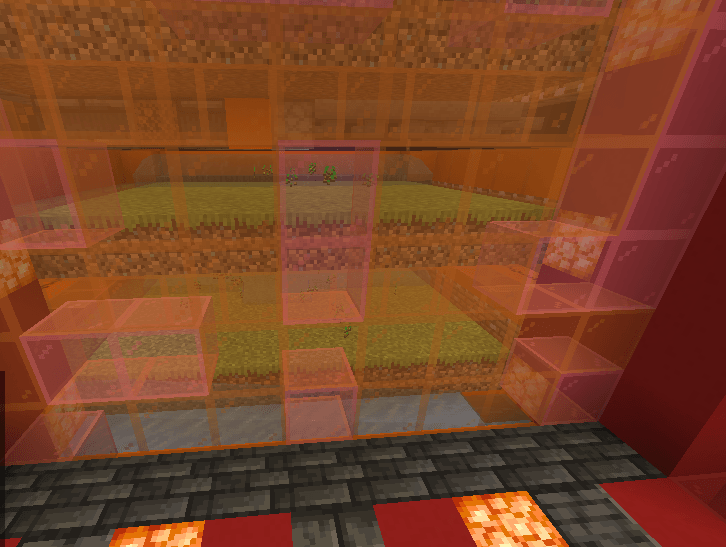
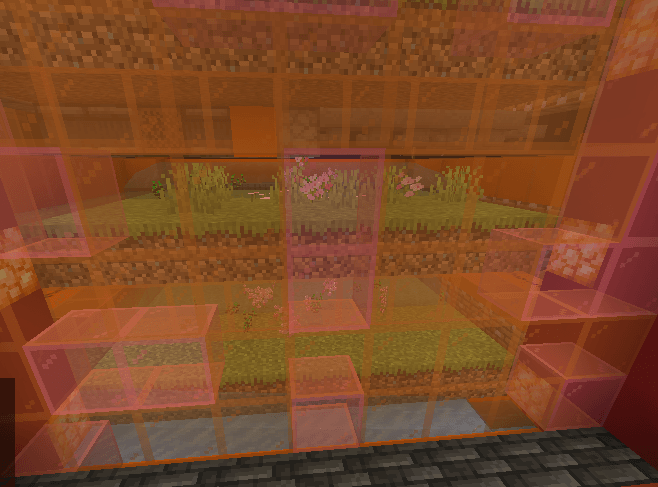
| Block Visibility | Hide selected blocks from your world with an X-ray-like effect. |
| Dropped Items | Hide specific dropped items without affecting your inventory. |
| Particles | Disable particles from individual blocks and supported effects. |
| Animations | Control supported water, lava, block, item, and mob animations. |
| Vanilla Interface | Manage everything through a searchable Minecraft-style menu. |
| Saved Settings | Your preferences are automatically saved between sessions. |
Simple and Customizable
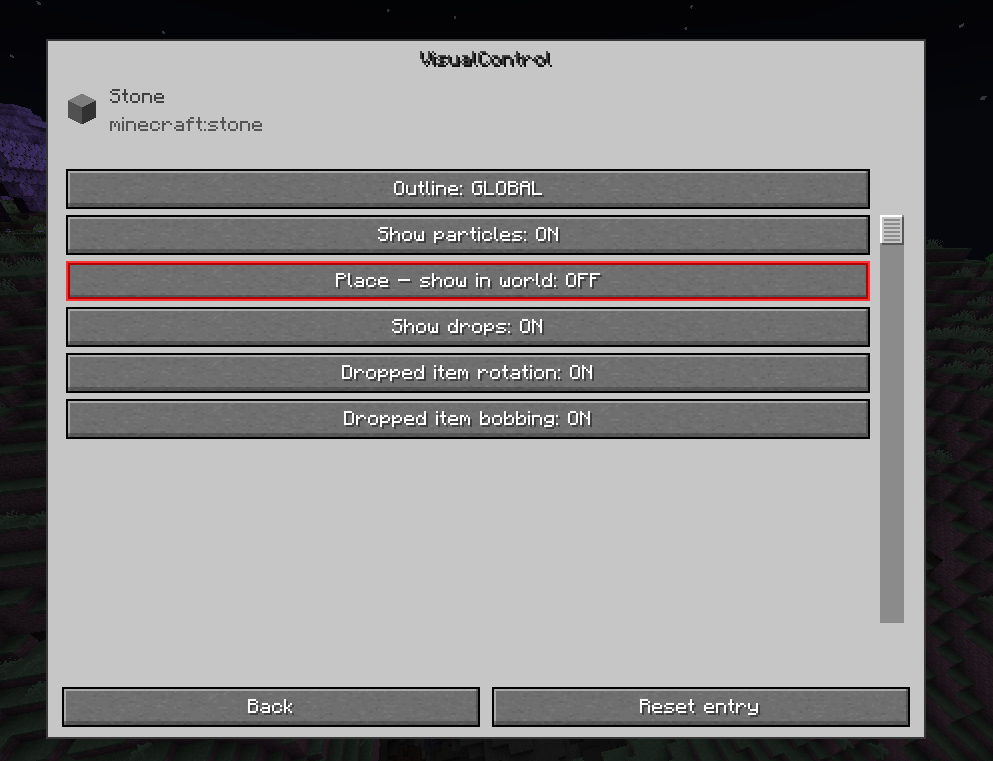
- Open the menu using your assigned hotkey.
- Search for any supported item or block.
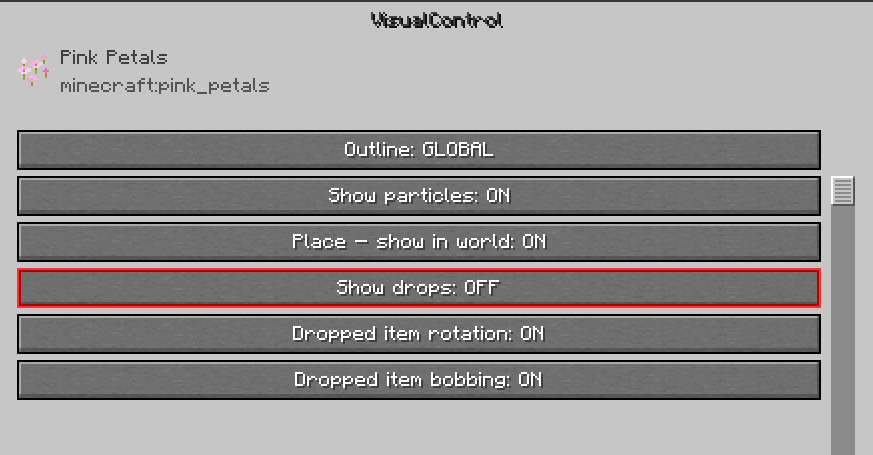
- Select the entry to open its settings.
- Customize which visuals should remain visible.
Disabled options are highlighted in red, making it easy to identify your active filters.
Each setting works independently. For example, you can hide dropped sugar cane while keeping placed sugar cane and its particles visible.
Client-Side Only
VisualControl is designed to work entirely on your client, without requiring server-side installation.
- No changes to world data.
- No changes to block collisions or game mechanics.
- Hidden dropped items can still be collected.
- No server installation required.
Note: Block visibility filtering only uses data already available to your Minecraft client. It does not bypass server-side anti-X-ray protection.
VisualControl — Your Minecraft. Your Visuals.
常见问题
FPS Item Visual 支持哪些 Minecraft 版本?
FPS Item Visual 支持 Minecraft Java 版 1.21–26.3,共 17 个版本,可用的加载器:Fabric。下载时注意选择和你游戏版本一致的文件。
FPS Item Visual 怎么安装?
先用 PCL2 或 HMCL 启动器安装对应版本的 Fabric,再把下载的 .jar 文件放进游戏目录的 mods 文件夹,重新启动游戏即可。开启了版本隔离的,mods 文件夹在 versions/版本名 下面。
WaxedCopperGolem 的其他作品
查看全部 →
piechart auto reload
Automatically refreshes the debug pie chart when entering a new chunk while keeping your selected section.

Spear Trident Pose
Changes the spear’s first-person charging pose to a trident-style pose while keeping all gameplay mechanics unchanged.
BuildLens
Preview piston movements and spot blocks that would lose their support before you break anything—all directly in your Minecraft world.
评论
登录后评论和评分