Lush Grass & Leaves
Living grass, lush foliage and glowing nights across the Overworld, Nether and End.
截图
介绍
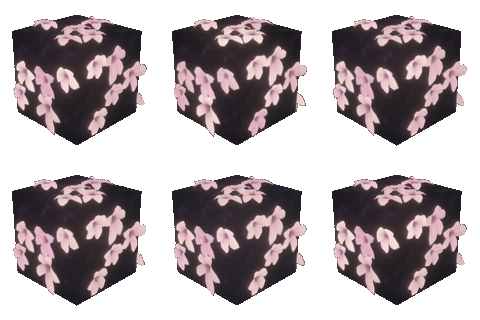

Lush Grass & Leaves brings movement and detail to Minecraft’s landscapes: layered grass, fuller leaf surfaces, responsive plants and small pockets of light after dark. Explore a greener Overworld, strange Nether growth and pale gardens among the End islands—all through a client-side visual layer.
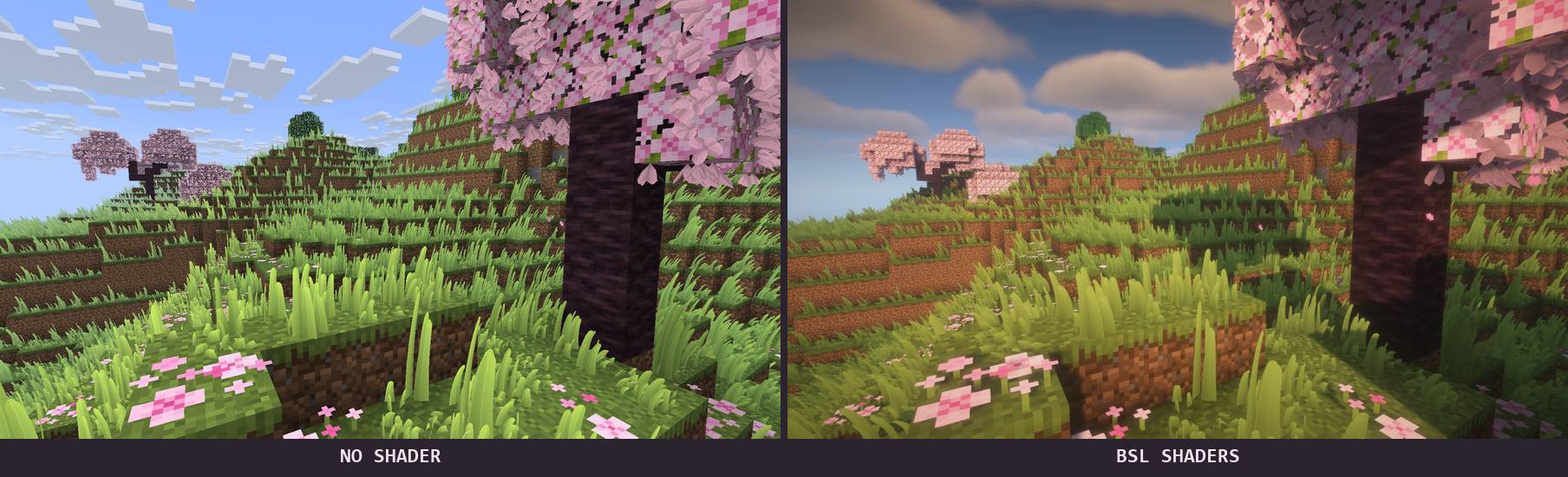
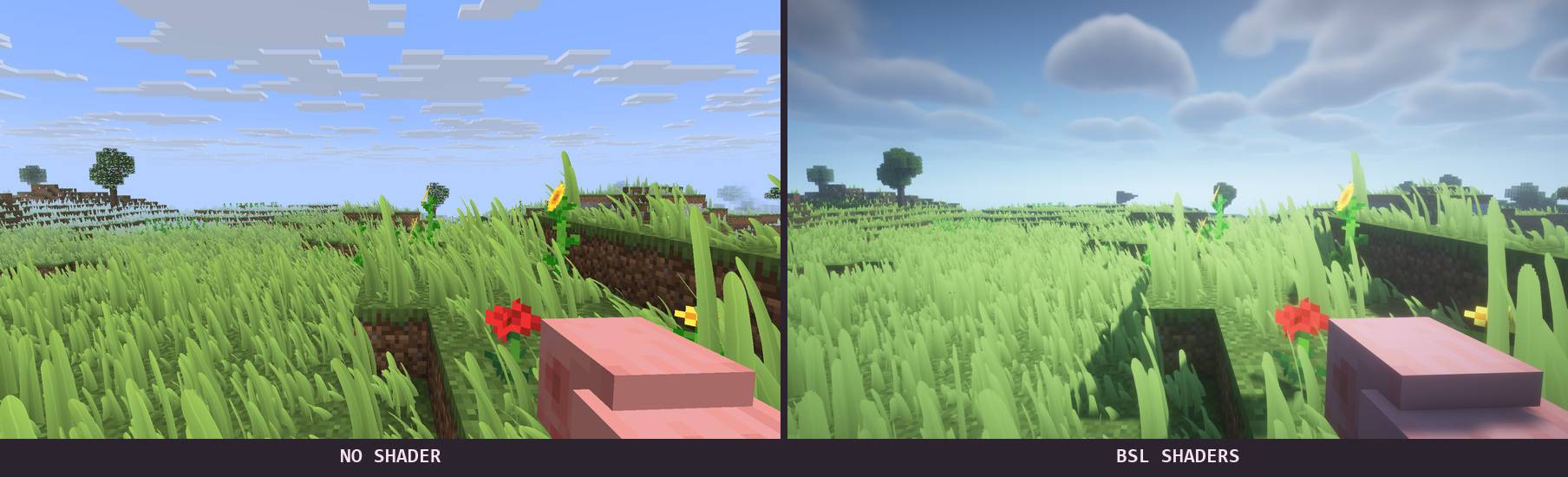
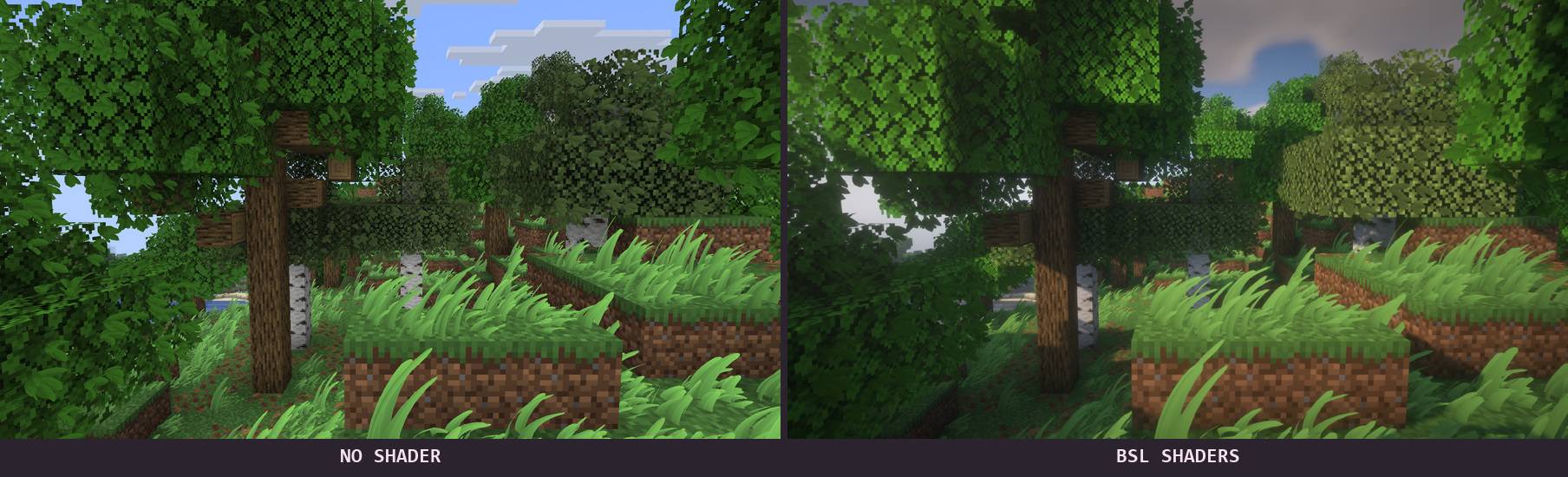
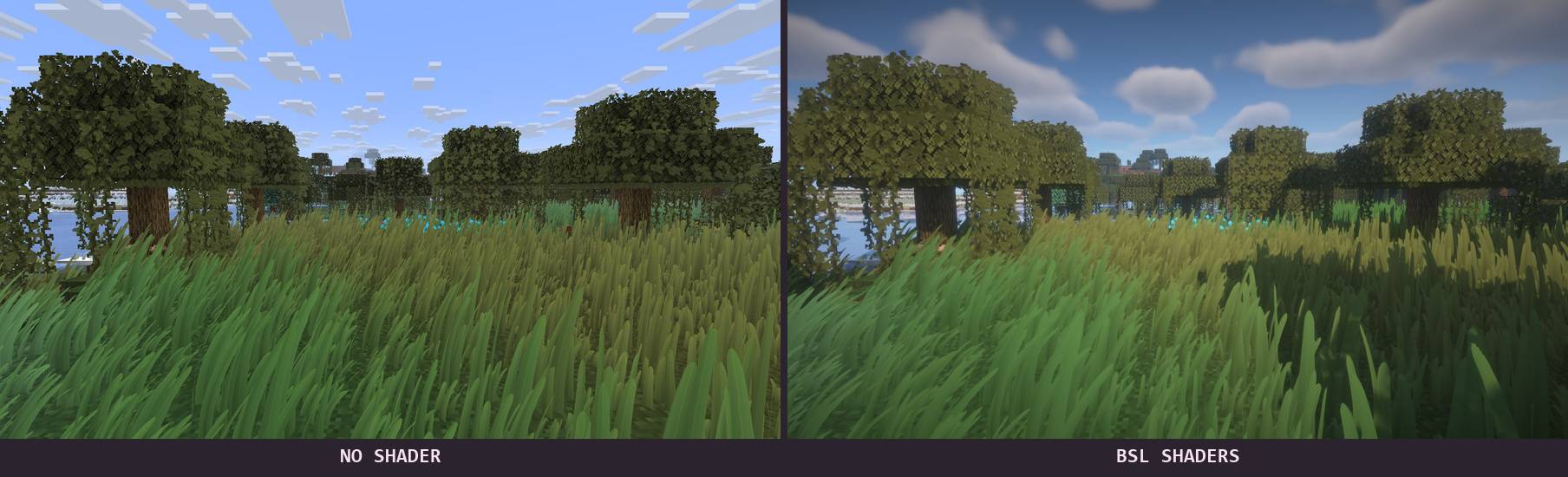
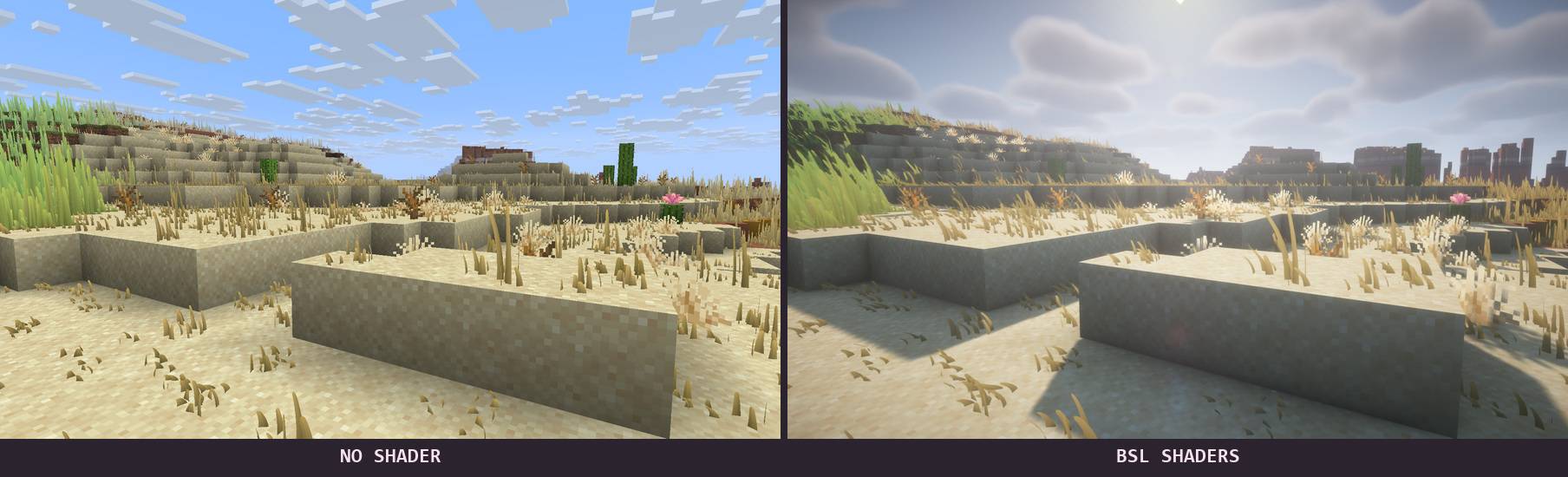
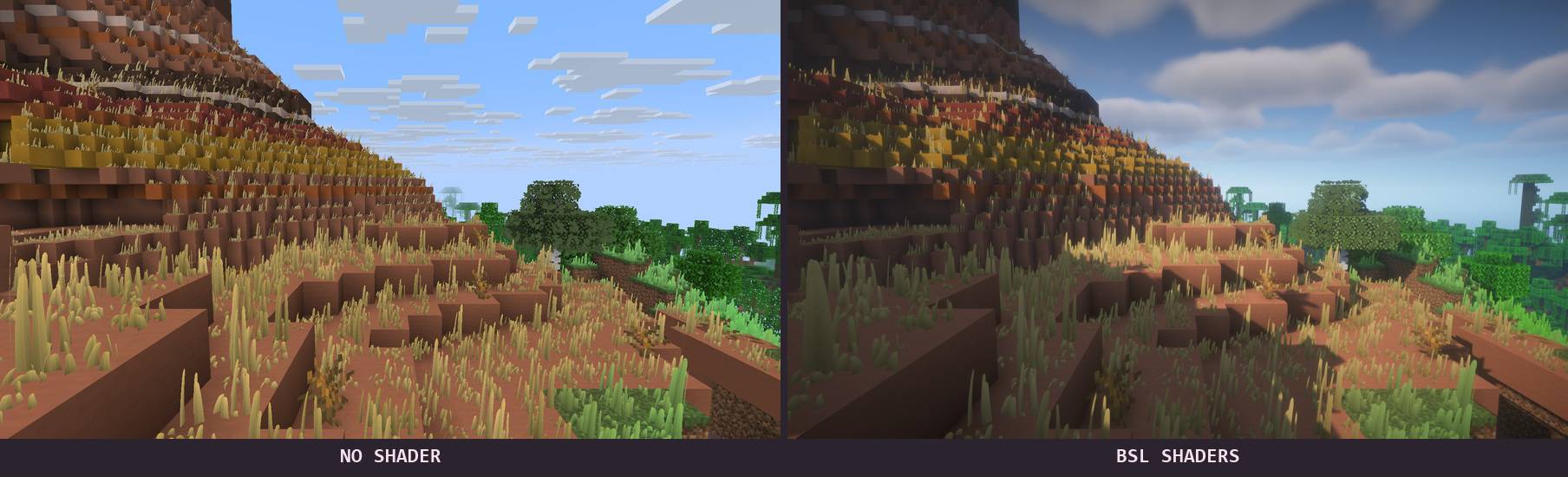
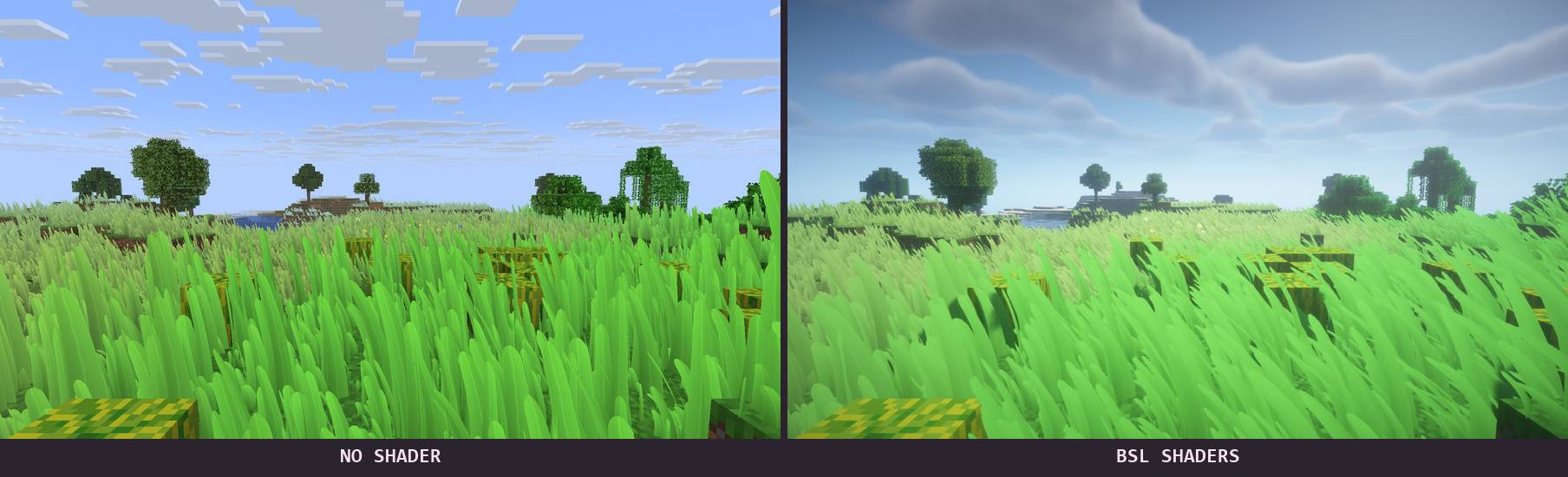
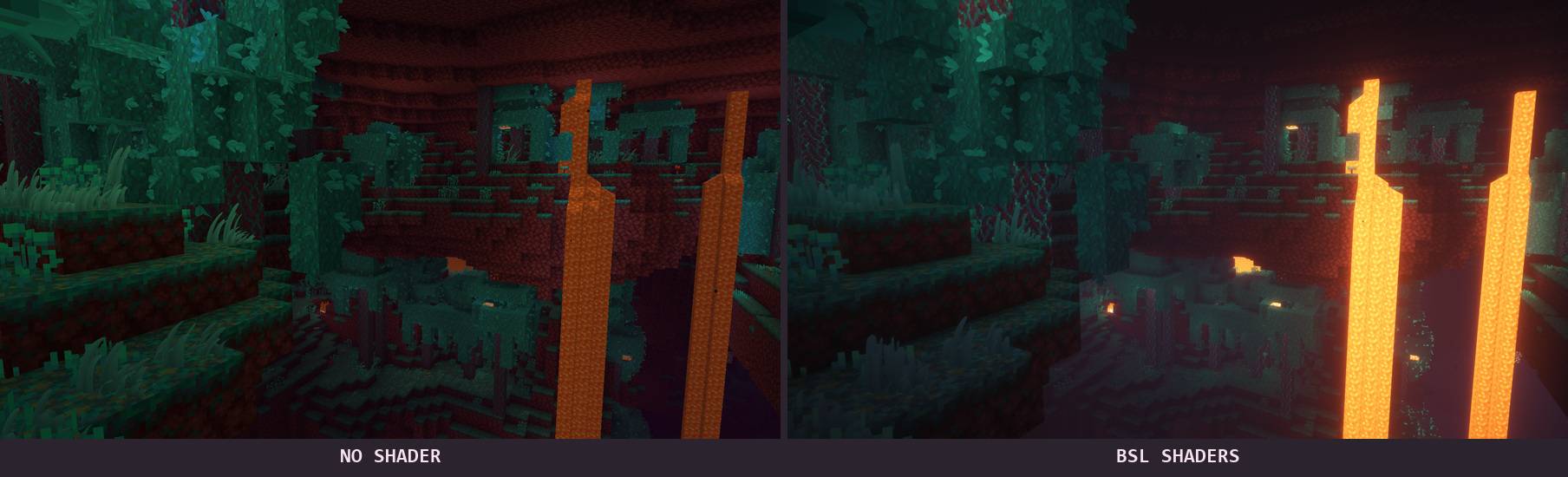
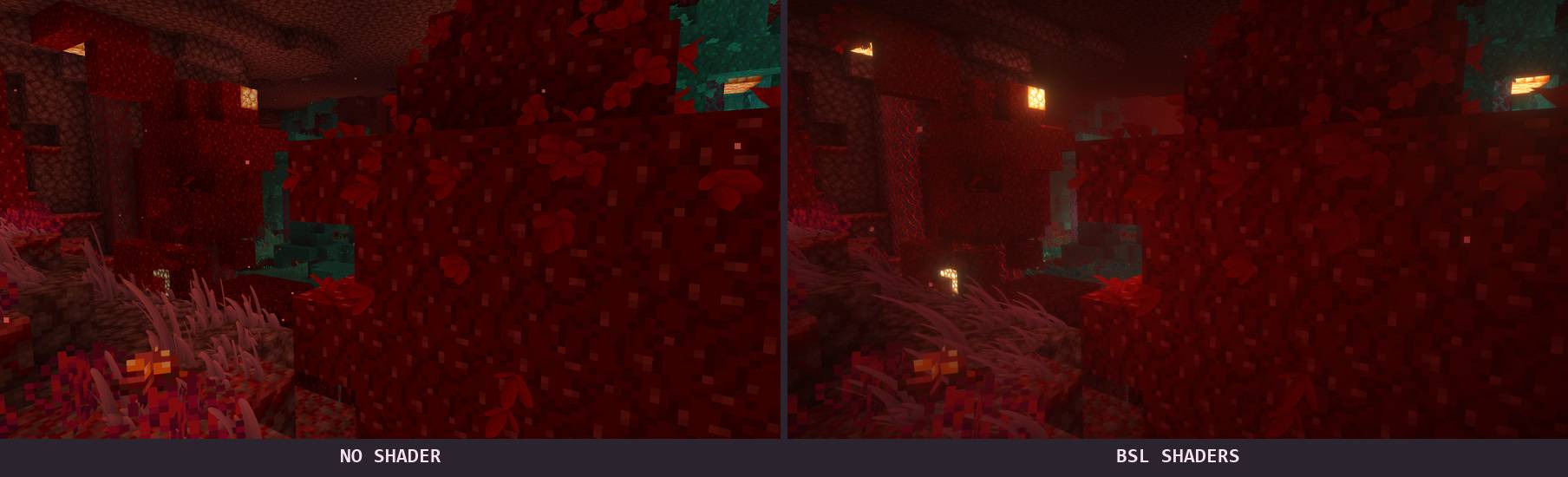
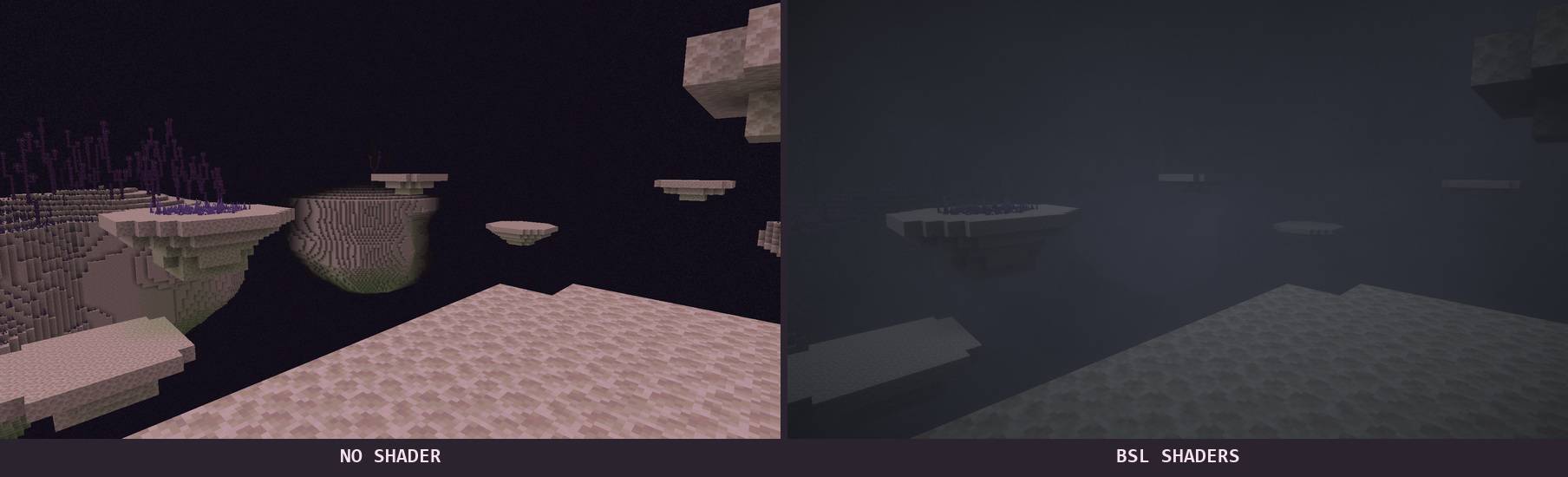
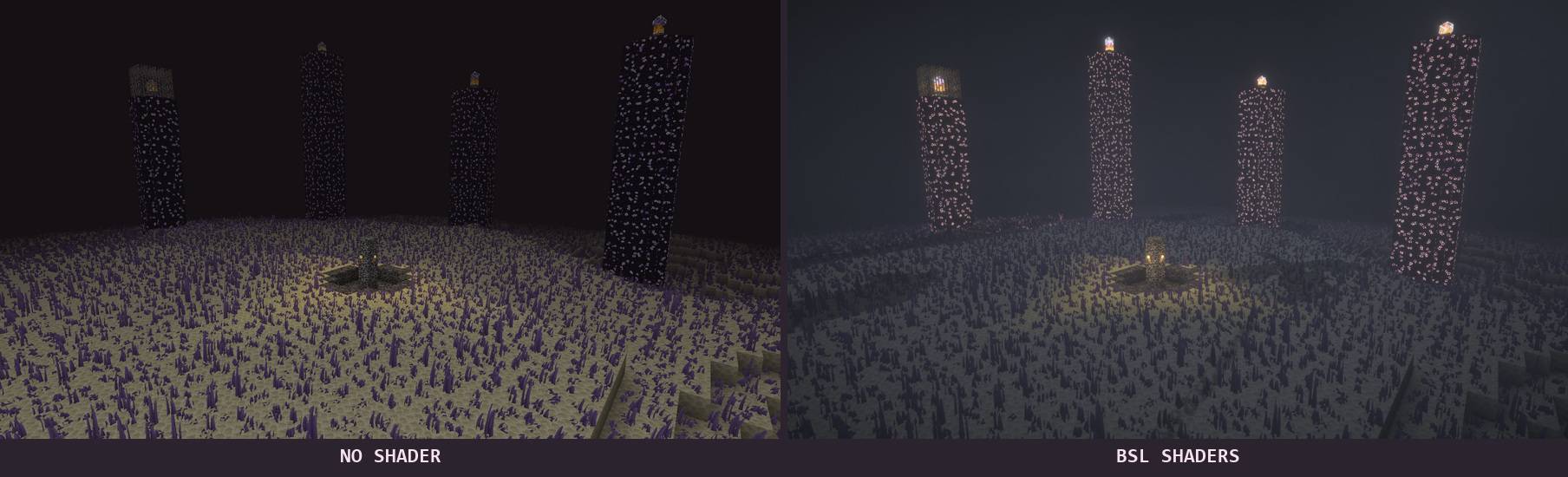
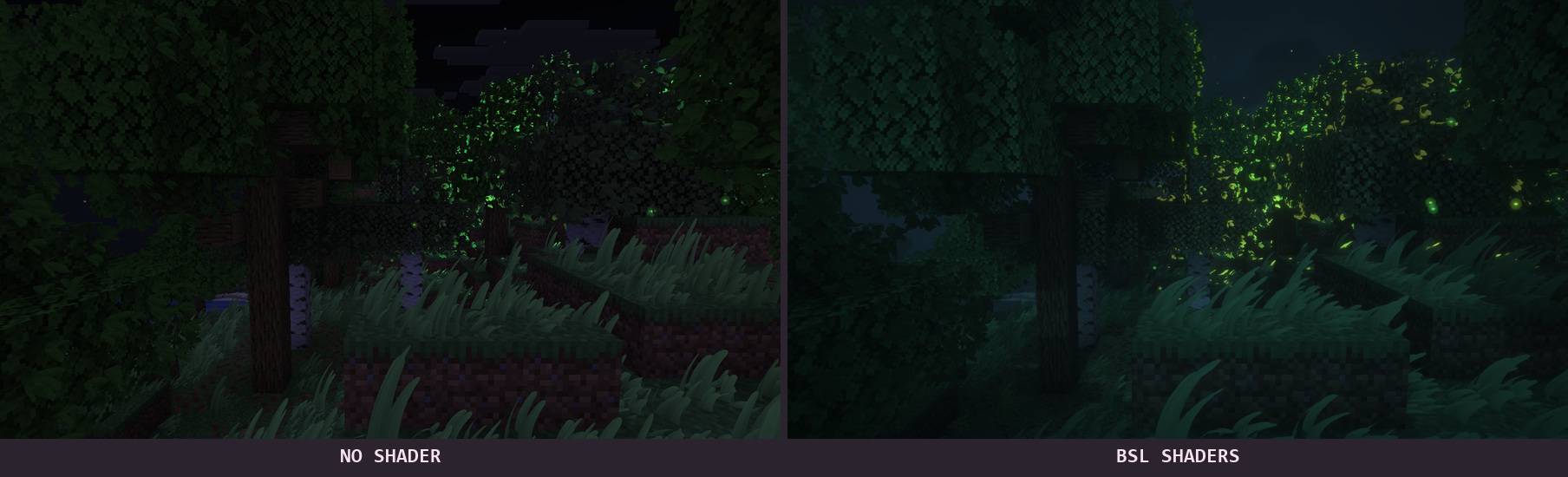
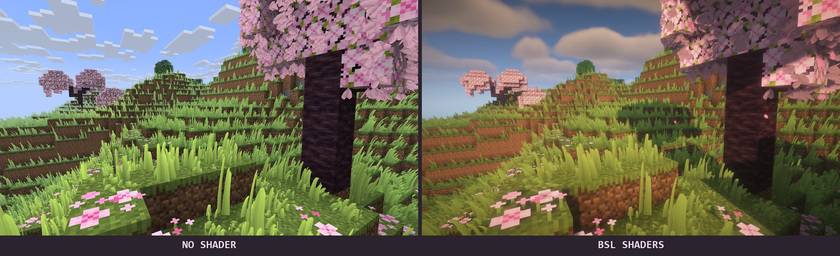
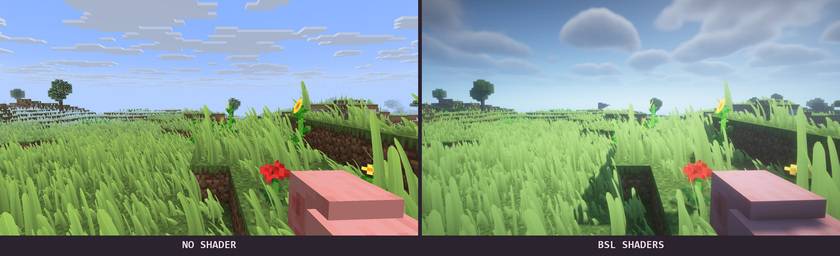
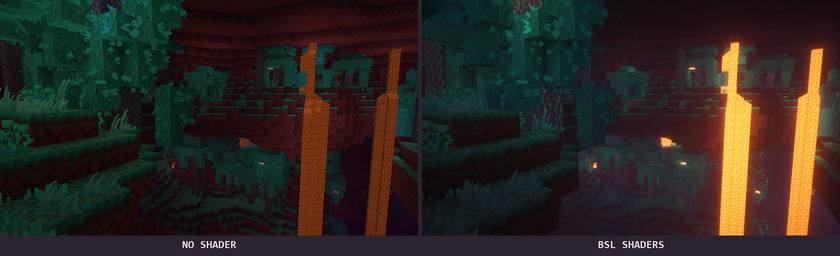
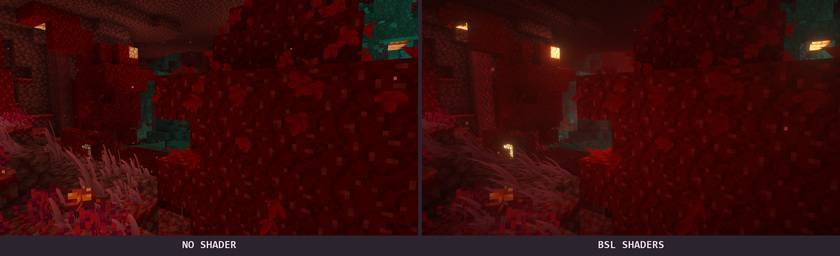
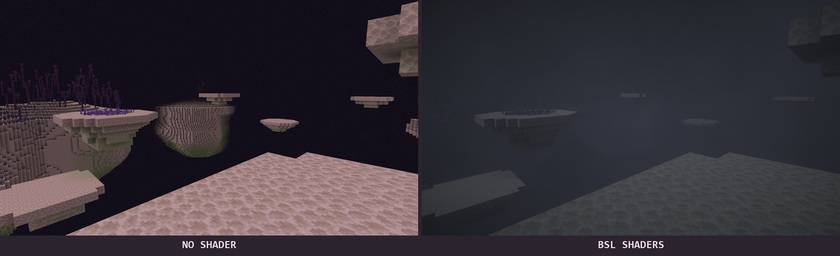
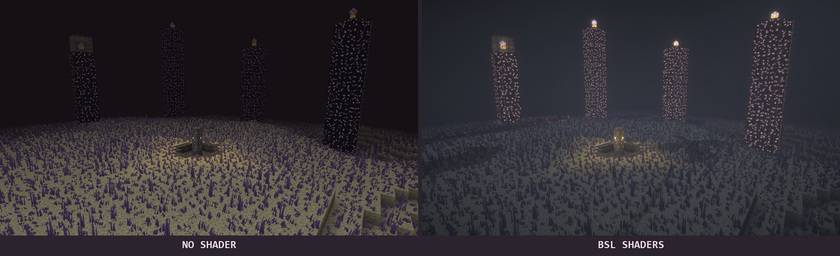
The scenery below is captured in Minecraft itself. Each comparison uses the same viewpoint: no shader on the left, BSL on the right. BSL changes the lighting; the vegetation is provided by this mod.
- Grass with variety. Short, medium and tall blades, subtle texture detail and biome-aware colours.
- Foliage with depth. Extra leaf growth follows supported trees, vines and chorus plants, preserving each plant’s character.
- Motion that feels alive. Wind varies across the landscape; nearby movement gently bends the grass, which recovers smoothly.
- Quiet magic at night. Biome-coloured luminous patches, independently moving fireflies and soft footstep effects.

Meadows and woodland feel fuller without sharing one identical look. Dry ground receives its own growth, snowy landscapes take on a colder palette, and tropical foliage keeps the colours of its leaves.
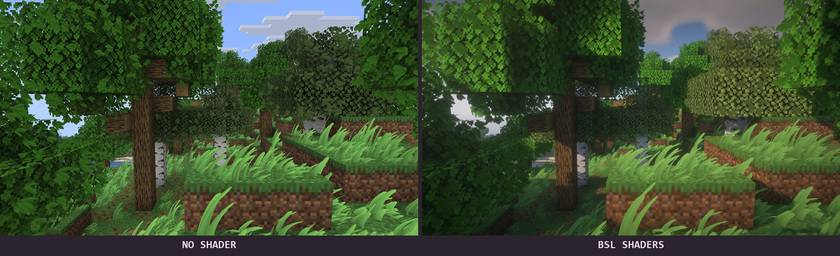
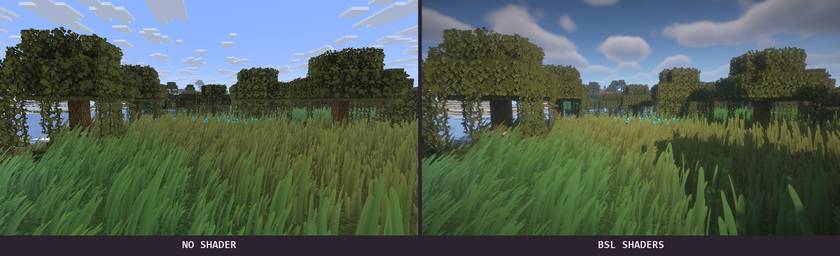
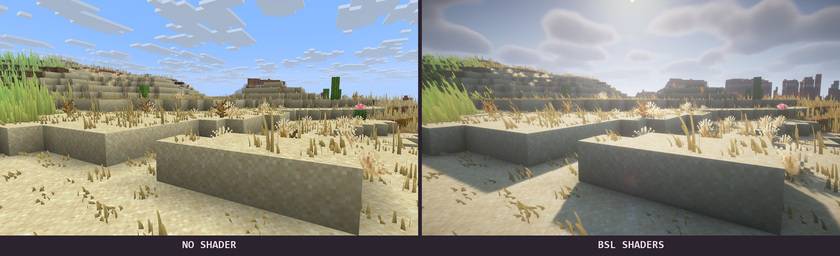
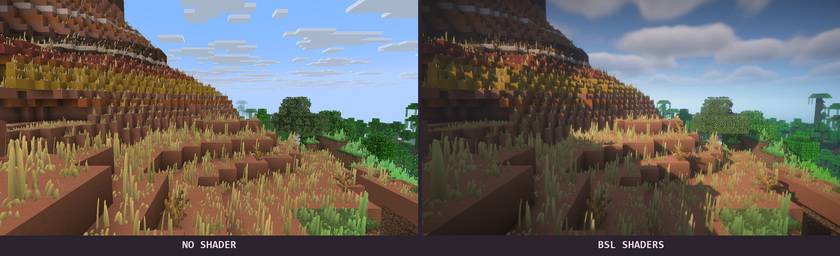
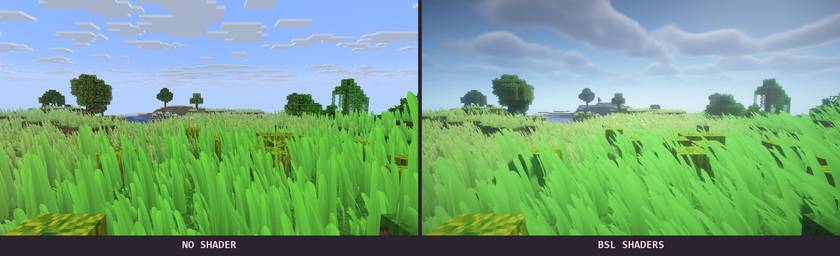
Grass stays out of water. Surface rules keep decorative growth off snowy treetops and unsupported roofs, while excavation tracking prevents newly dug holes from turning into grass-covered tunnels.

The Nether receives habitat-aware plants and foliage in its open, naturally formed spaces. Crimson and warped forests have distinct colours. Digging a tunnel does not create a new decorative meadow inside it.
The End becomes a pale, otherworldly garden. Growth reaches the outer islands and chorus plants, with luminous accents around the main island and its obsidian towers. These decorations do not add harvesting rewards or change the dragon fight.

After dark, selected clearings come alive with colour. Warm golden accents suit dry regions, icy cyan suits the snow, and green light settles into woodland. Fireflies follow varied paths rather than moving in a synchronized pattern, while steps through an active patch leave a brief magical response.
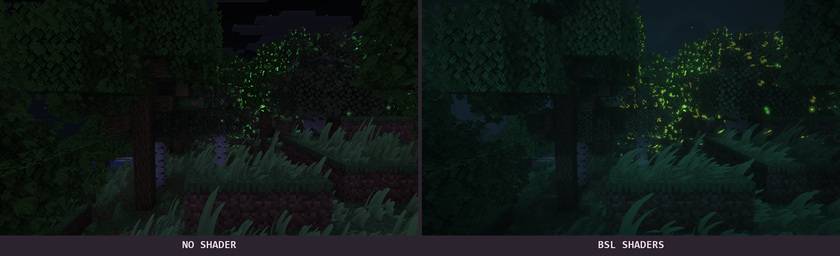
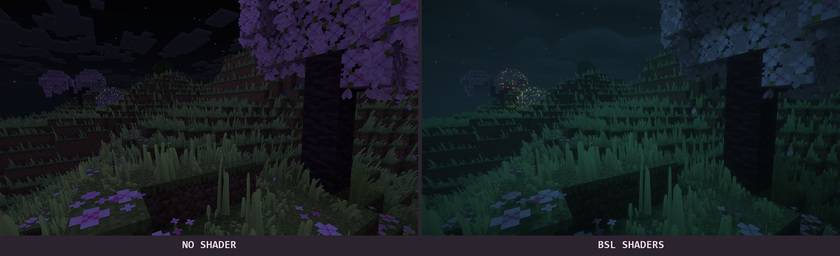
The Overworld’s magical display follows the night. Nether and End effects follow their own dimension ambience.

Open the mod’s configuration screen to tune the landscape to your taste. Choose Light, Balanced or Lush, then adjust coverage, blade height, view distance, wind, interaction and night effects. Changes preview live; reduced-motion controls are available.
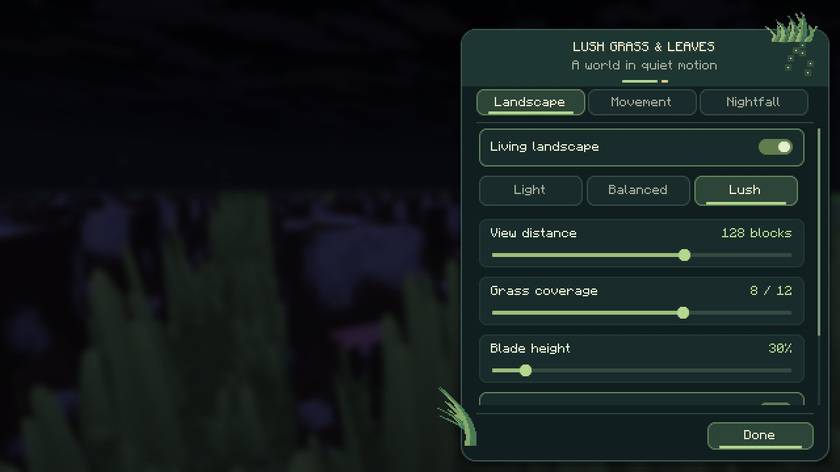
On Fabric, use Mod Menu to open the settings. On Forge and NeoForge, use the mod configuration entry. An optional shortcut can be assigned in Controls → Key Binds; it is unbound by default to avoid reserving Iris’s controls.
NOT AN OFFICIAL MINECRAFT PRODUCT. NOT APPROVED BY OR ASSOCIATED WITH MOJANG OR MICROSOFT.
常见问题
Lush Grass & Leaves 支持哪些 Minecraft 版本?
Lush Grass & Leaves 支持 Minecraft Java 版 1.20.1–26.3,共 5 个版本,可用的加载器:Fabric / Forge / NeoForge。下载时注意选择和你游戏版本一致的文件。
Lush Grass & Leaves 怎么安装?
先用 PCL2 或 HMCL 启动器安装对应版本的 Fabric / Forge / NeoForge,再把下载的 .jar 文件放进游戏目录的 mods 文件夹,重新启动游戏即可。开启了版本隔离的,mods 文件夹在 versions/版本名 下面。
Haider_x 的其他作品
查看全部 →
Luna shader
Luna 光影:优化了水面反射,呈现深蓝色调,并为末地传送门加入独特的旋转黑洞效果。

Aetheria Shaders
Aetheria Shaders 是 Complementary Reimagined 的一款华丽奇幻改版光影。拥有自定义维度氛围、发光的青绿色水体、银河主题的下界传送门、流动的熔岩,以及体积化的末地龙卷风。性能表现有保障。

Quanta Shader
快速呈现精美的《Minecraft》画面。柔和的阴影、动态云朵、波光粼粼的水面和绚丽天空,同时优化性能,畅玩高帧率游戏。

Vanilla Rebuild
保留 Minecraft 的经典风格,同时增强光照效果,呈现逼真的天空、体积云、柔和阴影,以及各维度独具特色的浓郁氛围。
评论
登录后评论和评分