Paranoia Lighting
A client-side mod that makes lights dim and flicker as hostile mobs approach, creating a tense and unsettling atmosphere.
截图
介绍
Paranoia Lighting
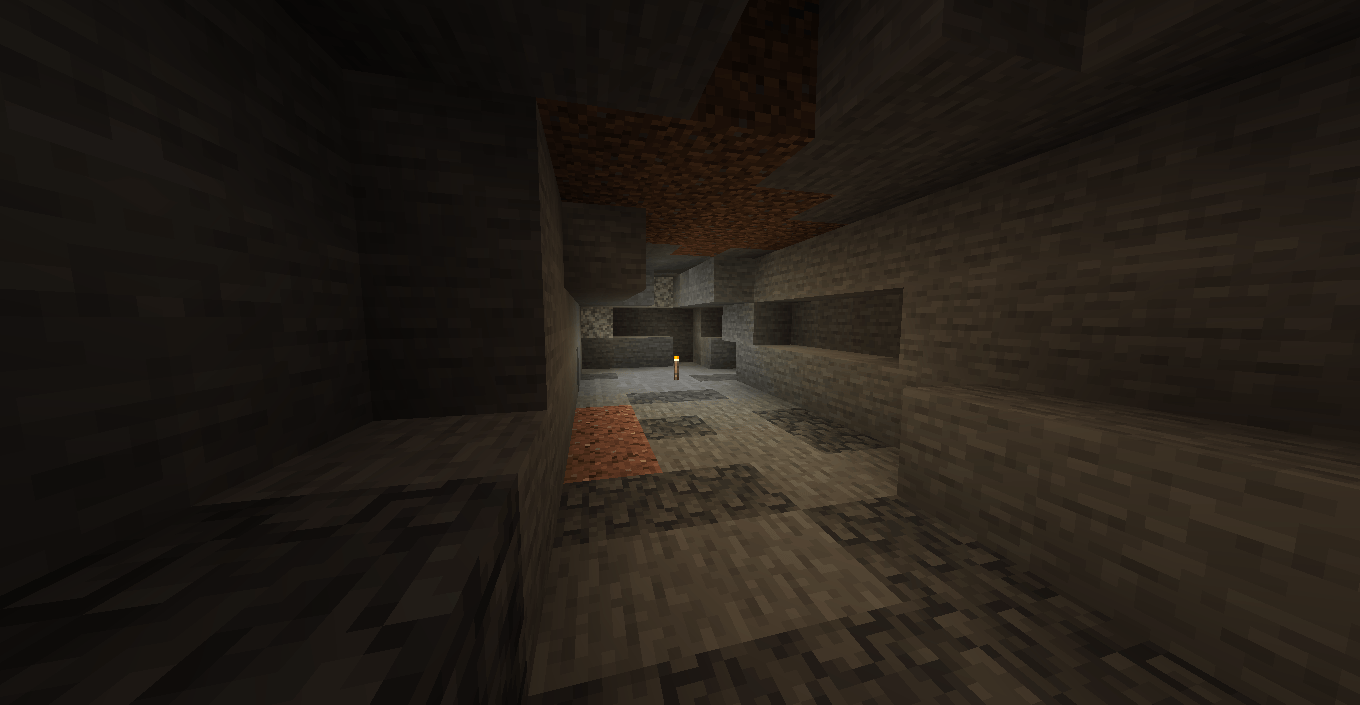
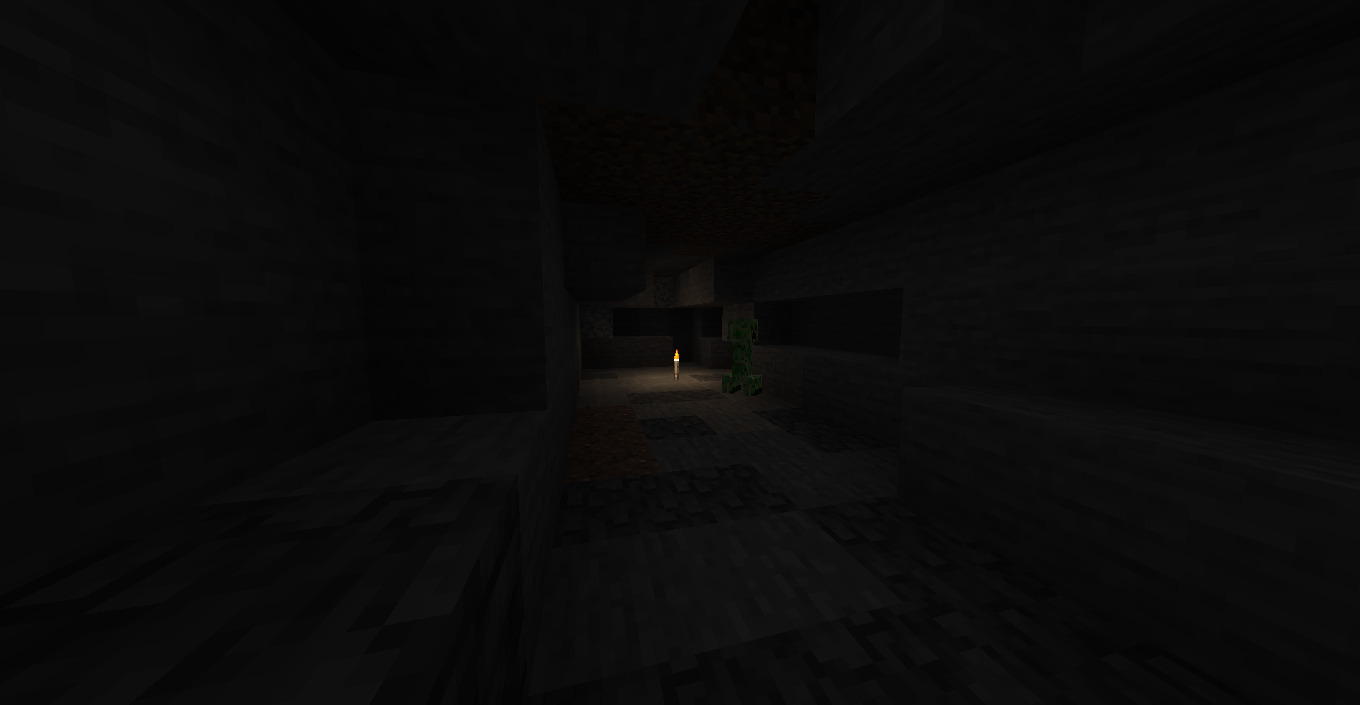
Light sources gradually dim as hostile mobs approach, adding tension to caves, buildings, and nighttime exploration. The closer the threat gets, the weaker the illumination becomes.
Lights remain dim while hostile mobs are nearby, with occasional flickers adding to the atmosphere. When the threat moves away, brightness gradually returns to normal.
Features
The effect works with torches, ordinary lanterns, powered redstone lamps, glowstone, lit candles, working furnaces, campfires, and other eligible luminous blocks.
Detection range, dimming strength, transition speed, and flicker timing are configurable. By default, the effect begins within 10 blocks of a light source and grows stronger as the mob approaches.
Preserved Light Sources
Fire, soul fire, lava, sea lanterns, and all copper bulb variants—including waxed and oxidized bulbs—retain their original brightness. This preserves lighting around ocean monuments and trial chambers.
Compatibility
Available for Minecraft Java Edition 1.20.1 and 1.21.1 with Forge.
Paranoia Lighting runs on the client and uses Minecraft’s standard block lighting. Server lighting and mob spawning rules remain unchanged. Sunlight and dynamic lights from held items are outside the effect’s scope.
常见问题
Paranoia Lighting 支持哪些 Minecraft 版本?
Paranoia Lighting 支持 Minecraft Java 版 1.20.1–1.21.1,共 2 个版本,可用的加载器:Forge。下载时注意选择和你游戏版本一致的文件。
Paranoia Lighting 怎么安装?
先用 PCL2 或 HMCL 启动器安装对应版本的 Forge,再把下载的 .jar 文件放进游戏目录的 mods 文件夹,重新启动游戏即可。开启了版本隔离的,mods 文件夹在 versions/版本名 下面。
评论
登录后评论和评分