SAdmin
SAdmin is a lightweight administration mode for Minecraft servers, featuring inventory-safe admin mode, hidden staff visibility, protected admin tools, player teleportation, gamemode controls, multilingual support, and optional client installation.
截图
介绍
SAdmin
SAdmin is a lightweight administration mod for Minecraft Fabric servers.
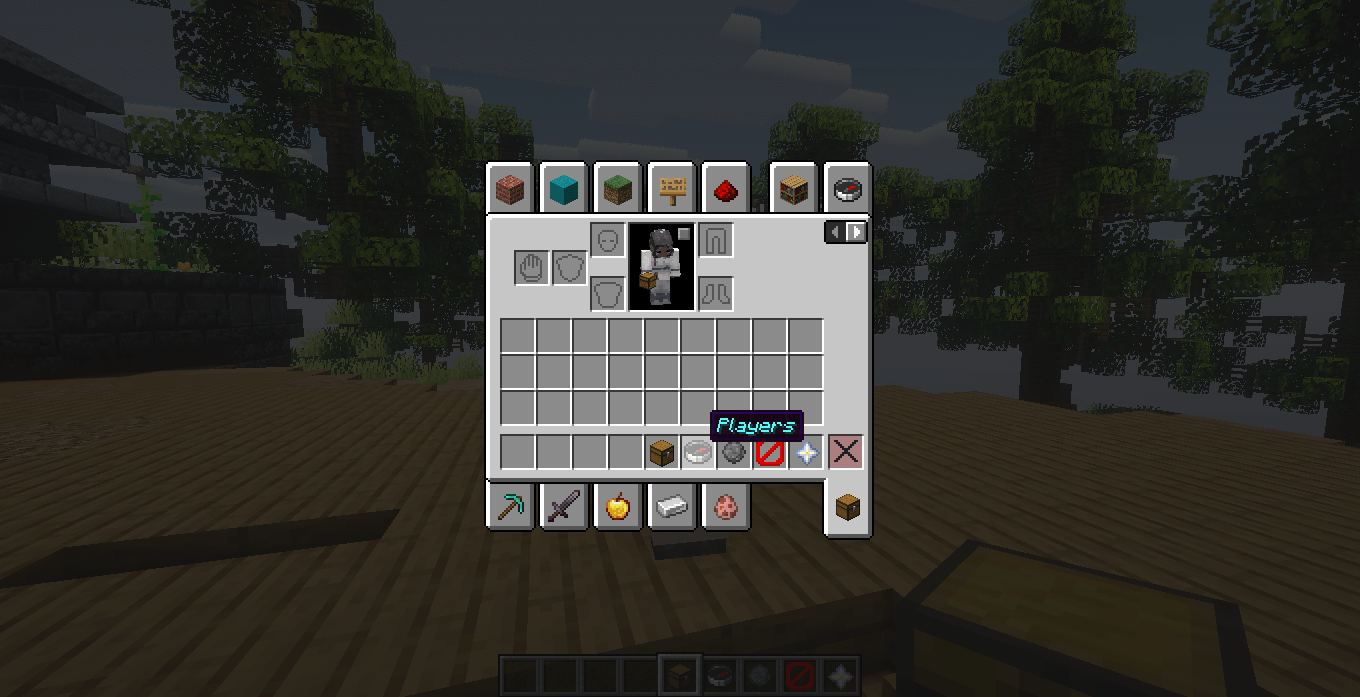
It adds a dedicated Admin Mode with a separate inventory, protected staff tools, vanish, player inventory inspection, Ender Chest access, teleportation, gamemode controls and support for compatible accessory slots.
✨ Features
Admin Mode
Use:
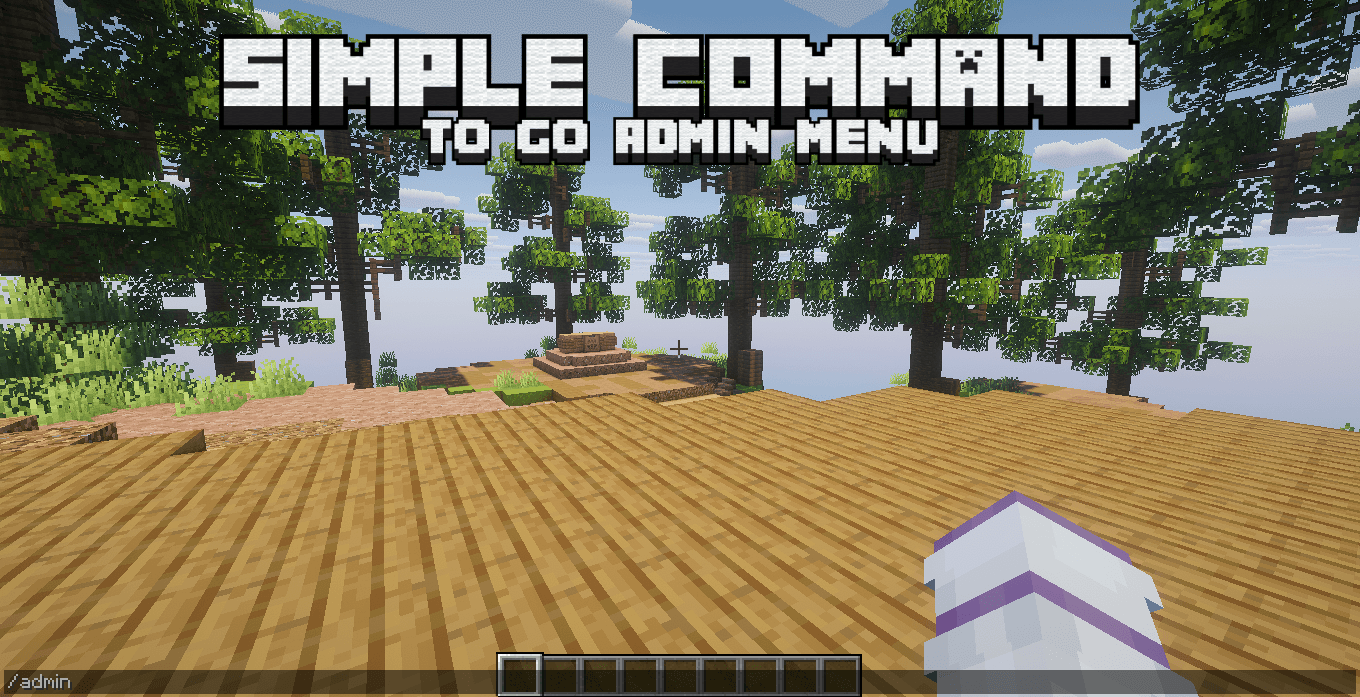
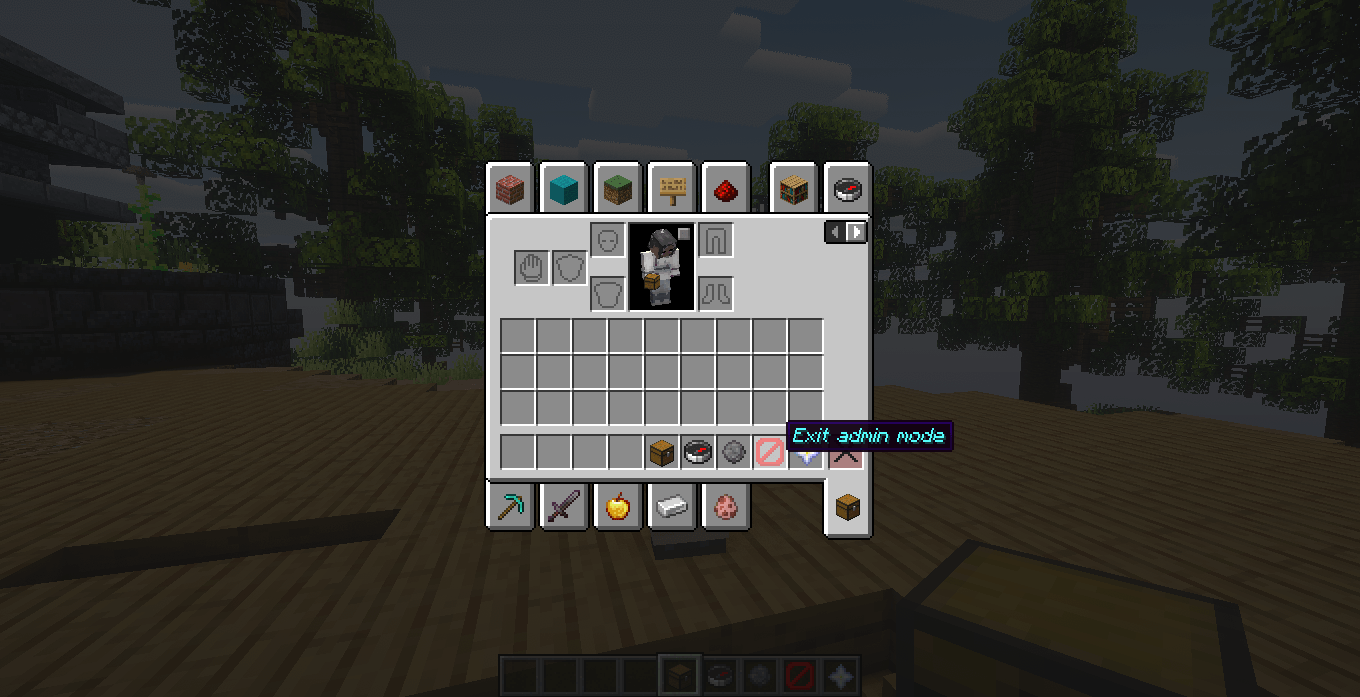
/adminto enter or leave Admin Mode.
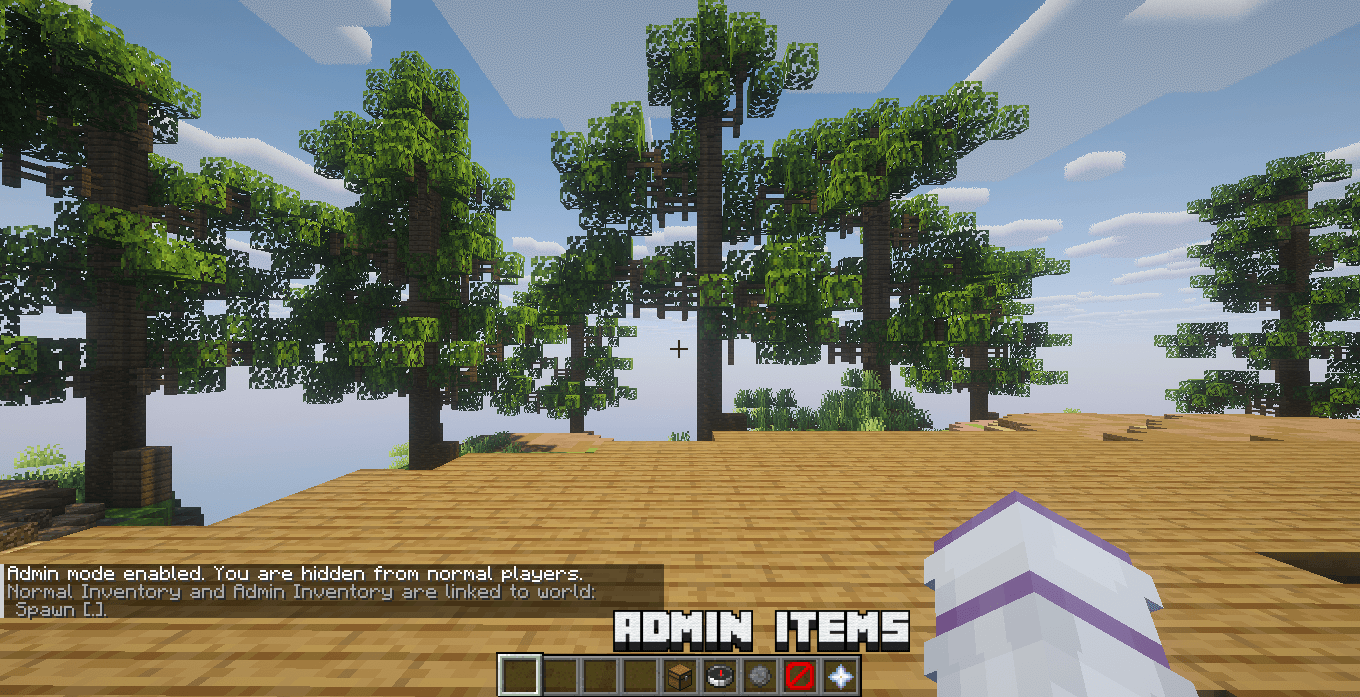
While Admin Mode is enabled:
- Your normal inventory is safely stored
- Your separate Admin inventory is loaded
- Admin inventories are saved per world
- Protected staff tools are added to your hotbar
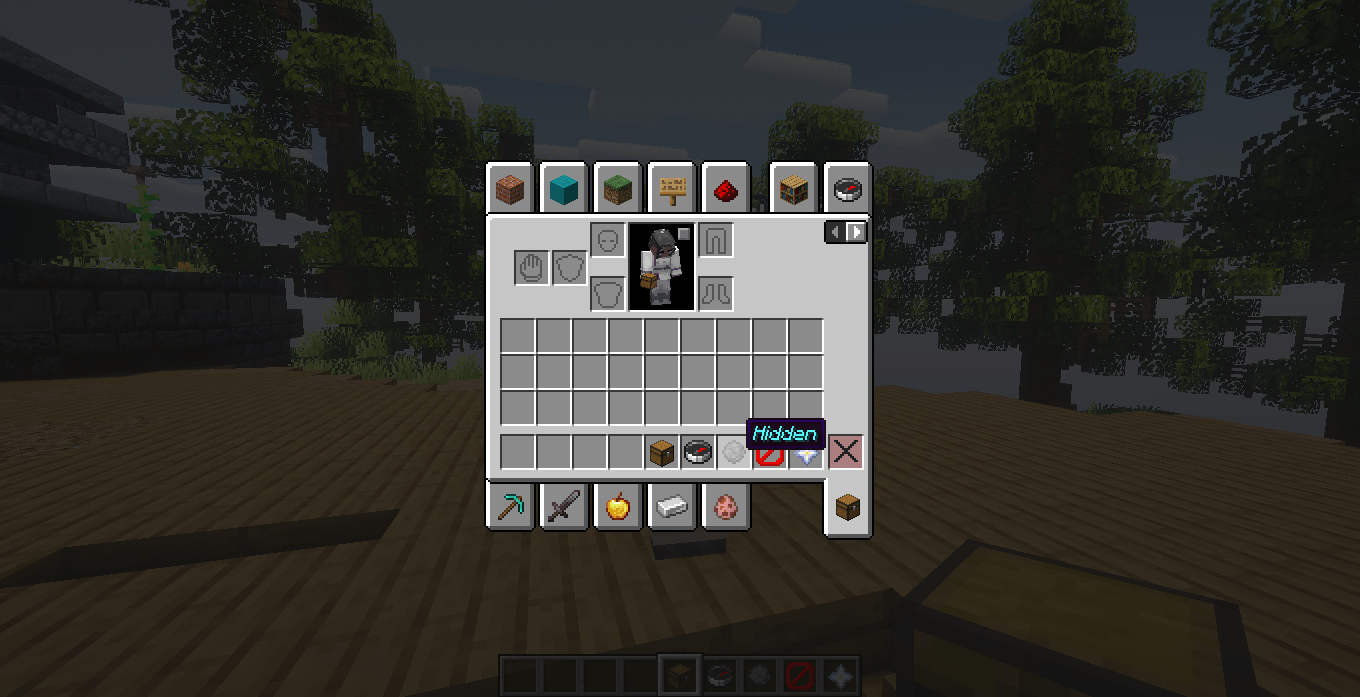
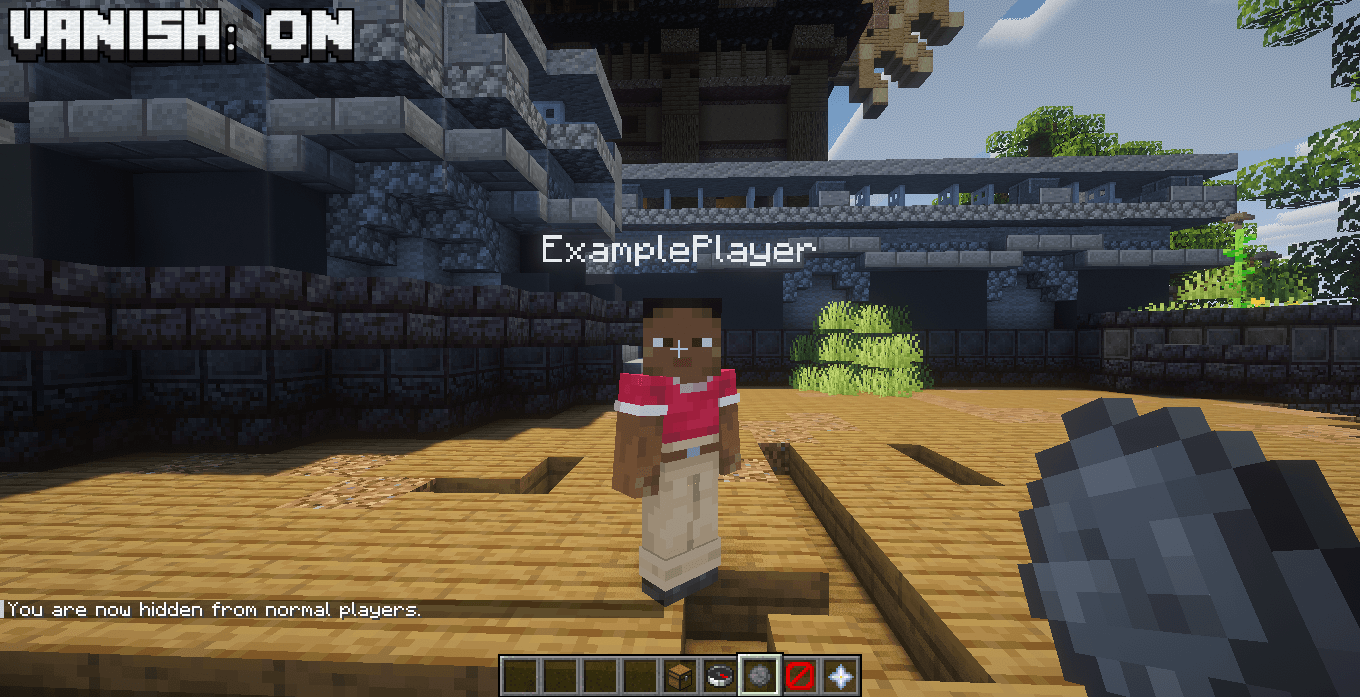
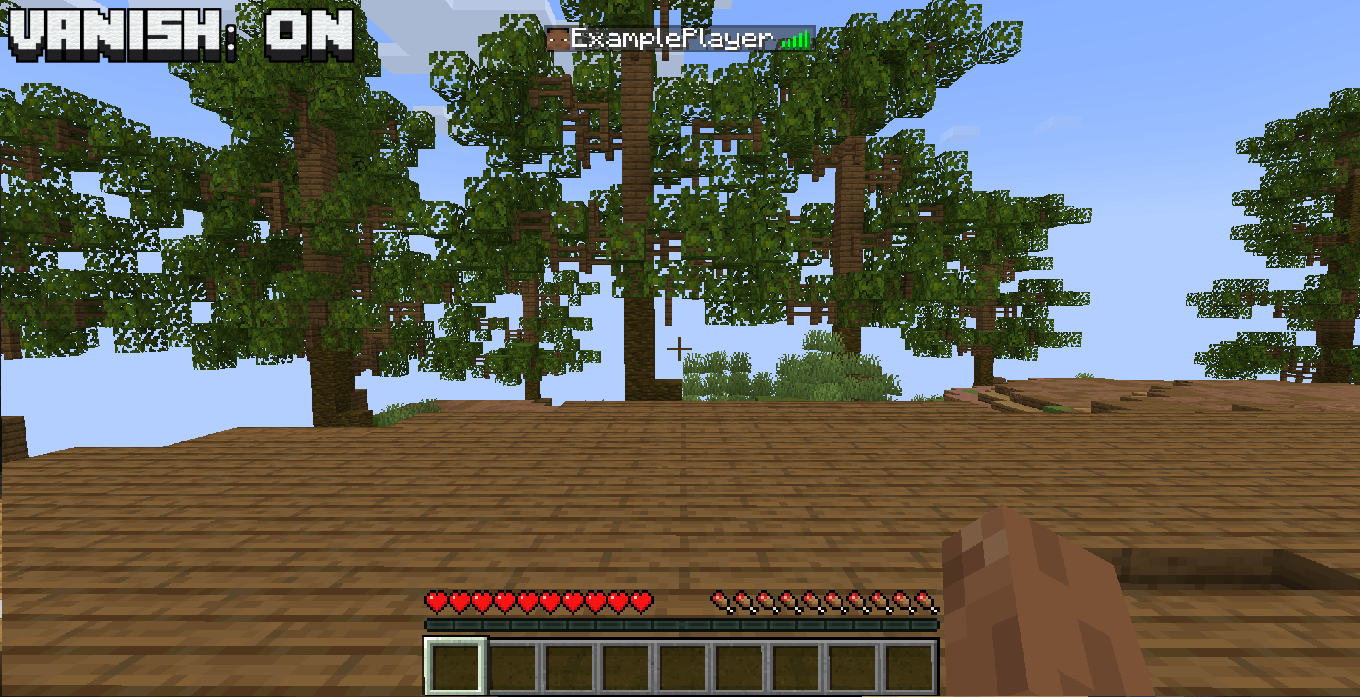
- Vanish is enabled by default
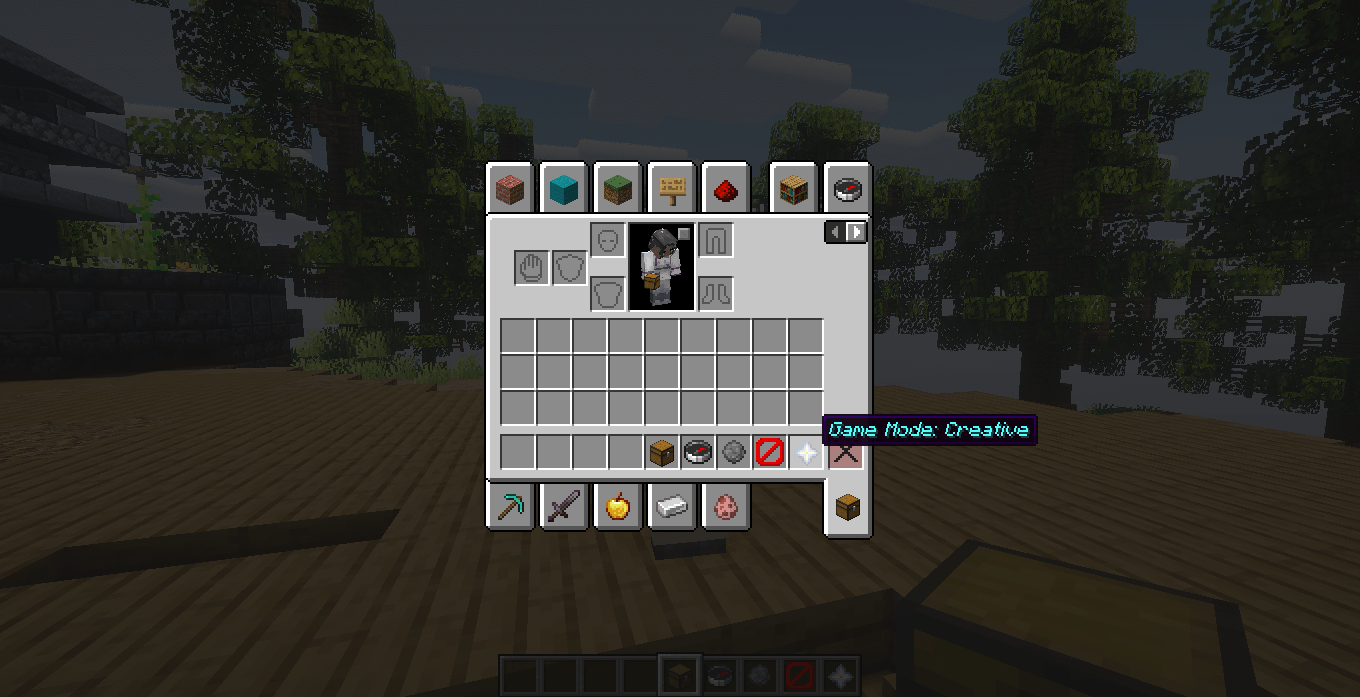
- Your Admin gamemode is remembered
- Your Admin inventory remains saved between sessions
Leaving Admin Mode restores your normal inventory.
Player Inventory
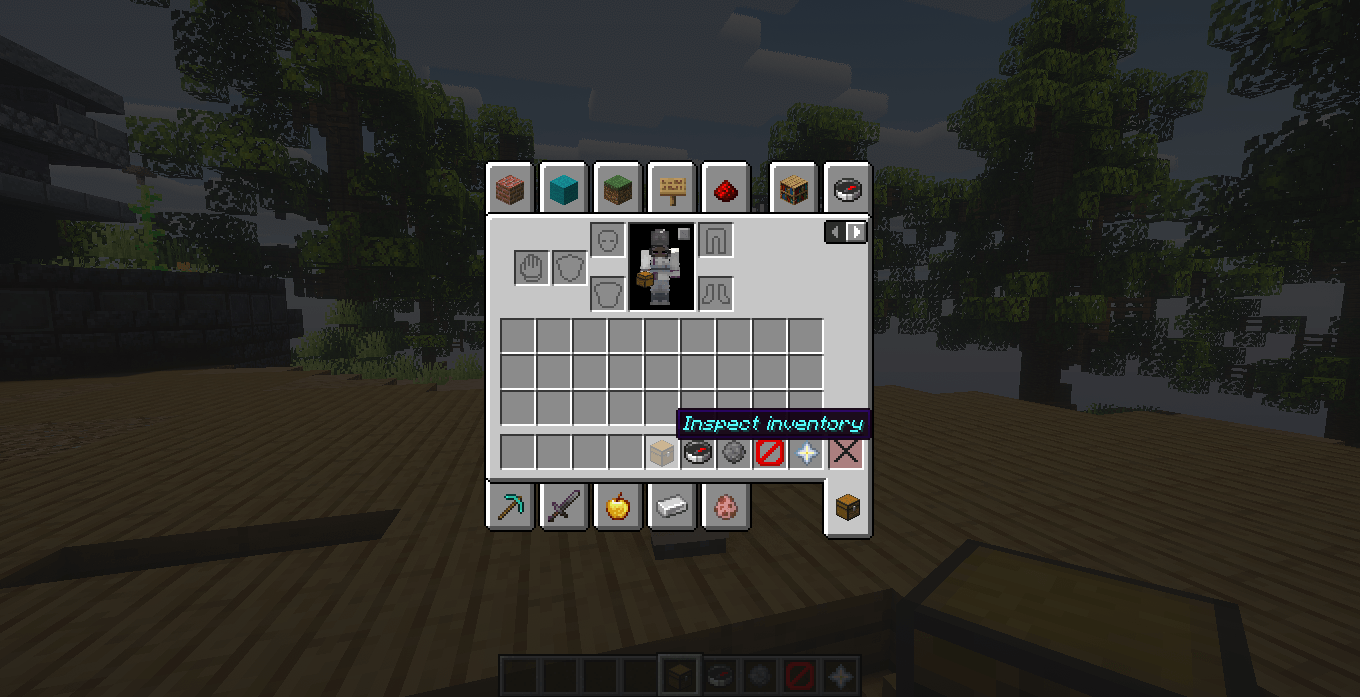
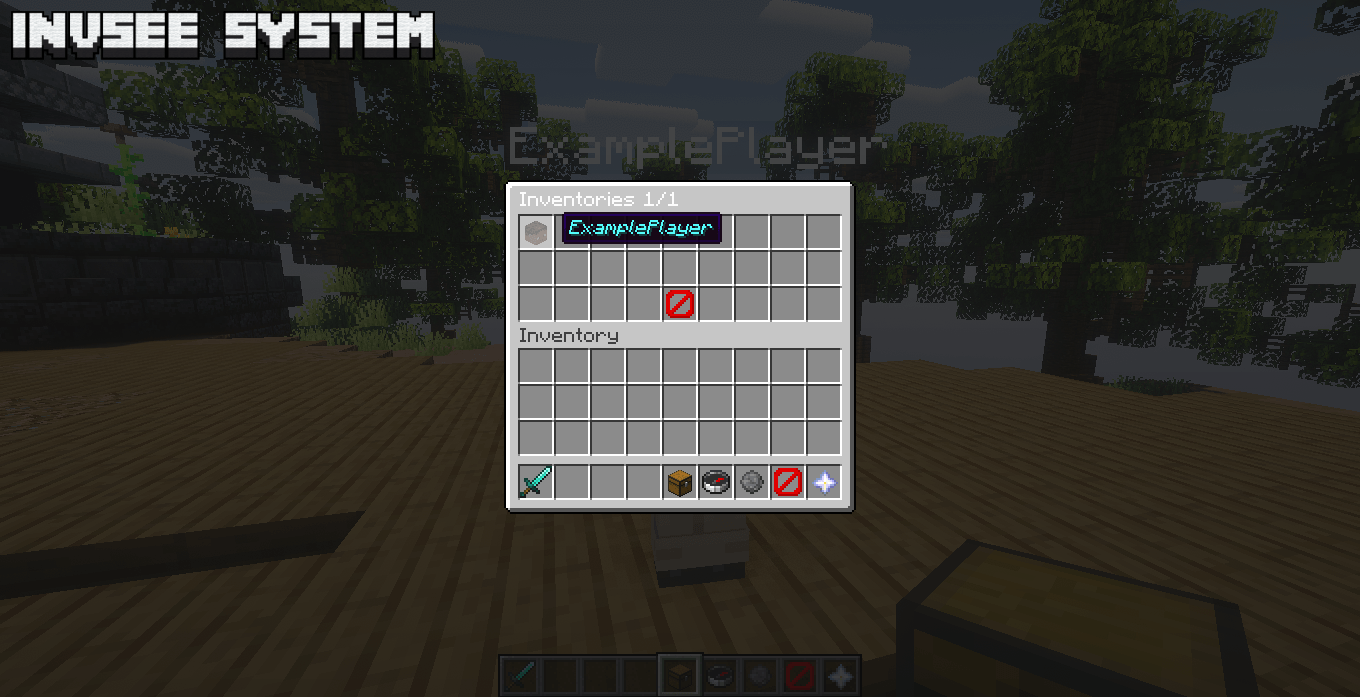
Admins can inspect and manage player inventories using the inventory tool or:
/invsee <player>You can access:
- Main inventory
- Hotbar
- Armor
- Offhand
- Compatible artifact/accessory slots
- Ender Chest
Items can be removed, added or moved normally.
Compatible extra equipment is shown on a separate page to keep the inventory organized.
Ender Chest
Open a player’s Ender Chest directly with:
/enderchest <player>or:
/ec <player>The Ender Chest can also be opened directly from /invsee.
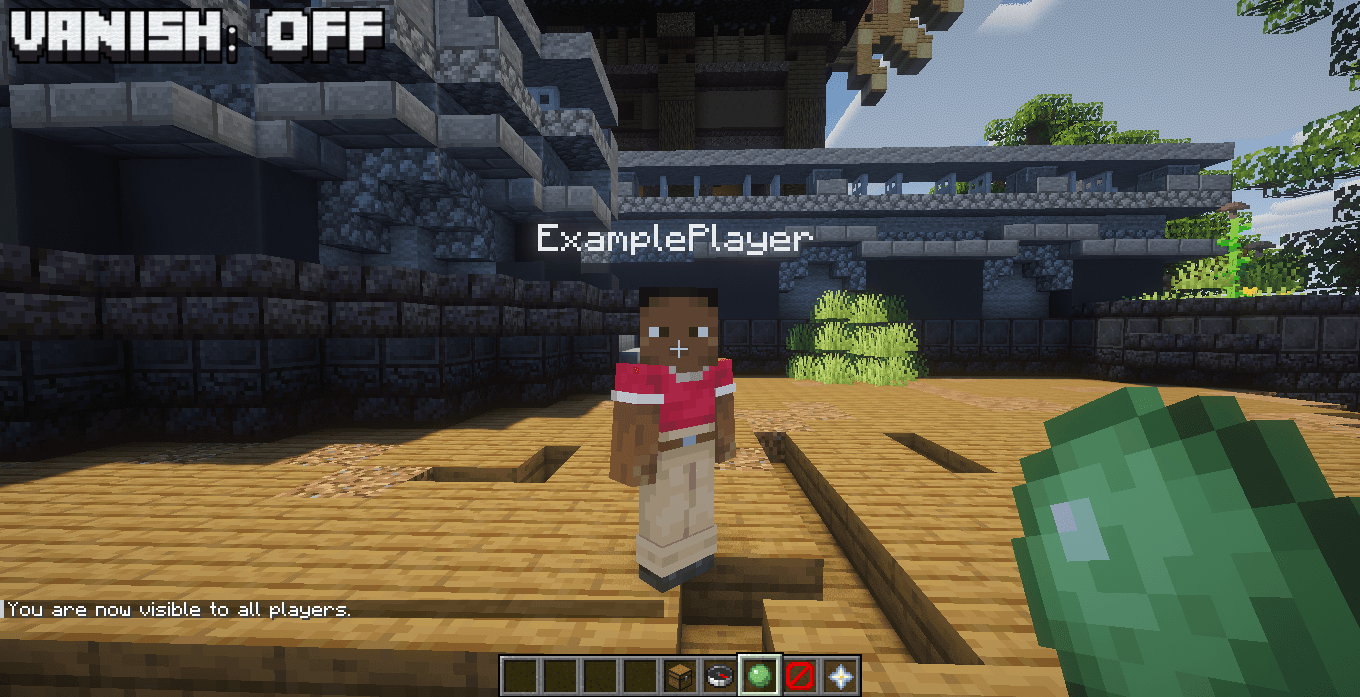
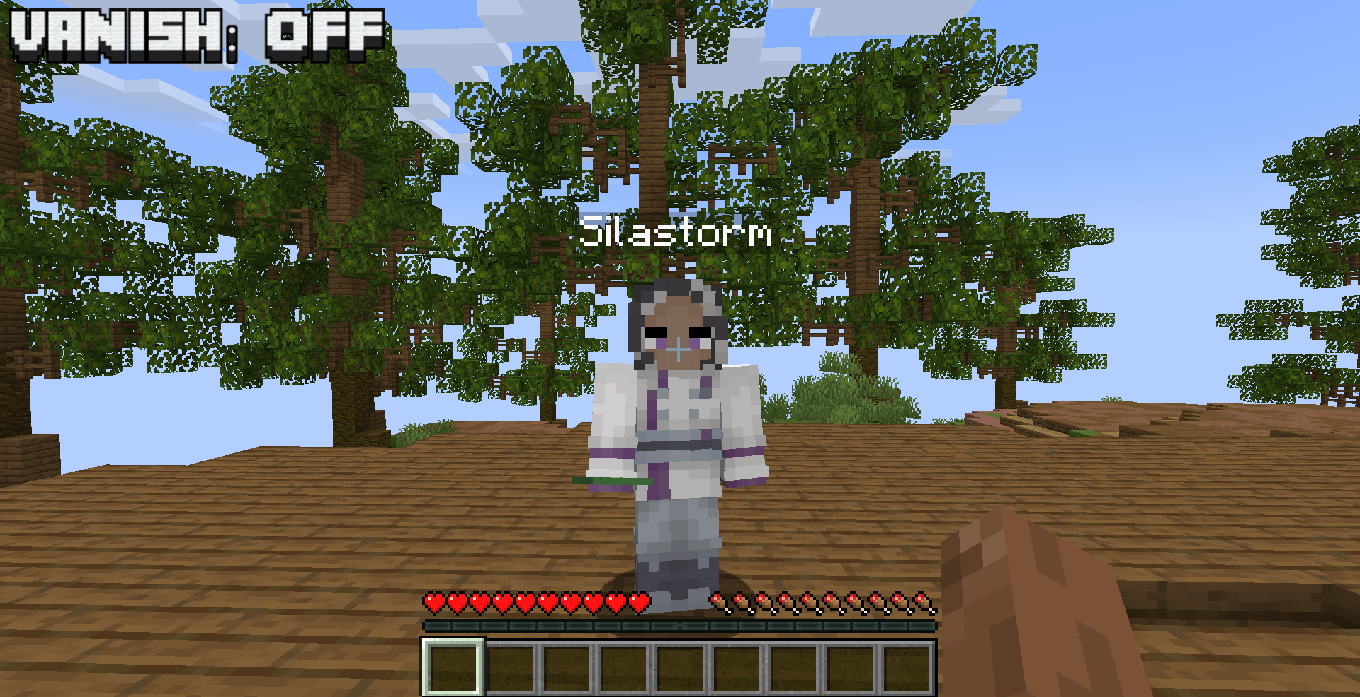
Vanish
Use:
/vanishto switch between Hidden and Visible mode.
While hidden, SAdmin reduces normal player tracking, movement sounds and movement particles.
Other administrators using Admin Mode can still see hidden admins.
The visibility item in the Admin hotbar updates automatically.
Player Menu
The Admin player menu displays online players and allows quick teleportation.
Teleportation works between:
- Overworld
- Nether
- End
- Compatible modded dimensions
Protected Admin Tools
Admin hotbar tools are protected against:
- Dropping
- Moving
- Shift-clicking
- Number-key swapping
- Offhand swapping
- Accidental placement
The server automatically restores protected tools to their correct slots.
📦 Recommended Versions
| Requirement | Recommended |
|---|---|
| Minecraft | 1.20.1 or 1.21.1 |
| Mod Loader | Fabric |
| Fabric Loader | 0.18.4+ |
| Fabric API | Required |
| Java — 1.20.1 | Java 17 |
| Java — 1.21.1 | Java 21 |
Recommended Fabric Loader: 0.18.4 or newer.
🖥️ Client-Side or Server-Side?
SAdmin is designed primarily as a Server-Side mod.
Recommended
Server: SAdmin installed
Client: Not required
Normal players do not need SAdmin installed.
It can also be installed on both sides for:
- Modpacks
- LAN worlds
- Singleplayer
- Testing environments
| Setup | Supported |
|---|---|
| Server only | ✅ Recommended |
| Client + Server | ✅ Supported |
| Singleplayer | ✅ Supported |
| Required for players | ❌ No |
⌨️ Commands
/admin
/adminEnables or disables Admin Mode.
/admin gm
/admin gm survival
/admin gm creative
/admin gm spectator
Changes your Admin Mode gamemode.
/vanish
/vanishSwitches between Hidden and Visible mode.
/invsee
/invsee <player>Opens and manages a player’s inventory.
/enderchest
/enderchest <player>Opens a player’s Ender Chest.
/ec
/ec <player>Short alias for /enderchest.
🌐 Languages
SAdmin includes:
- English
- Portuguese (Brazil)
- Spanish
- Japanese
- Simplified Chinese
- Hindi
- Arabic
Player-facing messages and menus automatically use the language reported by the Minecraft client.
常见问题
SAdmin 支持哪些 Minecraft 版本?
SAdmin 支持 Minecraft Java 版 1.20.1–1.21.1,共 2 个版本,可用的加载器:Fabric / NeoForge。下载时注意选择和你游戏版本一致的文件。
SAdmin 怎么安装?
先用 PCL2 或 HMCL 启动器安装对应版本的 Fabric / NeoForge,再把下载的 .jar 文件放进游戏目录的 mods 文件夹,重新启动游戏即可。开启了版本隔离的,mods 文件夹在 versions/版本名 下面。
SilastormMC 的其他作品
查看全部 →
SCorpse
天哪!我的身体在地上!

SClaims
THAT'S MY TERRAIN!

STraders
Make your Custom Trader, with custom Villagers.

STPA
STpa is a lightweight and configurable teleport request mod for Minecraft servers, featuring player TPA requests, accept/deny controls, cooldowns, XP costs, teleport-back support, admin controls, multilingual support, and optional client installation.
评论
登录后评论和评分