
Mutekey
作者:thewowelite
Adds a keybind to easily toggle in game sound on or off, as well as option to disable sound in background
截图


介绍
中文介绍正在准备中,下面暂时显示原文。
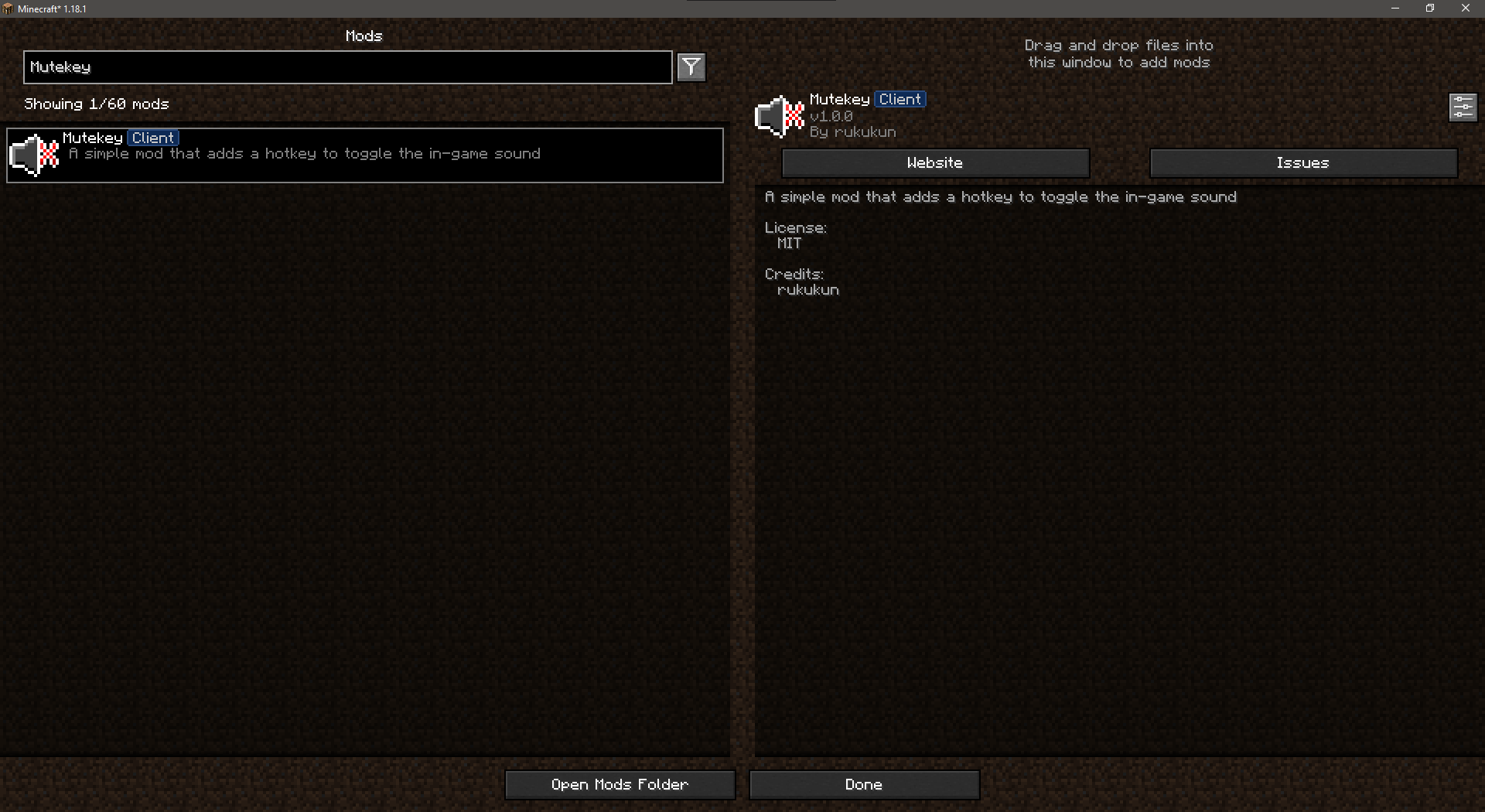
Mutekey is a simple and lightweight Minecraft mod that adds a Key Binding to toggle in game sound on and off with the press of a button. Also adds option to automatically toggle the sound off when Minecraft is in the background.
Installation
1. Install Fabric
2. Install Cloth Config API
2. Insert the Mutekey.jar file into the mods folder.
Optionally, install Mod Menu.
Configuration file: .minecraft/config/mutekey.toml
Available configs:
- Show 'muted' icon
- Icon X Offset: Offset the 'muted' icon horizontally
- Icon Y Offset: Offset the 'muted' icon vertically
- Display mute message: Whether or not to display a message when the game gets muted
- Mute message: Message to display when game gets muted
- Display unmute message: Whether or not to display a message when the game gets unmuted
- Unmute message: Message to display when game gets unmuted
- Mute sounds in background: Automatically mute the game when in background
常见问题
Mutekey 支持哪些 Minecraft 版本?
Mutekey 支持 Minecraft Java 版 1.18.1,可用的加载器:Fabric。下载时注意选择和你游戏版本一致的文件。
Mutekey 怎么安装?
先用 PCL2 或 HMCL 启动器安装对应版本的 Fabric,再把下载的 .jar 文件放进游戏目录的 mods 文件夹,重新启动游戏即可。开启了版本隔离的,mods 文件夹在 versions/版本名 下面。
评论
登录后评论和评分