GamingEverything
Turn blocks, skies, entities, items, hands, particles, HUDs, and menus into a bright, animated RGB rainbow. Client-side and configurable in game.
截图
介绍
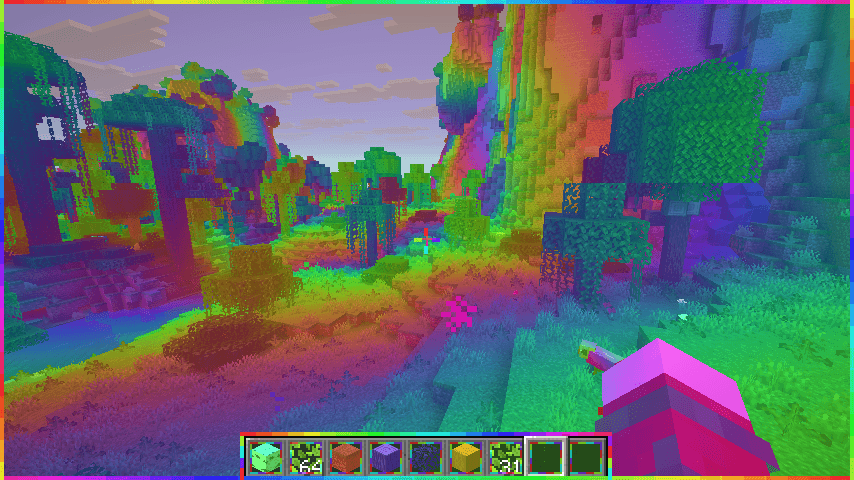
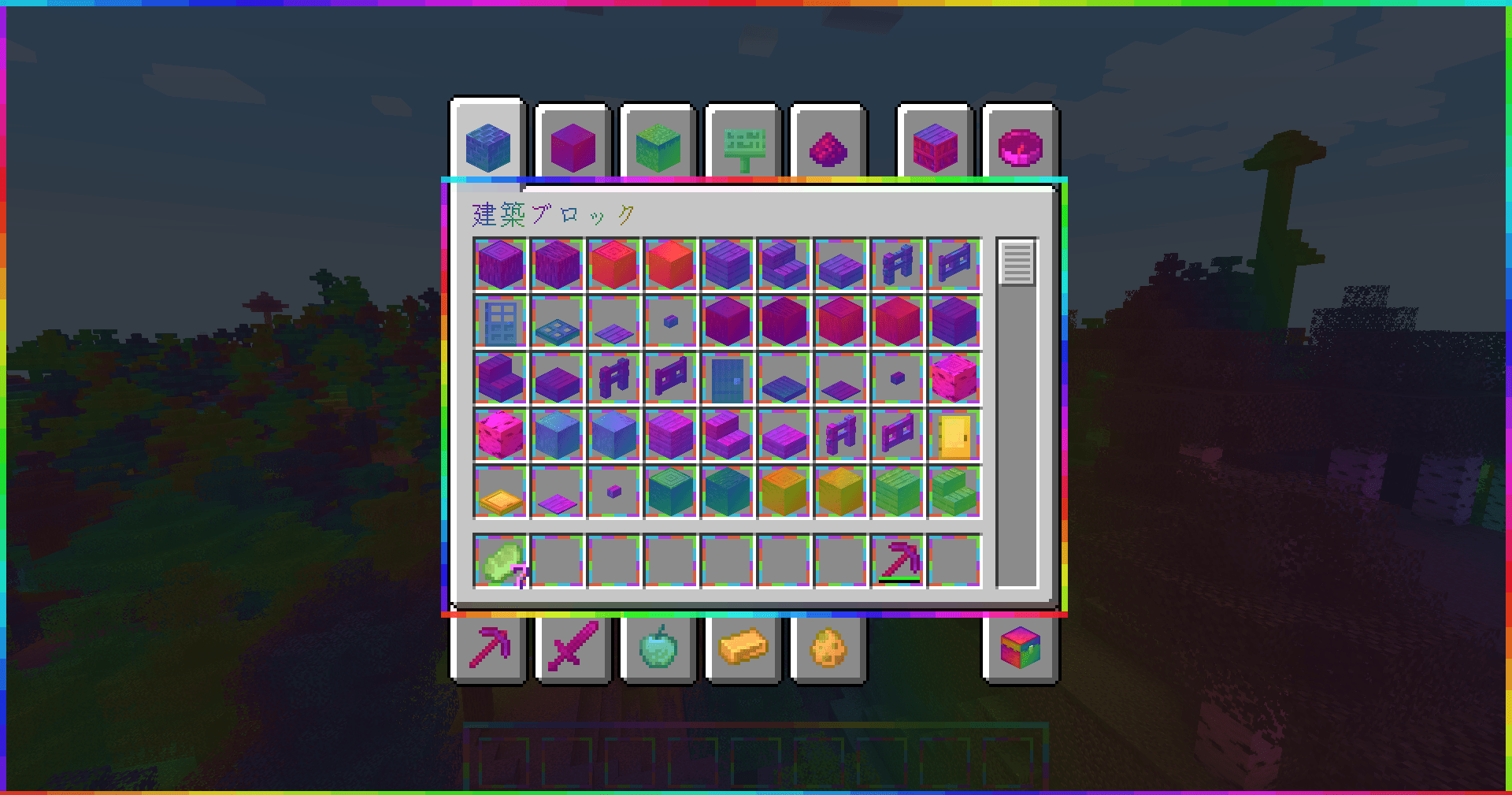
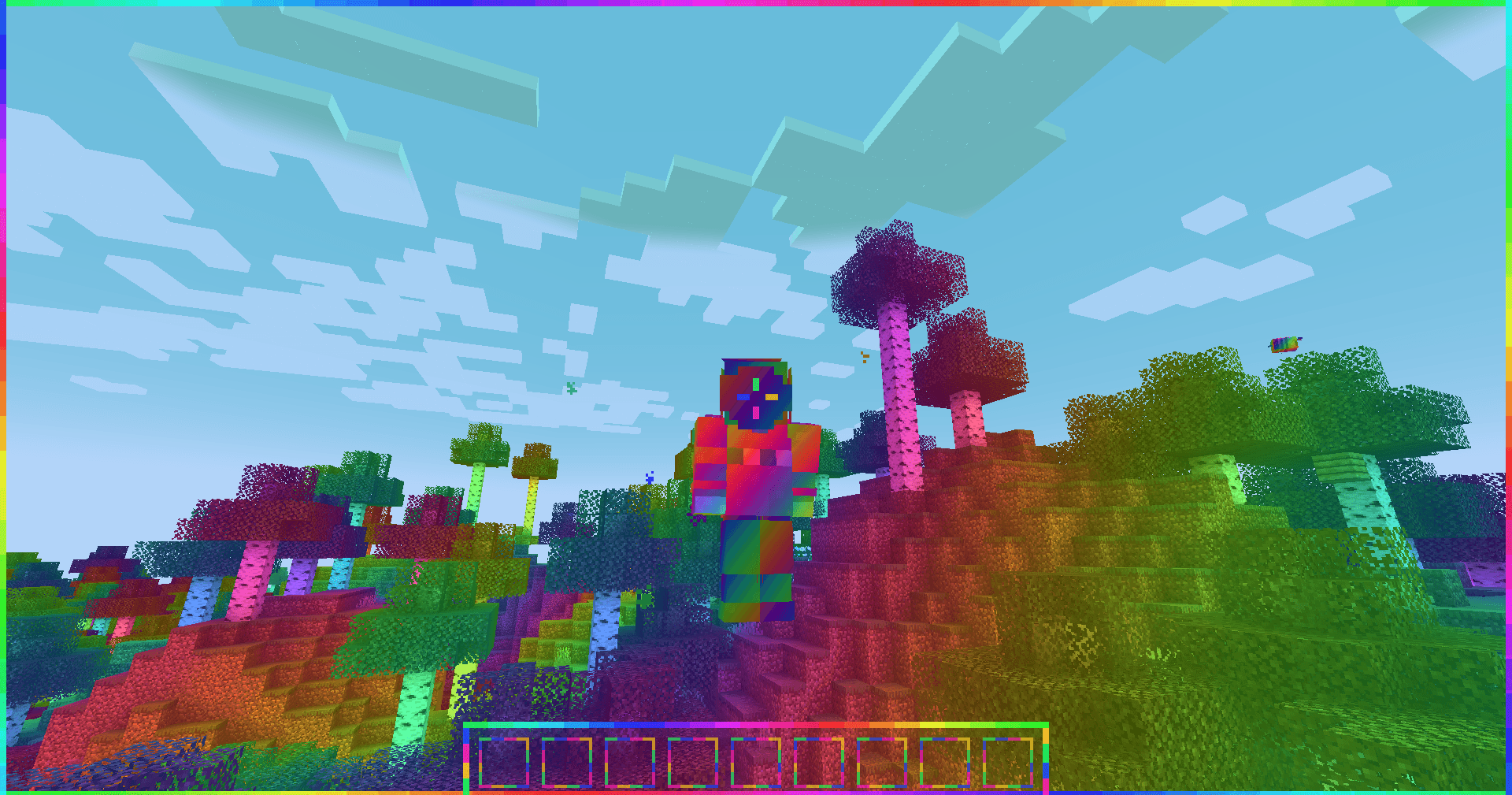
Gaming Everything gives Minecraft the constantly shifting rainbow style of an RGB gaming PC. Its animated coloring covers terrain and blocks, the sky, entities and players, held items, first-person hands, particles, the HUD, menus, and text.
Press G or run /gaming to open the settings screen. Effects can be enabled individually, and the animation speed, wavelength, and color intensity can be adjusted in game. The rainbow pattern is anchored to the world where appropriate, so ordinary camera and player movement does not drag the terrain pattern along with it.
This is a client-side mod. It does not need to be installed on the server.
Commands include /gaming, /gaming on, /gaming off, /gaming toggle, and per-category controls such as /gaming blocks off or /gaming sky toggle.
常见问题
GamingEverything 支持哪些 Minecraft 版本?
GamingEverything 支持 Minecraft Java 版 1.20.1–26.3,共 4 个版本,可用的加载器:Fabric / Forge / NeoForge。下载时注意选择和你游戏版本一致的文件。
GamingEverything 怎么安装?
先用 PCL2 或 HMCL 启动器安装对应版本的 Fabric / Forge / NeoForge,再把下载的 .jar 文件放进游戏目录的 mods 文件夹,重新启动游戏即可。开启了版本隔离的,mods 文件夹在 versions/版本名 下面。
TACOWASA059 的其他作品
查看全部 →
Katamari
操控一个球体,吸收周围方块并不断变大。

SnakePlayer
MOD that allows the player to become a snake

LogarithmicSpiralBiome
generates Overworld biomes in a logarithmic spiral pattern

SphericalPlayer
Mod to enable the player model to be changed to a sphere.
评论
登录后评论和评分