
Counter Days & Deaths
作者:shynx24
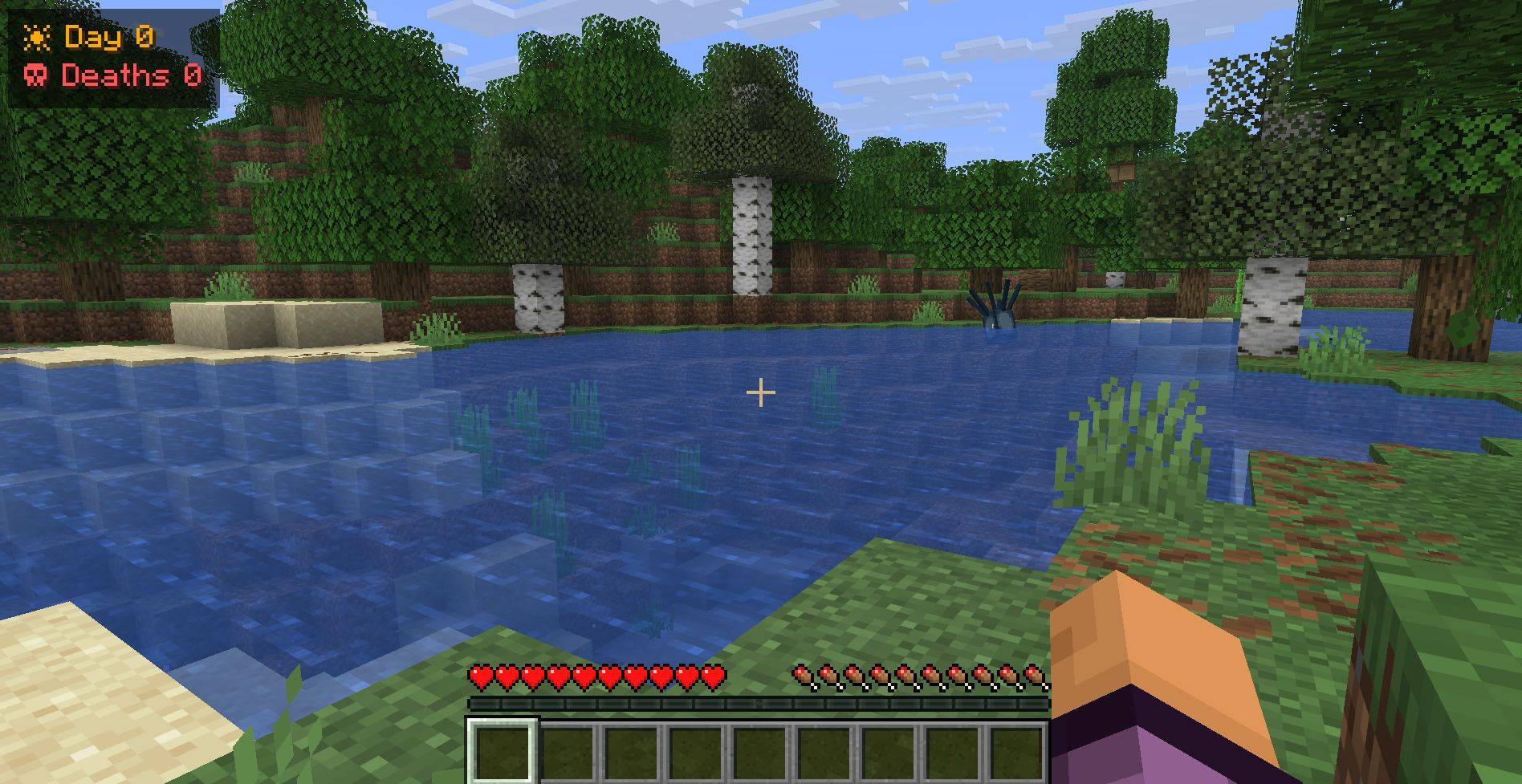
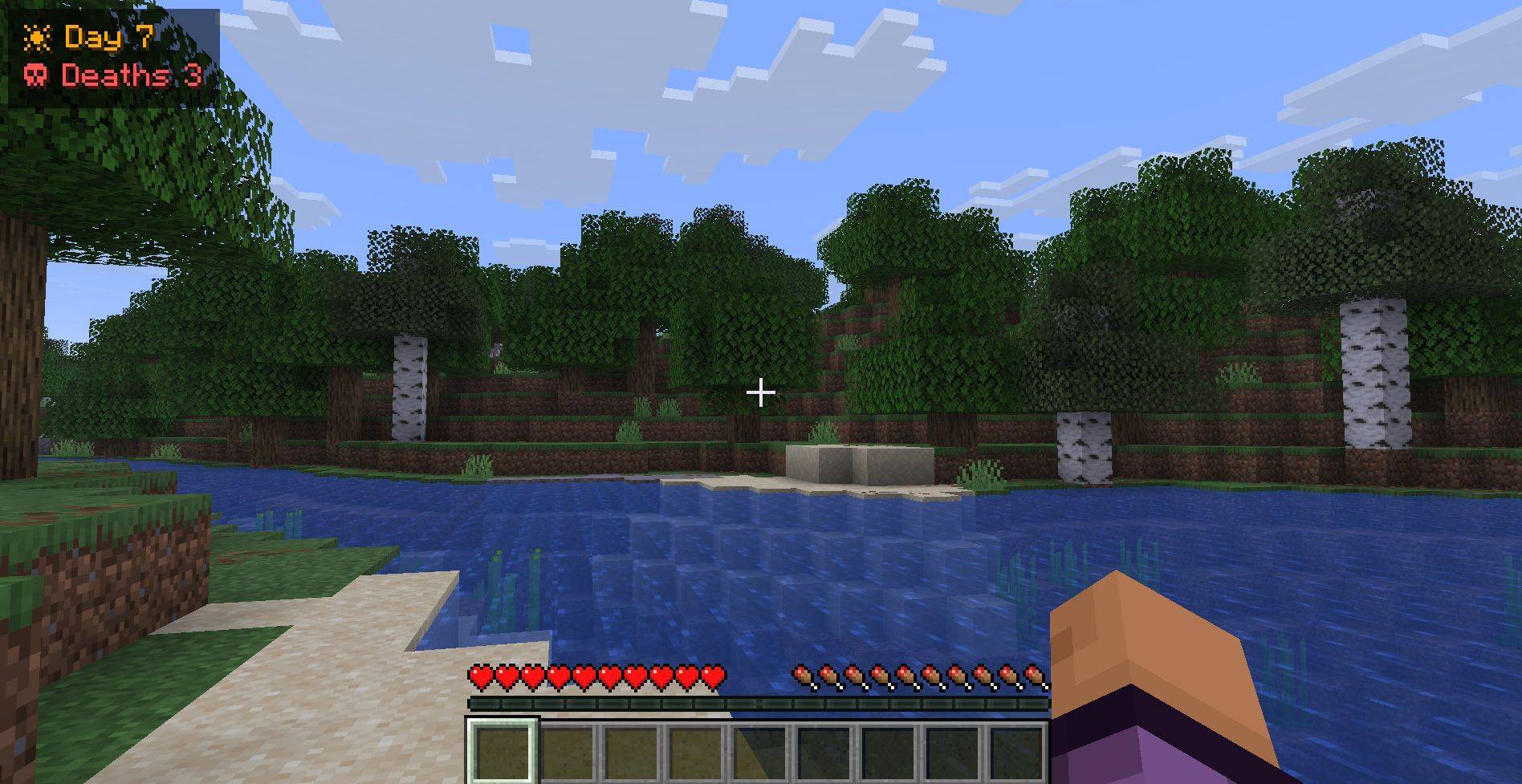
A minimal, client-side HUD that tracks the in-game day and your death count per world.
截图
介绍
中文介绍正在准备中,下面暂时显示原文。
A lightweight, non-intrusive client-side HUD for Fabric that displays your current in-game day and death count. Perfect for hardcore players or anyone keeping track of their survival journey!
Features
- Day Counter: Accurately tracks full in-game days based on the world’s total time.
- Persistent Death Tally: Your deaths are tracked and saved per world (singleplayer) and per server (multiplayer). Your counts stay separate and are never mixed up.
- Fully Client-Side: You can use this mod on any vanilla server or multiplayer realm. No server-side installation required!
- Sleek UI: Clean, semi-transparent dark background with color-coded text that stays out of your way.
Commands
Manage your HUD and death count on the fly (no cheats or server permissions required):
/daysdeaths hideorshow– Toggle the HUD visibility/daysdeaths reset– Reset your death count for the current world back to zero/daysdeaths set <n>– Manually fix or change your death count/daysdeaths– Check your current stats in chat
Installation
- Install Fabric Loader and Fabric API.
- Drop this mod into your
mods/folder. - Launch the game!
常见问题
Counter Days & Deaths 支持哪些 Minecraft 版本?
Counter Days & Deaths 支持 Minecraft Java 版 26.3,可用的加载器:Fabric。下载时注意选择和你游戏版本一致的文件。
Counter Days & Deaths 怎么安装?
先用 PCL2 或 HMCL 启动器安装对应版本的 Fabric,再把下载的 .jar 文件放进游戏目录的 mods 文件夹,重新启动游戏即可。开启了版本隔离的,mods 文件夹在 versions/版本名 下面。

评论
登录后评论和评分