截图
介绍
This is a very simple mod that adds a new command to the game:
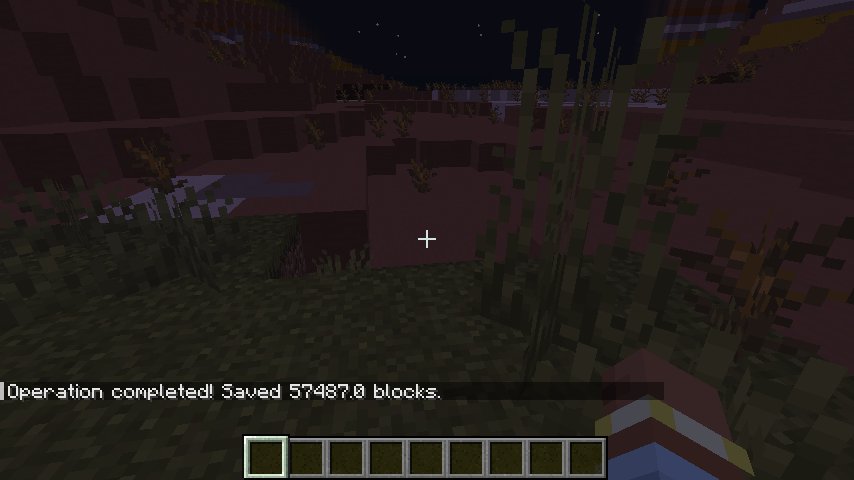
man_export_csv <pos1> <pos2>. This command will list all block IDs, coordinates, and facing directions to a.csvfile. Your file will be saved in \config\exported as world_name.csv.
Keep in mind that this mod may cause lag during the export process, so make sure to select reasonable dimensions for the selection zone. Make sure to not select the same coordinates, each number should be unique.
Alternate way:
You can get selection wand from Redstone tab, select blocks just like in world edit and then run command wand_export_csv
If you have any ideas for features, let me know about it.
What’s the purpose of this mod?
This mod can be used to export your world to any calculation’s. I’m planning to create plugin to Unreal Engine that will allow you to import piece of Minecraft world and have it inside Unreal Engine.
This project was developed with help of MCreator.
常见问题
Structures to CSV 支持哪些 Minecraft 版本?
Structures to CSV 支持 Minecraft Java 版 1.19.4,可用的加载器:Forge。下载时注意选择和你游戏版本一致的文件。
Structures to CSV 怎么安装?
先用 PCL2 或 HMCL 启动器安装对应版本的 Forge,再把下载的 .jar 文件放进游戏目录的 mods 文件夹,重新启动游戏即可。开启了版本隔离的,mods 文件夹在 versions/版本名 下面。
评论
登录后评论和评分