
Commerce: Economy & Public Services
Build a server-authoritative economy with banking, currency, vending, companies, securities, property records, public services, and multilingual tools.
截图



介绍
Commerce
Economy & Public Services for Minecraft 1.20.1
Commerce gives players ways to earn, spend, trade, run businesses and invest. Server owners can set economic rules, fund public services and see how money moves through the world.
| Requirement | Value |
|---|---|
| Minecraft | Java Edition 1.20.1 |
| Mod loader | Forge; built with 47.4.10 |
| Java | 17 |
| Installation | Client and server; use the same Commerce version on both sides |
| Play | Single-player worlds and multiplayer servers |
| Version covered here | 1.6.21 |
What is Commerce?
Commerce connects personal money, player-run trade and public spending. Cash and bank accounts sit alongside vending machines, an online store, delivery, companies, securities, auctions, commissions, cloud storage and services that draw from or pay into a shared Treasury.
It suits survival, town and economy servers where money should still matter after the opening week. Commerce also works in single-player, though many player-to-player systems are designed for a shared world. Administrators should set prices, starting access and financial policies before opening a server.
📊 Why an economy needs more than money
Money is useful when players have ways to earn it and reasons to spend it. If new currency keeps entering a server while little is permanently removed, it may gradually buy less. That is inflation in plain terms. Players who join later may also find it harder to catch up.
Fees and taxes paid into the Treasury move money out of players’ hands, but they do not destroy it: the Treasury can spend those funds again. Commerce keeps that distinction visible.
| Area | Basic balance-and-shop setup | Commerce |
|---|---|---|
| Money | Balances and payments | Cash, accounts, recorded issuance and removal |
| Activity | Buying and selling | Shops, wages, contracts, auctions and securities |
| Public funds | Depends on server setup | Treasury income and spending records |
| Risk visibility | Depends on server setup | Money-supply history, risk score and advice |
This compares a simple balance-and-shop setup, not every other economy mod.
The Accounting Terminal
The Accounting Terminal records server-wide money supply and player circulation for up to 60 real-world days. It shows a 0–100 inflation-risk score based on tracked money trends and offers suggestions drawn from recorded currency creation, permanent removal, circulation and Treasury activity. With limited history, the result is marked as an estimate.
The score is a warning tool, not a measure of every item price. It does not change prices or govern the server automatically; administrators decide what, if anything, to adjust.
Early economy to late economy
| Stage | What players can do |
|---|---|
| Early economy | Get a phone or use a public computer, open a bank account at an ATM, take municipal commissions, earn cash and make everyday purchases. |
| Growing businesses | Run vending machines, arrange delivery, use the online store, hire staff through a company and trade through auctions or player commissions. |
| Late economy | Trade securities, bid on larger contracts and manage accumulated capital while server owners review Treasury spending and economic risk. |
Servers control how quickly players reach each stage. Commerce supplies the systems; it does not set a universal starting salary or price list for every world.
Core systems
Banking and currency
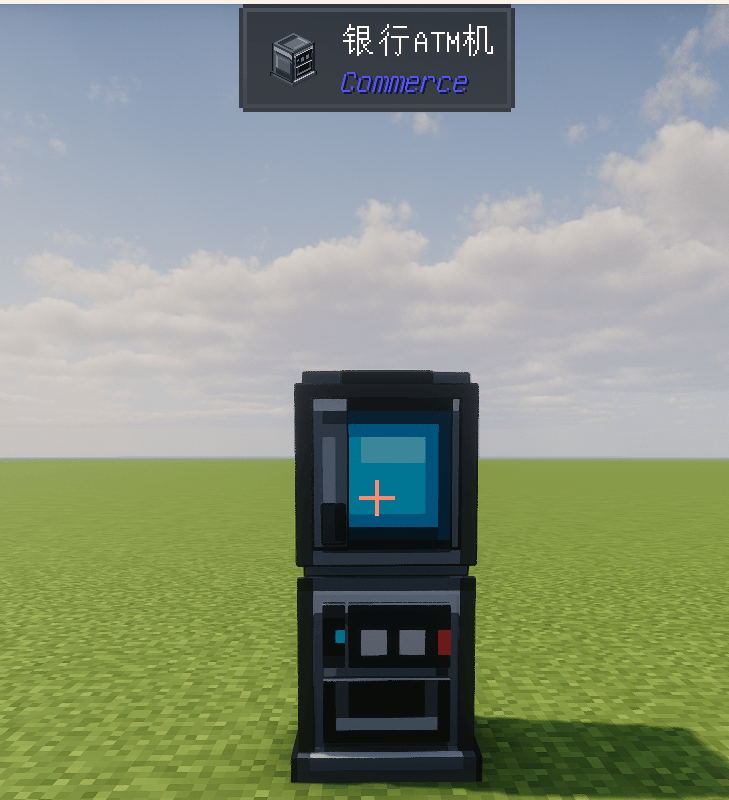
Physical banknotes, bank cards and account balances support different payment routes. Players use ATMs for ordinary deposits and withdrawals. The Bank Core handles account administration, loans, term deposits, gold settings and lost-card procedures. Some services use cash and others use bank balance, so both matter.
Shops, delivery and direct trade
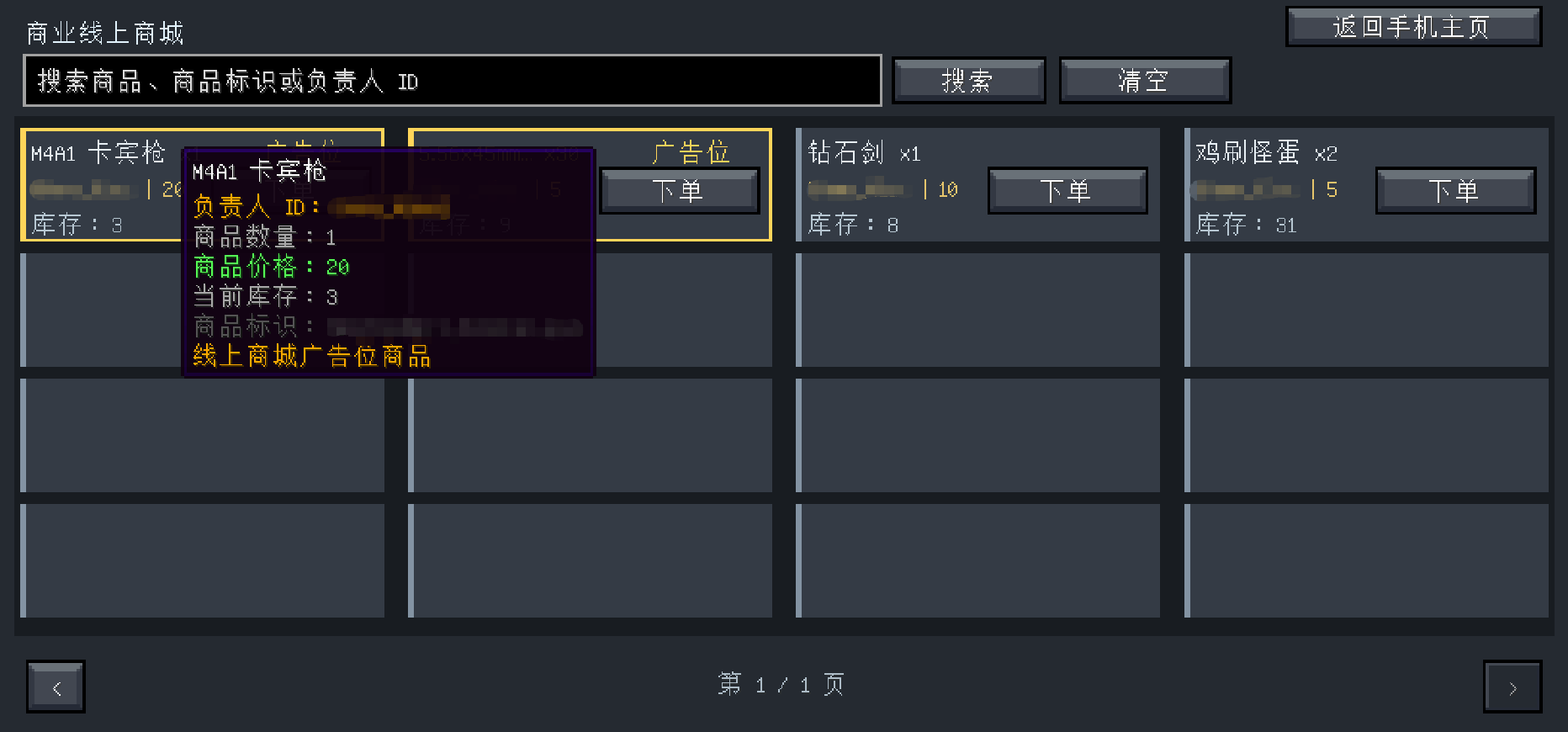
Players can stock vending machines, set prices and list eligible goods in the online store. Commerce mailboxes receive deliveries and system items. Auctions, the player commission market and a two-player safe-trade device provide different ways to exchange goods and money.
Communication and public services
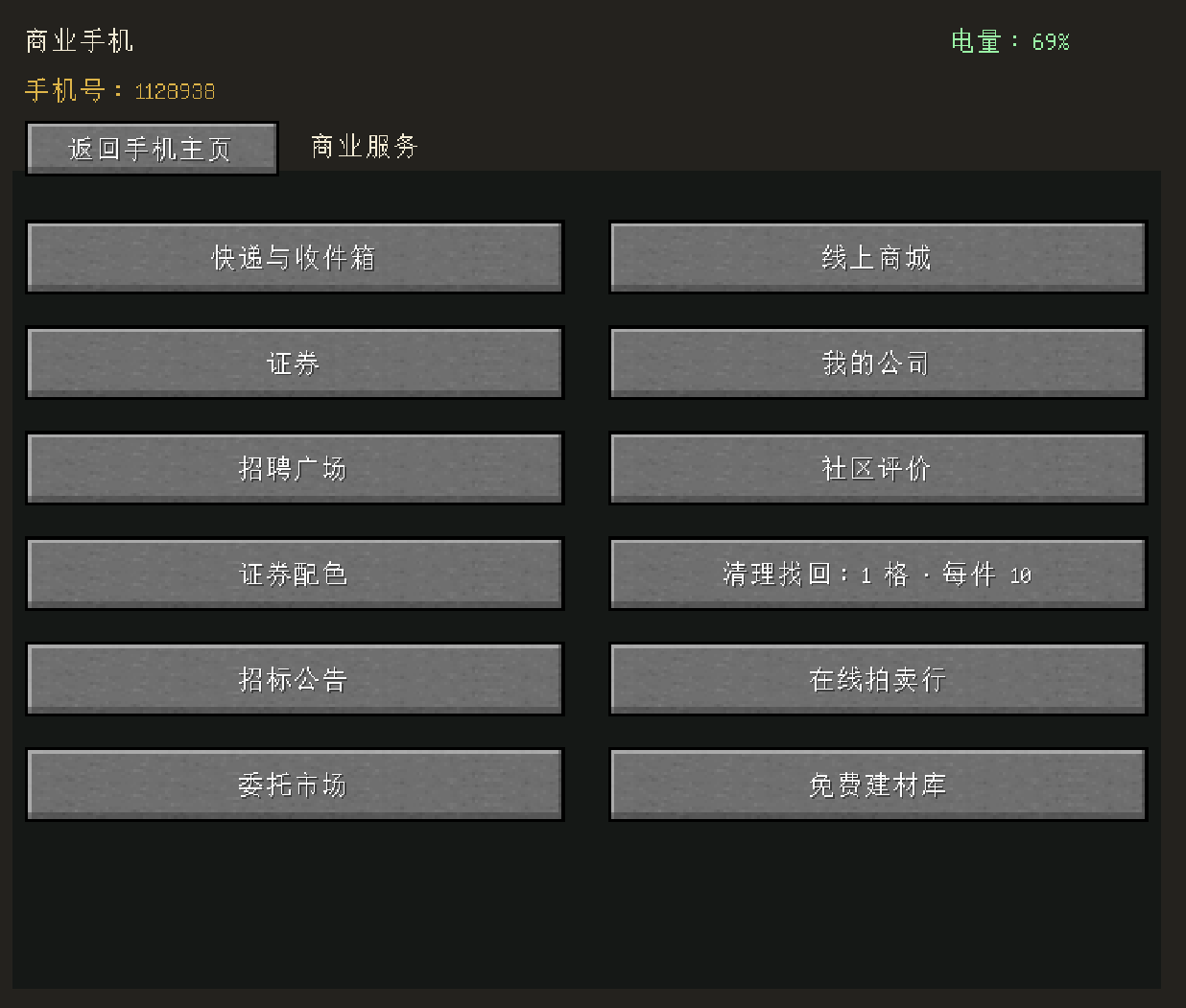
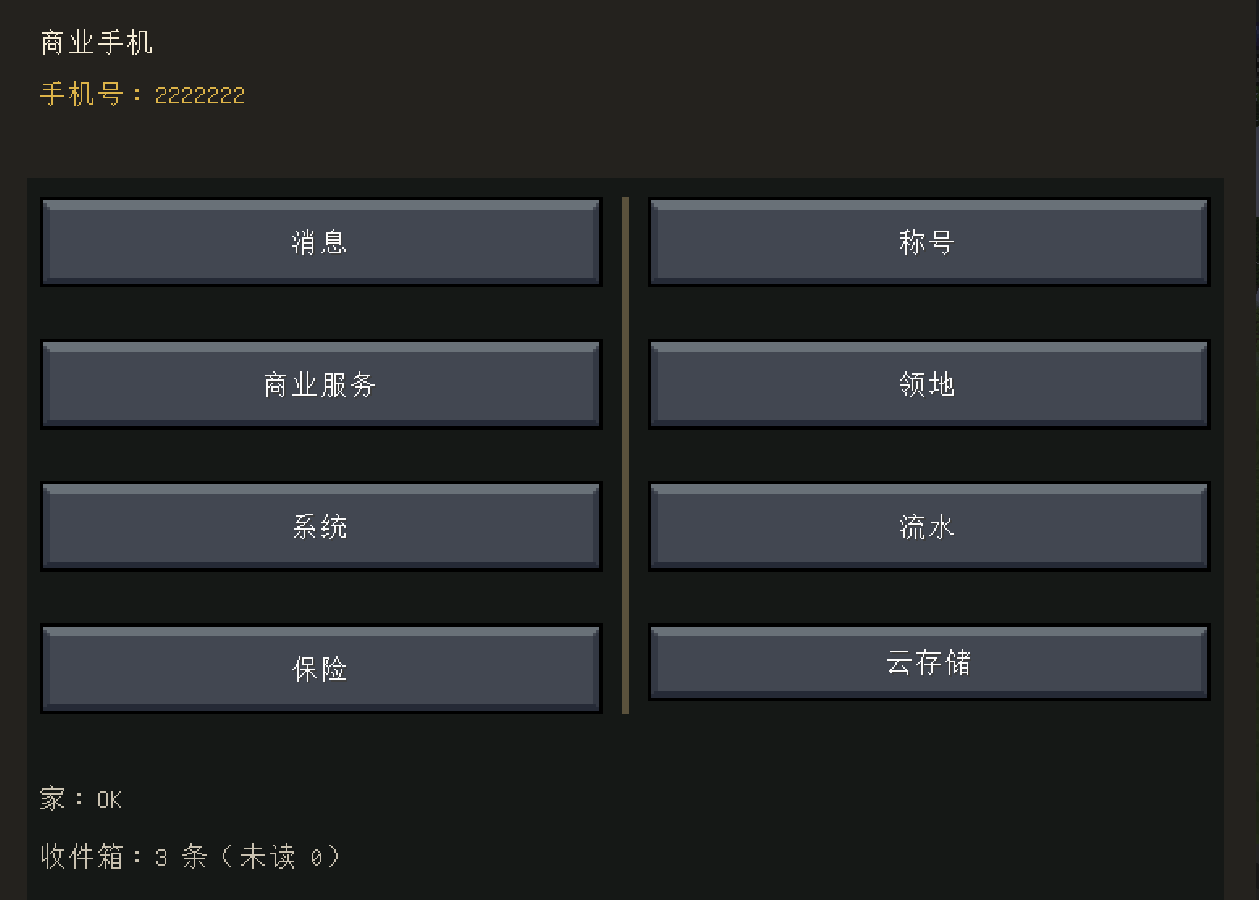
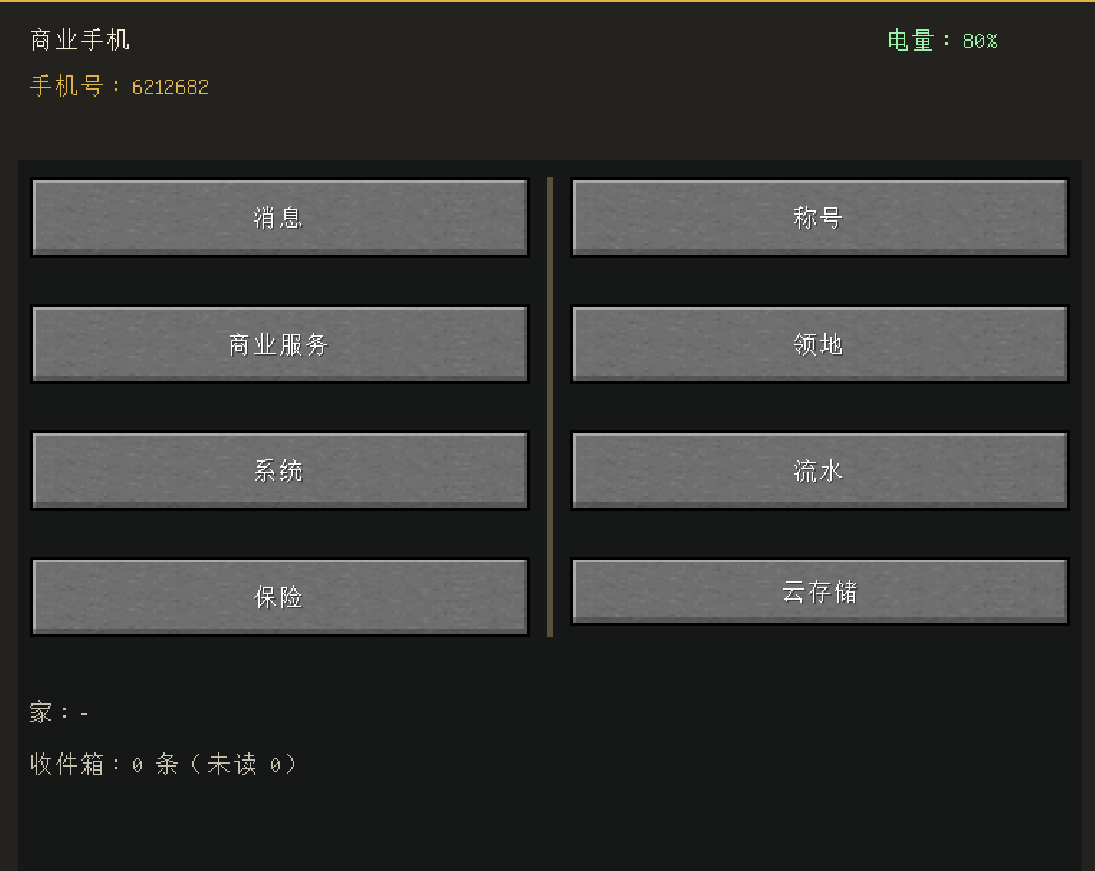
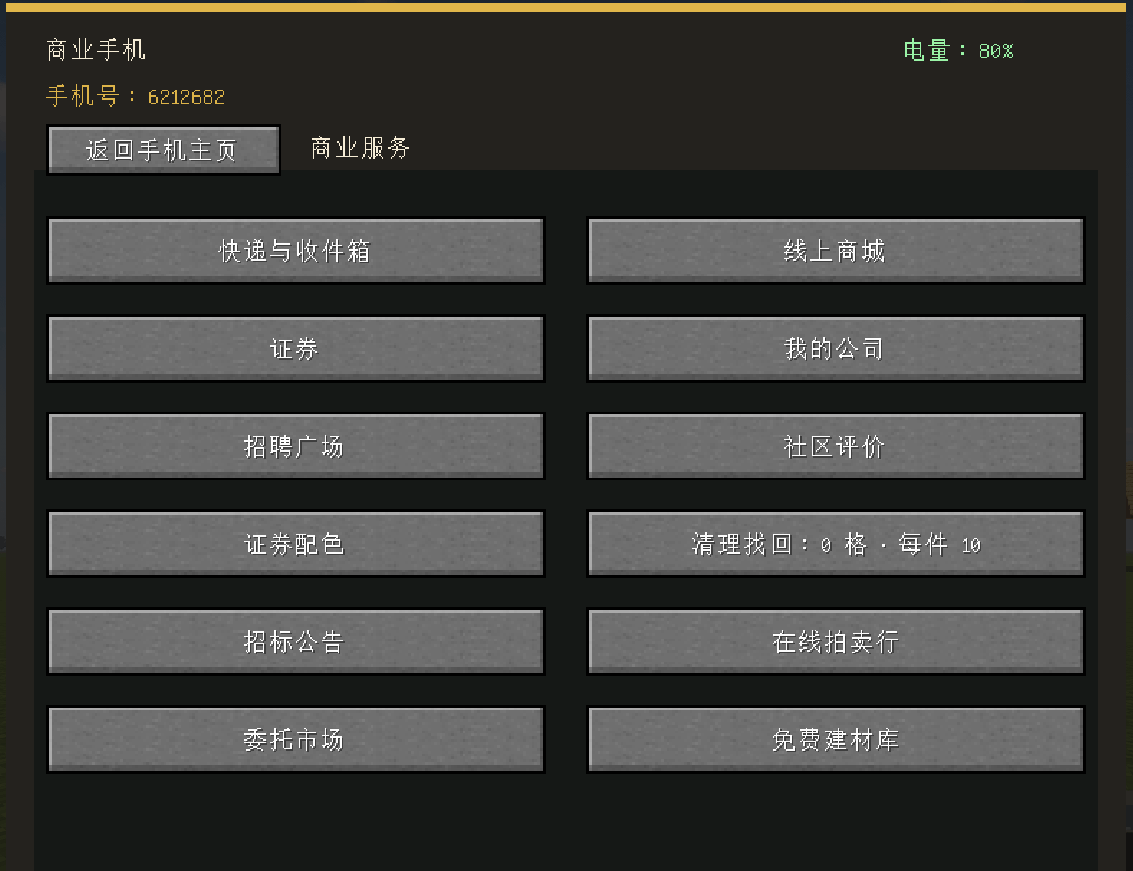
The Commerce Phone and placeable Computer provide access to messages, orders and supported services. Lottery, territories, travel and server facilities are available according to the rules chosen by the administrator. The lottery has its own prize pool rather than drawing every prize directly from the Treasury.
🧱 Public Materials Library
Administrators choose which materials to publish for free. Players open the library through the Commerce Phone and claim only those published items. Materials can go straight into the inventory, or the server can require shulker-box delivery to a bound Commerce Mailbox; delivery may charge postage.
Administrators can set a minimum player level, a limit per claim and a cooldown. That lets a server help builders without making every survival resource freely available or allowing unrestricted claims.
☁️ Cloud storage
After binding a phone number, players can use their Commerce Phone to open personal cloud storage. It starts with 15 slots. Players can pay to expand the space or increase the per-slot stack limit; those expansion fees go to the Treasury. Storage is useful, but it is not unlimited or free to expand.
Insurance and emergency services
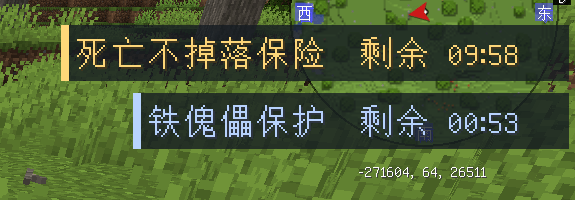
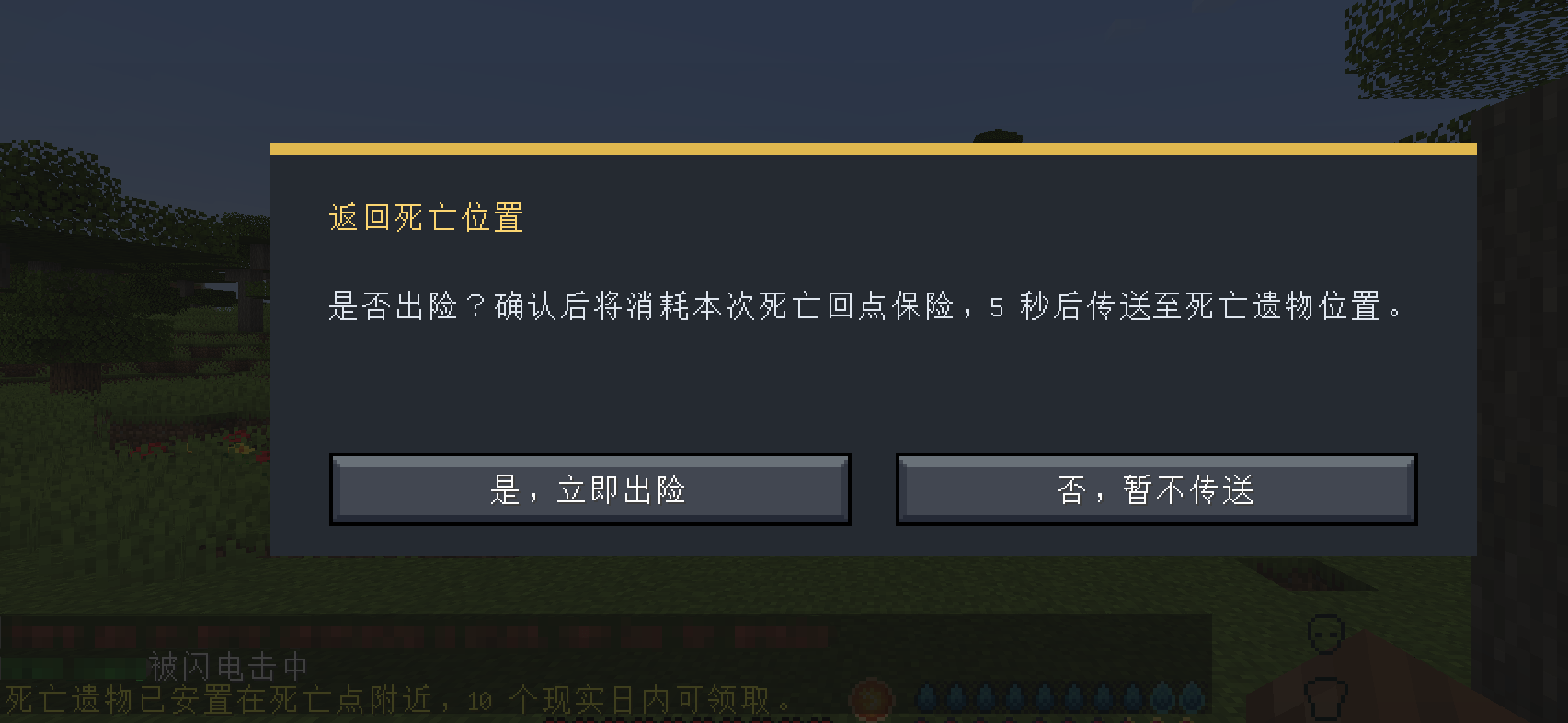
With an active insurance company and the relevant services enabled, players can use the Commerce Phone to buy near-death rescue, protection against losing items on death, or a one-use return to a death location. The same menu can offer emergency golem aid, removal of harmful effects, regeneration and brief invincibility. Administrators choose which services are available and set their prices and durations.
Stock market
Players can open a securities account, place trades, follow holdings and read market news. The Stock Exchange covers seven industries, including agriculture, mining, finance and insurance. Its industry indices are for observation, not separate items to buy.
Prices can respond to recorded in-game activity and market events; they are not presented as a purely random number. Administrators can review trading hours, fees, limits, listing policy and event settings. The exchange is a game system, not a promise of real-world market behavior or profit.
Companies and business
Players can establish companies, publish recruitment, hire staff and set wages. Company accounts, pay records and debt make business activity more than a shop owner changing a price. Auctions, tenders and delivery give established businesses further work to pursue.
Public economy
Taxes, fees and other public income can enter the Treasury. Its balance and spending records are visible through the Accounting Terminal. Treasury funds can support municipal commissions, relief, loan payouts, term-deposit interest and recycling rewards, while certain systems retain their own fund pools.
Municipal commissions are shared across the server: when one player takes a public task, it leaves the common list. New public tasks pause if the Treasury falls below 40% of its recorded high and resume after it reaches 50%. This connects public work to the server’s available funds.
For server administrators
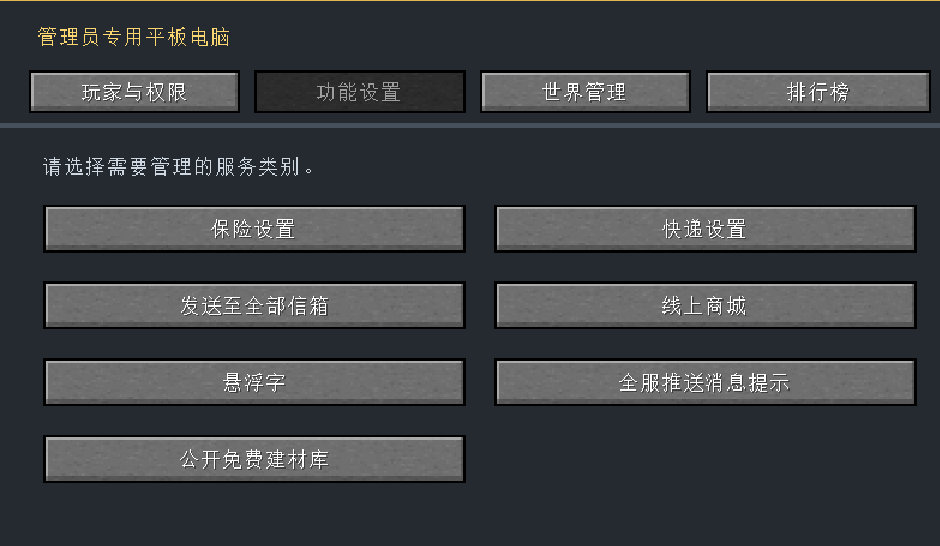
The Administrator Tablet opens general controls and device-specific back offices. Before inviting players, check the banking and gold settings, Treasury funding, stock market rules, lottery prize pool, insurance prices and login settings. Give new players an affordable way to reach a phone or public computer, a mailbox, starter money and an ATM.
Many Commerce items have no crafting recipe by design. A server can distribute them through starter kits or vending machines. Test the starting flow and financial transactions in a copy of the world before using them on a live server.
Installation and help
Use Minecraft Java Edition 1.20.1, Forge and Java 17. Install the matching Commerce file on the server and every client. This version targets Forge 47.4.10; check the file page for the version actually available to download. For questions, use the CurseForge project comments.
Support and permissions
Commerce is free to download. If you want to support future development, you can choose a voluntary one-time option on Patreon. Support does not unlock mod files, early access or in-game advantages.
Author: ShenXiangiioo. All rights reserved. Before including Commerce in a modpack or deploying it on a server, contact the author for permission and show that authorization in the pack or server information. You can ask through the project comments or Instagram. Do not re-upload or redistribute the mod without permission.
常见问题
Commerce: Economy & Public Services 支持哪些 Minecraft 版本?
Commerce: Economy & Public Services 支持 Minecraft Java 版 1.20.1,可用的加载器:Forge。下载时注意选择和你游戏版本一致的文件。
Commerce: Economy & Public Services 怎么安装?
先用 PCL2 或 HMCL 启动器安装对应版本的 Forge,再把下载的 .jar 文件放进游戏目录的 mods 文件夹,重新启动游戏即可。开启了版本隔离的,mods 文件夹在 versions/版本名 下面。

评论
登录后评论和评分