截图
介绍
Menu Themes
Make Minecraft’s menus your own.
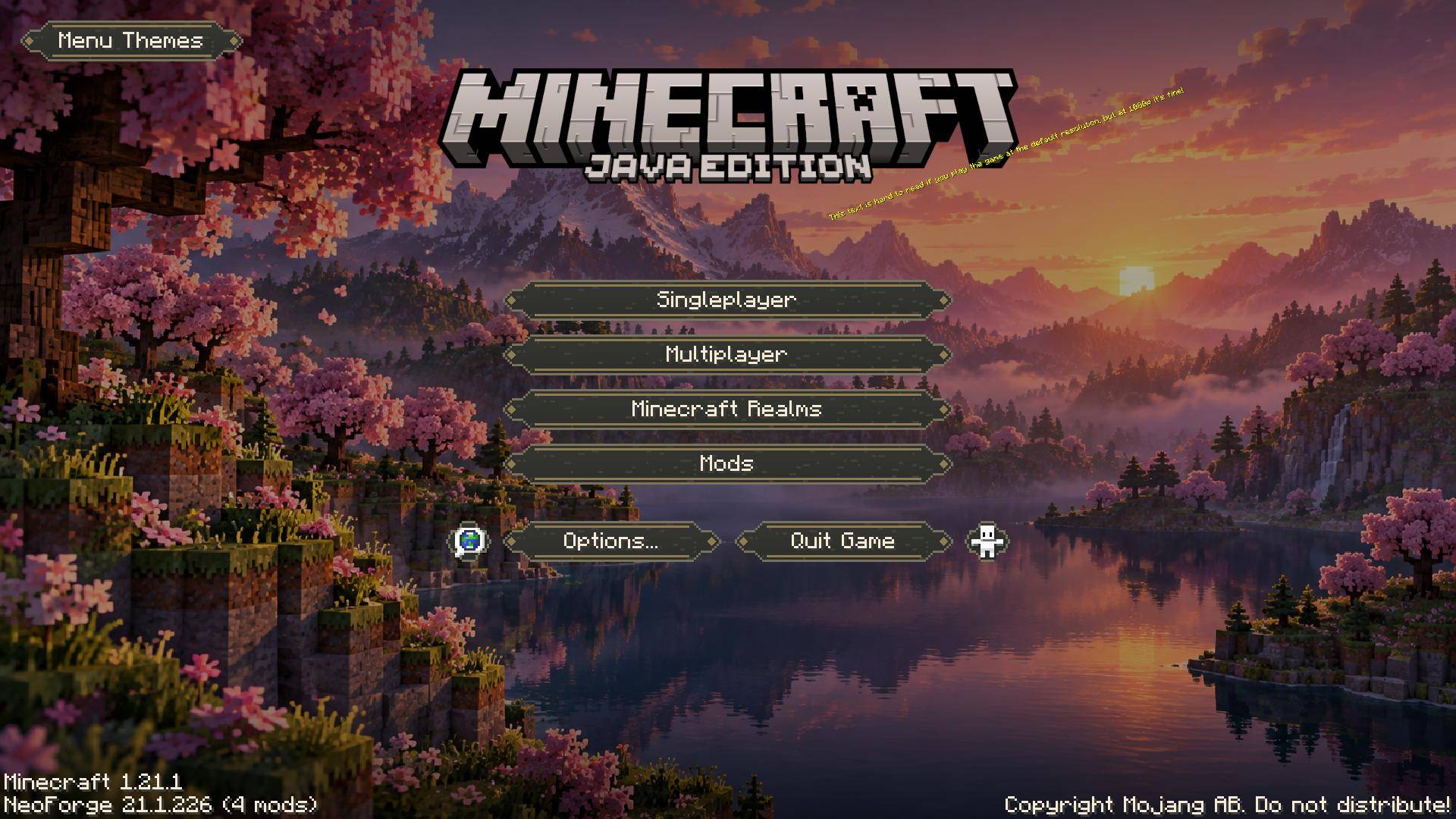
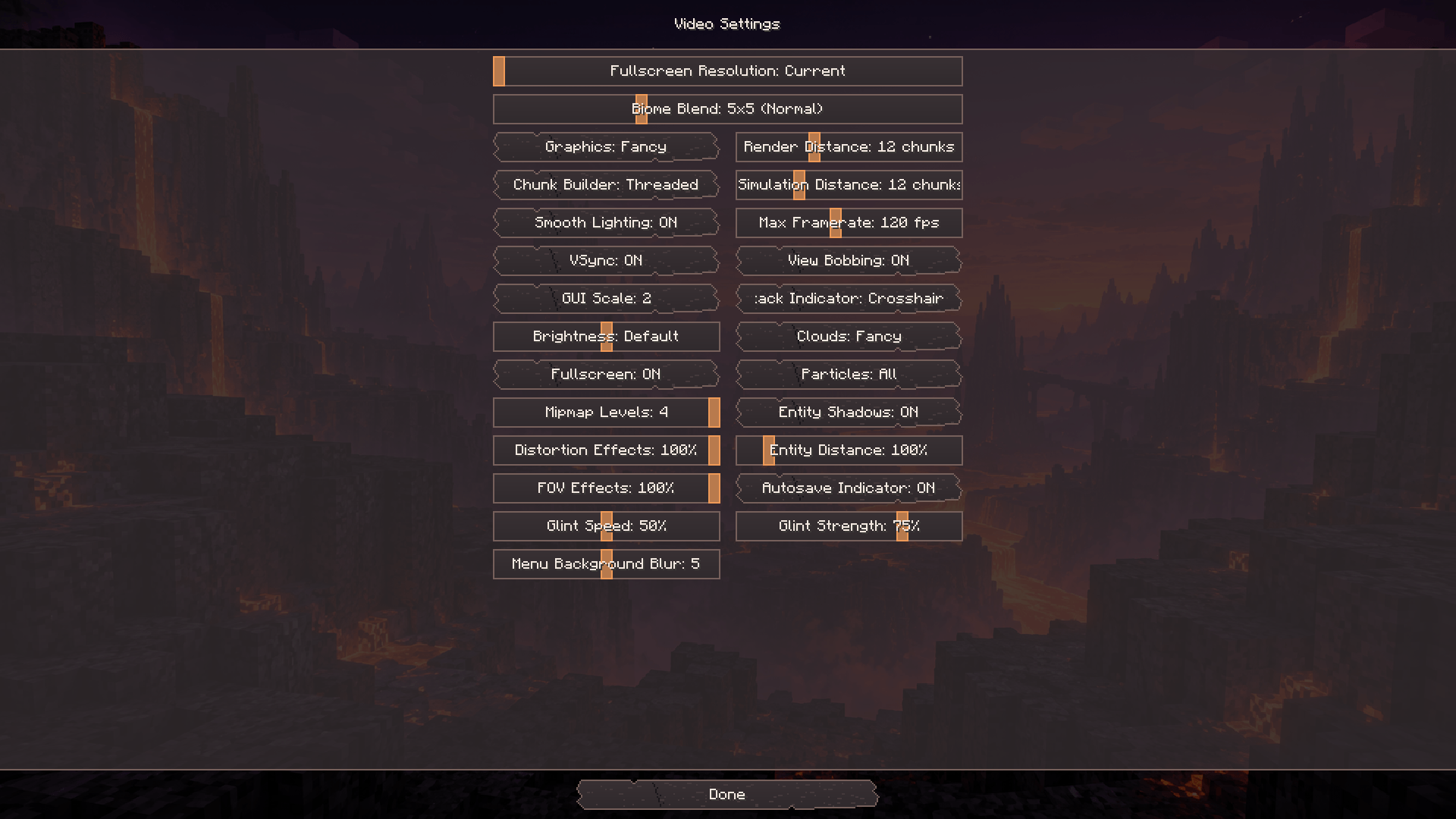
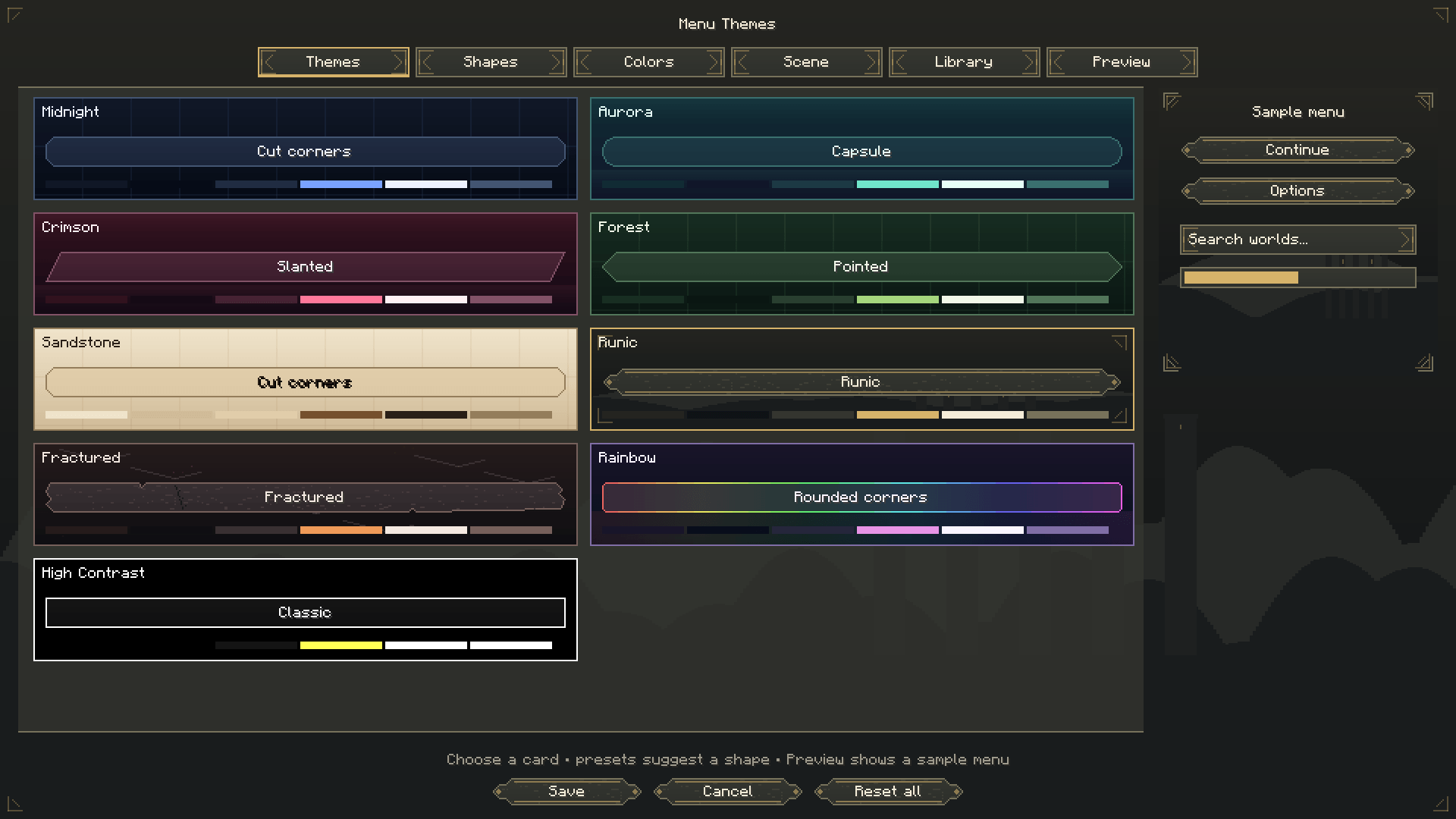
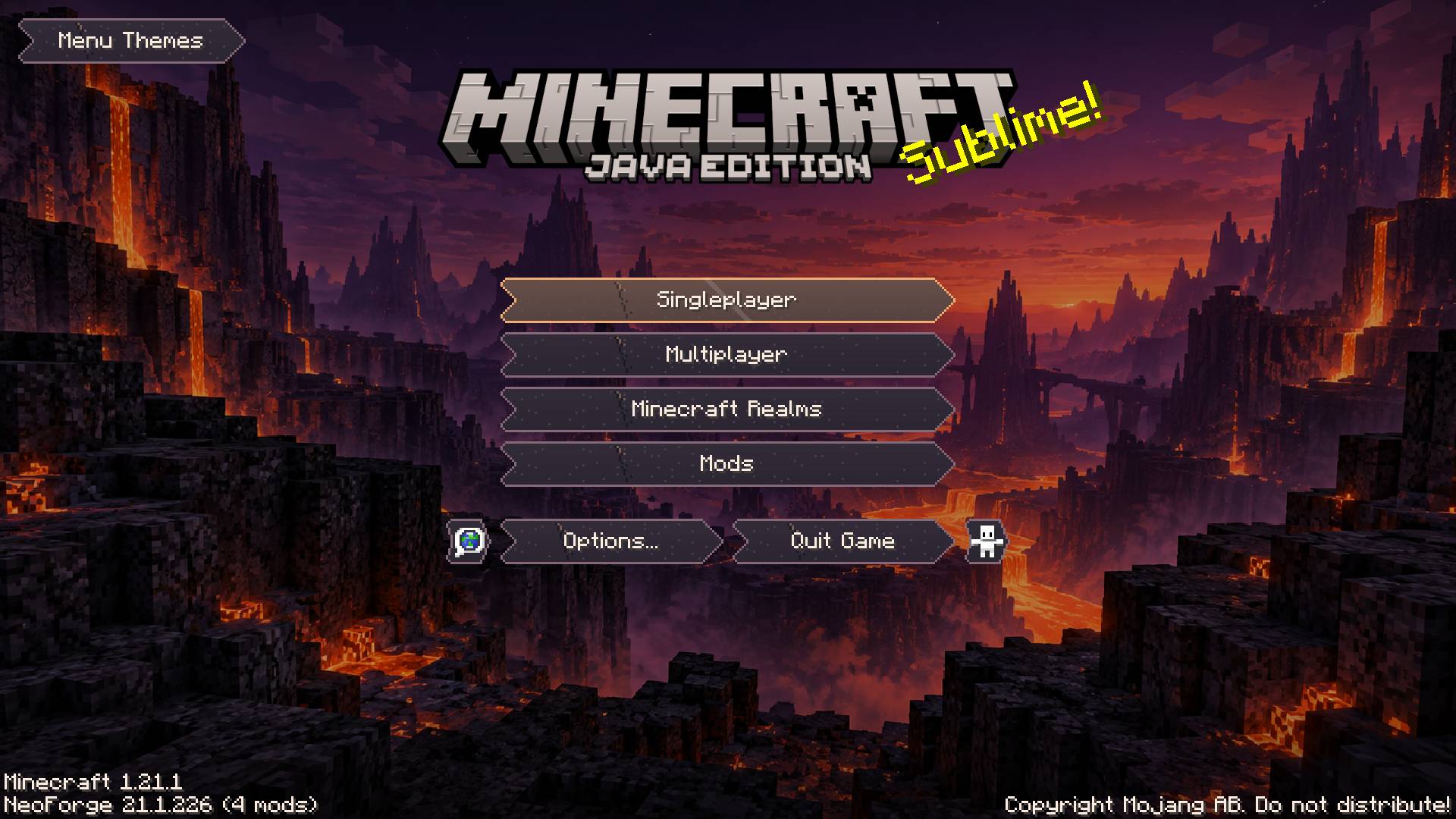
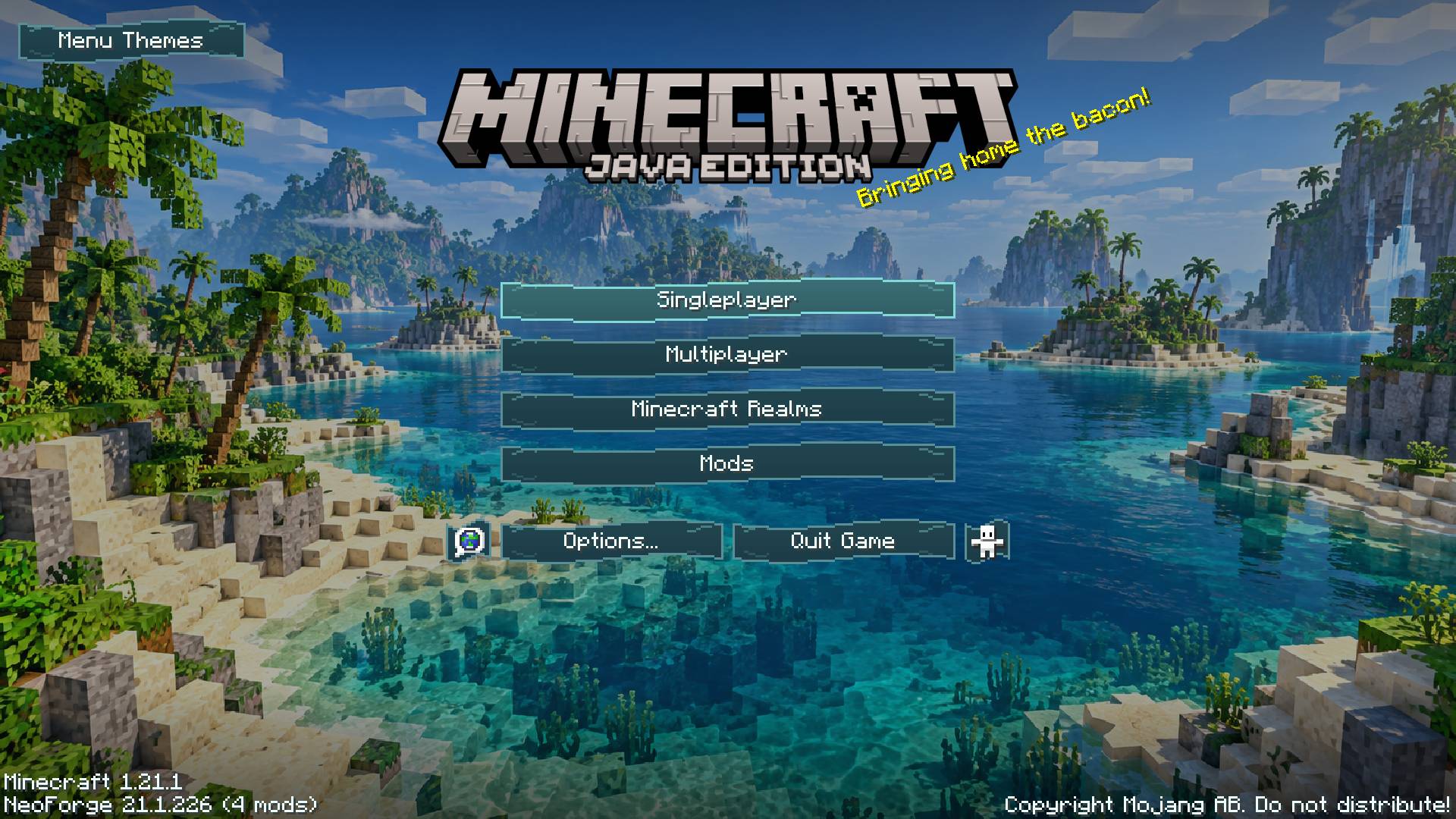
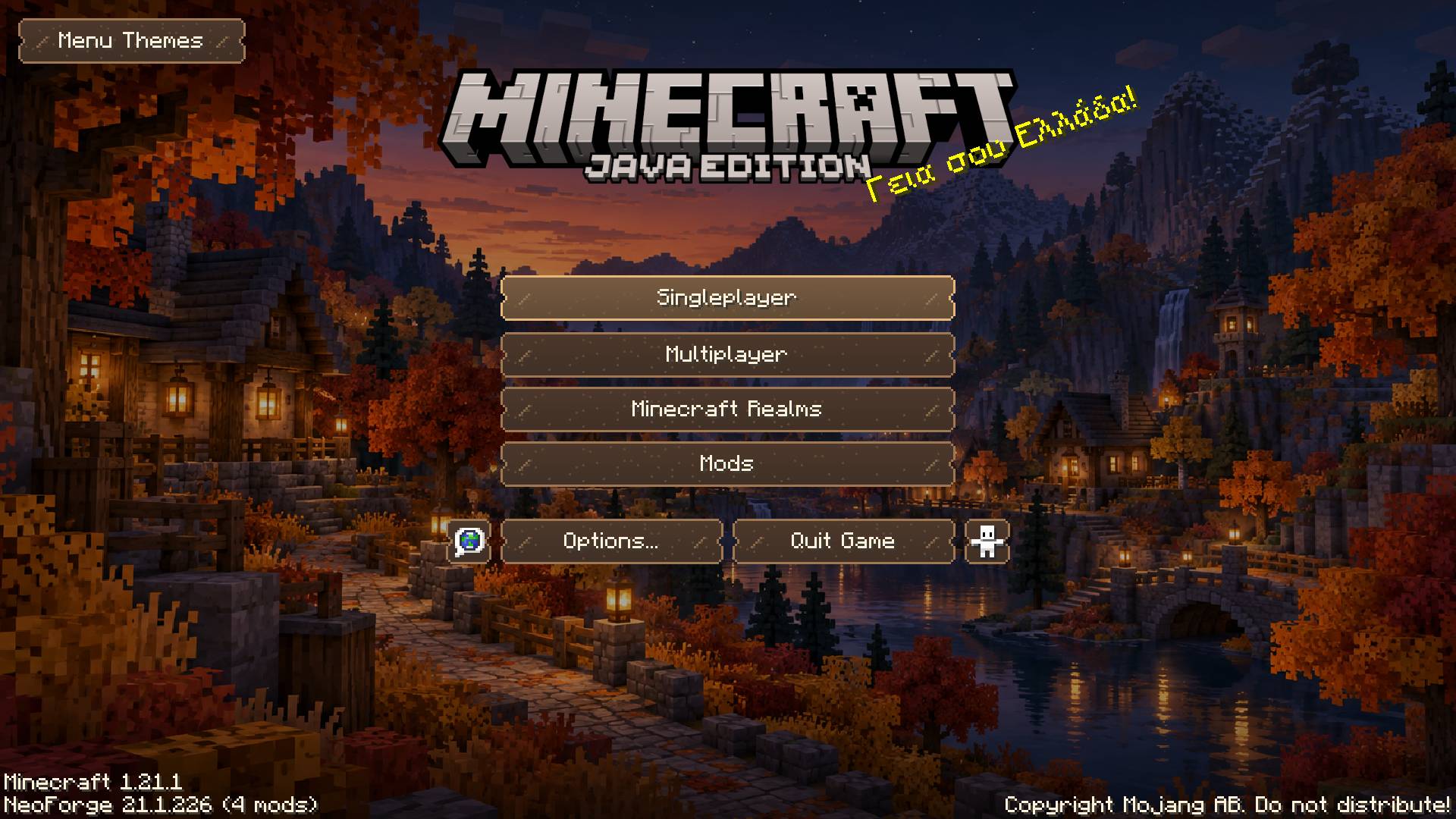
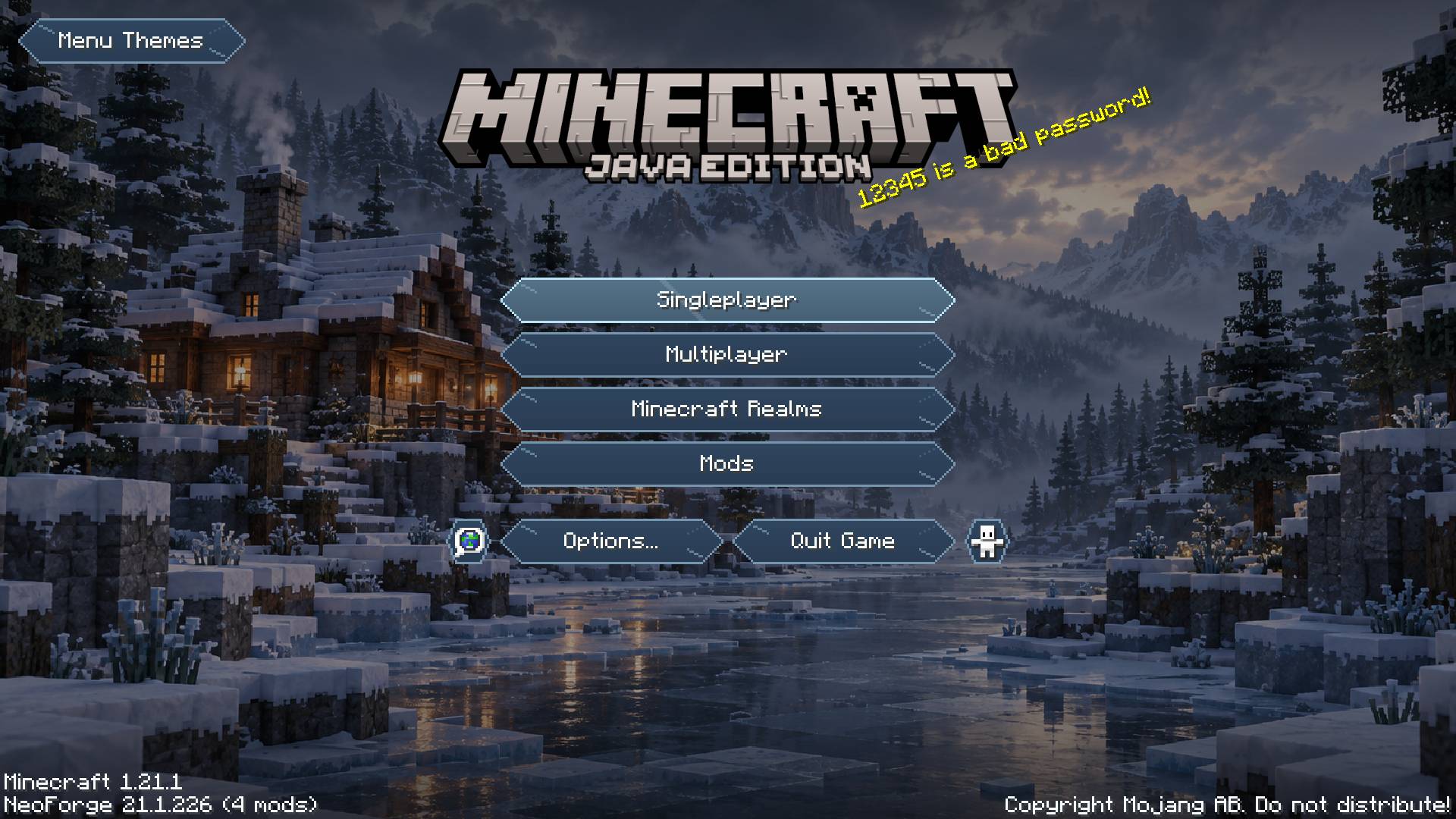
Menu Themes brings a consistent appearance to the main menu, settings, controls, pause menu, and supported inventory panels. Choose a complete theme, customize any detail, and preview your changes before applying them.
Choose your style
- 17 coordinated themes: Midnight, Aurora, Crimson, Forest, Sandstone, Runic, Fractured, Rainbow, High Contrast, Blossom, Tidal, Autumn, Frost, Celestial, Dune, Obsidian, and Neon. Each combines a palette, button shape, surface artwork, background, hover effect, click sound, and loading style.
- 15 button shapes: choose pointed, rounded, slanted, diamond, chevron, ticket, shield, wave, leaf, runic, fractured, and more. Clickable regions follow the visible silhouettes.
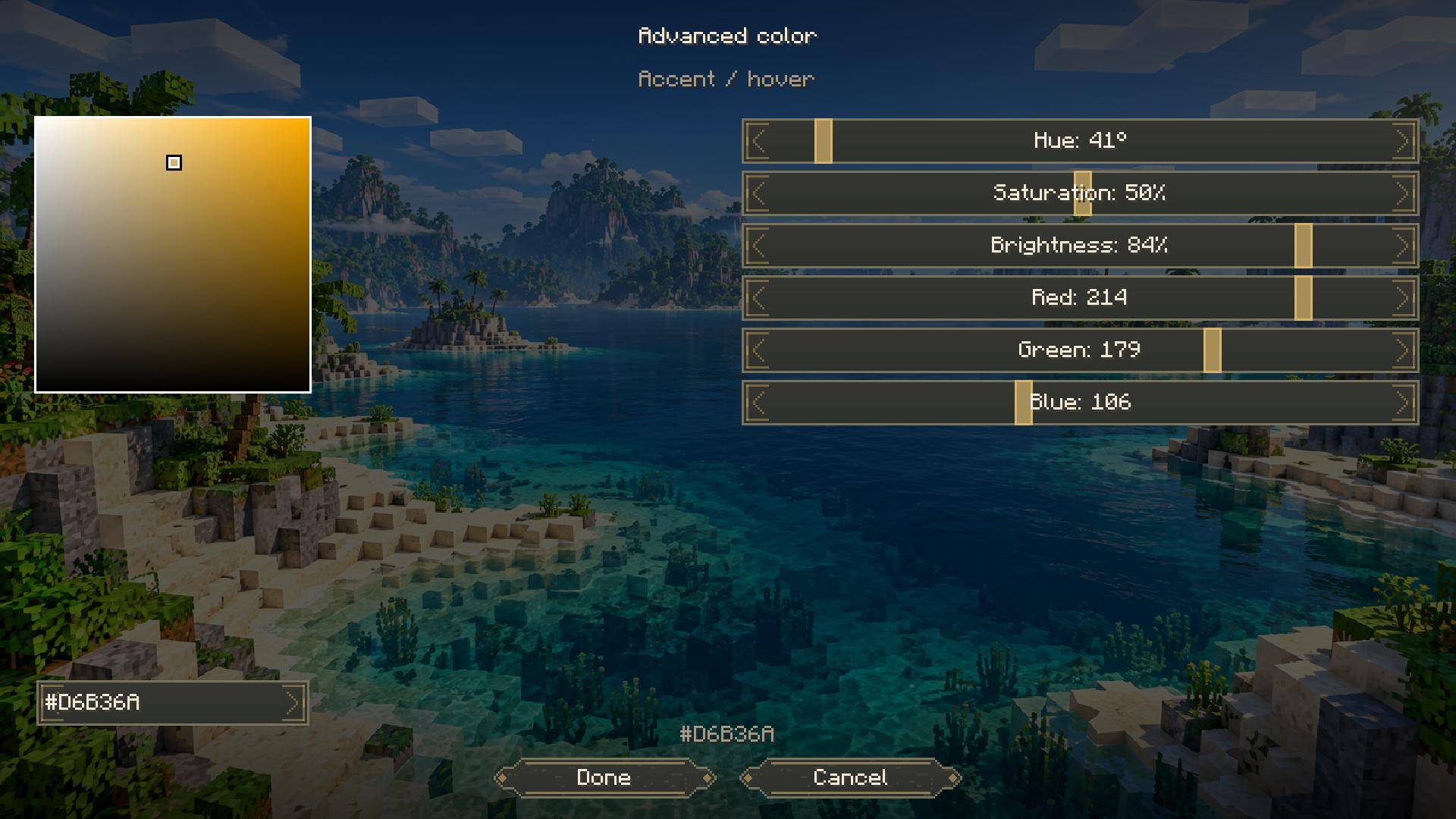
- Custom colors: edit six palette colors with RGB and HSV sliders, a draggable color pad, or exact hex values.
- 9 scenic backgrounds: discover cherry groves at sunrise, tropical islands, autumn villages, moonlit desert ruins, snowy cabins, volcanic landscapes, and more. Choose a favorite or use the crossfading slideshow.
- Your own images: import PNG backgrounds and adjust fit, zoom, focus, dimming, tint, and vignette. Extend your chosen backdrop to other menus and loading screens.
- Smooth interactions: enjoy gentle menu fades, blended hover highlights, and button press effects. Adjust animation speed, enable optional background and rainbow drift, or use reduced motion.
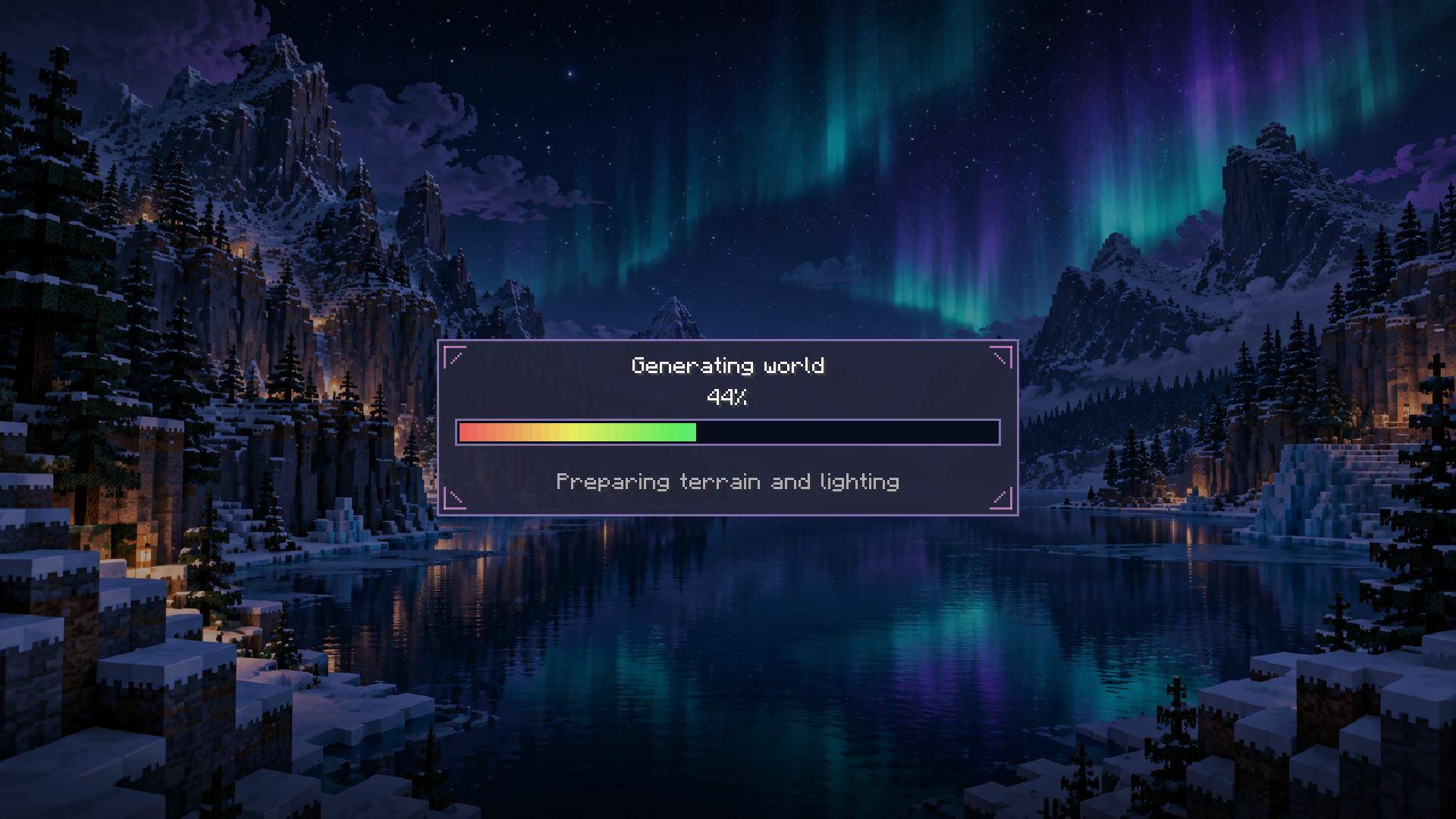
- Matching panels and loading screens: supported vanilla inventories, chests, recipe-book tabs, creative tabs, text fields, and sliders share your palette. Choose Card, Minimal, or Segmented loading designs.
Go further with Advanced Theme Studio
Advanced editing lives in a separate menu, keeping everyday customization simple.
- Edit individual buttons: move, resize, rotate, flip, recolor, rename, and adjust their opacity and layering while keeping their original actions.
- Create custom artwork: cut silhouettes and openings with scissors, paint directly on buttons, erase strokes, or import PNG textures.
- Choose hover animations: Glow, Lift, Zoom, Bounce, Wiggle, Sweep, or None. Customize effects globally or per button.
- Change click sounds: select a built-in Minecraft sound or import your own OGG Vorbis clips. Adjust volume and pitch, or silence clicks entirely.
- Compose backgrounds: crop, arrange, rotate, and merge scenic or custom image layers into your own backdrop.
- Save and share: keep named presets and studio projects, undo and redo edits, and share configurations through JSON or complete ZIP packages containing custom images and sounds.
Custom button edits and reduced-motion preferences remain intact when switching themes. Restore a theme’s recommended sound and hover effect whenever you want.
Getting started
Click Menu Themes on the main, options, or pause menu—or press F8. Choose a theme, customize it, and click Save. Open Advanced… for detailed editing.
Client-side only—servers do not need the mod.
常见问题
Menu Themes 支持哪些 Minecraft 版本?
Menu Themes 支持 Minecraft Java 版 1.20.1–26.3,共 3 个版本,可用的加载器:Fabric / Forge / NeoForge。下载时注意选择和你游戏版本一致的文件。
Menu Themes 怎么安装?
先用 PCL2 或 HMCL 启动器安装对应版本的 Fabric / Forge / NeoForge,再把下载的 .jar 文件放进游戏目录的 mods 文件夹,重新启动游戏即可。开启了版本隔离的,mods 文件夹在 versions/版本名 下面。
Hydra200 的其他作品
查看全部 →
Powers of Reference
The project adds multiple powers with numerous abilities such as time freeze, gravity manipulation and so on.
Pack Search
PackSearch helps you find items, recipes, quests, guide pages, keybinds, and pack instructions without remembering which menu contains them.
评论
登录后评论和评分