
JukeParty: Music Sharing
Play music and videos in Minecraft with a built-in browser (w adb) and share it through headphones, speakers, TVs and radios.
截图
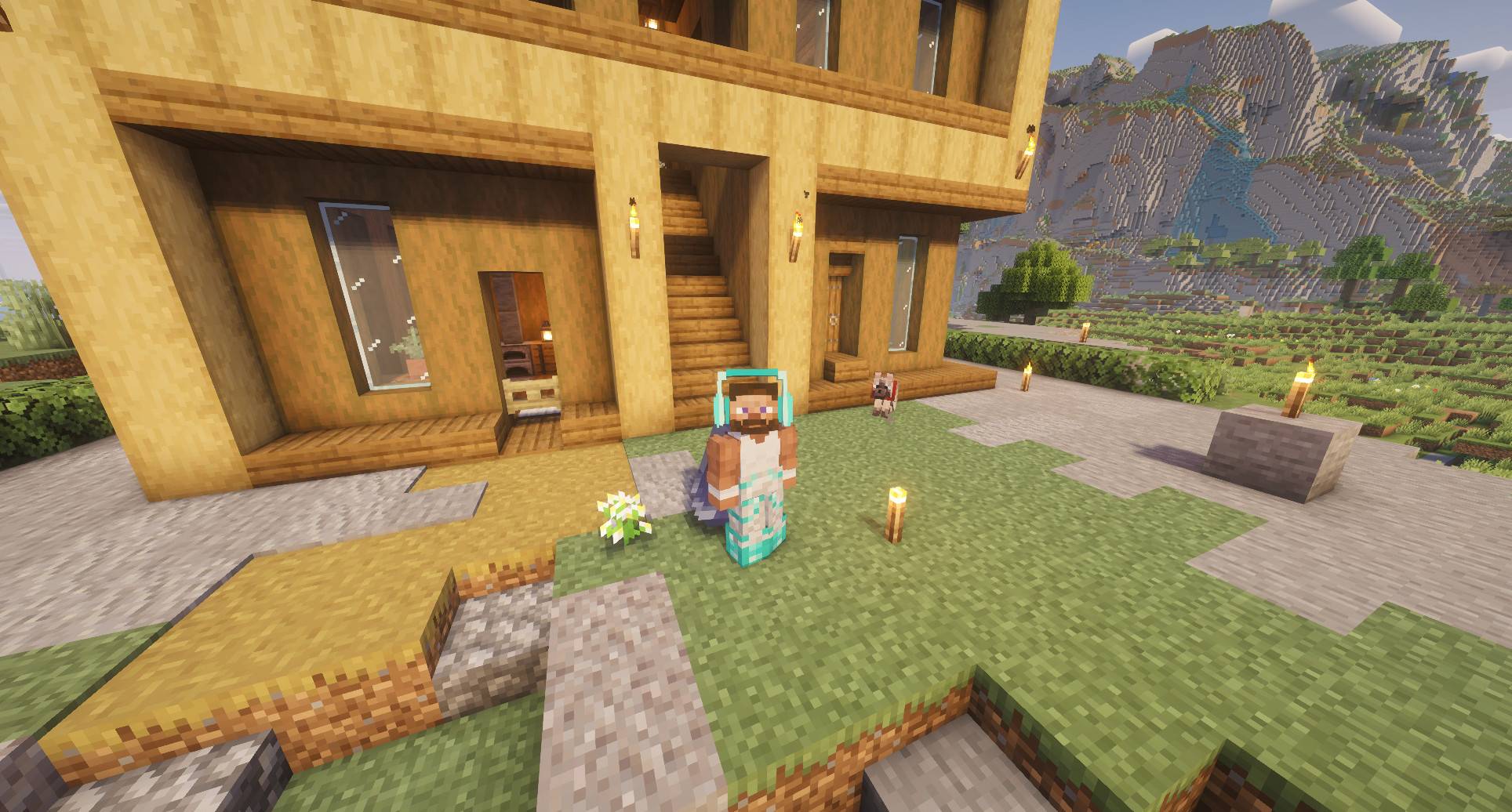
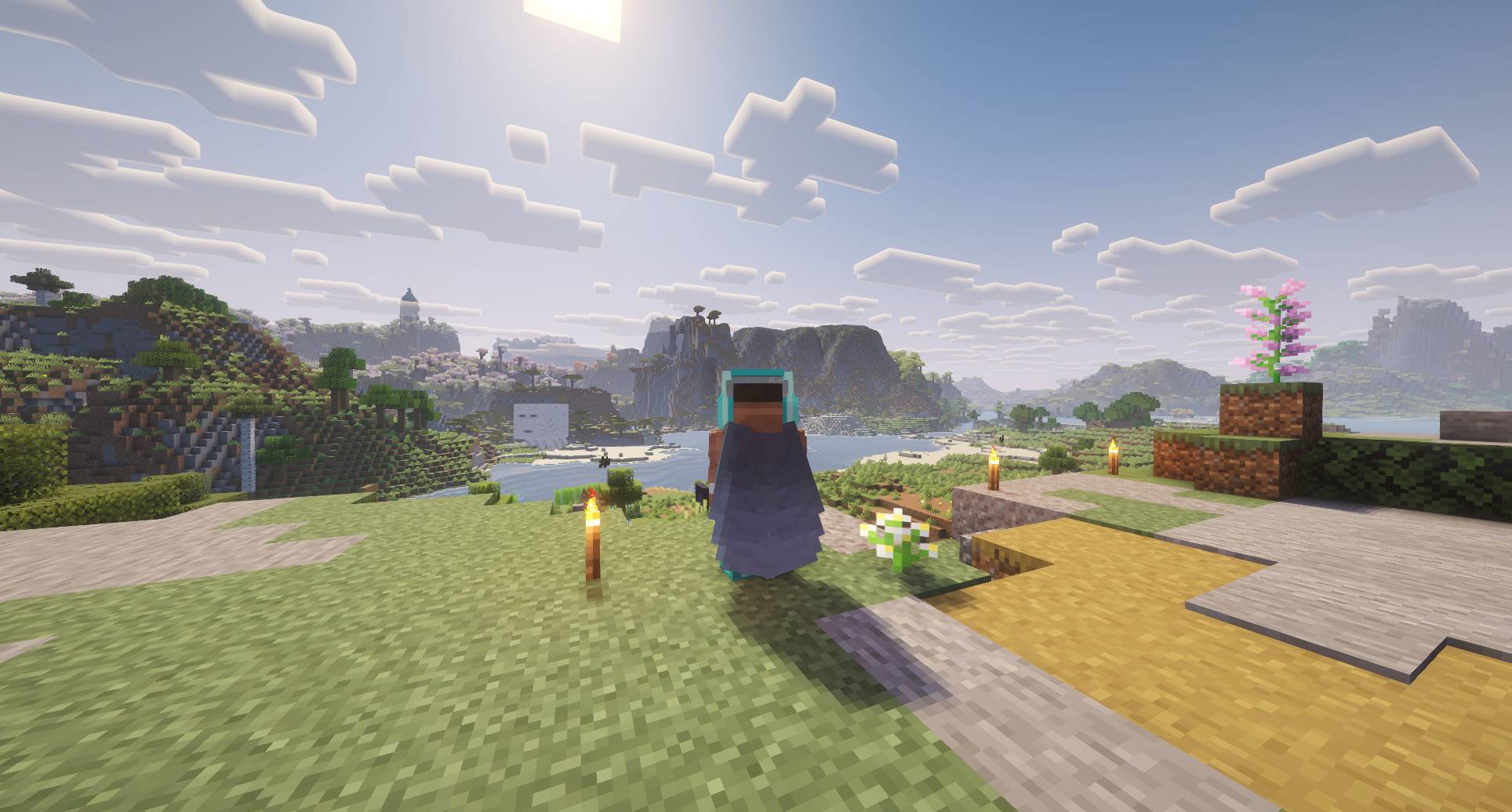
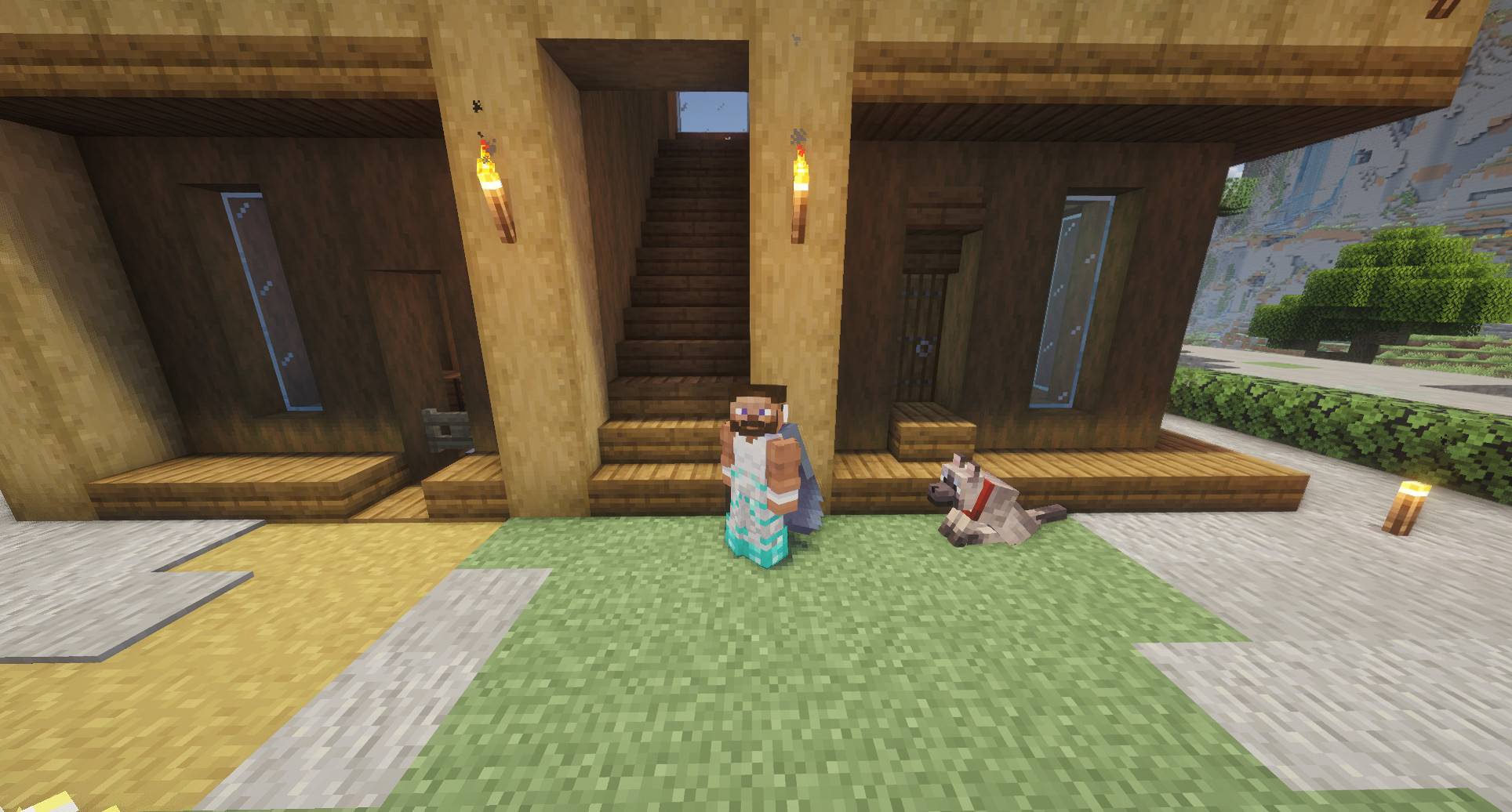
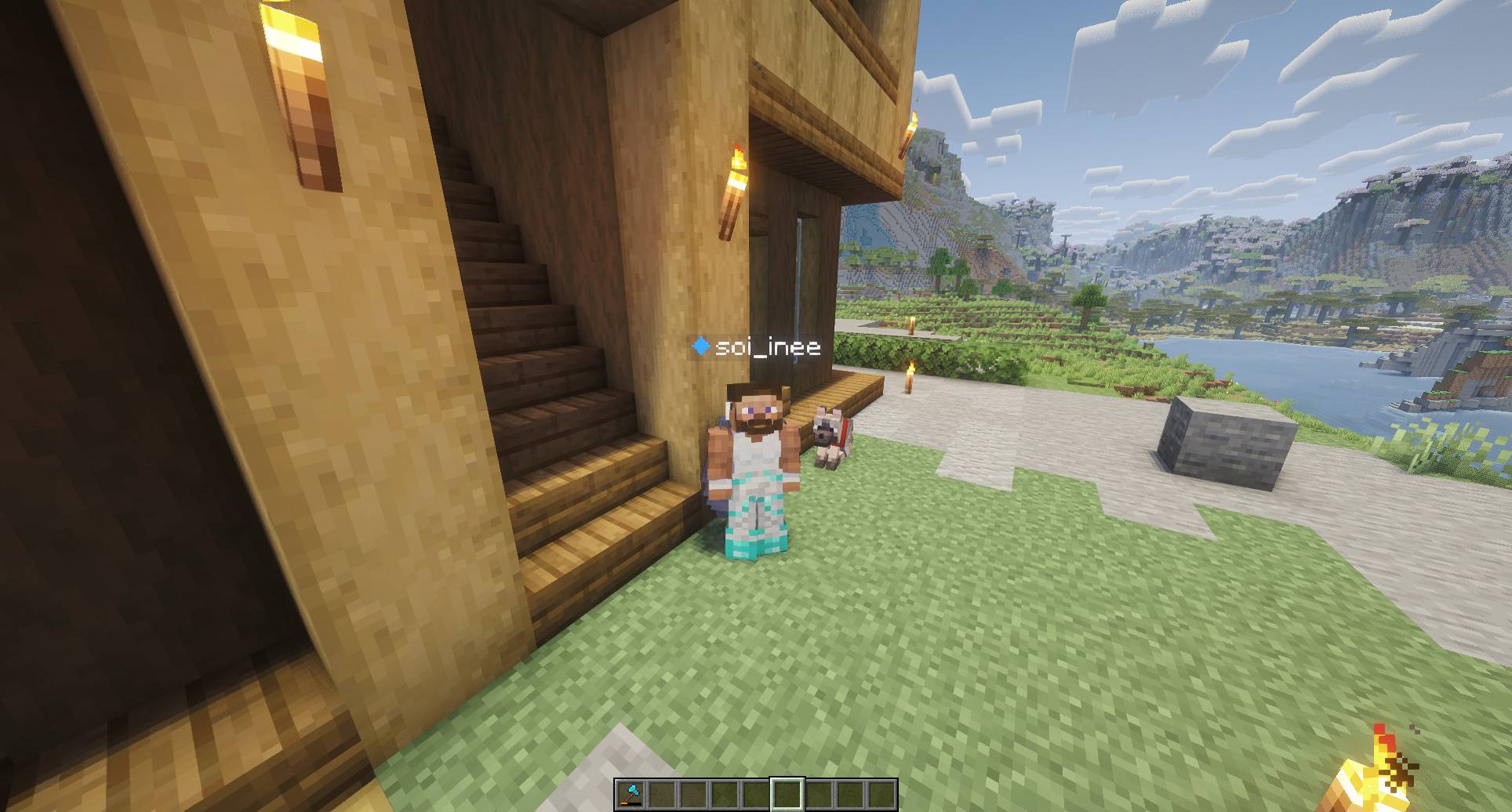
介绍
Monitor and TVs added!
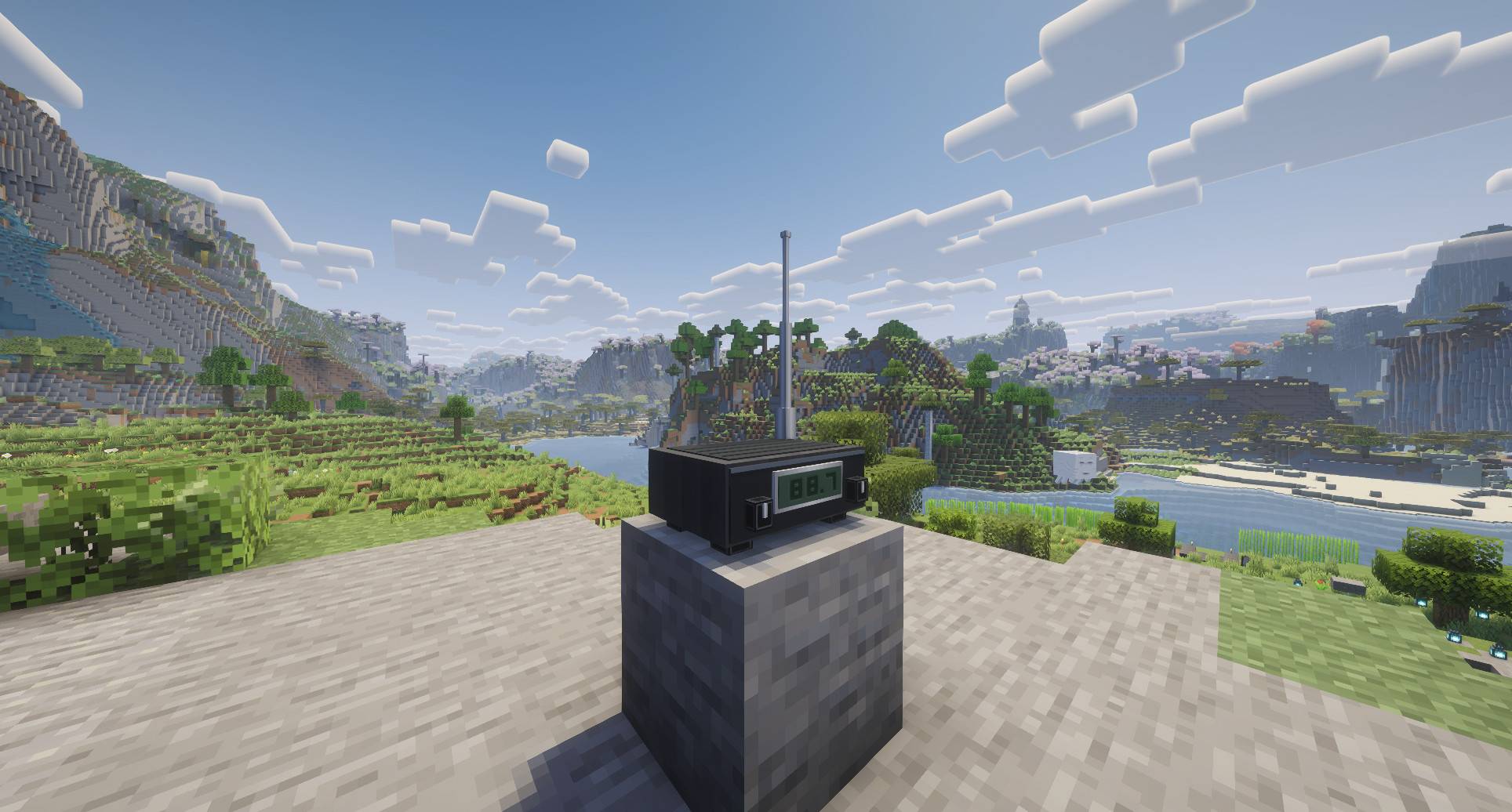
Now you can share what you are watching! Feel free to watch whatever you want with the ad-block feature. Also works with the radio, just tune in and your TV will do the rest!
Need your help!
I need your feedback! I’m trying to grow a community of testers and people interested in my mods—both to increase visibility and to improve the mods based on what you’d like to see.
Join my discord! https://discord.gg/8FZFqGmv7b
Juke Party brings music into your Minecraft world.
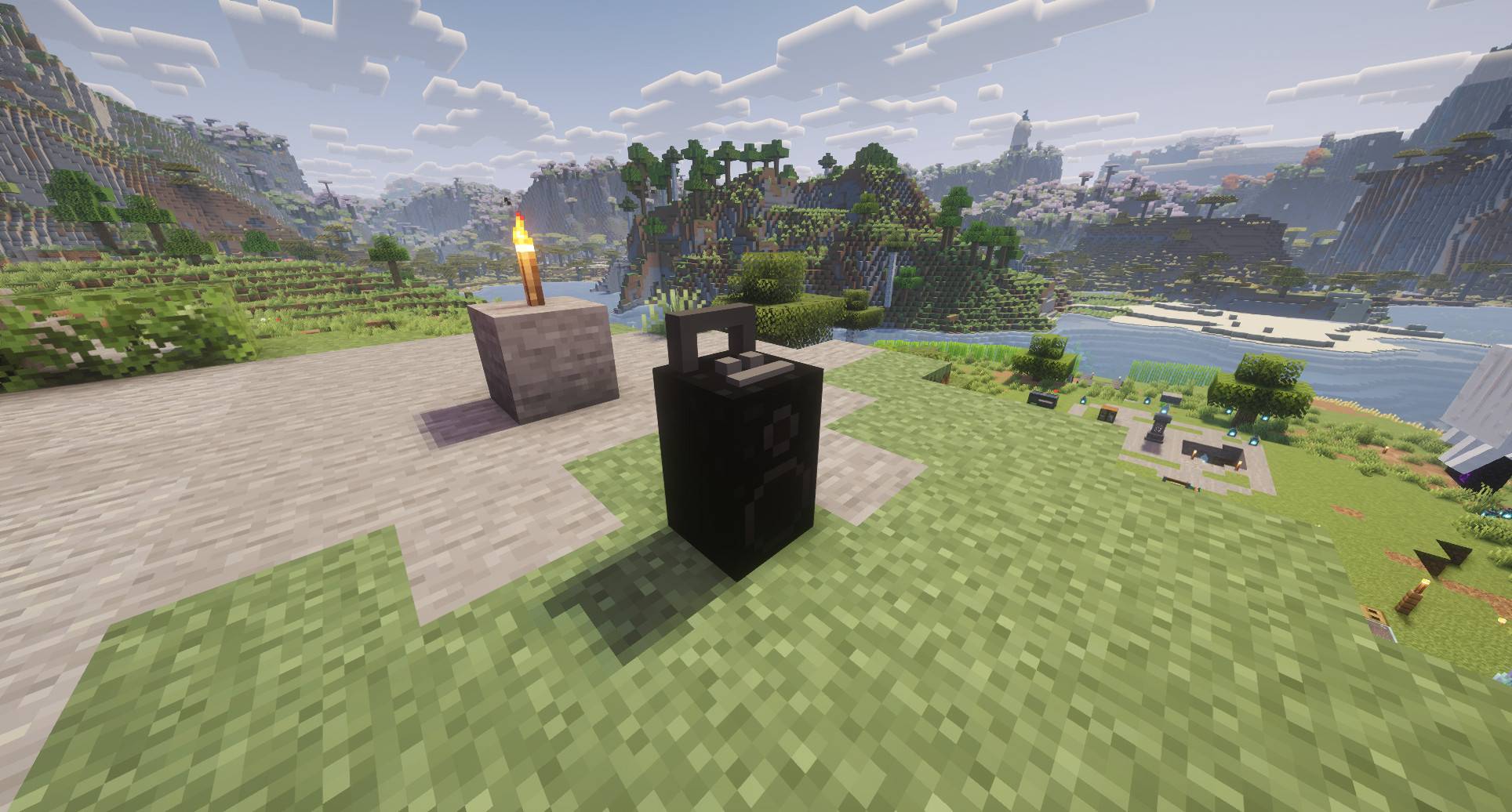
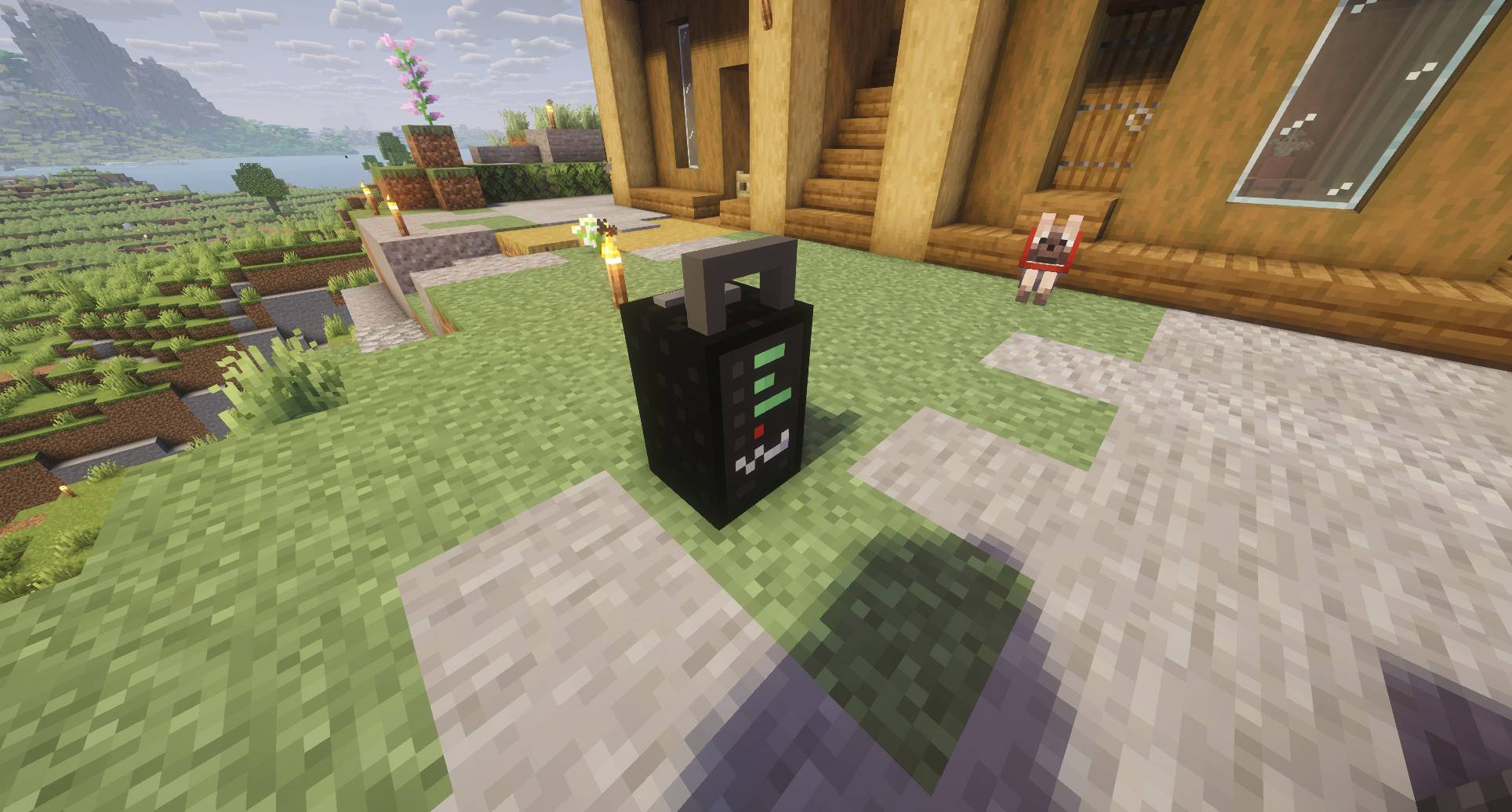
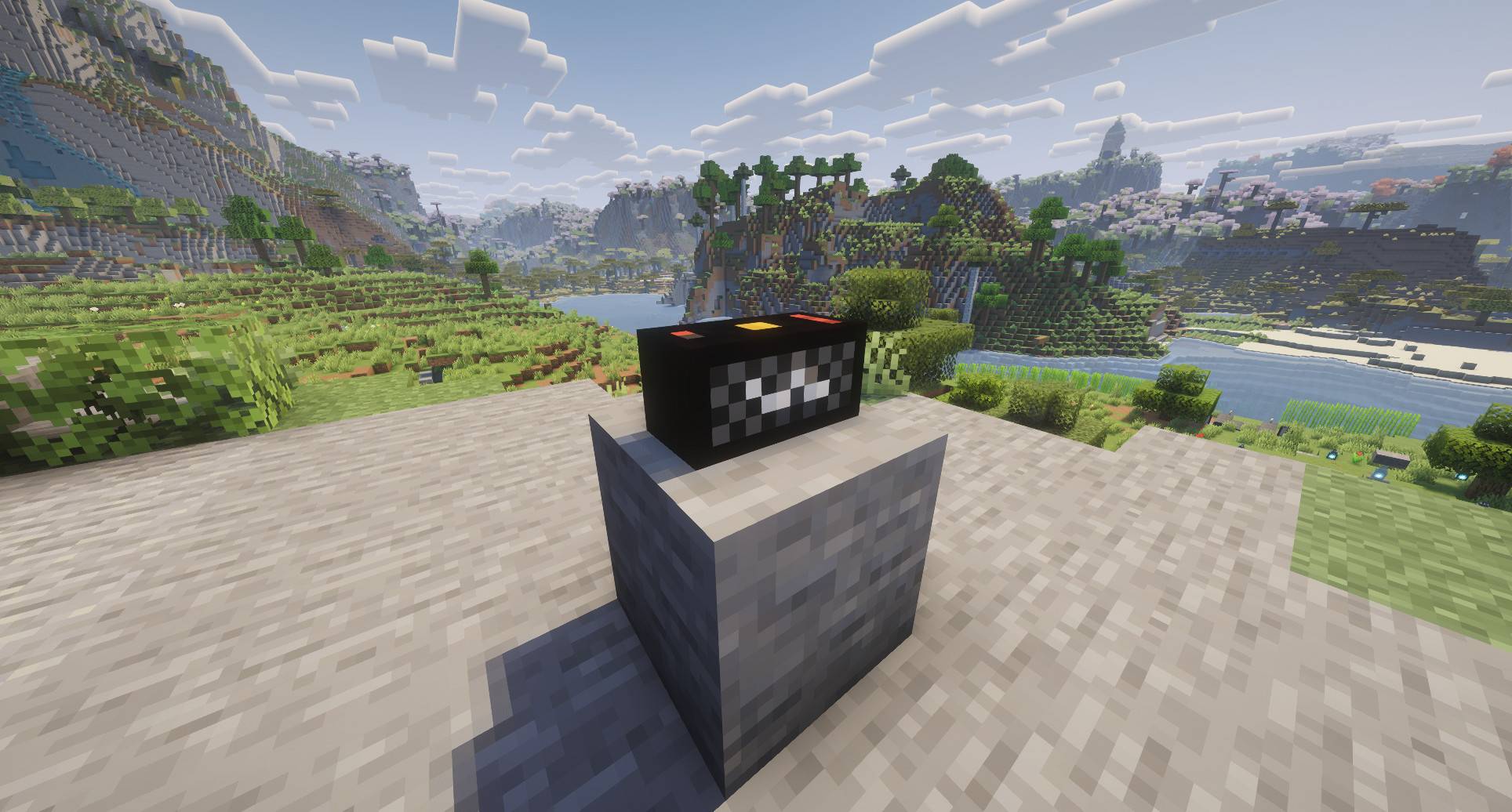
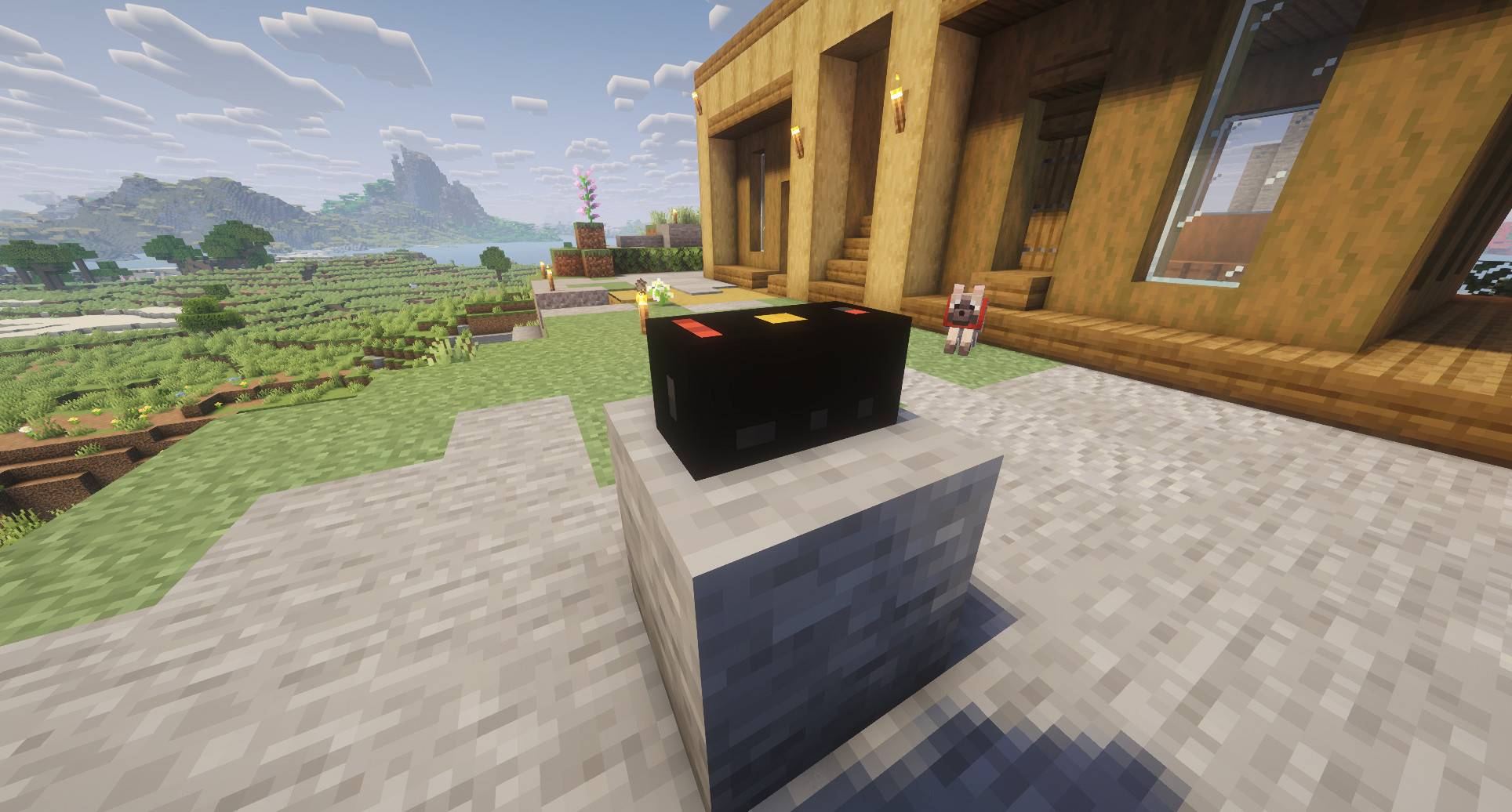
Keep it to yourself with EarBuds, Headphones or Speakers; or Broadcast it to your whole world with a Radio so anyone can tune in!
Select your music through a built-in browser with adblock included.
Functions
Press the comma (,) key to open the music interface, then use the built-in browser to play audio from a website of your choice. You can also tune in to another player’s radio when one is available on the server.
Just right-click the Radio block and you’ll be broadcasting.
Each device determines who can hear the music. Headphones let the wearer listen privately, while speakers and radios let nearby players hear it within range.
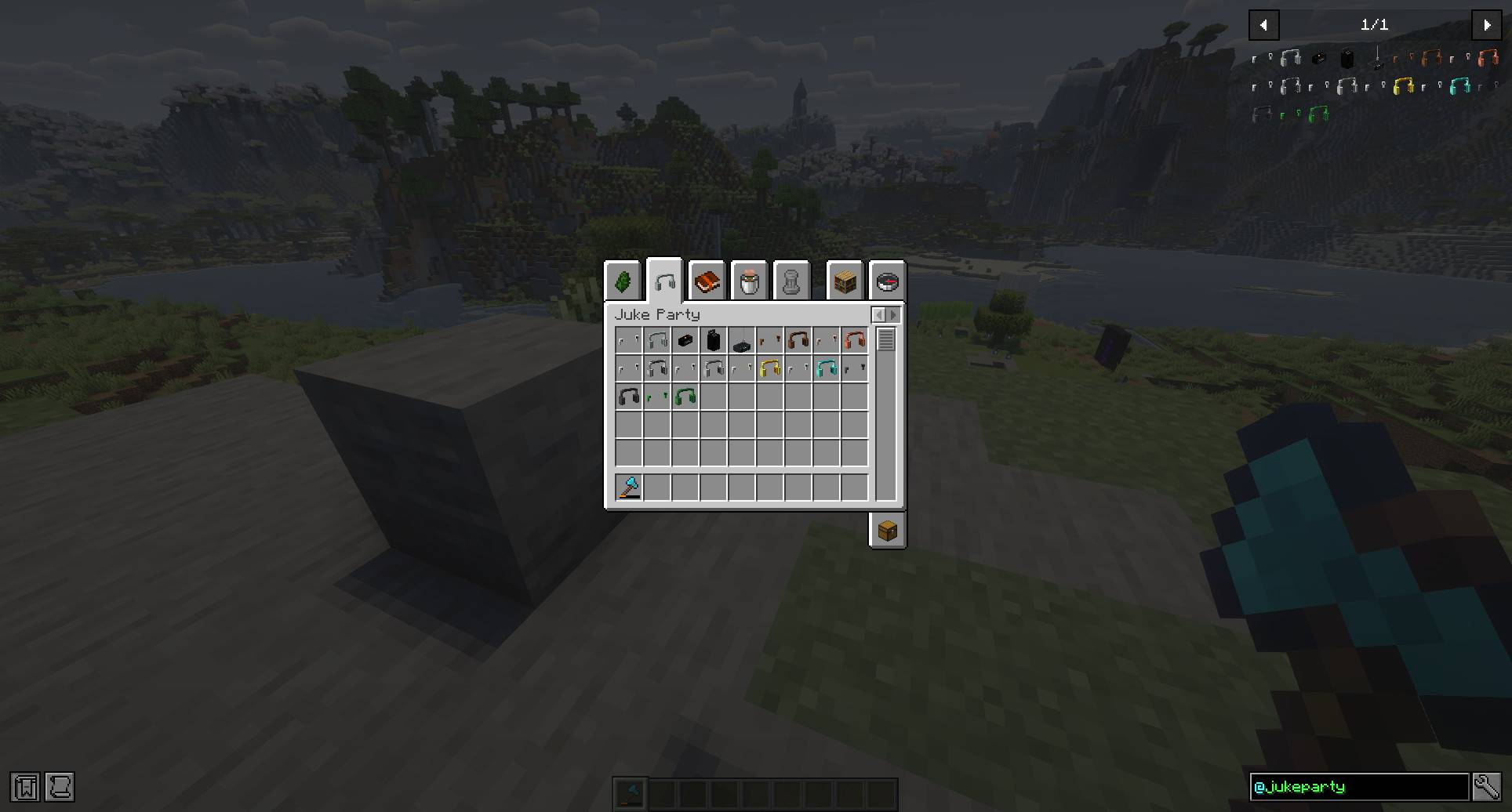
The mod includes multiple headphone (EarBuds and Headphones) and speaker (Small Speaker and BoomBox) styles, plus a simple interface and adjustable master volume.
You can craft EarBuds or Headphones with Helmets to get new ones with all the helmet properties and color palette.
Music plays through each player’s browser. The mod does not include songs or distribute audio from external services.
Compatibility
Server friendly, just add the mod to client and server for all functions. 🙂
常见问题
JukeParty: Music Sharing 支持哪些 Minecraft 版本?
JukeParty: Music Sharing 支持 Minecraft Java 版 26.2–26.3,共 2 个版本,可用的加载器:Fabric / NeoForge。下载时注意选择和你游戏版本一致的文件。
JukeParty: Music Sharing 怎么安装?
先用 PCL2 或 HMCL 启动器安装对应版本的 Fabric / NeoForge,再把下载的 .jar 文件放进游戏目录的 mods 文件夹,重新启动游戏即可。开启了版本隔离的,mods 文件夹在 versions/版本名 下面。
soi_inee 的其他作品
查看全部 →
Cultivaria: Weed Journey
培育、杂交并治愈传奇大麻品种,搭配室内种植设备、烟斗和深度遗传系统。

Questler: RPG Engine
A comprehensive quest, RPG narrative, and living NPC engine with an in-game visual authoring studio.

Rewoven Unbound
A curated vanilla-plus adventure built around Rewoven, featuring expanded world generation, immersive visuals, and quality-of-life improvements.
评论
登录后评论和评分